How to categorize spending by account (cards, checking accounts, & cash)
Categories show what you bought. Account-level views show where the money actually moved. Use both to spot bill drift, hidden subscriptions, and transfer noise faster.
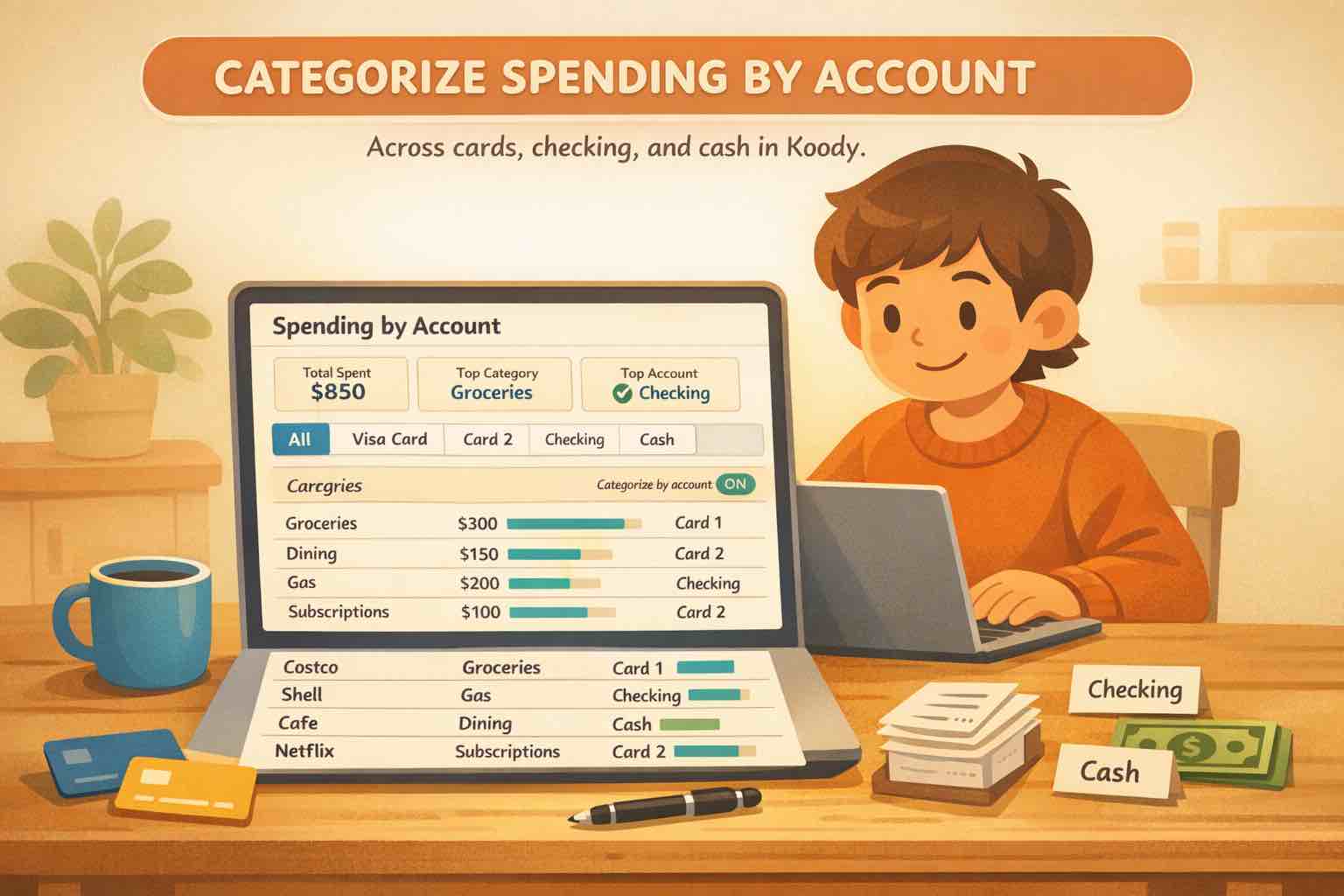
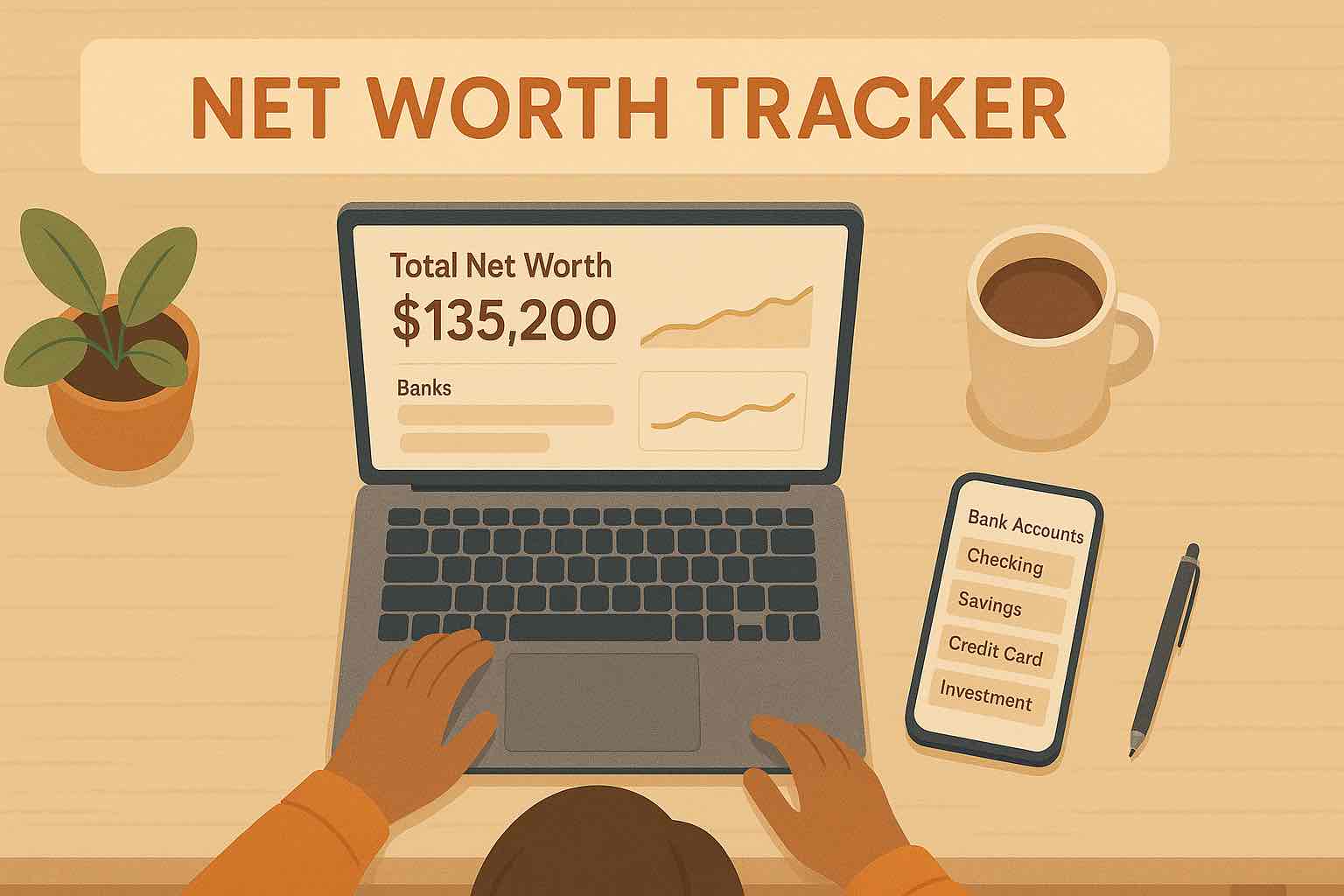
Illustration of Koody's spending-by-account view comparing activity across cards, checking, and cash instead of flattening everything into one list.
At A Glance
Categorizing spending by account works best when categories and accounts are treated as two different views of the same money. Categories explain what the purchase was for. Accounts explain where the money moved. When both views stay clean, patterns become much easier to spot.
Many people already know their categories. Groceries, rent, transport, subscriptions, shopping. The confusion starts one layer lower.
One checking account is where income lands. Another handles bills. One card is for everyday tap-to-pay spending. Another quietly collects subscriptions and online purchases. Cash gets withdrawn, spent, and mostly forgotten. The category totals may still look fine, but the account behavior is harder to read.
That is usually what people mean when they look for an app to categorize spending by account. They do not want to abandon categories. They want a second lens that shows which account is pulling the weight, which card is drifting, and which transfers are making the numbers look stranger than they really are.
Koody fits that job when each account keeps its own identity, and your review process stays lightweight.
Why Category Totals Are Only Half The Picture
Category reports are useful, but they flatten a lot of useful detail.
If Eating Out is high, that tells you something. But it does not tell you whether those charges are mainly landing on your debit card, your rewards card, or the old card you forgot still had delivery apps attached.
If subscriptions are creeping up, the category view may catch the total before you realize one specific card has become the default home for every renewal.
If cash spending feels slippery, the category view may not help much unless cash has its own account role and the withdrawals stop masquerading as the real spending story.
Categories tell you what changed. They do not always tell you which account behavior caused it.
Give Each Account A Job
Account-level tracking gets clearer when each account has an obvious role.
That does not mean everyone needs more accounts. It means the accounts you already use should make sense at a glance.
A bills account should read like fixed obligations, not random shopping.
A daily spending card should show tap-to-pay life in motion, not every annual renewal you forgot about.
A savings account should mostly show planned movement, not spending noise.
A cash account should represent real cash behavior, not a black hole after ATM withdrawals.
Once the role is clear, the account view starts saying something useful instead of acting like a second copy of the same transaction list.
Three Lenses: Category, Account, Transfer
The cleanest setup uses three separate lenses:
Category lens: what the purchase was for.
Account lens: where the money moved.
Transfer lens: whether this was really spending at all.
This is why credit card payments cause so much confusion. They are crucial to the account view because they affect balances, but they are usually not new category spending.
Transfers between checking and savings matter too, but they should not pretend to be groceries, dining, or shopping just because they moved through a statement line.
Once you keep those three lanes separate, the same transaction list becomes much easier to trust.
The account view in Koody answers a different question from the category view: where is the money actually moving?
What Each Account Role Reveals
Each account type tends to reveal a different kind of pattern.
Bills Checking
A bills account makes fixed costs obvious. If that account starts showing everyday shopping, the account role is drifting. If it shows repeated utility spikes or surprise annual renewals, that matters too.
Everyday Spending Card
A daily spending card reveals lifestyle patterns fast: dining, transport, convenience purchases, and the frictionless spending that tends to grow quietly.
Subscription Or Online-Purchase Card
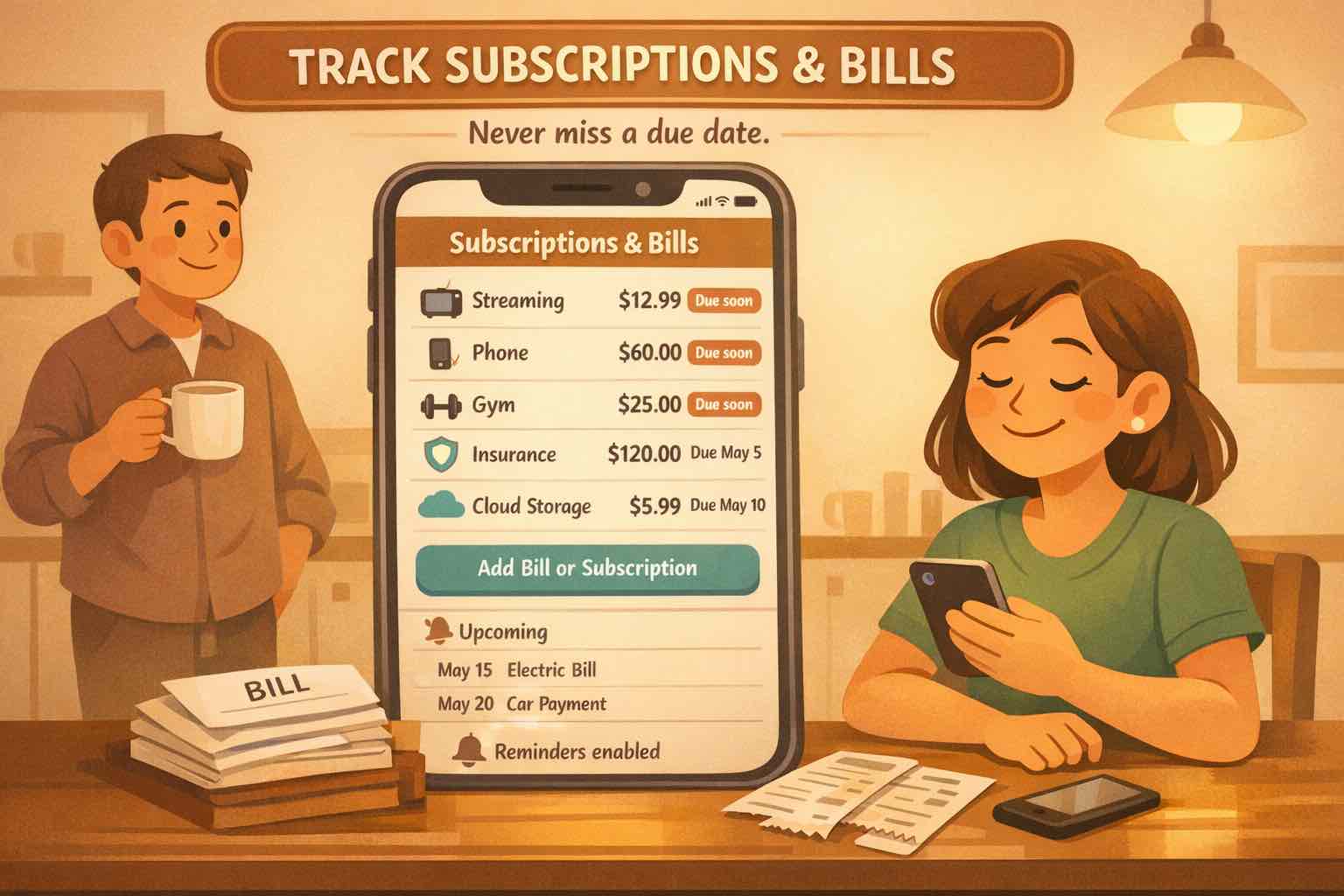
If one card is where renewals and digital merchants collect, you can see subscription creep much faster than if every card is flattened into one generic category summary. A clean subscriptions and bills workflow becomes much easier when the account role is visible.
Cash
Cash usually becomes more honest once it has an actual account. Otherwise, you see ATM withdrawals but not the spending behavior that follows them.
Import Without Flattening Everything
If you import history, do not erase the account story before Koody ever sees it.
Import one file per account and keep it tied to the matching destination account. That preserves the role of each card, checking account, savings account, or cash bucket instead of collapsing everything into one flat spreadsheet first.
That is the cleaner way to use CSV imports when you need them. The goal is not only cleaner categories. It is preserving the account signal that tells you how the money system behaves.
Bank-statement imports are available on Koody's Plus plan. Manual accounts still work well when you prefer a lighter, no-bank-sync setup.
Use Filters Like A Lens
Account filters are most useful when you treat them like questions, not just export settings.
Try questions like these:
Which account is actually carrying most of my subscriptions?
Which card drives most of my dining and delivery spending?
Is one checking account doing all the bill-paying work while another mostly receives income?
Are cash withdrawals being followed by real cash entries, or is cash disappearing from the story?
On Koody's Transactions screen, bank and account filters let you narrow the list to one account or a small group of accounts before you review categories, search merchants, or export a file. That keeps the account lens intact.
If you need a file for one account only, you can filter first and then export the matching view as CSV, Excel (.xlsx), or JSON on Koody's Standard and Plus plans.
The 15-Minute Account Review
The easiest way to keep account-level tracking useful is a short monthly account review.
Not a giant reconciliation project. Just a short pass where you ask whether each account still looks like itself.
Does the bills account still mostly hold bills?
Is one card quietly becoming the default home for subscriptions?
Are transfers and card payments being kept out of category spending?
Does cash still have a believable history?
Are any accounts doing jobs you no longer intended them to do?
That review is what makes spending by account valuable. Without it, the setup exists, but the insight never arrives.
If the answer is no, you do not necessarily need more categories. You usually just need to restore the account role and keep transfers in their own lane.
FAQs: Spending By Account
1. Do I need multiple accounts before this kind of tracking is useful?
No. The idea is not to collect more accounts. It is to make the accounts you already use easier to read by giving each one a clear role and reviewing it separately when needed.
2. What if I use multiple credit cards for different kinds of spending?
That is one of the clearest use cases for spending by account. Keep each card separate, then compare what kind of spending tends to land on each one instead of flattening them into one generic credit-card view.
3. Can I still use categories if I want to think in terms of accounts too?
Yes. Categories and accounts answer different questions. Categories tell you what the purchase was for. Accounts tell you where the money moved. The most useful setup usually keeps both.
4. Do transfers between my own accounts count as spending by account?
They matter for balances, but they usually should not be read like new spending. Transfers and credit card payments need their own lane so the account view stays honest.
5. Can I mix manual accounts with CSV imports?
Yes. Many people keep some accounts manual and import others from CSV statements. The important part is that each import goes into the matching account, so the account-level picture stays readable.
6. Is this useful for cash too?
Yes. Cash usually becomes more useful to track when it has its own account role instead of being treated like a vague leftover from ATM withdrawals.
7. Can I export just one account after I review it?
Yes, you can use bank and account filters before exporting so the file matches the account view you actually want.
If your money moves through multiple cards, checking accounts, savings accounts, and cash, one flat transaction list only tells part of the story.
The better move is a system where categories stay clear, accounts stay readable, and transfers stop pretending to be spending.
If that is the view you need, start organizing your accounts inKoody and make your next review much more specific than "where did all my money go?"