Biweekly pay
Ideal when your paycheck lands every two weeks and monthly budgets keep leaving awkward gaps.
Plan around the way you actually get paid. Use Koody as a paycheck budget app for weekly, biweekly, semimonthly, and variable pay. Koody helps you match budget dates to payday, keep upcoming bills and paychecks visible, and see what is left before the next pay period starts.

If your money decisions reset every payday, a month-end budget can feel late and disconnected. Koody brings the plan closer to real cash flow by focusing on the current pay period and what is coming next.
The first win is simple: line the budget up with payday, keep upcoming obligations visible, and make spending decisions with a clearer before-payday picture.
Set your budget dates to the way you actually get paid: weekly, biweekly, semimonthly, or any custom range that fits your pay cycle.
Recurring bills, subscriptions, and paychecks stay visible ahead of time, so your next two weeks are not a guessing game.
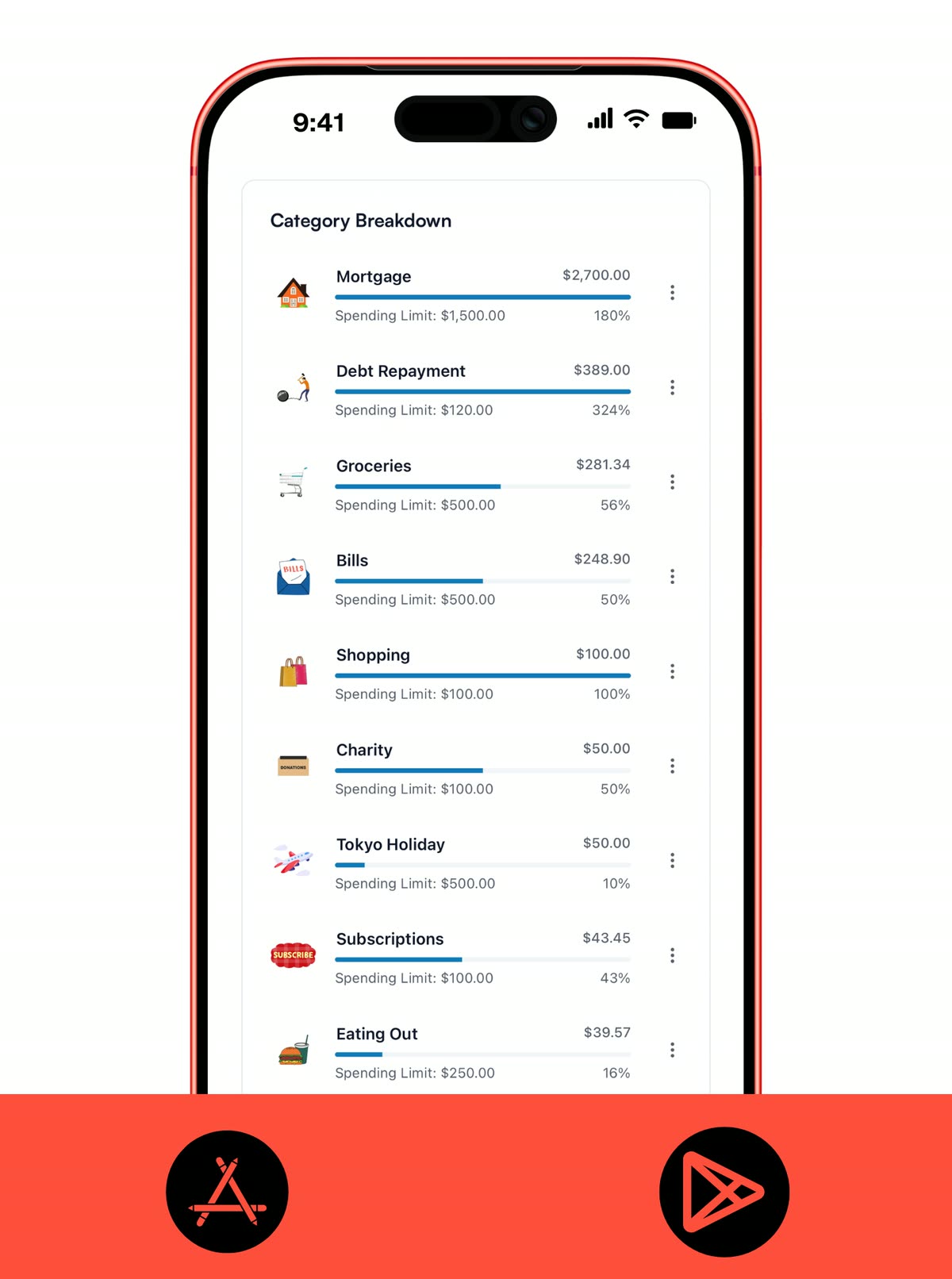
Track spending against the current pay period, review what is still due, and make clearer decisions before the next paycheck lands.
The key advantage is timing. You are reviewing what matters between now and payday instead of hoping the monthly picture is enough.
If you are paid every two weeks, a calendar-month budget can hide how tight things get between paydays.
Rent, utilities, cards, and subscriptions hit on their own schedule. A pay-period view keeps those dates visible earlier.
Commission, freelance, shift, and gig income work better when each paycheck gets its own plan instead of forcing one fixed monthly pattern.
A 7-day or 14-day check-in is often easier to maintain than waiting until the end of the month to see if things went off track.
A paycheck budget only works when the dates match real life. Koody helps you plan by pay period instead of forcing everything into a calendar-month view.
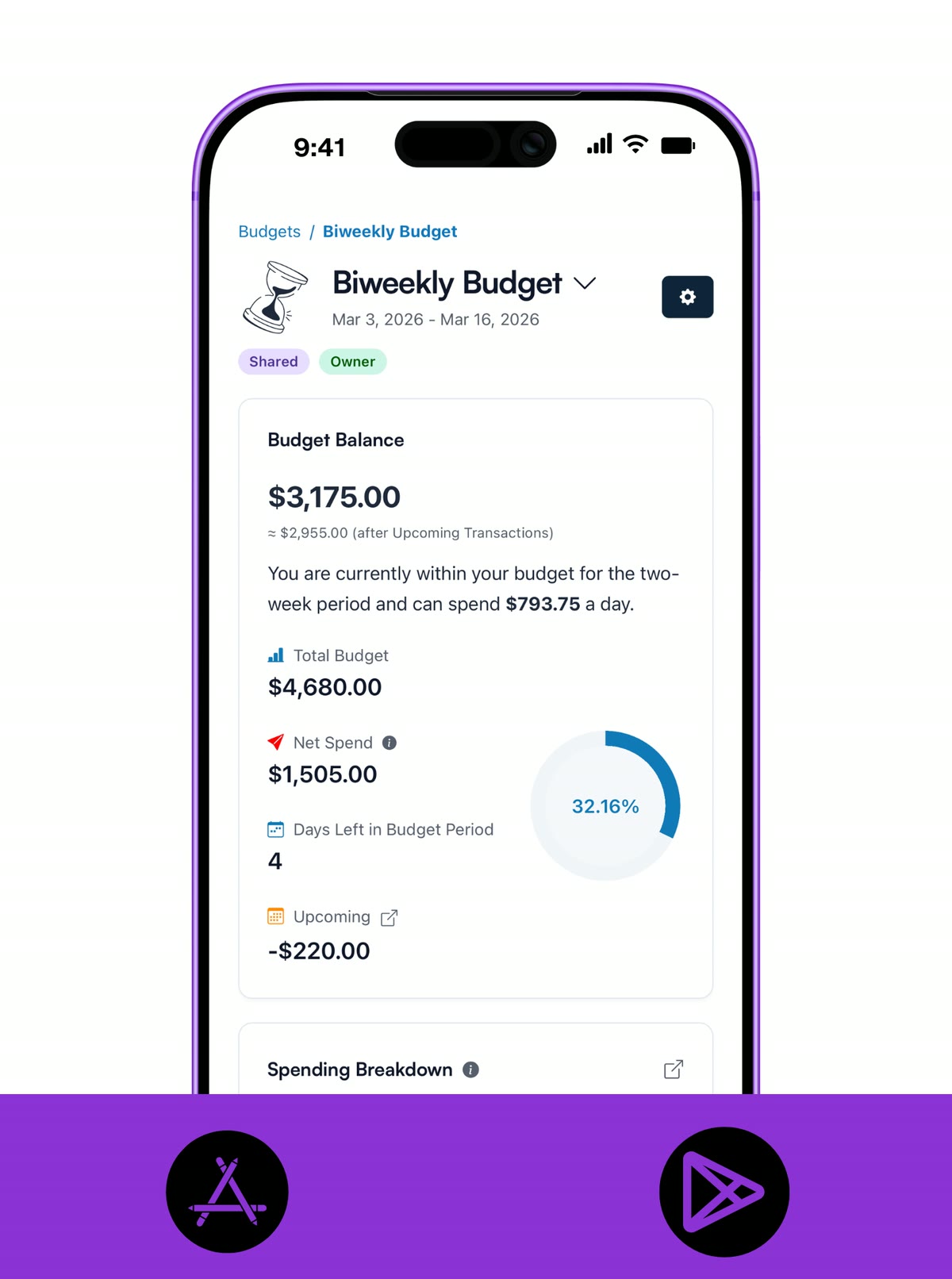
Paycheck planning gets much easier when the next rent payment, subscription, and paycheck are already in view. Koody helps you look ahead without making the plan heavy.
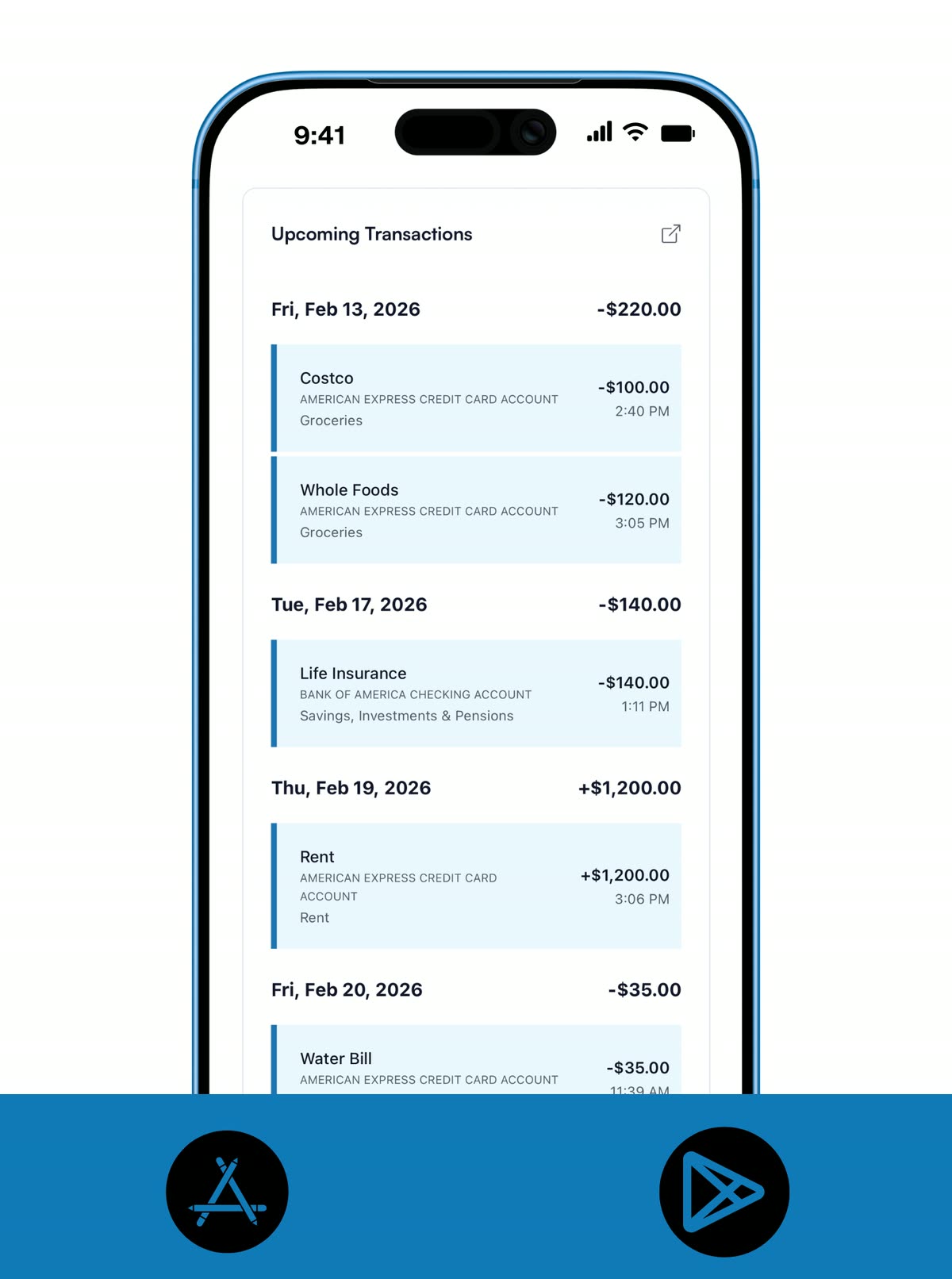
A good paycheck budget should work even when the exact amount or timing changes a bit. Koody gives you a planning rhythm that fits biweekly, semimonthly, and variable-pay setups without becoming spreadsheet admin.
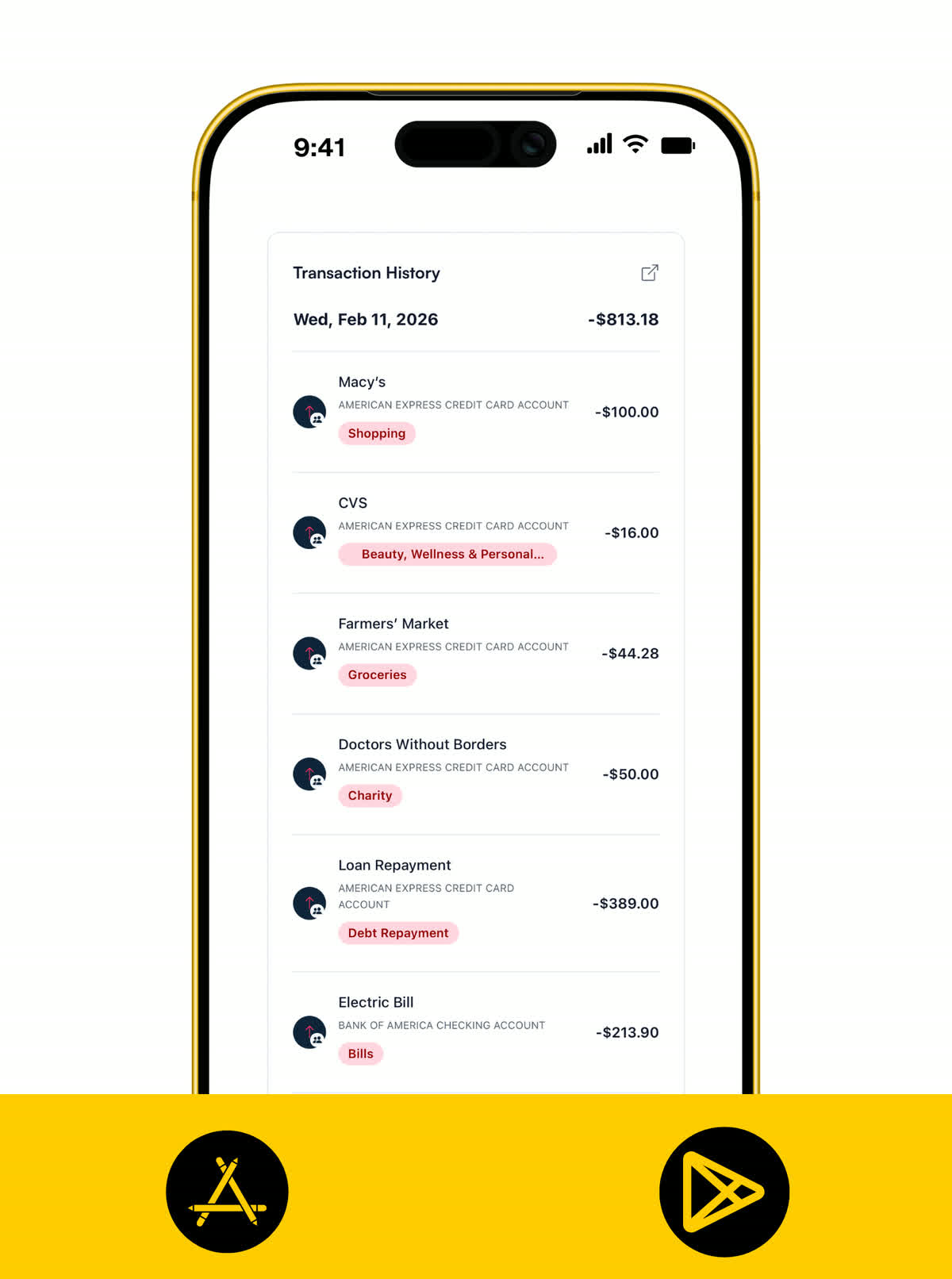
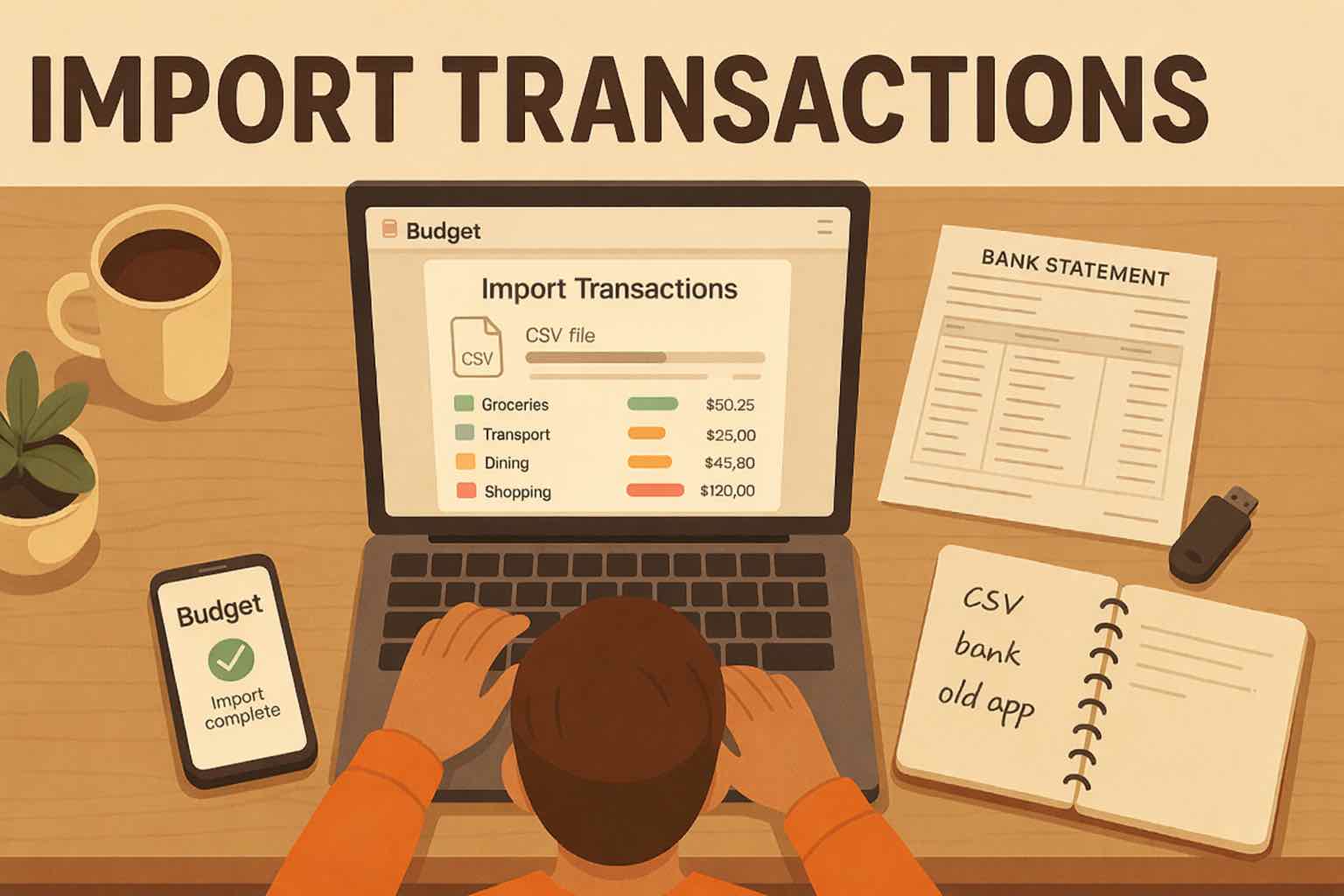
The more accurate the current pay period is, the better your before-payday decisions get. Koody lets you stay manual, or bring in CSV history later if you want faster refreshes.
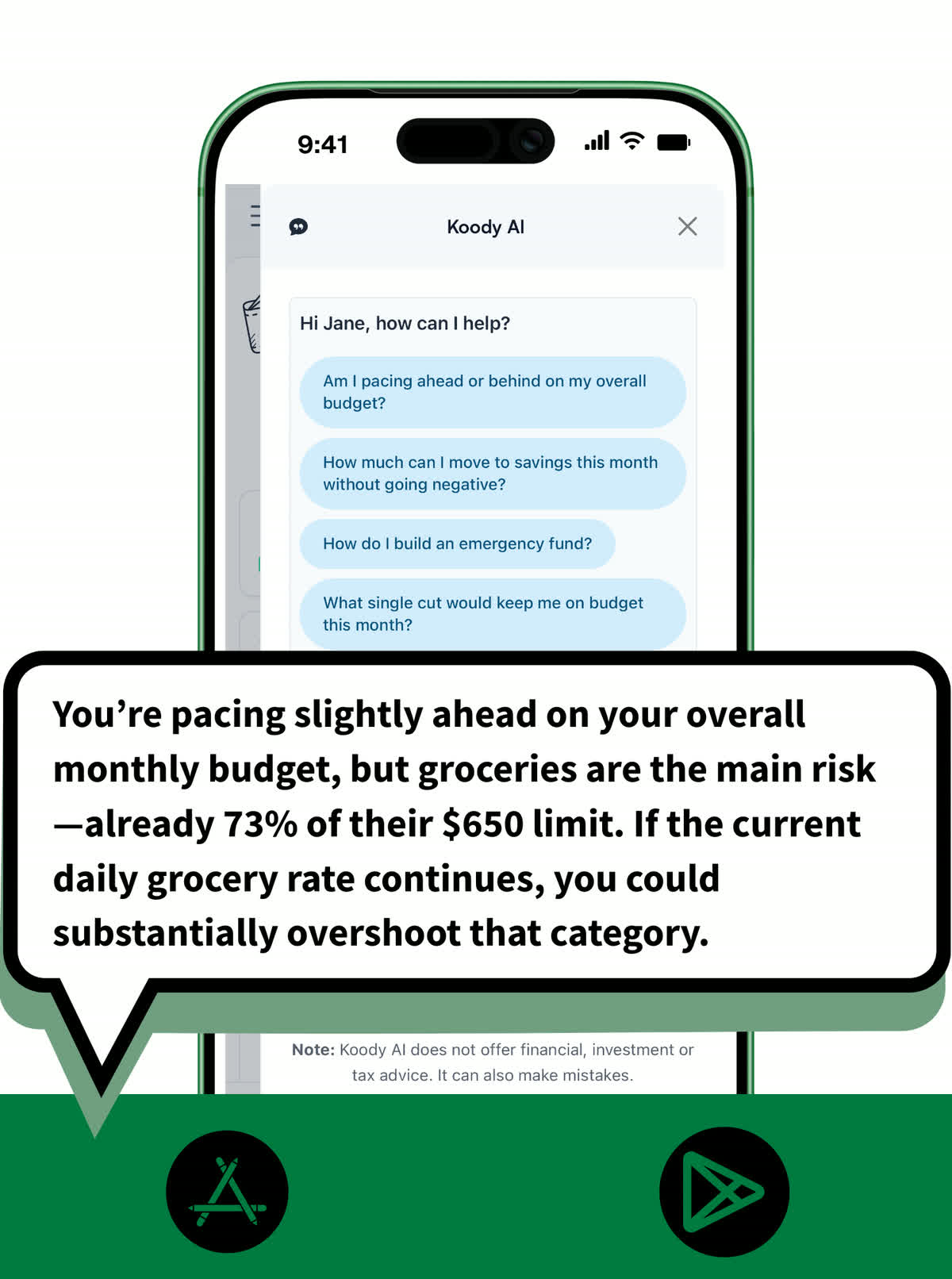
Koody AI helps you turn the pay-period view into a better decision tool. Instead of guessing whether the rest of the cycle looks tight, you can ask for a clearer read on what is happening.
Calendar months do not always match real cash flow. Koody keeps the plan close to the pay cycle you actually live on.
Ideal when your paycheck lands every two weeks and monthly budgets keep leaving awkward gaps.
Useful when you are paid on fixed dates like the 15th and last day of the month and bills cluster around them.
Works for shift work, freelance income, side gigs, and other cash flow that changes from pay period to pay period.
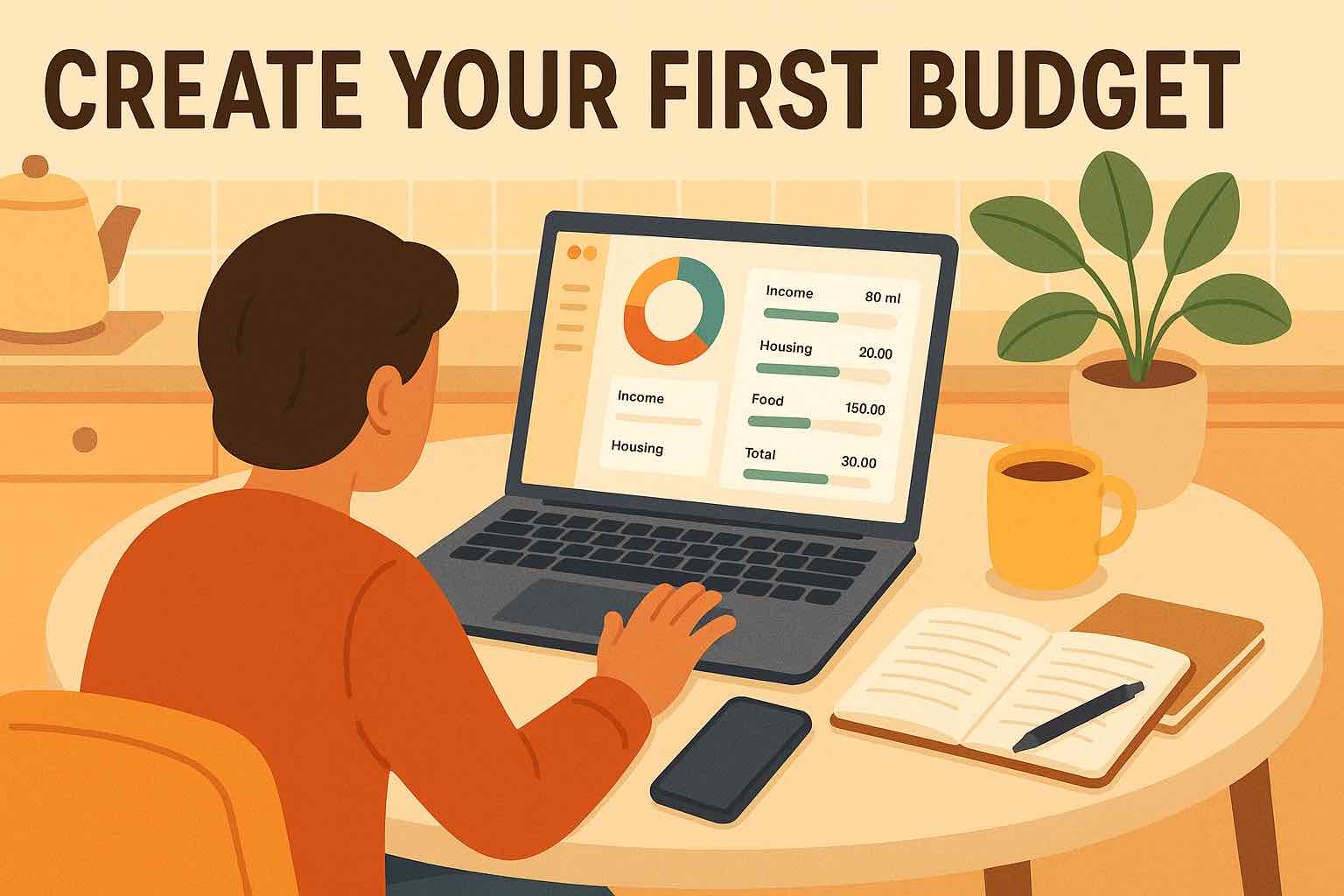
Start with the plan that lets you match budget dates to payday, add recurring transactions, and keep upcoming bills in view. Add CSV imports and longer history only if you need them later.
Track money by hand, calculate your tax set-aside, and talk to Koody AI.
Budgets that match your paydays, longer history, and exports.
Statement imports, auto-categorization, and unlimited history.
Available to eligible customers in the US, UK, Canada, and Australia.Terms apply.
Yes. Koody is a paycheck budget app that lets you set budget dates around payday, track upcoming bills, and see what is left before the next paycheck.
Yes. Koody works as a biweekly budget app because you can set a two-week budget period, track bills due before the next paycheck, and review spending by pay cycle.
Yes. Koody supports variable pay by letting you adjust each pay period as income lands, instead of forcing one fixed monthly budget.
Yes. Koody shows recurring bills, subscriptions, and expected paychecks in upcoming transactions so you can plan before payday arrives.
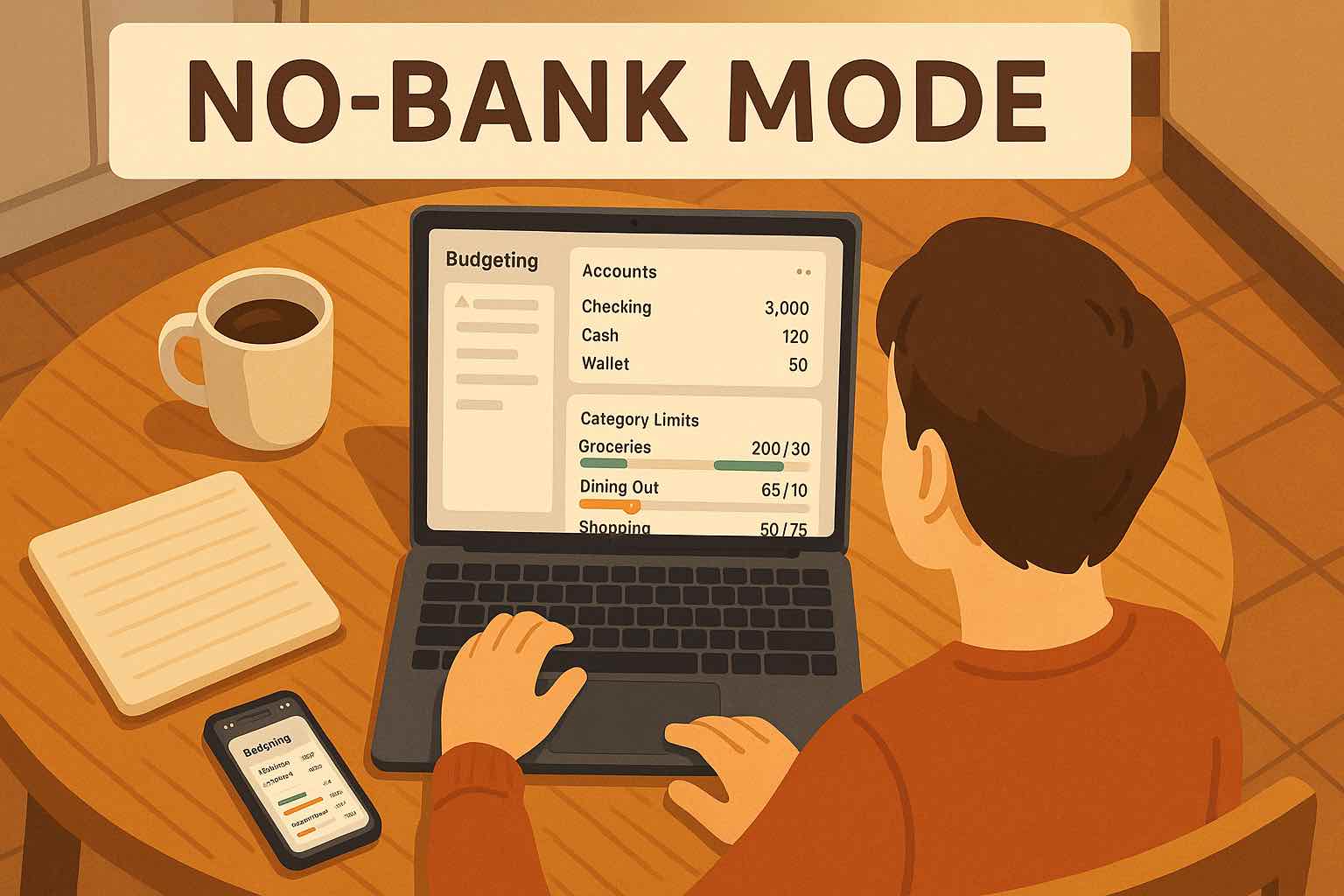
No. You can use Koody without bank sync by entering transactions manually or importing CSV files when you want to update your history faster.
Basic manual tracking is available for free. Paycheck budgeting features like custom budget dates and recurring transactions are part of Koody's budgeting upgrade.
Yes. Koody supports custom budget dates, so you can use it for weekly, semimonthly, biweekly, or other paycheck schedules.
Yes. A household can use one paycheck-based budget when bills, income, and spending decisions follow the same pay rhythm.
Koody supports CSV imports, so you can backfill older pay periods and review past spending patterns inside your paycheck budget.