A zero-based budgeting app without bank linking.
Plan your money with category limits that act like digital envelopes. Build a give-every-dollar-a-job budget, keep recurring costs visible, and adjust the month without losing control. No bank linking required.

How it works
If you are looking for a zero-based budgeting app, an envelope budgeting app, or an EveryDollar alternative, Koody gives you category limits, digital envelopes, and a give-every-dollar-a-job setup without bank linking.
Build The Month By Category
Choose the categories that matter this period, then set clear amounts for each one. That is the core of a zero-based budget in Koody.
Give Every Dollar A Job
When you want a fully allocated plan, keep assigning amounts until your money is spoken for. If a category matters this month, it gets a place in the plan.
Adjust Without Losing The Plan
Real life changes. Review weekly, watch which categories are getting tight, and make small corrections before overspending turns into stress.
Why a zero-based budget can feel clearer, not stricter.
A zero-based budget works best when you can see what each spending choice costs before you make it.
Stronger Trade-Offs
A structured budget makes spending decisions clearer because every category competes for real money, not vague intentions.
Digital Envelopes
Category limits work like digital envelopes, so you can see what is left without juggling cash or separate spreadsheets.
Better Weekly Decisions
Zero-based budgeting works best when the month stays visible. One short weekly review keeps the plan current and usable.
Structured, Not Fragile
Koody gives you strong structure without locking the whole month in stone. You can respond to real spending instead of abandoning the budget.
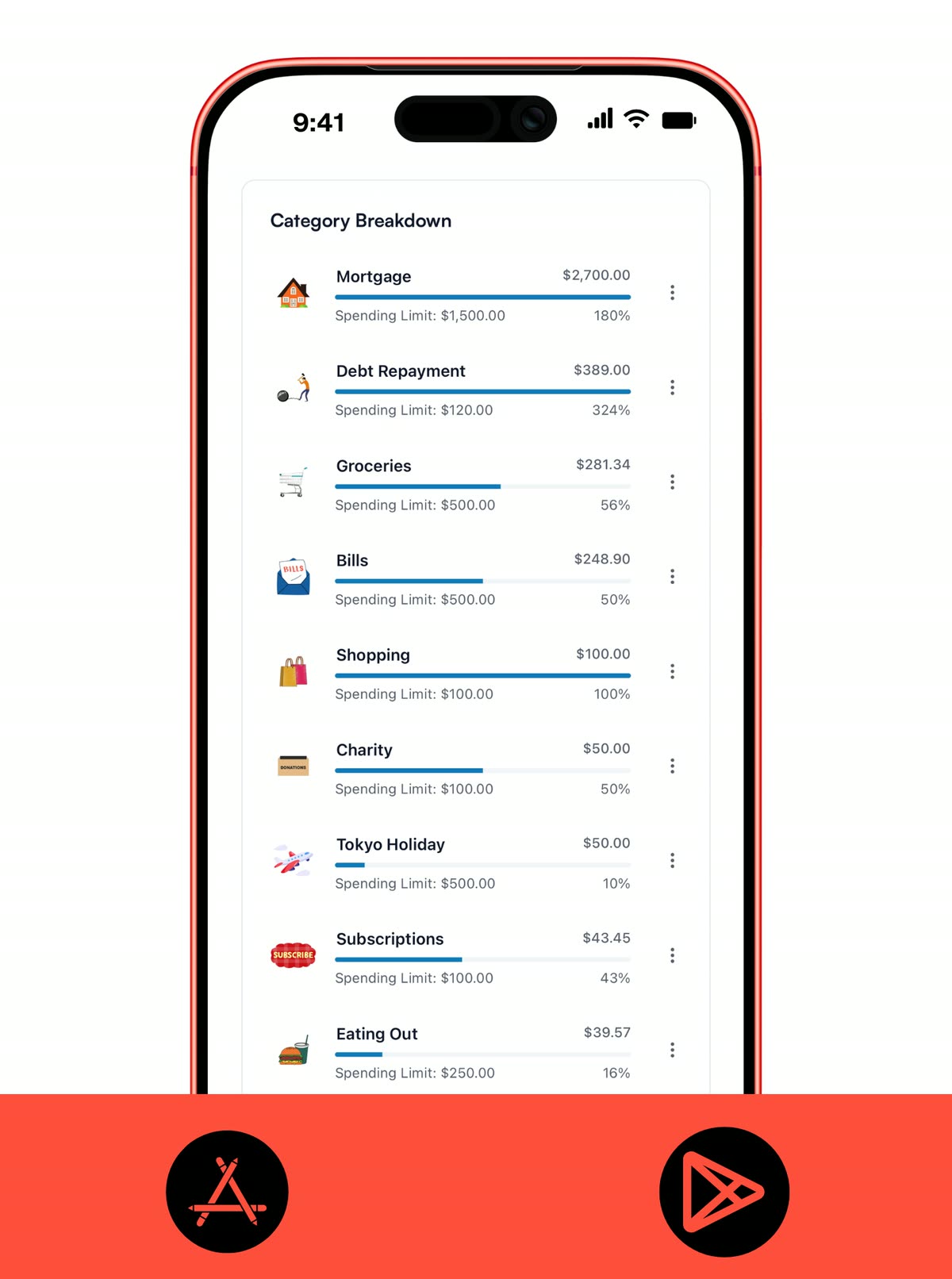
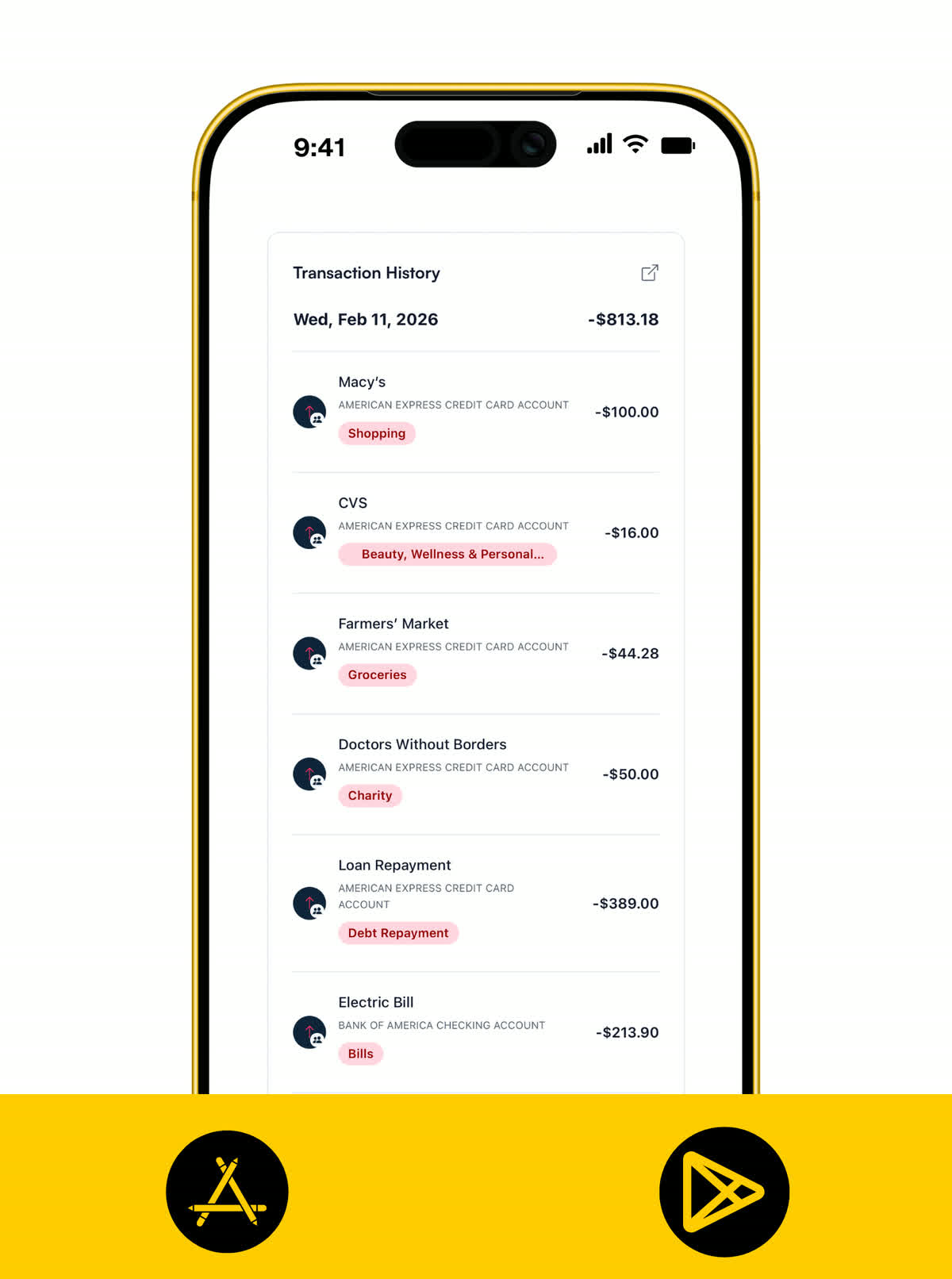
DIGITAL ENVELOPES
Use category limits like digital envelopes.
A zero-based system gets practical when categories stop being labels and start acting like containers for real money. Koody gives you clear category limits, remaining amounts, and fast visibility into where the pressure is building.
- Use category limits as digital envelopes for groceries, fuel, dining out, sinking funds, and more.
- See spent, remaining, and percentage used so category pressure is obvious fast.
- Run a full envelope setup, or keep a few categories looser where rigid limits do not help.
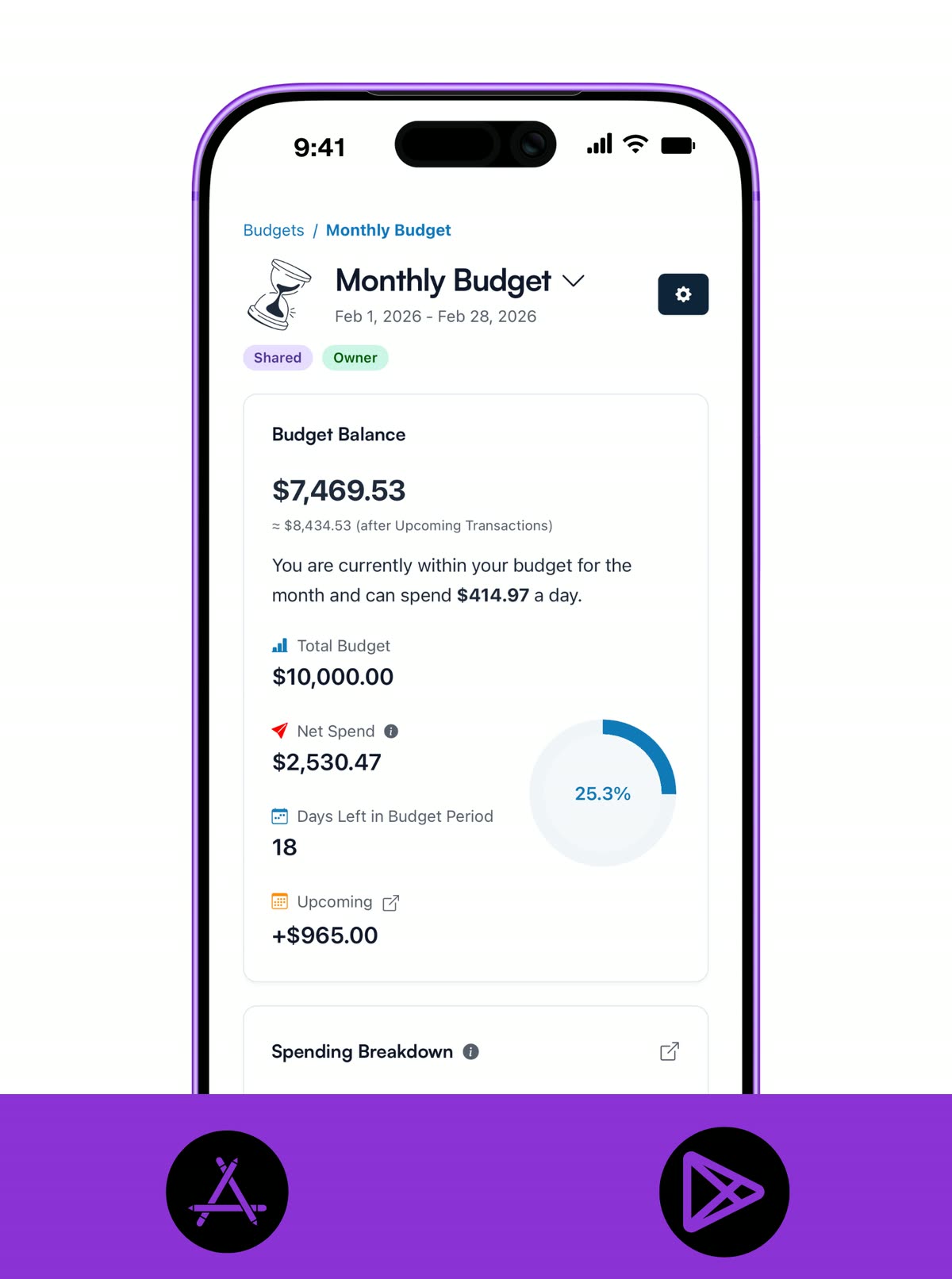
FULLY ALLOCATED PLAN
See the whole month as one intentional plan.
Zero-based budgeting works best when the month is readable at a glance. Koody keeps the total plan, total spend, and remaining room visible so you can tell whether the budget is still doing its job.
- Add up category limits into one intentional monthly plan.
- Use each budget as a record of what you meant your money to do in that period.
- See total budget, spending, what is left, and days remaining in one place.
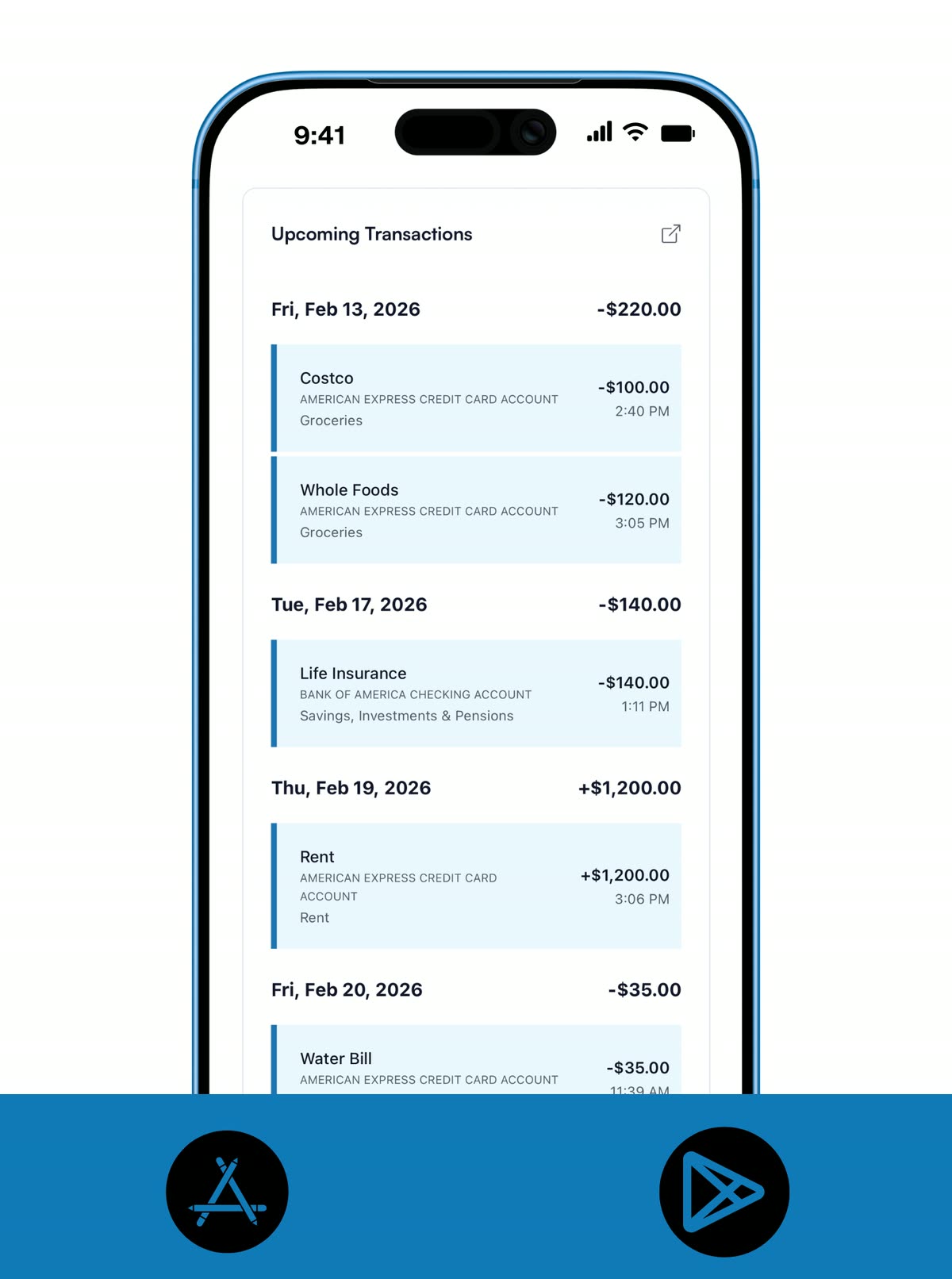
TRUE EXPENSES
Keep fixed bills and irregular costs inside the plan.
Rent, subscriptions, annual renewals, and sinking funds are where many zero-based budgets fall apart. Koody helps you keep those obligations visible so the month is based on reality, not optimism.
- Keep bills, subscriptions, and paychecks visible so the fixed parts of the month are planned for early.
- Use categories and limits for true expenses like annual renewals, travel, gifts, or car repairs.
- Avoid the common zero-based mistake of forgetting irregular costs until they hit.
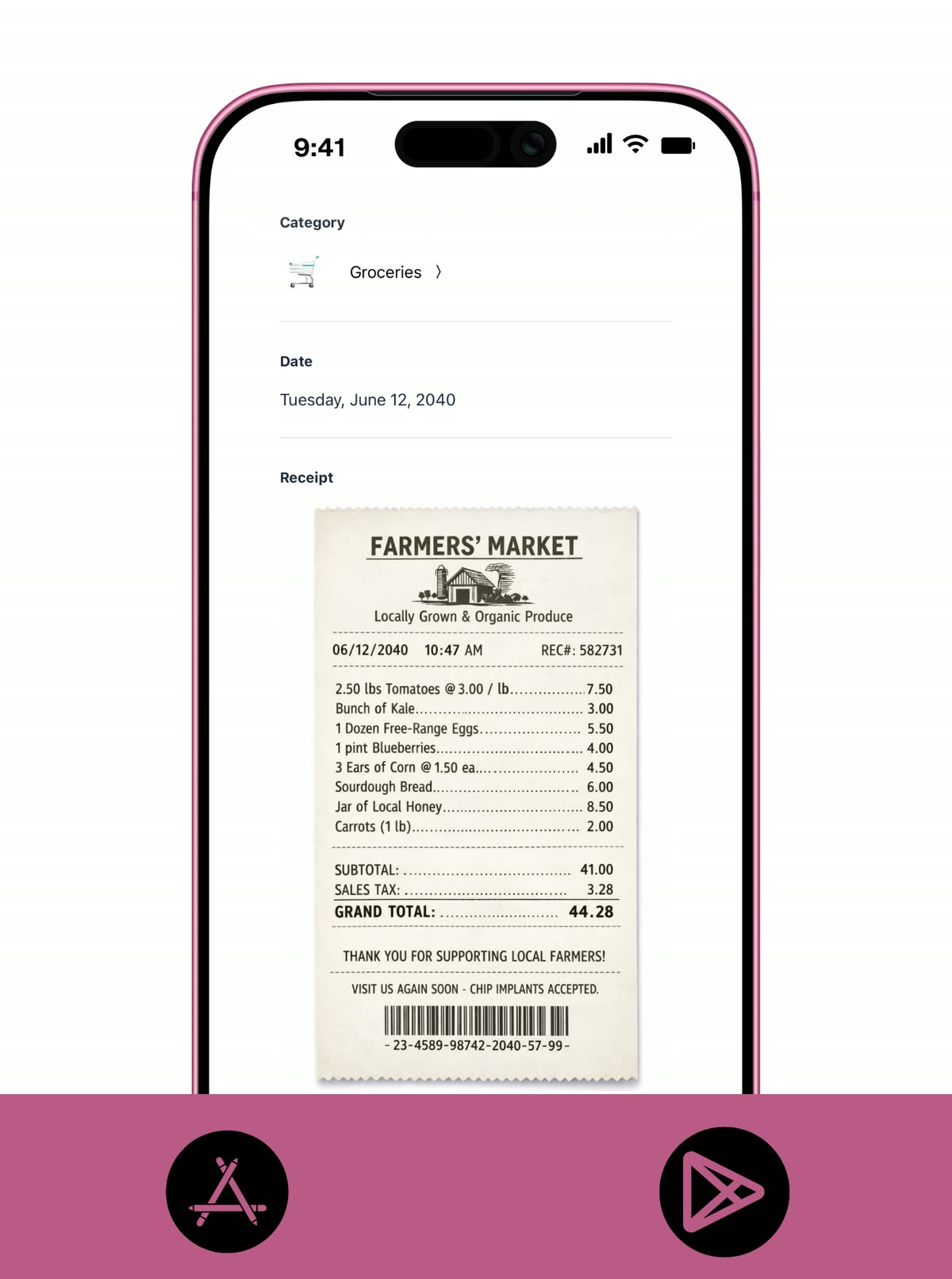
RECEIPTS
Keep proof of spending with the plan.
A structured budget gets more useful when the important purchases still have context later. Receipts help you verify spending, handle returns, and keep higher-stakes categories easier to review.
- Attach receipts to purchases you may need to review, return, reimburse, or explain later.
- Keep proof of spending with the transaction so your budget history stays easier to trust.
- Use receipts to add detail without making the rest of the budgeting flow heavier.
WEEKLY PACING
Keep the month alive with one short review.
A structured budget only works if you review it before a category goes off track. One quick weekly check-in is usually enough to see what is on pace, what is getting tight, and what needs a small correction now.
- Review transactions by category and spot overspending before the month runs away from you.
- Use one short weekly check-in to decide which categories need more attention right now.
- Keep the system active without turning budgeting into constant maintenance.
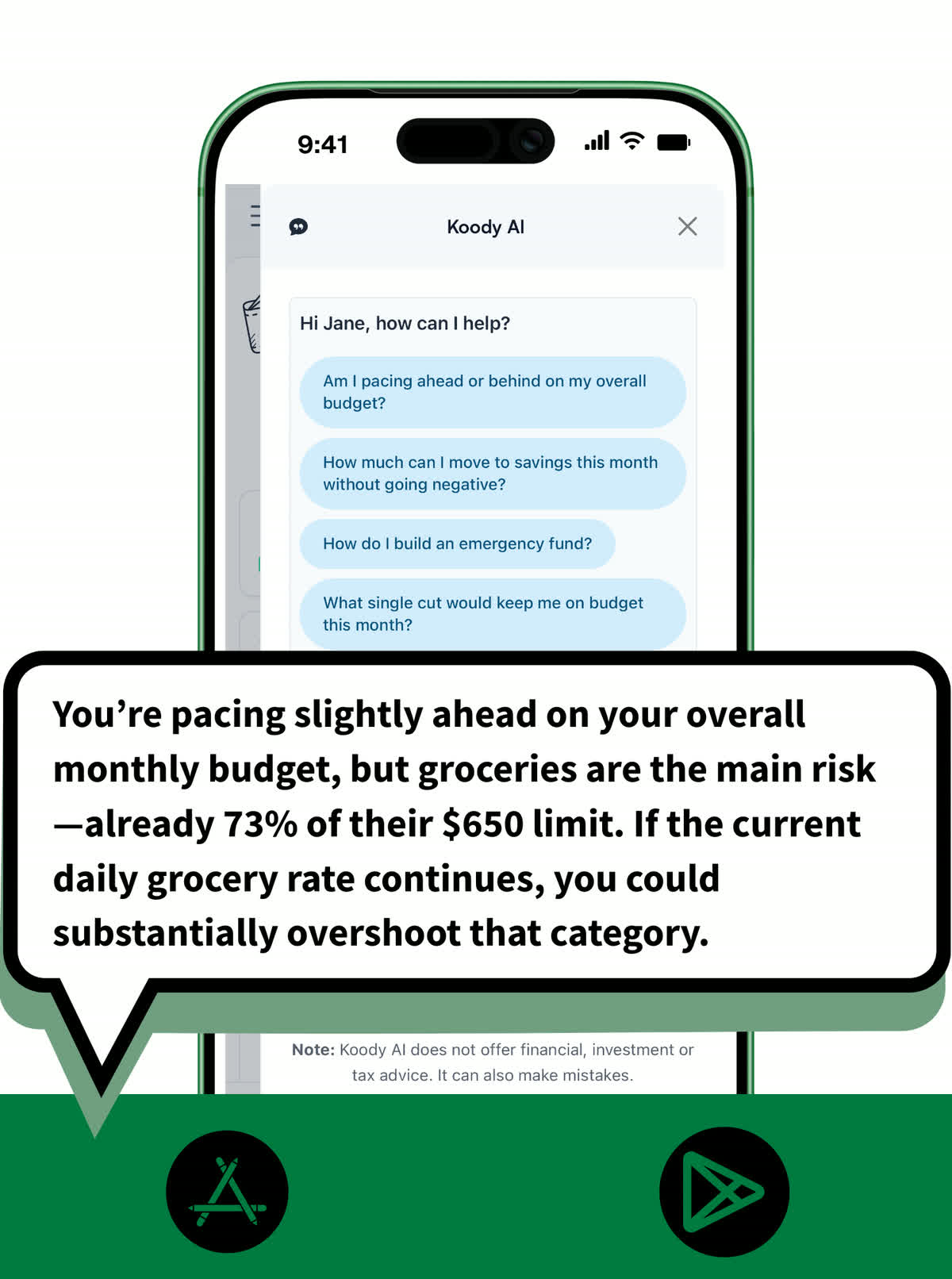
KOODY AI
Ask for help before the category goes off track.
Zero-based budgeting gives you a plan. Koody AI helps you protect it when you need a quick read on trade-offs, pacing, or whether a purchase still fits the month.
- Ask Koody AI which categories are running hot or where your plan is getting tight.
- Sense-check purchases before they happen instead of discovering the problem later.
- Use quick answers and pacing guidance to keep a structured budget calm and practical.
Pricing
Our pricing is flexible and straightforward: no hidden fees, no surprises. Start with a free month of our Standard plan to see if it's right for you. If it's not, cancel anytime. No questions asked.
Free
Track money by hand, calculate your tax set-aside, and talk to Koody AI.
- Input transactions manually
- Add bank accounts
- Track spending and income (up to 1 year)
- Categorize transactions
- Monitor subscriptions or bills
- Koody AI
- Upload receipts
- Calculate your tax set-aside
- Access on mobile and desktop
Standard
Budgets that match your paydays, longer history, and exports.
- Everything in Free
- Track spending and income (up to 3 years)
- Add new categories
- Auto-generate recurring transactions
- Export transactions (CSV, Excel, JSON)
- Create and manage budgets
- Sync budgets with your payday
- Create recurring budgets
Plus
Statement imports, auto-categorization, and unlimited history.
Available to eligible customers in the US, UK, Canada, and Australia.Terms apply.
- Everything in Standard
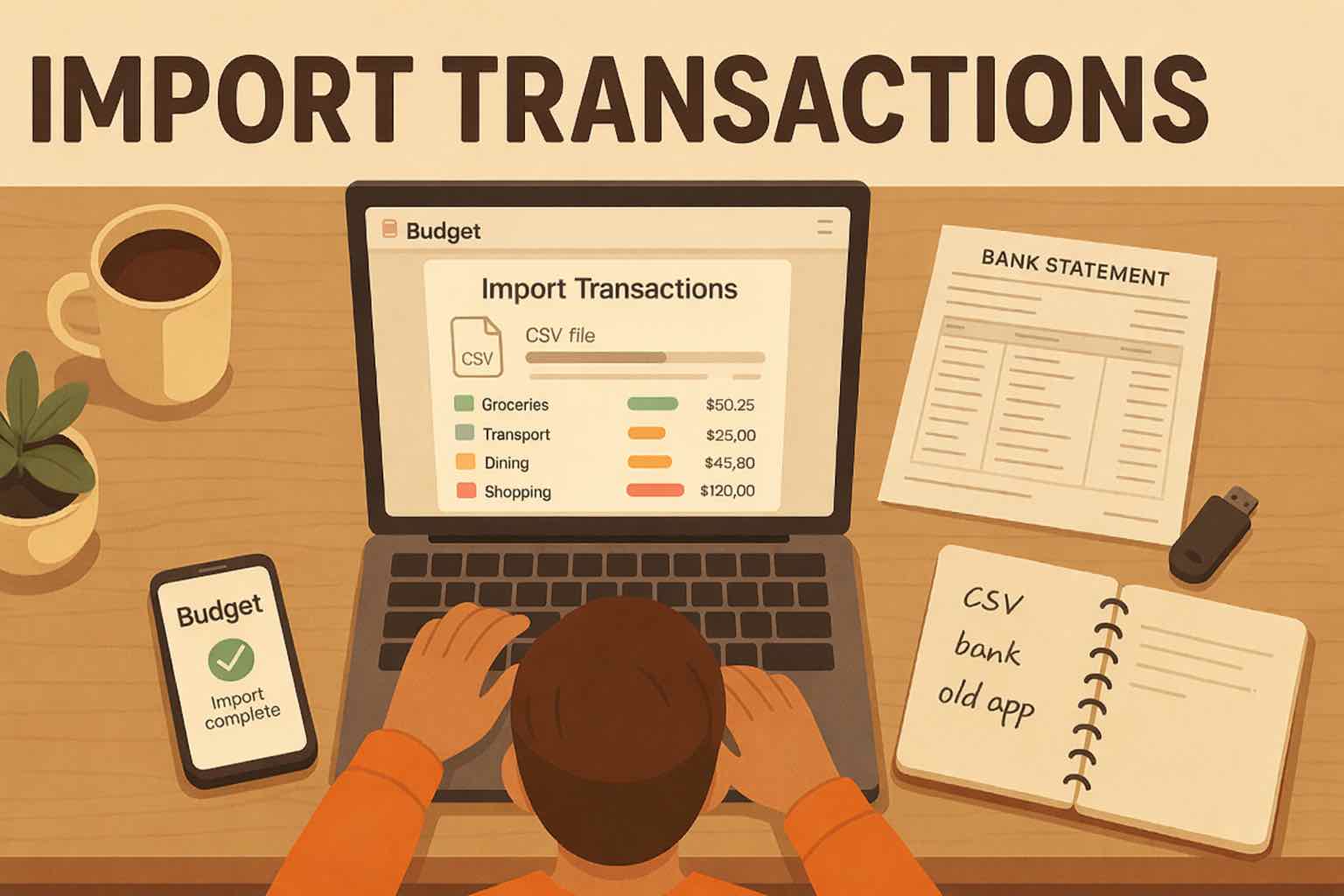
- Import transactions from bank and credit card statements (CSV or PDF)
- Track spending and income (unlimited years)
- Automatic transaction categorization
- Unlimited categories
- Automatic detection of recurring transactions
- Advanced Koody AI
- Keep budgets active indefinitely
Give every dollar a job.
Start with category limits, keep the month visible, and adjust with confidence.


Helpful articles from the Koody blog

Frequently asked questions
What is a zero-based budgeting app?
A zero-based budgeting app helps you plan your money category by category until the month has a job for each dollar. The goal is intentional spending, not guessing at the end of the month.
Can Koody work like an envelope budgeting app?
Yes. In Koody, category limits can work like digital envelopes. You decide how much each category gets, then track what is left as spending comes in.
Do I have to budget every dollar in Koody?
No. Koody supports a true give-every-dollar-a-job setup when you want it, but it does not force that on every user or every category.
Do category limits need to equal my income?
Only if you want a fully allocated zero-based budget. Some people budget all the way to zero, while others leave a little slack in the plan and still use category limits where they matter most.
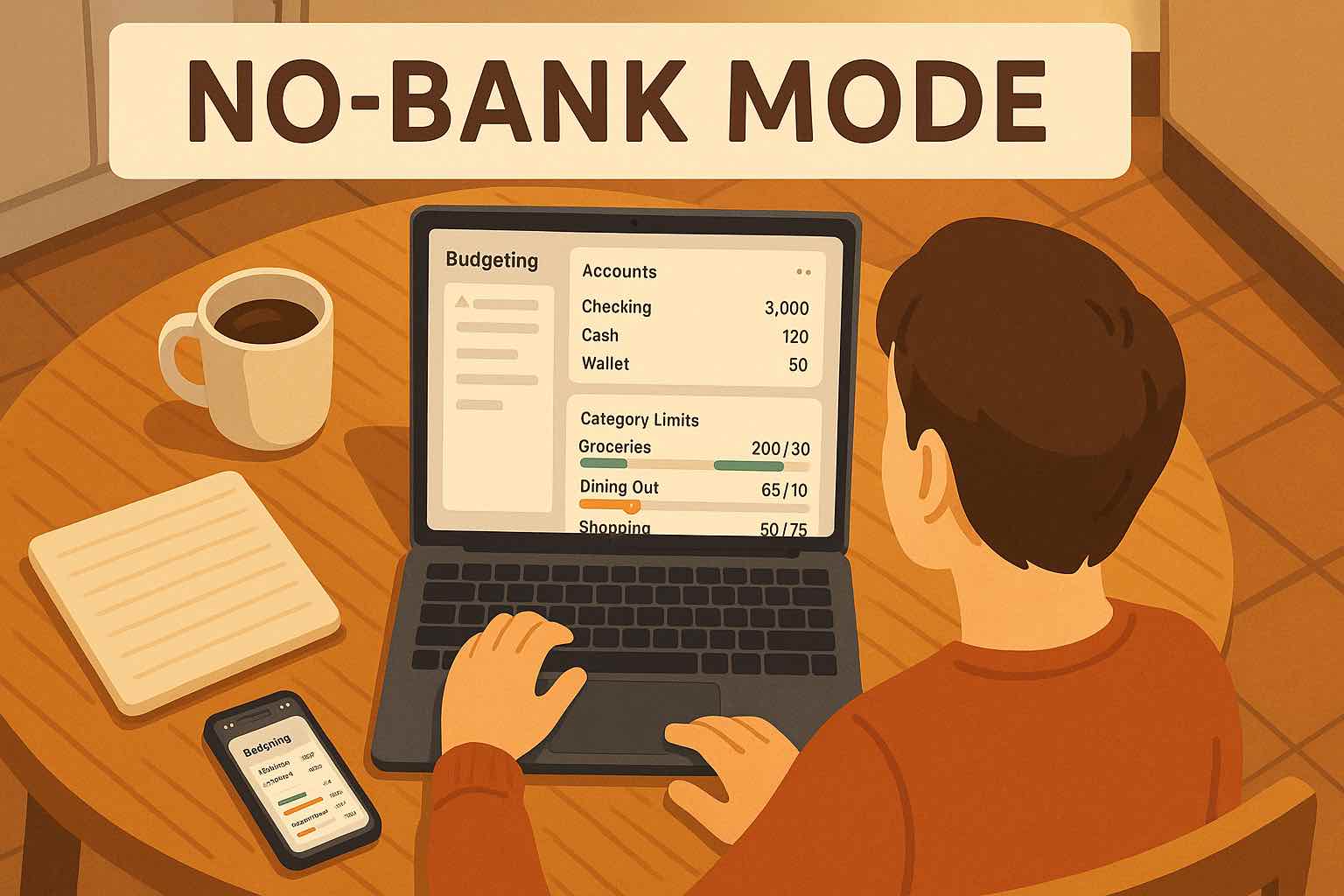
Does Koody work without bank linking?
Yes. You can set up budgets, categories, and recurring items without linking your bank. If you want history faster later, Koody also supports CSV imports.
Can I use Koody for true expenses or sinking funds?
Yes. Create categories for irregular costs, give them limits, and keep contributing over time so annual or surprise expenses stop wrecking the month.
Is Koody a good EveryDollar alternative?
If you want category limits, recurring items, optional CSV imports, and no forced bank linking, Koody is a strong EveryDollar alternative.
Can I move to Koody from another zero-based budgeting app?
Yes. You can start fresh manually, or import older transactions from a CSV export when you want historical context inside Koody.
Can this work with irregular income?
Yes. Zero-based budgeting can still work with variable income when you plan from the money you have now, then adjust categories as new income lands.