A privacy-first budget app that does not need bank logins.
Budget without sharing bank logins. Choose what you want to track, label accounts your way, and enjoy the full Koody budgeting experience.

How it works
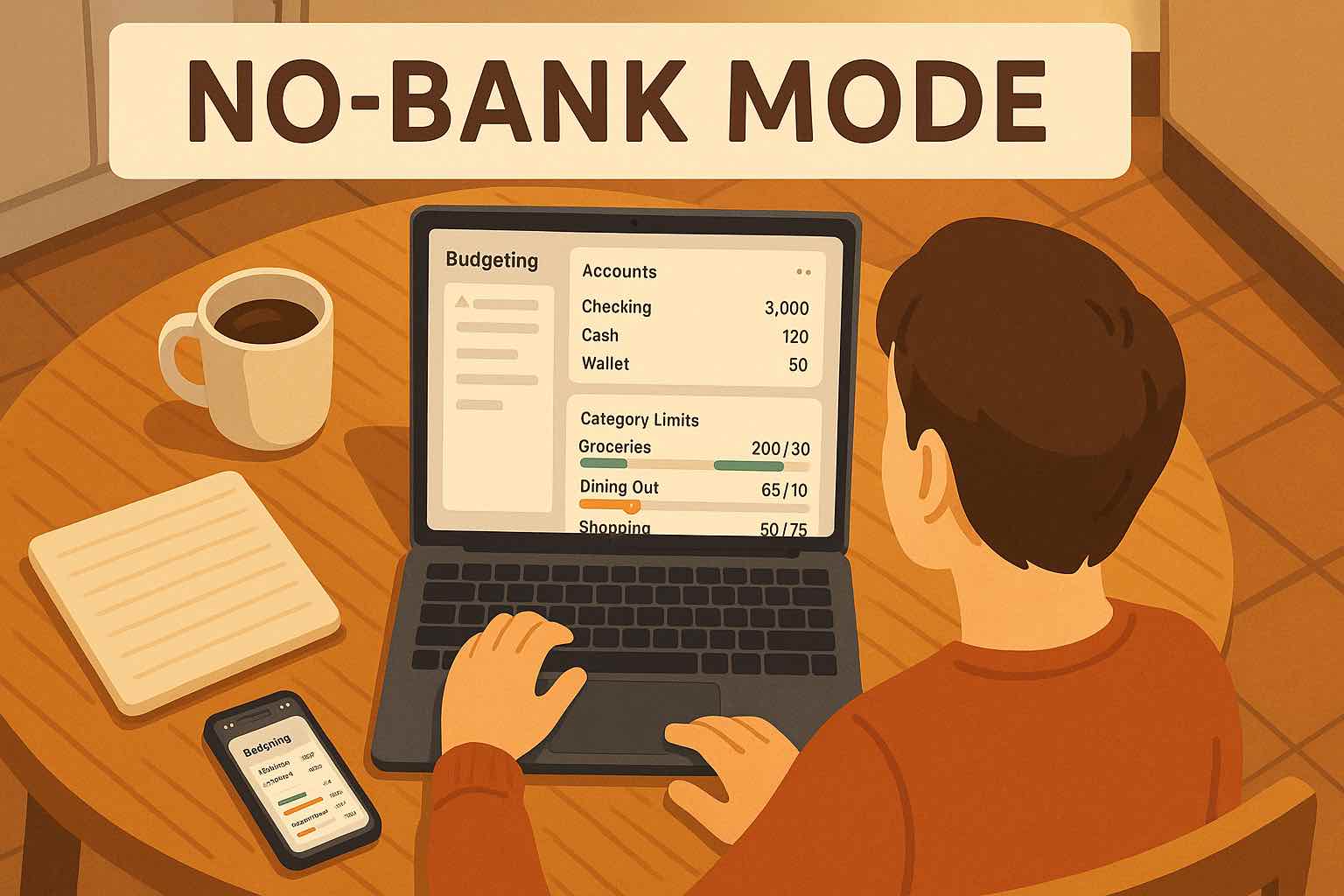
You can start budgeting without connecting your bank. You can begin with a manual bank account or cash bucket instead of handing over bank credentials up front.
Add the accounts you actually want to track, label them in a way that makes sense to you, and build the setup at your own pace. That keeps things clear from day one without turning the app into a stripped-down experience.
Skip Bank Logins
Create your setup without sharing bank usernames, passwords, or account logins. You can get started first and decide later how much information you want to track.
Choose What Lives In Koody
Add a manual bank account or cash bucket, create the accounts that matter to you, and leave out anything you do not want to track. You stay in control of what appears in the app from day one.
Keep Full Budgeting Tools
Once your accounts and transactions are in place, budgets, categories, recurring items, and Koody AI are all there to help you plan, review spending, and stay organized.
PRIVATE SETUP
Start without bank logins.
You can start with a manual bank account or cash bucket. Name things in a way that makes sense to you and start tracking right away.
- Start with a manual bank account or a cash bucket instead of a bank-linking step.
- Use labels like Wallet, Cash on Hand, Personal, or Household if that keeps your setup clearer.
- Get into budgets, categories, and tracking without waiting on a supported institution.
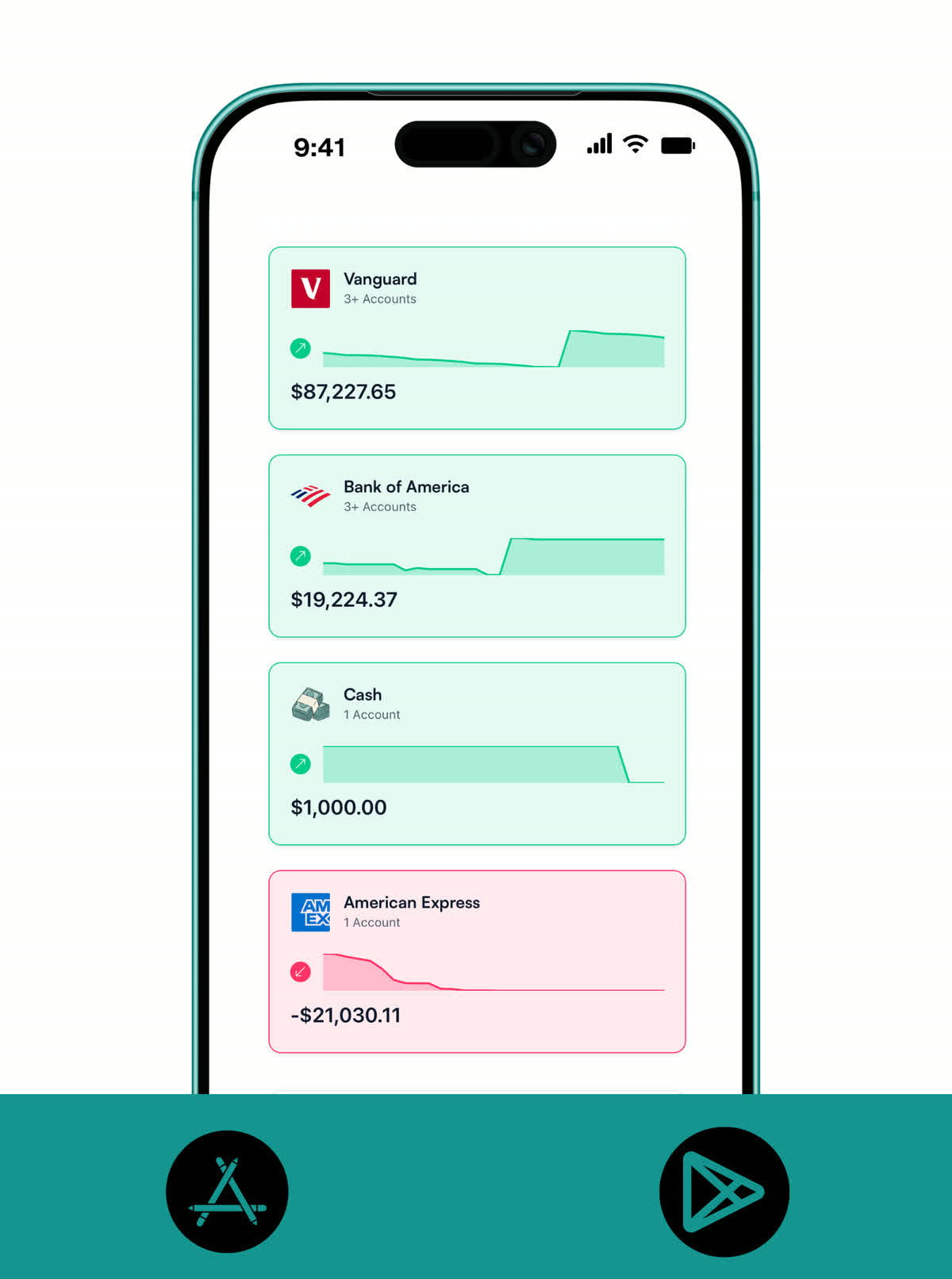
DATA CONTROL
Track only the money data you want in Koody.
Good privacy also feels practical. You decide what to track, what to leave out, and how your accounts are labeled.
- Name your manual banks and accounts however you want.
- Add only the accounts, transactions, notes, and files you want in Koody.
- Keep some accounts or financial activity out of the app if that feels better for you.
- Share a budget with another person without sharing bank credentials or account passwords.
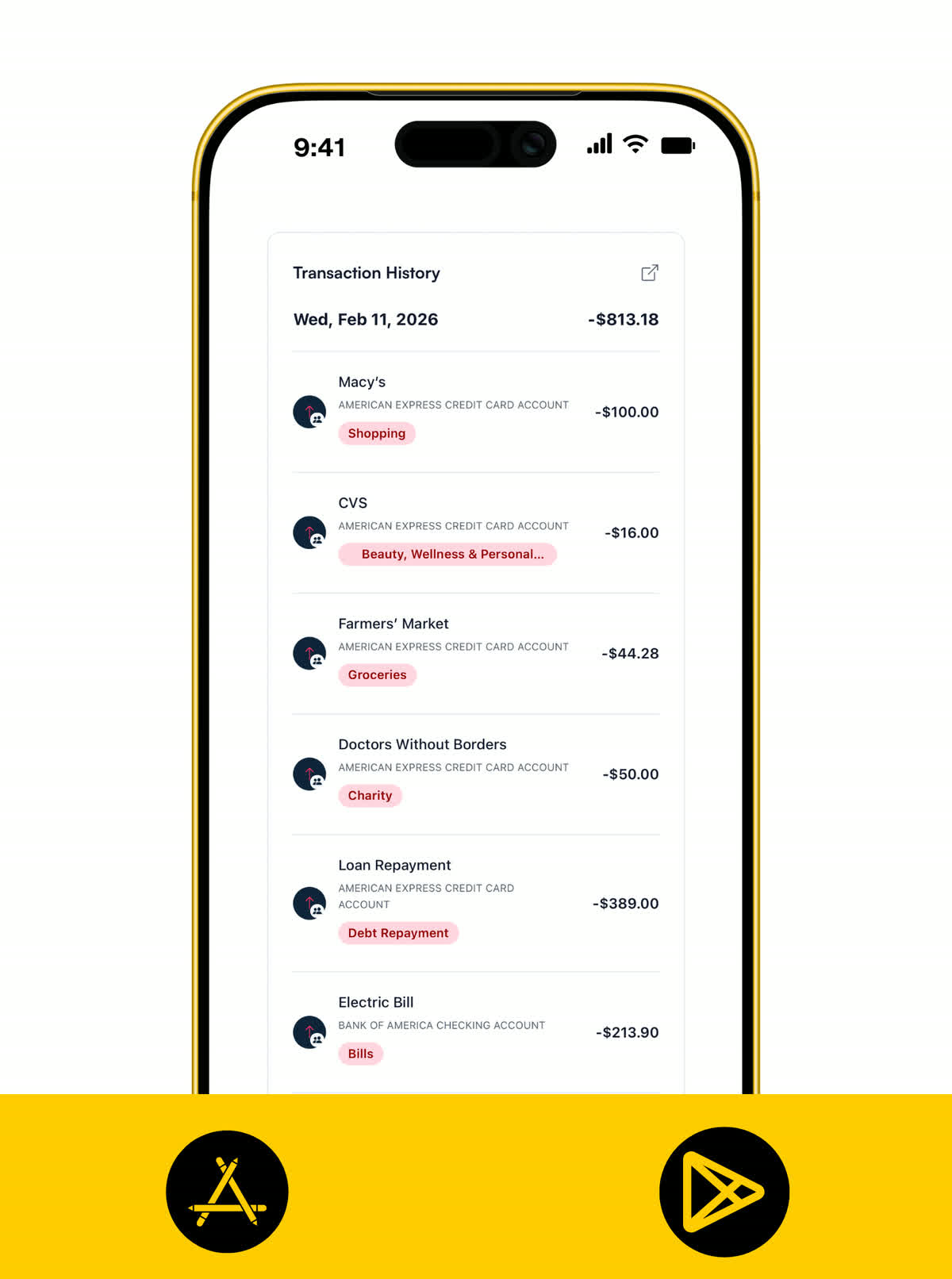
BUDGETING TOOLS
Full budgeting tools, no bank login required.
You still get the tools that make Koody useful every day. Budgets, receipts, balances, and spending totals all work from the accounts and transactions you choose to track.
- Build budgets without connecting a bank.
- Upload receipts and keep proof linked to only the transactions you decided to track.
- See balances, category totals, and what is left from the data you control.
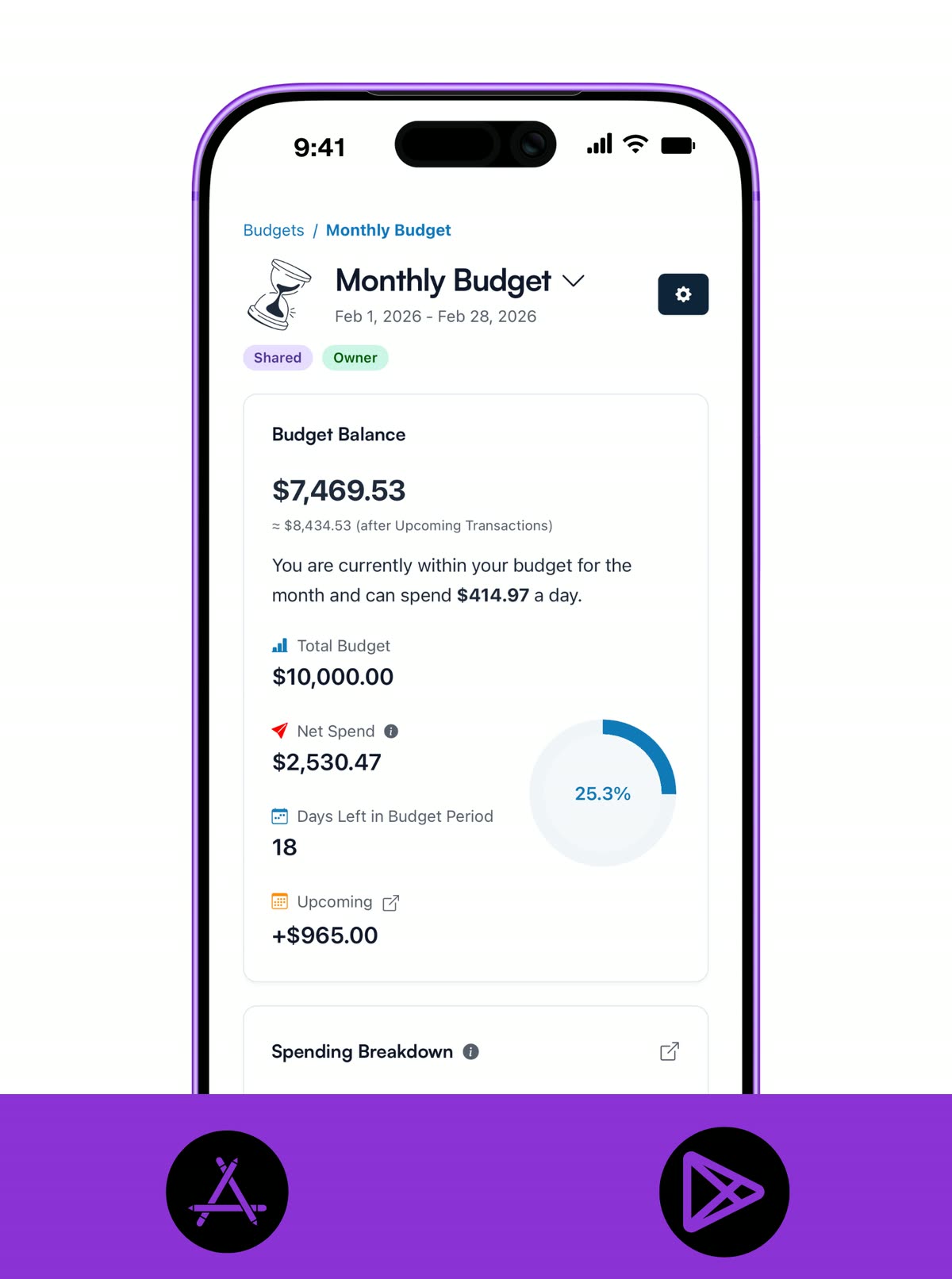
CATEGORIES
Organize spending in a way that feels right to you.
Categories keep spending easier to read. You decide how purchases are grouped, labeled, and reviewed inside Koody.
- Create categories that match the way you actually spend.
- Group spending in a way that feels clear and easy to review.
- See category totals and what is left using only the accounts and transactions you chose to track.
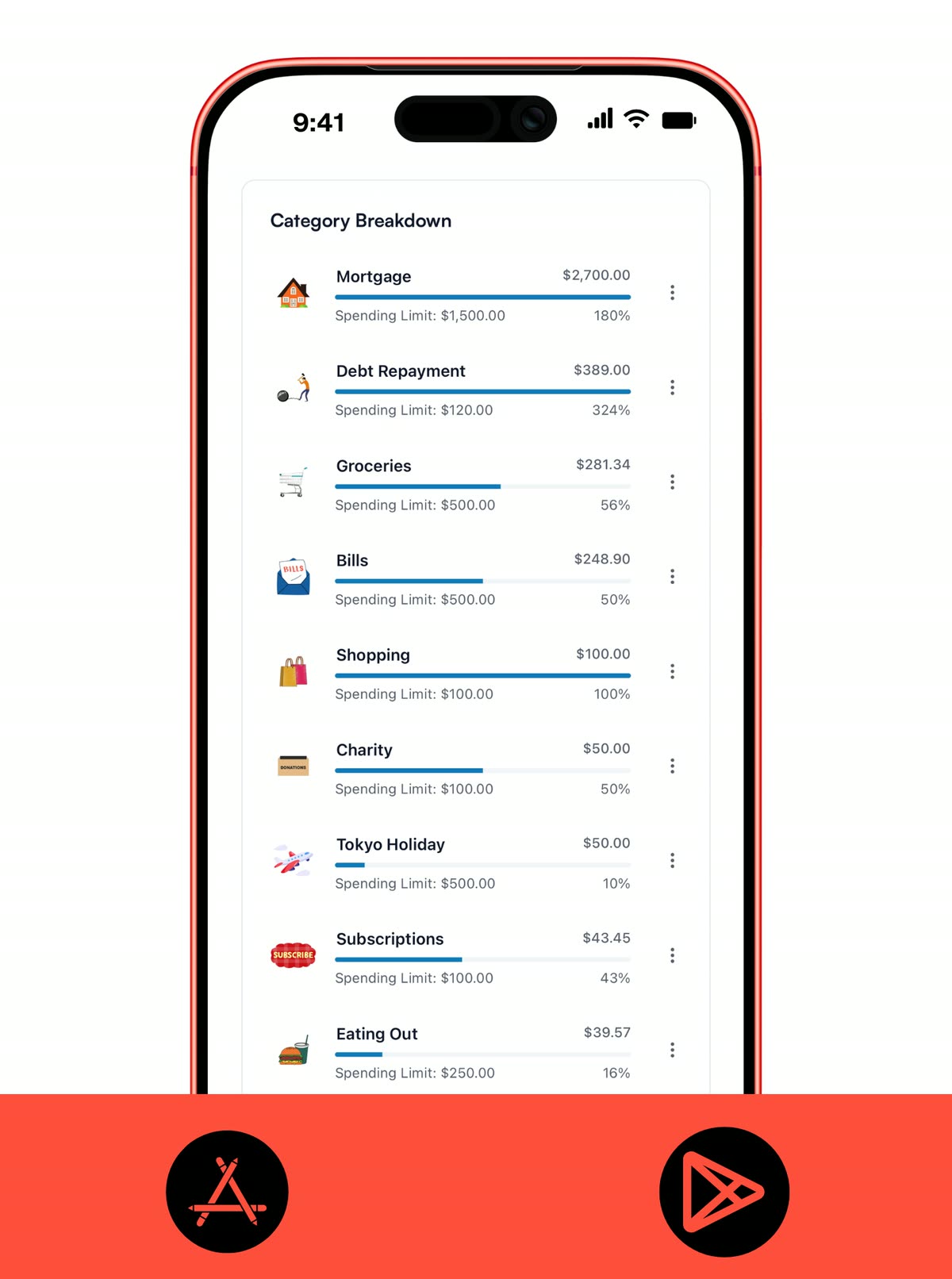
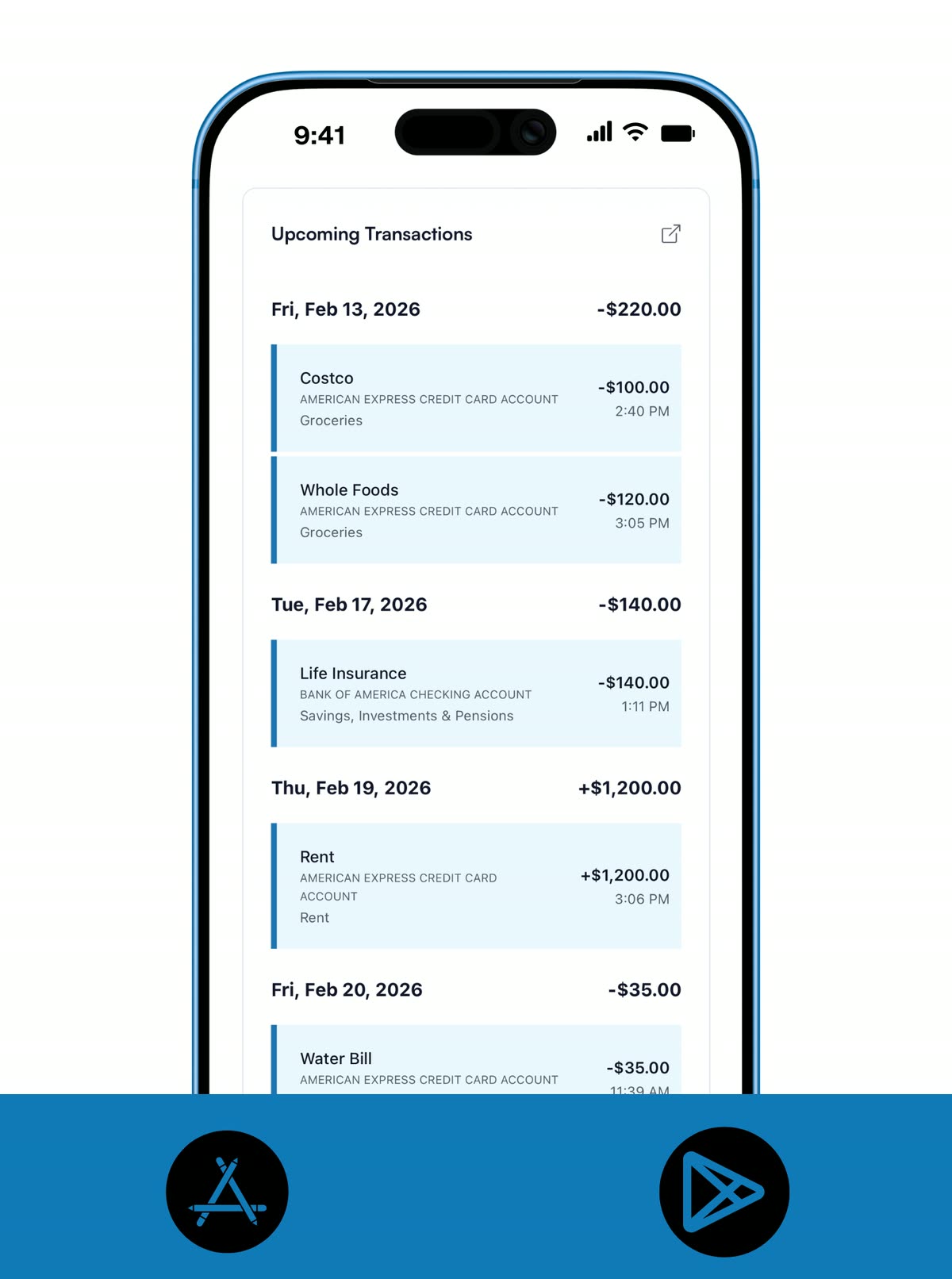
RECURRING
Keep repeat bills and paychecks visible without bank sync.
Recurring items help keep regular bills, subscriptions, and paychecks in view. That makes the budget easier to manage without connecting your bank.
- Set recurring bills, subscriptions, and paychecks without connecting your bank.
- Keep repeat activity visible before it lands so regular costs do not sneak up on you.
- Review upcoming transactions from the accounts and activity you already track in Koody.
KOODY AI
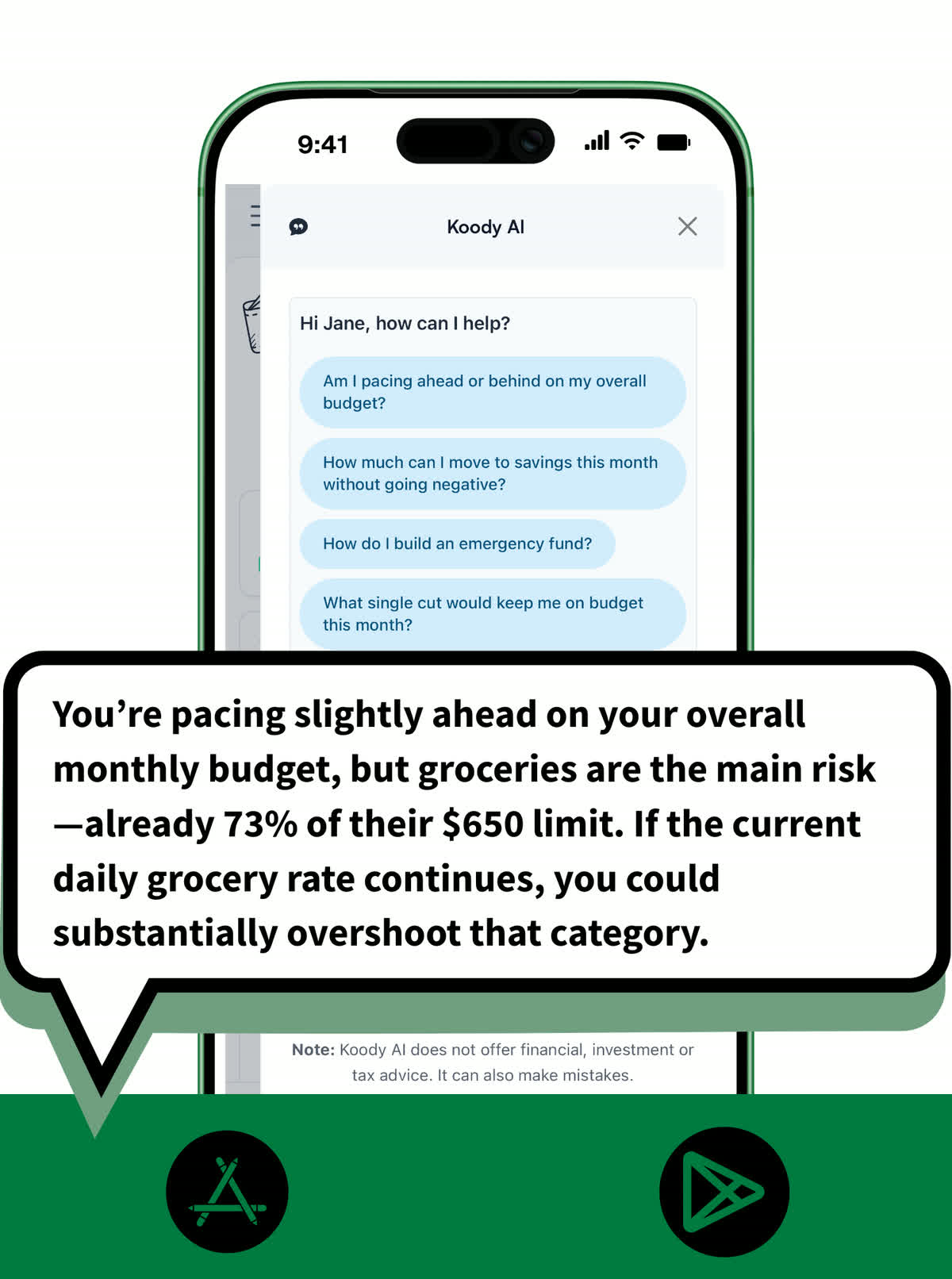
Ask for help without connecting your bank.
Koody AI can still help with trade-offs, pacing, and category pressure. Its answers come from the information already in your Koody account.
- Ask Koody AI about spending, budgets, and trade-offs using the data already in your account.
- Get help with pacing and category pressure without connecting a bank.
- Keep useful guidance alongside the rest of your budgeting workflow.
Pricing
Start free without connecting your bank. Upgrade only when you want deeper planning, imports, or longer history.
Free
Track money by hand, calculate your tax set-aside, and talk to Koody AI.
- Input transactions manually
- Add bank accounts
- Track spending and income (up to 1 year)
- Categorize transactions
- Monitor subscriptions or bills
- Koody AI
- Upload receipts
- Calculate your tax set-aside
- Access on mobile and desktop
Standard
Budgets that match your paydays, longer history, and exports.
- Everything in Free
- Track spending and income (up to 3 years)
- Add new categories
- Auto-generate recurring transactions
- Export transactions (CSV, Excel, JSON)
- Create and manage budgets
- Sync budgets with your payday
- Create recurring budgets
Plus
Statement imports, auto-categorization, and unlimited history.
Available to eligible customers in the US, UK, Canada, and Australia.Terms apply.
- Everything in Standard
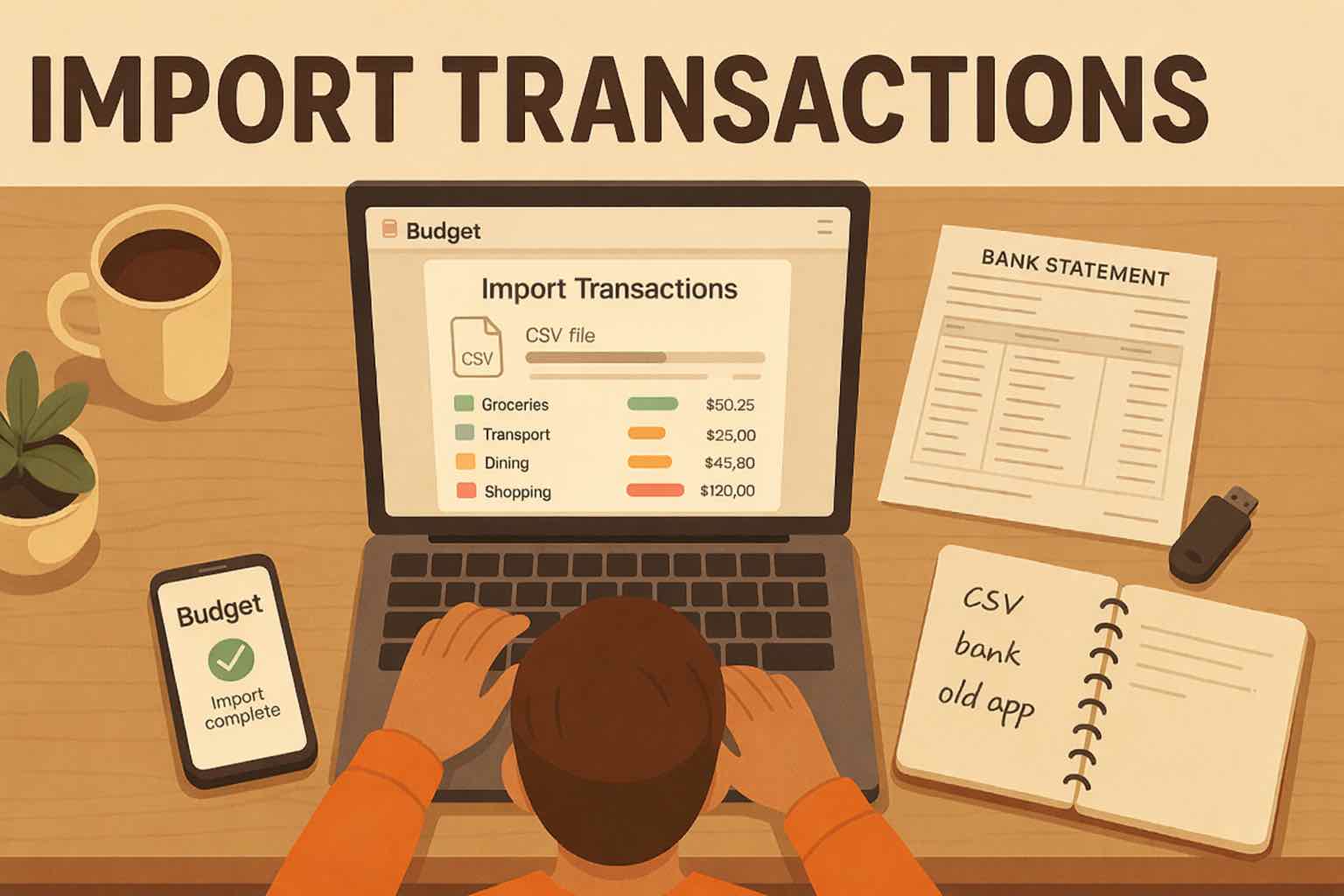
- Import transactions from bank and credit card statements (CSV or PDF)
- Track spending and income (unlimited years)
- Automatic transaction categorization
- Unlimited categories
- Automatic detection of recurring transactions
- Advanced Koody AI
- Keep budgets active indefinitely
Ready to budget without sharing bank logins?
Start with the accounts and transactions you want to track.


Helpful articles from the Koody blog

Frequently asked questions
Do I need to share bank credentials or connect my bank to use Koody?
No. Koody does not require your bank username or password, and you do not have to connect a bank account to start budgeting.
Does Koody require any personal info at all?
Yes. You still create a Koody account with details like your name, email, country, currency, and time zone. But your money setup can start with a manual bank or cash bucket.
Can I choose exactly what financial data goes into Koody?
Yes. You decide which manual banks, cash buckets, accounts, transactions, receipts, notes, and uploads belong in Koody.
Does Koody sell my personal information?
No. We do not sell your personal information. See our privacy policy for full details.
Can I delete my account and data?
Yes. You can delete your account and data. See our privacy policy for the current details on billing access and any limited retention required by law.
Can I still use budgets and categories without bank sync?
Yes. Budgets, categories, recurring items, receipts, and spending reviews still work without bank sync.
Do I have to use my real bank name in Koody?
No. You can create manual banks or cash buckets and label them in whatever way helps you stay organized.
Can I keep some accounts out of Koody?
Yes. You choose what to track in Koody. You can keep the app focused on the accounts, balances, and transactions you actually want there.
Does Koody AI still work if I track manually?
Yes. Koody AI can still answer questions and help with decisions using the information already in your Koody account.