Koody helps you make SMART financial decisions.
Koody works in Canada. Track spending, import CSV history, build budgets, and plan in CAD without depending on bank sync. Whether you want manual control or a faster catch-up workflow, Koody gives Canadians one place to stay organized.
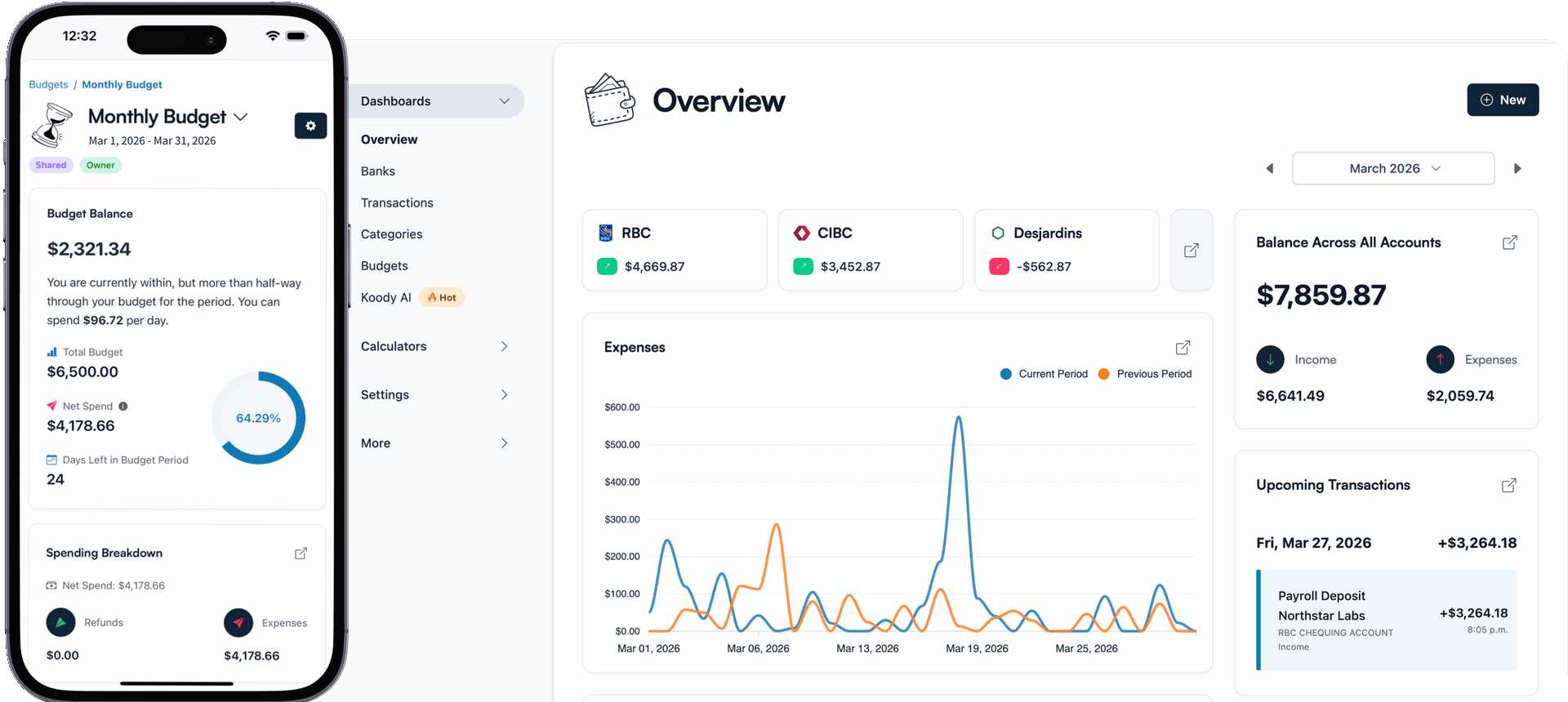
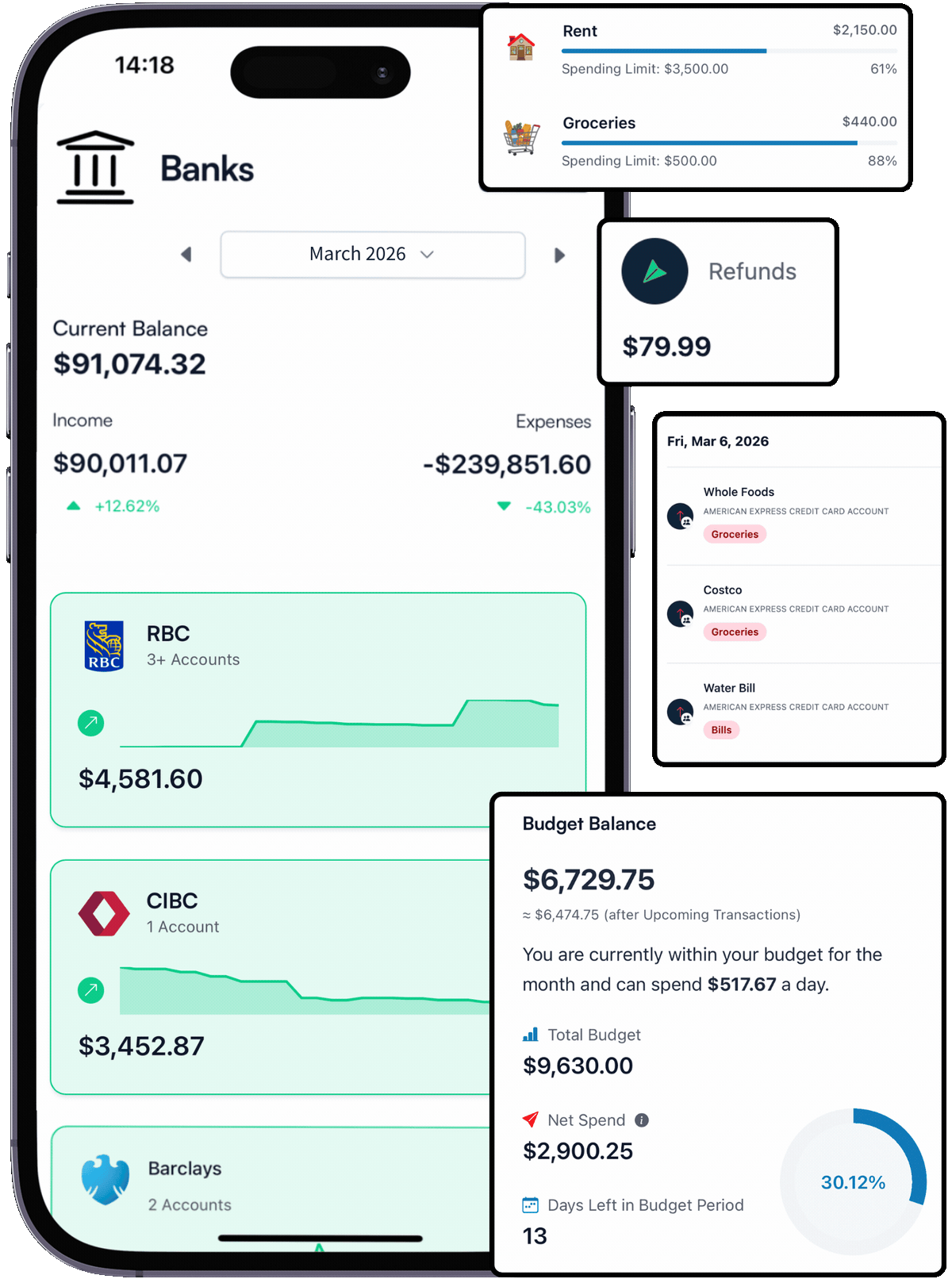
How it works
Budgeting in Canada should not depend on a perfect bank connection or a U.S.-only workflow.
Whether you want to track manually, import CSV statements from Canadian banks, or build your budget from scratch, Koody is designed to meet you where you are. However you use it, you'll always get clarity, simplicity, and support.
Add Your Accounts
Set up Canadian banks, cards, cash, and savings manually in under a minute. Koody works in Canada without making bank sync the starting line, and it fits institutions like RBC, TD, Scotiabank, BMO, CIBC, and more.
Track Or Import Transactions
Track income and spending manually or upload CSV bank statements when you want a faster catch-up. However you get your transactions in, Koody keeps the picture usable and easy to review.
Build A Budget That Fits Real Life
Once your accounts and transactions are in, build budgets, review categories, keep recurring bills in view, and use Koody AI to make better money decisions without overcomplicating the process.
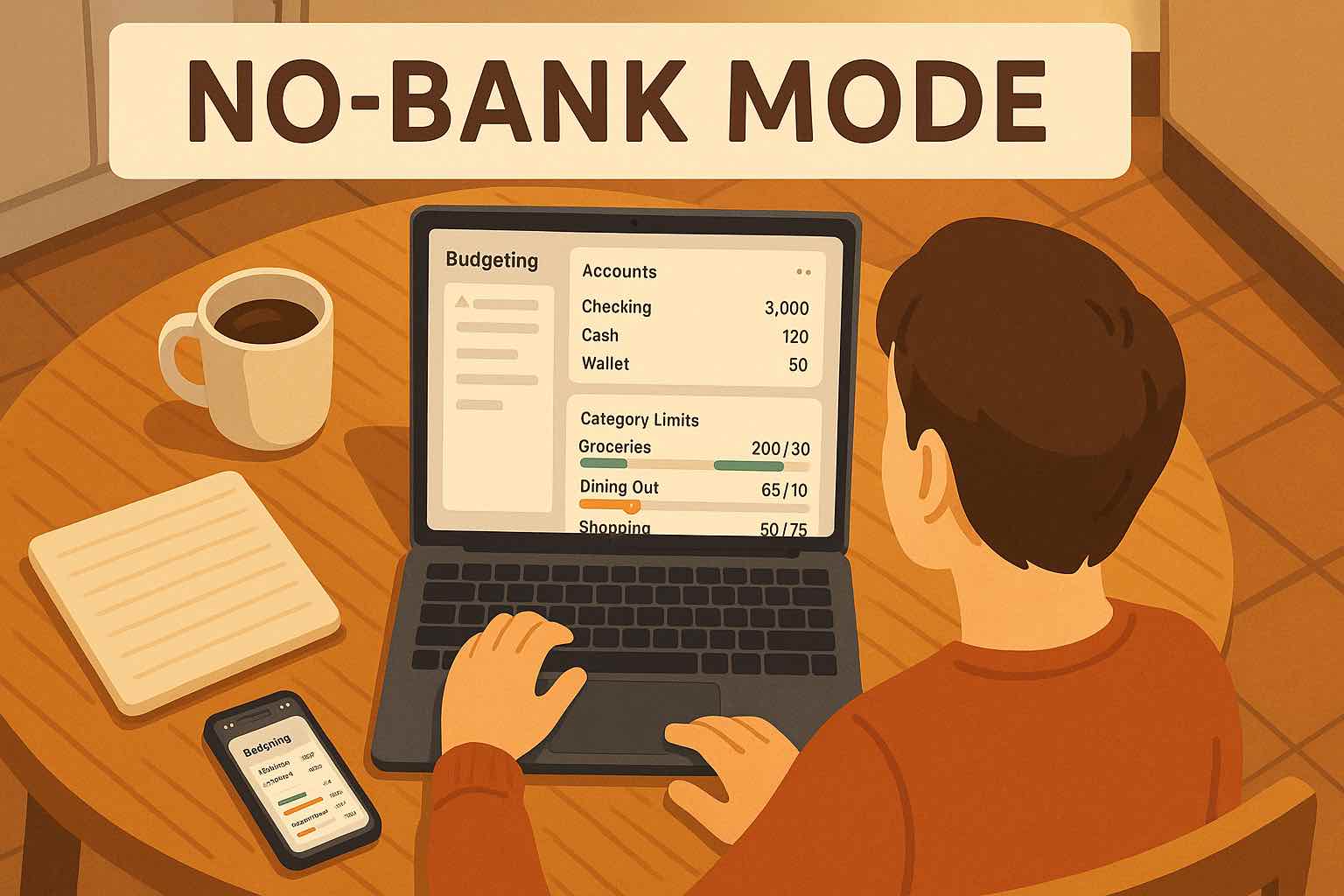
Koody works in Canada with CAD, manual entry, CSV imports, budgets, categories, and AI. You can set up Canadian banks and accounts without depending on live bank sync.
BANK ACCOUNTS
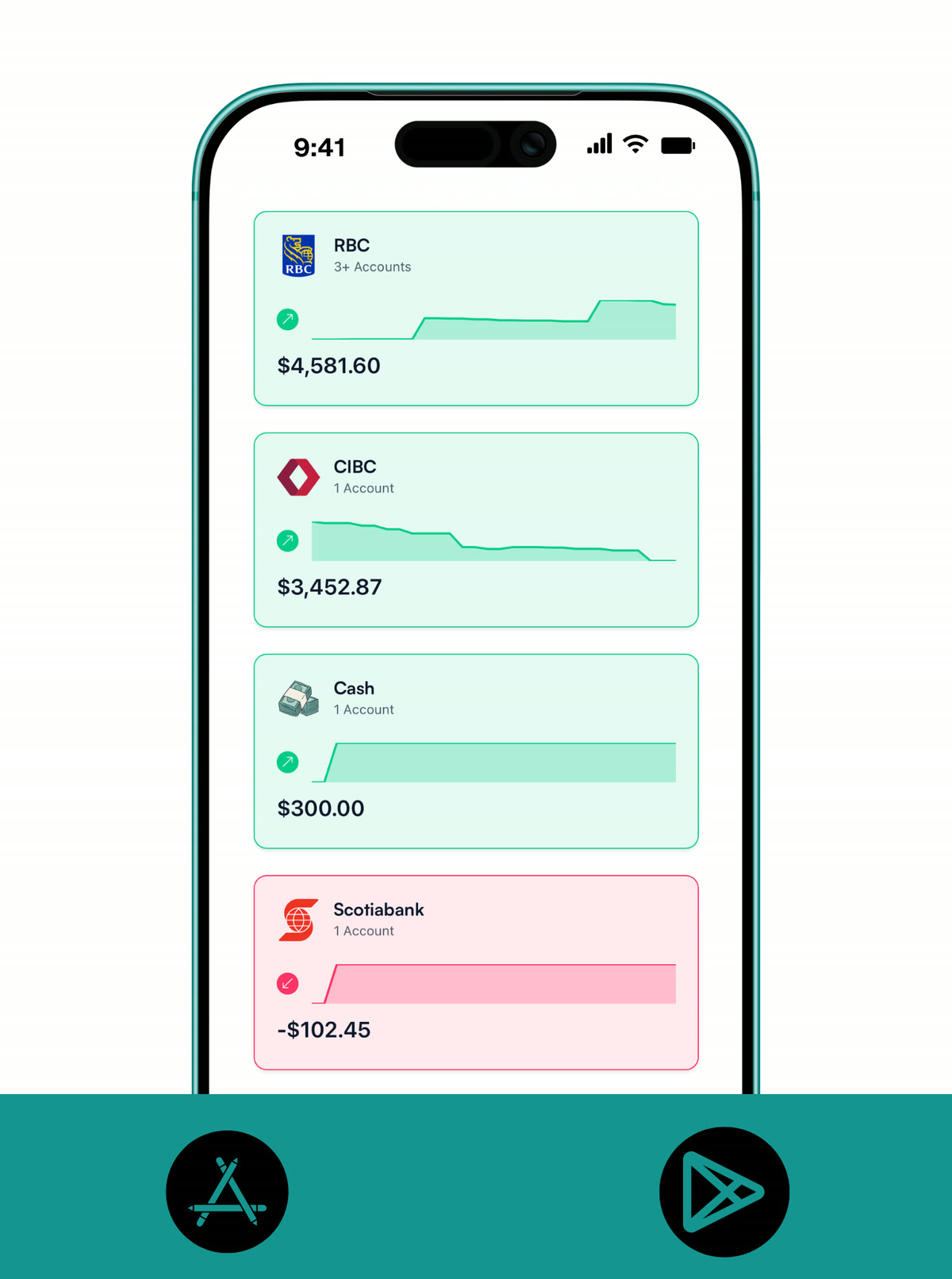
Add your Canadian bank accounts to see them all in one place.
Whether it's a chequing account, a TFSA, a retirement account, a crypto wallet, or the cash you keep on hand, it all counts. Koody gives Canadians a complete picture of their finances by letting them add any type of account manually.
It's quick to set up and designed to work around your life, not the other way around.
- Add Canadian bank accounts, credit cards, savings, investments, and cash in one unified dashboard.
- Create banks for RBC, TD, Scotiabank, BMO, CIBC, Tangerine, EQ Bank, KOHO, and more, with the same manual-first setup used across Koody.
- Keep your full money picture in Canada visible without needing live bank sync.
INFLOWS AND OUTFLOWS
Track what's coming in, what's going out, and what's due next.
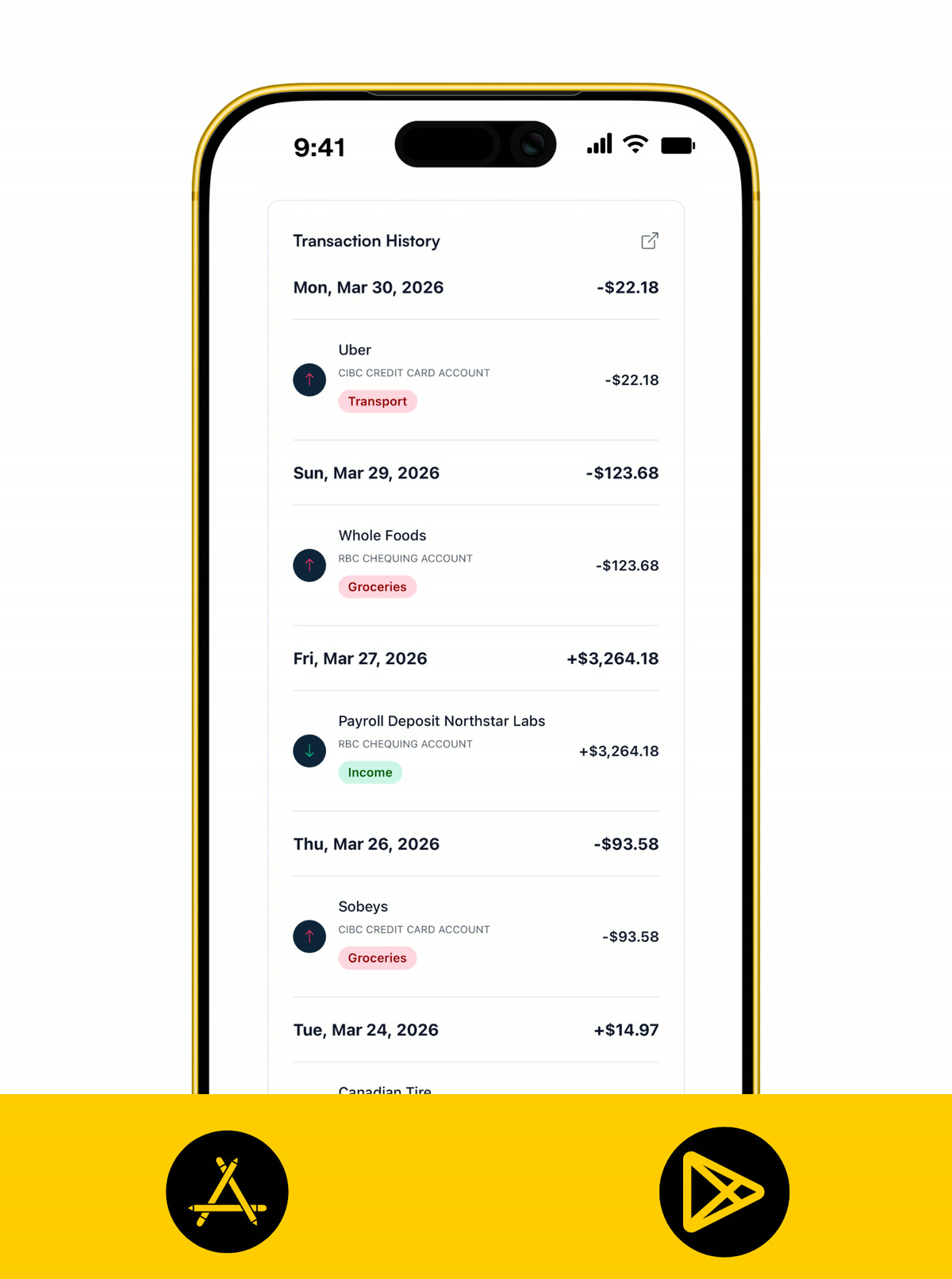
Whether you log transactions manually or import them from Canadian bank statements, everything is built to be flexible and easy to maintain. You can track one-off payments, set up recurring bills or paycheques that generate themselves on the right day, and mark taxable income when you need a clearer view.
From everyday spending to long-term planning, this is how you stay on top of your money in Canada without losing track of the details.
- Log income and expenses manually or import them from Canadian bank statements by CSV.
- Set up recurring bills, subscriptions, and paychecks so regular Canadian spending stays visible.
- Track taxable income when you need a clearer view of what is yours and what is due.
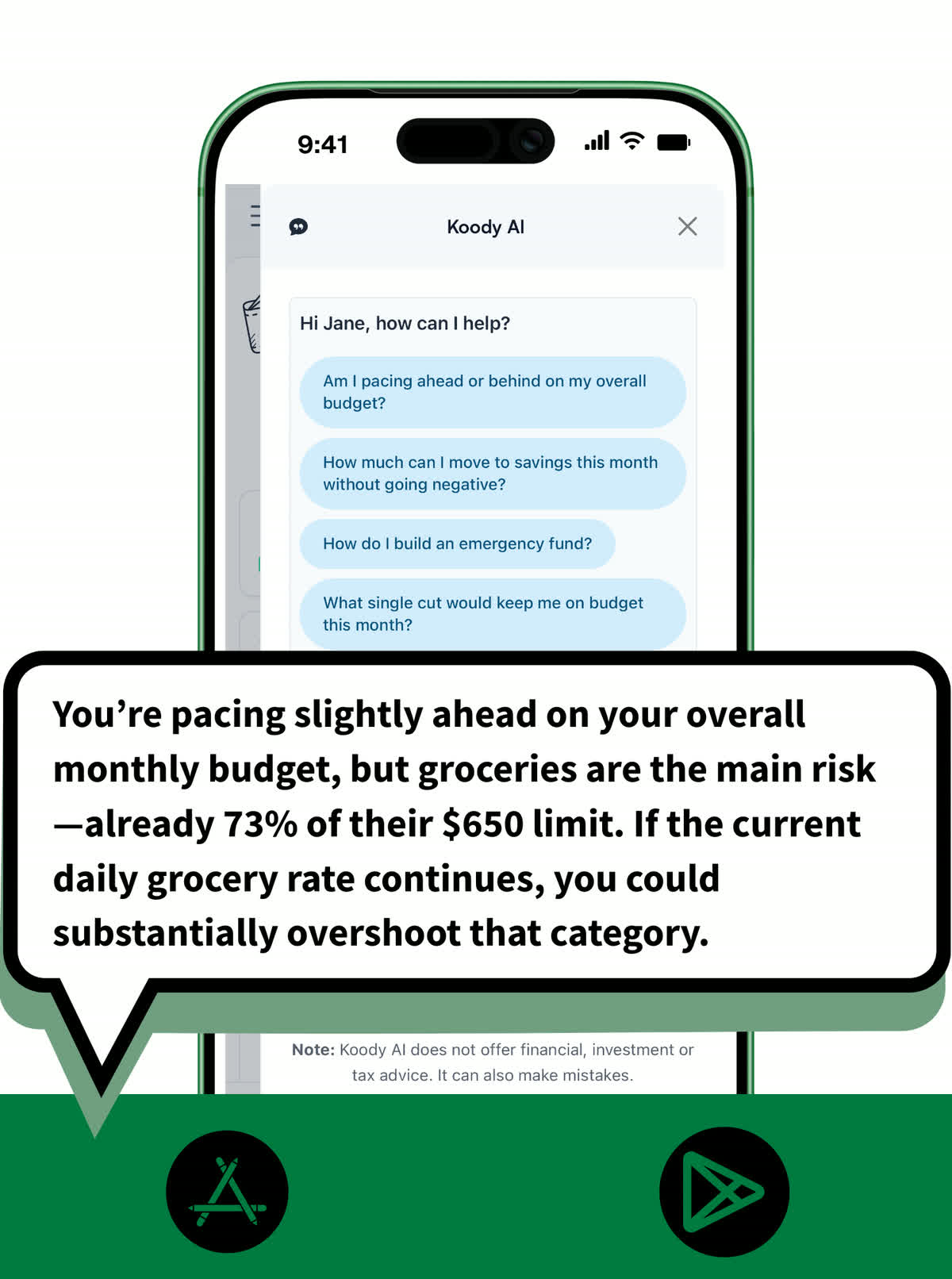
IMPORTS
Bring in Canadian transaction history fast when you need a catch-up.
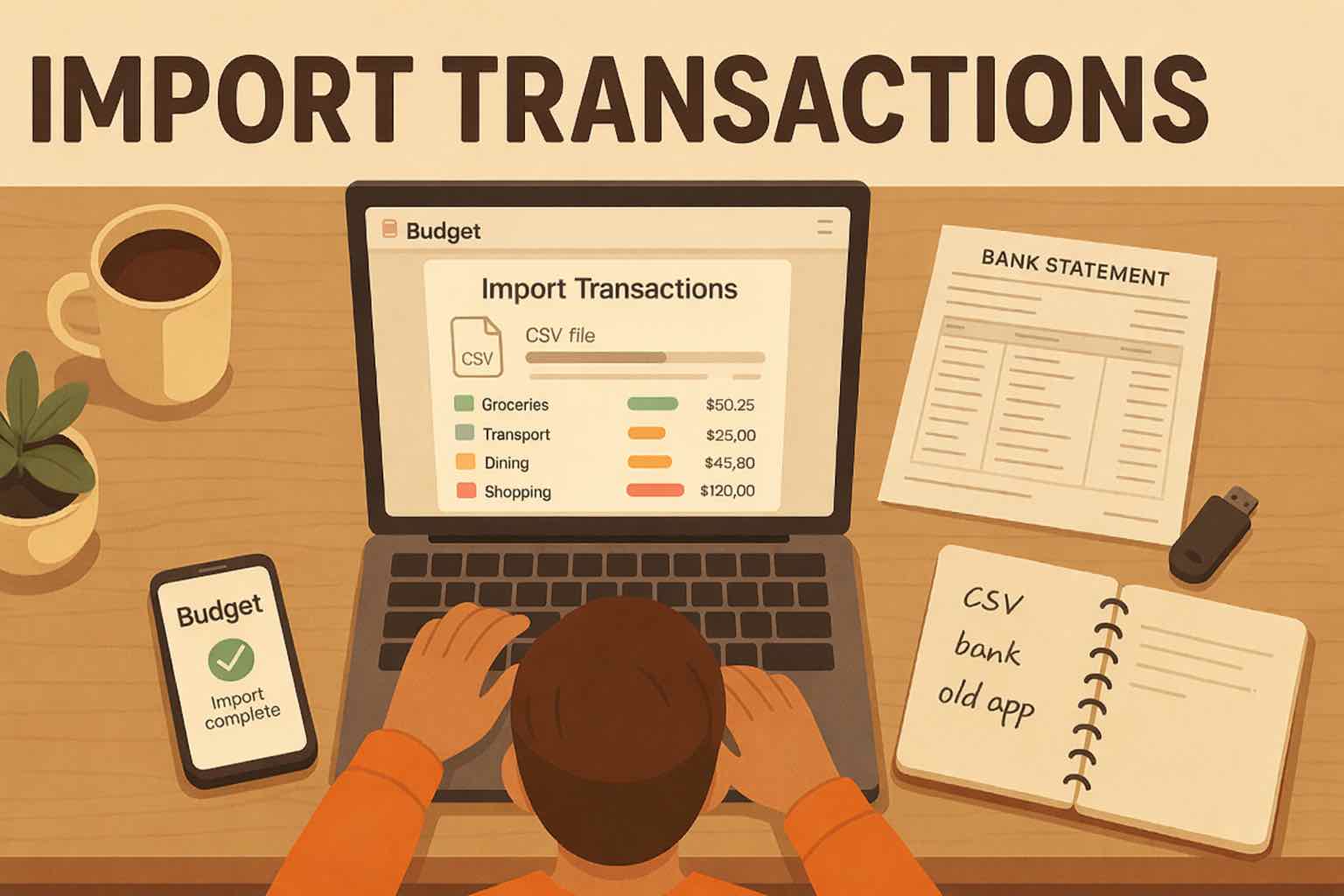
Imports give you a fast way to add history in bulk whenever you want it. Upload a CSV from your Canadian bank, card, old budgeting app, or spreadsheet, and Koody turns it into a usable transaction list without forcing you into bank sync.
Once the file is in, you can review categories, spot likely recurring items, and clean things up quickly so your history is accurate and ready to budget with.
- Upload CSV statements from Canadian banks, cards, old budgeting apps, or spreadsheets.
- Let Koody clean descriptions, auto-categorize transactions, and flag likely recurring items.
- Review and edit imports quickly so your Canadian transaction history is ready to budget with.
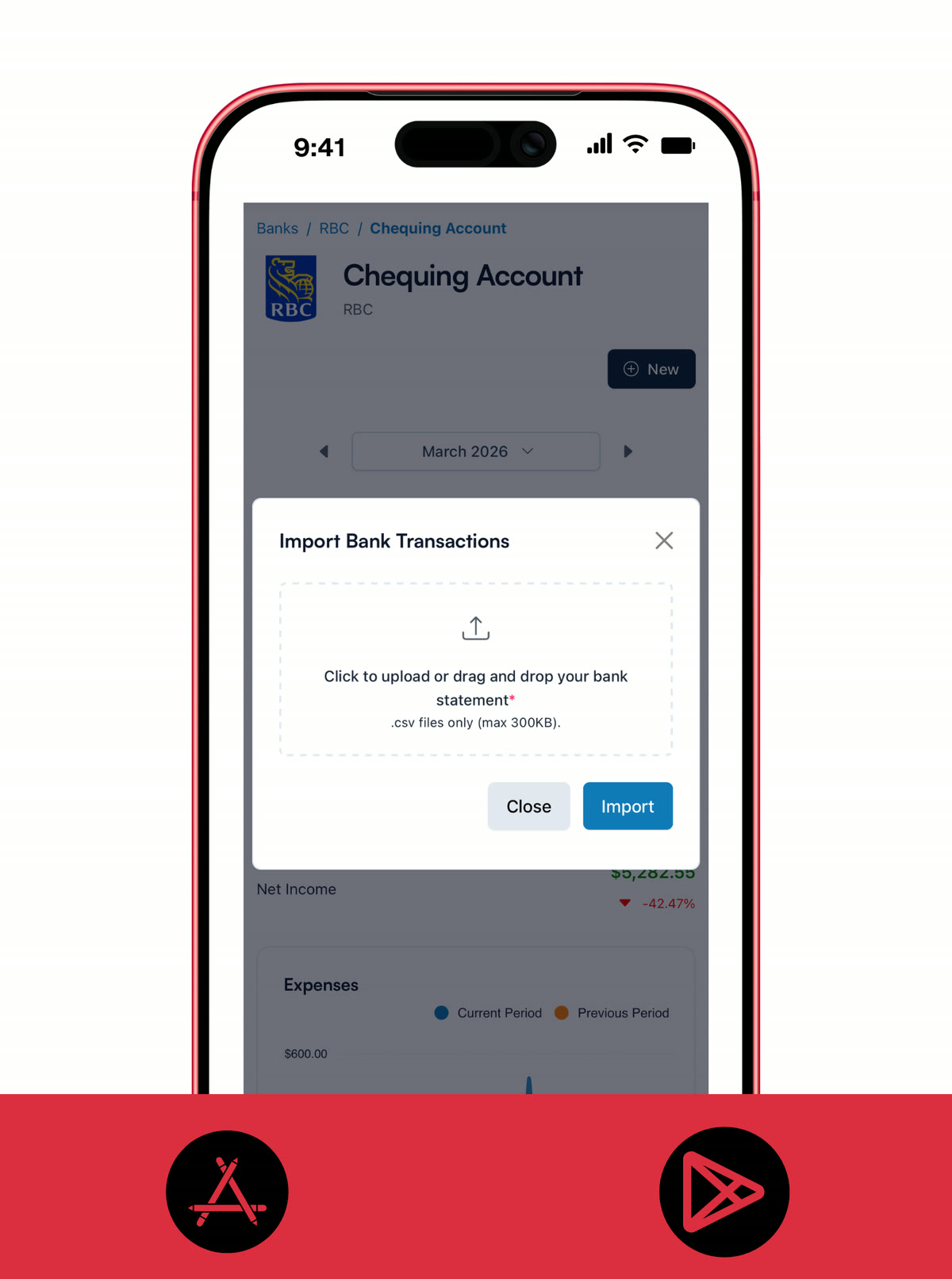
BUDGETS
Build a budget that fits your life in Canada.
Koody is designed to be flexible, forgiving, and actually useful. You can create monthly or custom budgets in CAD, track your spending by category, and adjust things as life changes, because it always does.
Recurring expenses are factored in, and you can carry over leftover amounts, making sure every dollar has a job without it feeling like a chore. Whether you want to save more, spend better, or stop running out of money before the end of the month, your budget becomes your guide, not your judge.
- Create monthly or custom budgets in CAD that fit the way you actually live.
- Track spending by category and adjust in real time as life happens.
- Get a clear view of what is left, what is overspent, and what is ahead.
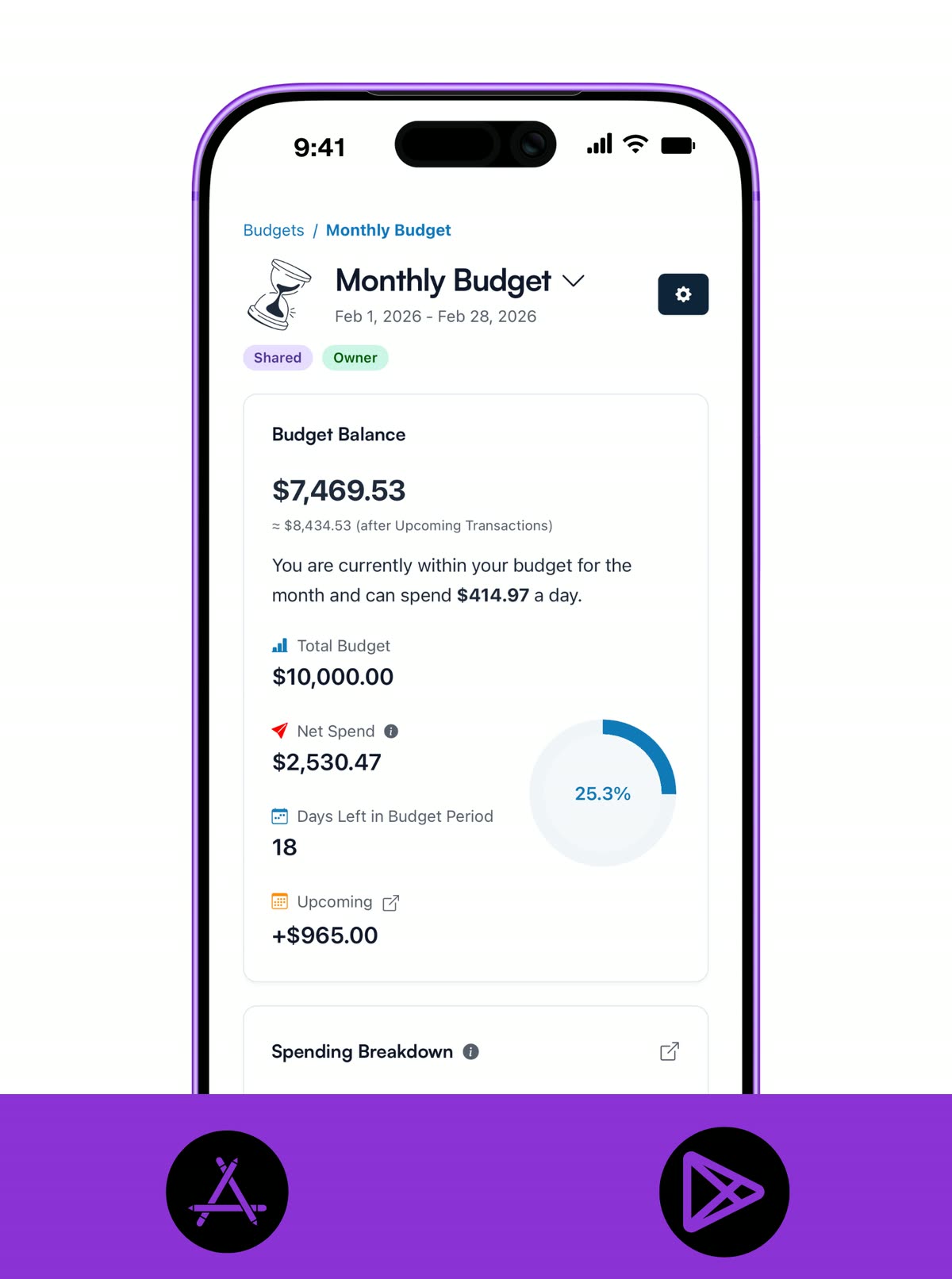
CATEGORIES
See exactly where your money is going.
Category clarity is what turns raw transactions into decisions you can trust. Koody makes it easy to keep categories clean, so your spending patterns are obvious at a glance.
Whether you enter transactions manually or import by CSV, your category view stays practical, visual, and ready for quick weekly check-ins.
- Create custom categories that match how you actually spend in Canada.
- Review and correct imported categories quickly so trends stay accurate.
- See category performance with colour-coded breakdowns that make problem areas obvious.
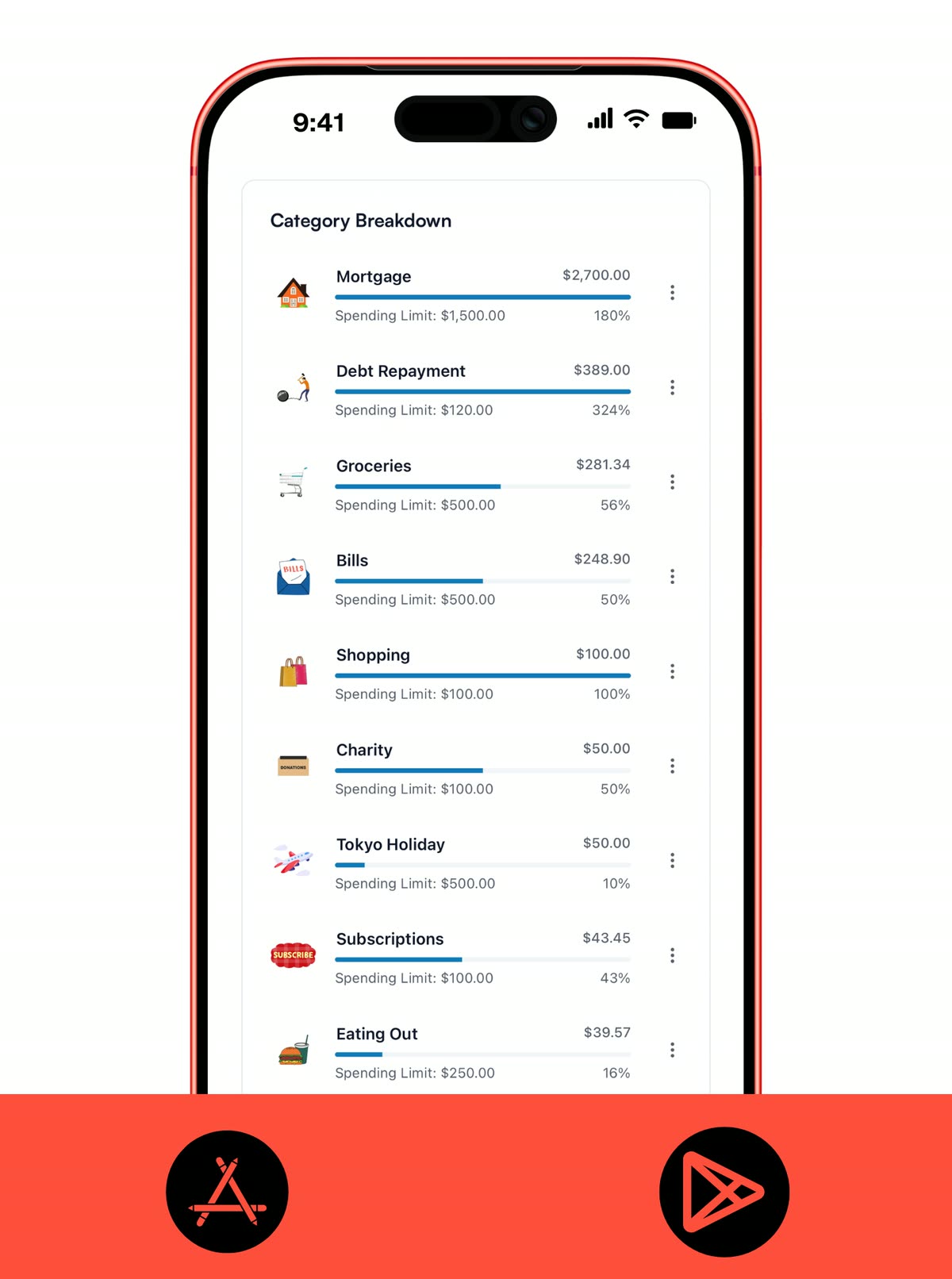
Koody AI
Chat with your money.
Have a real conversation with your money. Ask plain-English questions like "Can I afford this trip?", "Which accounts are at risk of being overdrawn?", or "What's my average daily spend this week?" Koody AI looks at your budgets, recurring items, and transactions to give you clear, grounded answers and actionable next steps.
It's there when plans change, when you need a quick what-if, or when you want a nudge to stay on track. Think of it as a practical copilot that helps you make decisions with confidence.
- Ask natural questions about cash flow, balances, goals, and trade-offs.
- Run simple what-ifs to see the impact on this month's budget and the months ahead before you commit.
- Turn insight into action with suggested category tweaks, savings targets, and pacing checks you can use right away.
EXPENSE RECEIPTS
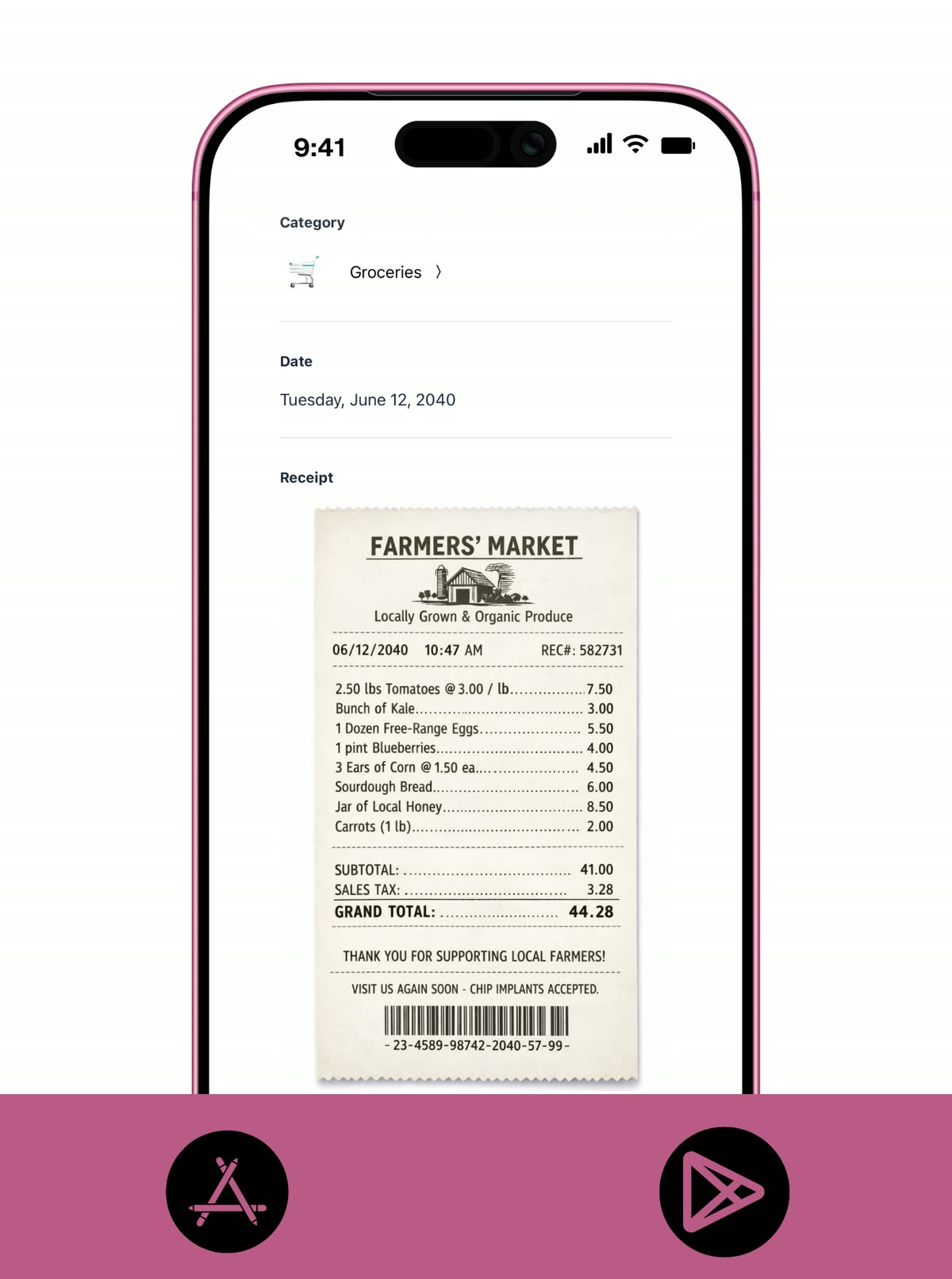
Snap a photo of your receipts and store them digitally.
With Koody's Receipts feature, you won't have to fish for receipts at the bottom of your bag, risk misplacing them, or worry about receipt ink fading.
Simply snap a photo of your receipts and store them digitally so you can access them at any time, all in one place.
Whether it's a grocery run, winter tires, or a business expense, your paper trail stays with your finances, not buried in your camera roll.
- Capture and store receipts in seconds, right inside Koody.
- Keep receipts alongside the matching expenses so context is never lost.
- Access your receipt library on mobile and web, whenever and wherever you need it.
Pricing
Our pricing is flexible and straightforward: no hidden fees, no surprises. Start with a free month of our Standard plan to see if it's right for you. If it's not, cancel anytime. No questions asked.
First month free. No credit card required.Input transactions manually
Add bank accounts
Track spending and income (up to 1 year)
Categorize transactions
Monitor subscriptions or bills
Koody AI
Upload receipts
Estimate your tax bill
Access on mobile and desktop
Everything in Free
Track spending and income (up to 3 years)
Add new categories
Auto-generate recurring transactions
Export transactions (CSV, Excel, JSON)
Create and manage budgets
Sync budgets with your payday
Create recurring budgets
Everything in Standard
Import transactions from bank and credit card statements (CSV files only)
Track spending and income (unlimited years)
Automatic transaction categorization
Unlimited categories
Automatic detection of recurring transactions
Advanced Koody AI
Keep budgets active indefinitely
Helpful Articles From The Koody Blog

Frequently Asked Questions
1. Does Koody work in Canada?
Yes. Koody works in Canada and gives you budgeting, tracking, recurring items, receipts, and AI support on mobile and desktop.
2. Can I use CAD in Koody?
Yes. Koody supports CAD, so you can budget and track spending in Canadian dollars.
3. What are the best ways to track monthly expenses in Canadian dollars (CAD)?
The best way is to track spending by category each month, keep all accounts in CAD, review recurring bills, and compare actual spending against your budget. In Koody, you can do this with manual transactions, CSV imports from Canadian bank statements, custom categories, budgets, receipts, and AI support without needing to connect your bank account.
4. Can I import Canadian bank statements into Koody?
Yes. Koody supports CSV imports, so you can bring in transaction history from Canadian bank statements, cards, or spreadsheets.
5. Can I budget manually in Koody from Canada?
Yes. Canadians can create accounts manually, track transactions manually, build budgets, and review categories without connecting a bank.
6. Does Koody support Canadian banks and accounts?
Yes. You can add Canadian banks and accounts in Koody, including institutions like RBC, TD, Scotiabank, BMO, CIBC, Tangerine, EQ Bank, KOHO, and so much more.
7. Can I use Koody on mobile and desktop in Canada?
Yes. Koody is available on iPhone, Android, and web, so you can manage your budget from Canada across all your devices.
8. Can I use Koody if my Canadian bank is not listed?
Yes. You can still create the account manually and track everything normally, or import transactions from CSV statements when you want history in the app.
9. Do I need to connect my bank account to use Koody in Canada?
No. You can use Koody in Canada with manual accounts, manual transactions, recurring items, and CSV imports without connecting to your bank account.