A simple budget app you can actually keep up with.
Koody is a simple personal finance app for tracking spending, planning budgets, reviewing recurring bills, and exporting transactions as CSV, Excel, or JSON, without linking your bank account.

How it works
A simple budget works best when it is easy to set up and easy to return to. The goal is not to build a perfect money system on day one or to force yourself into a method that does not fit.
Start with a few categories and keep things light, or add category limits if you want more of a zero-based or envelope-style setup. Either way, spending still stays visible by category, and the budget can get more detailed over time if you want it to.
Start Light Or Structured
Start with a few categories and keep it light, or add category limits if you want more structure. Koody does not force one budgeting style.
See Spending By Category
You can always see where money is going by category. If you set limits, you also see what is left and what is overspent. If you do not, the category view still stays useful.
Adjust As Real Life Happens
Move money between categories, update a recurring bill, or add limits later if you want them. The goal is to keep the system useful, not to lock yourself into one method.
Why a simpler budget often works better.
Most people do not need a rigid method. They need a budget they can understand quickly and maintain without resentment.
Easier To Keep Up With
A simple budget is more likely to survive a busy week because the review feels short and the decisions stay clear.
Less Rigid, More Useful
Some people want a zero-based or envelope-style system. Others just want clear categories and a weekly check-in. Koody can support both without forcing either one.
Start Small
A few practical categories often work better than a giant setup on day one. You can always add detail later if it helps.
Built For Real Weeks
Most people do better with one quick weekly check-in than a budget system that asks for constant maintenance.
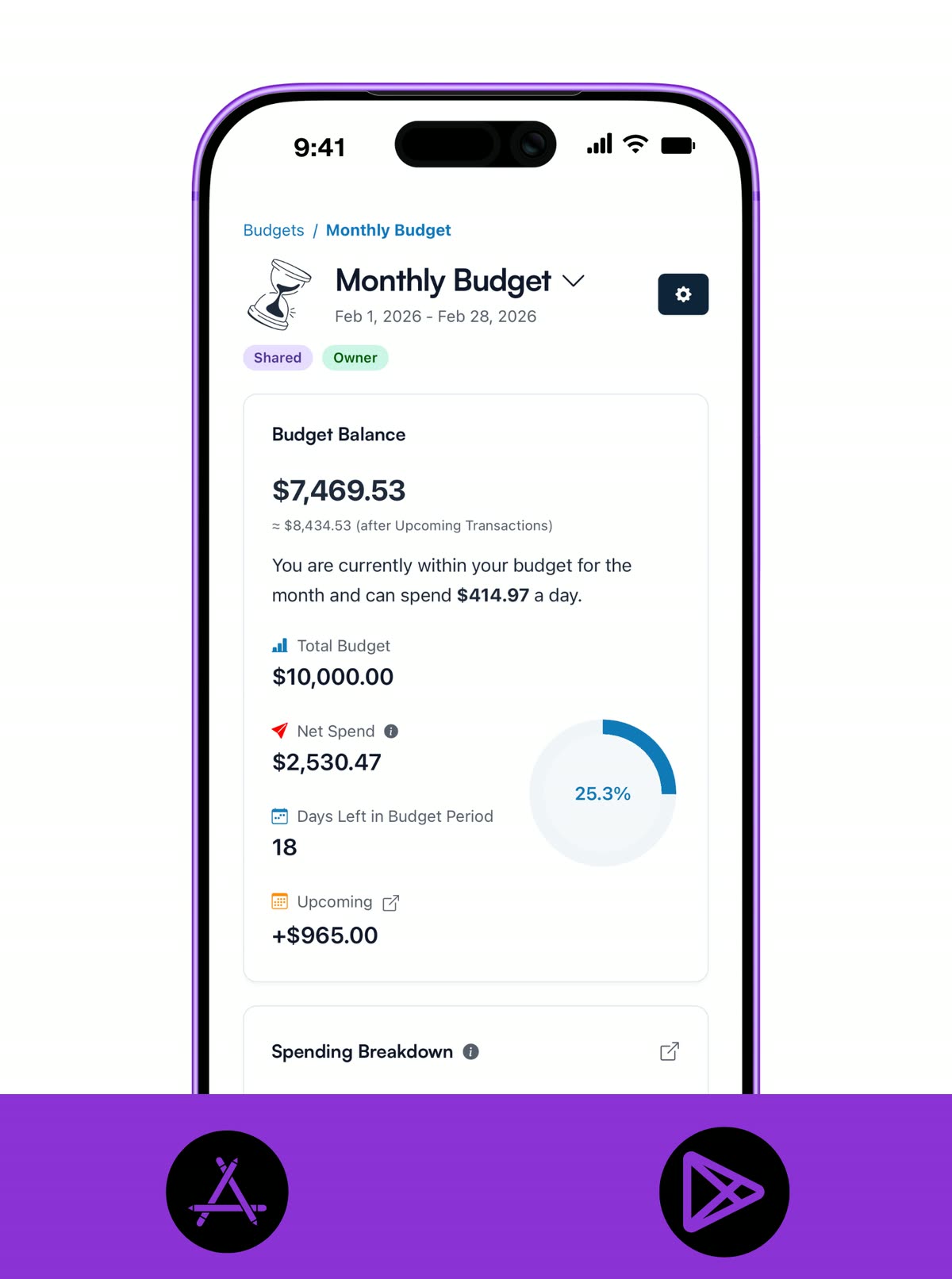
CLEAR VIEW
See the whole budget without overthinking it.
A simple budget should tell you what matters right now. Koody keeps the monthly picture readable so you can see what is left and what needs attention fast.
- Create one clear budget view for the month or any custom period you prefer.
- See what is left, what is overspent, or just where spending is going by category, without digging through reports.
- Keep the plan readable enough for quick daily checks and one short weekly review.
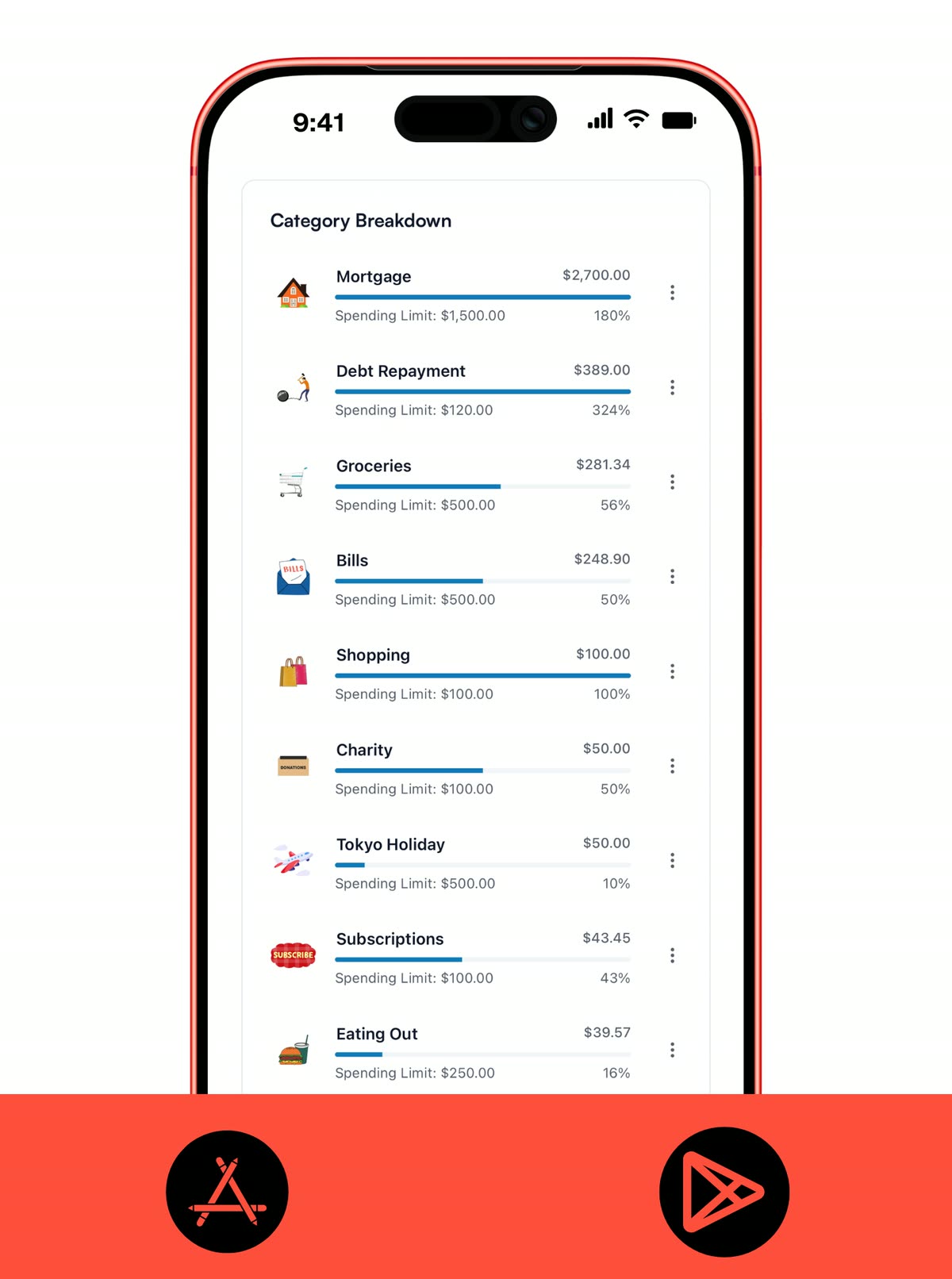
CATEGORIES
Keep categories practical, not overwhelming.
The best simple budget usually starts with a small set of categories you actually recognize in daily life. Koody lets you stay broad at first and add detail later only if it helps.
- Build categories that match your real spending instead of forcing an ideology-heavy structure.
- Use category limits if you want more of a zero-based or envelope-style system, or skip limits and still track spending by category.
- Keep the list small and practical, then add detail only if it actually helps.
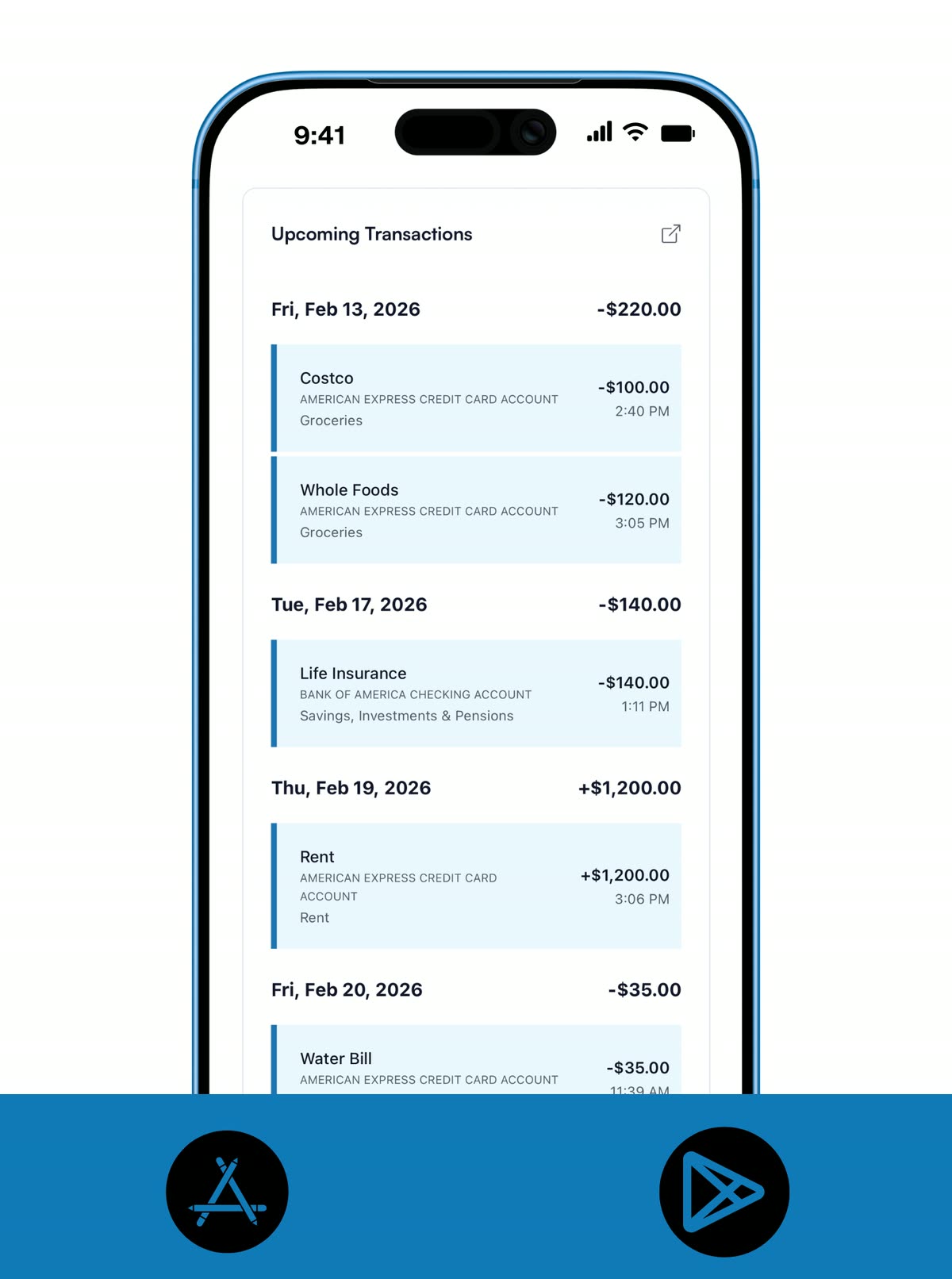
RECURRING
Let repeat bills stay in the picture.
A simple budget gets much easier when rent, subscriptions, and other repeat costs are already visible. That way, you are making decisions from the real month, not from memory.
- Add recurring bills, subscriptions, and paychecks once so they stay visible.
- Keep due dates in view without rebuilding the same plan every month.
- Adjust recurring items when life changes instead of starting over.
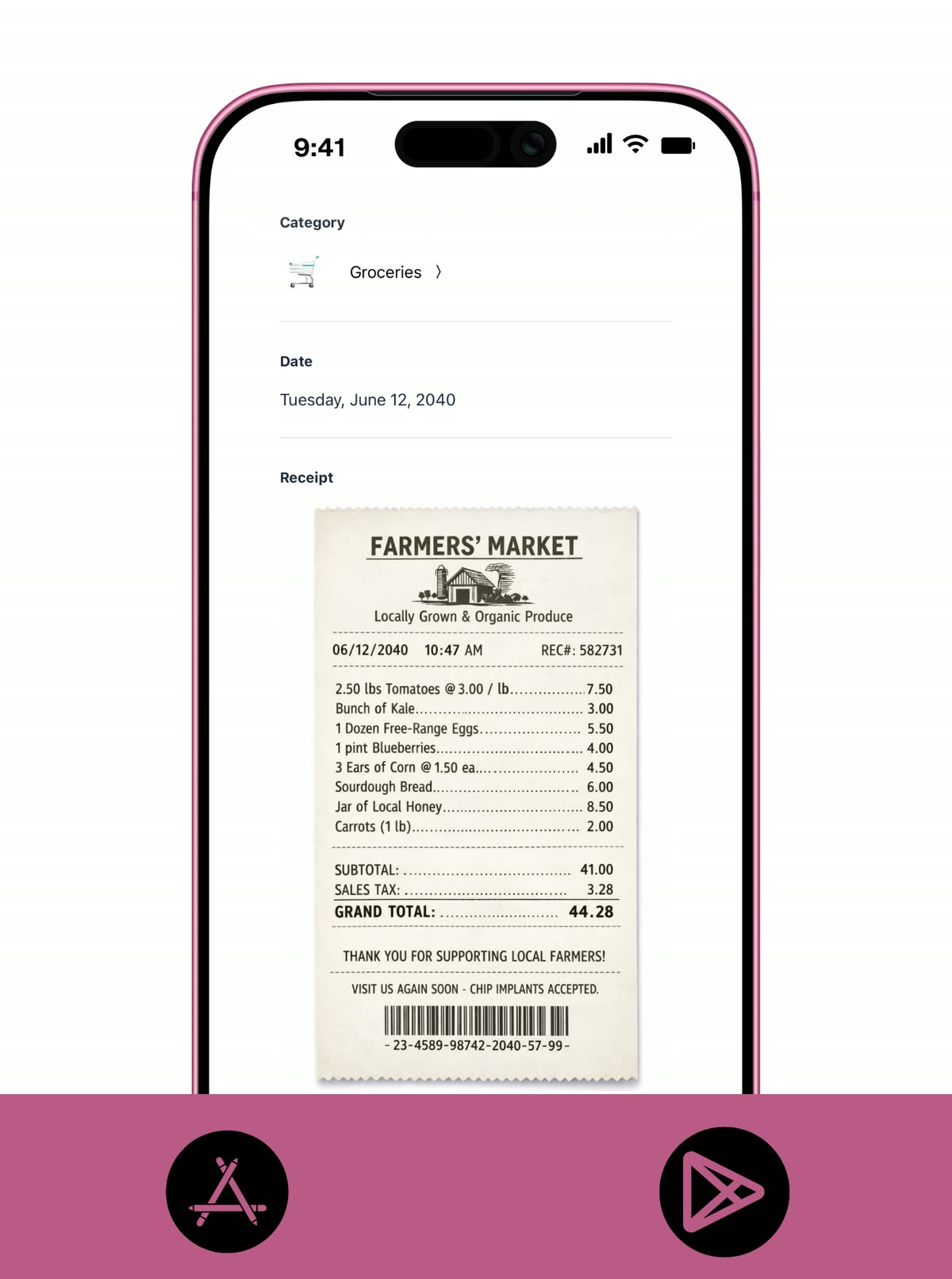
RECEIPTS
Keep important receipts with the budget.
A simple budget still benefits from good records. Receipts help when you need to confirm a purchase later without turning the whole system into admin.
- Attach receipts to purchases you want to keep track of.
- Keep proof of spending easy to find for returns, reimbursements, or tax time.
- Store the important details with the transaction instead of leaving them buried in your camera roll.
WEEKLY REVIEW
Keep the routine light.
Most people do not need a daily budgeting ritual. One short weekly review is often enough to keep a simple budget useful and current.
- Use one short weekly review to spot overspending and upcoming pressure.
- Move money between categories quickly when priorities change.
- Keep the budget useful without turning it into a second job.
KOODY AI
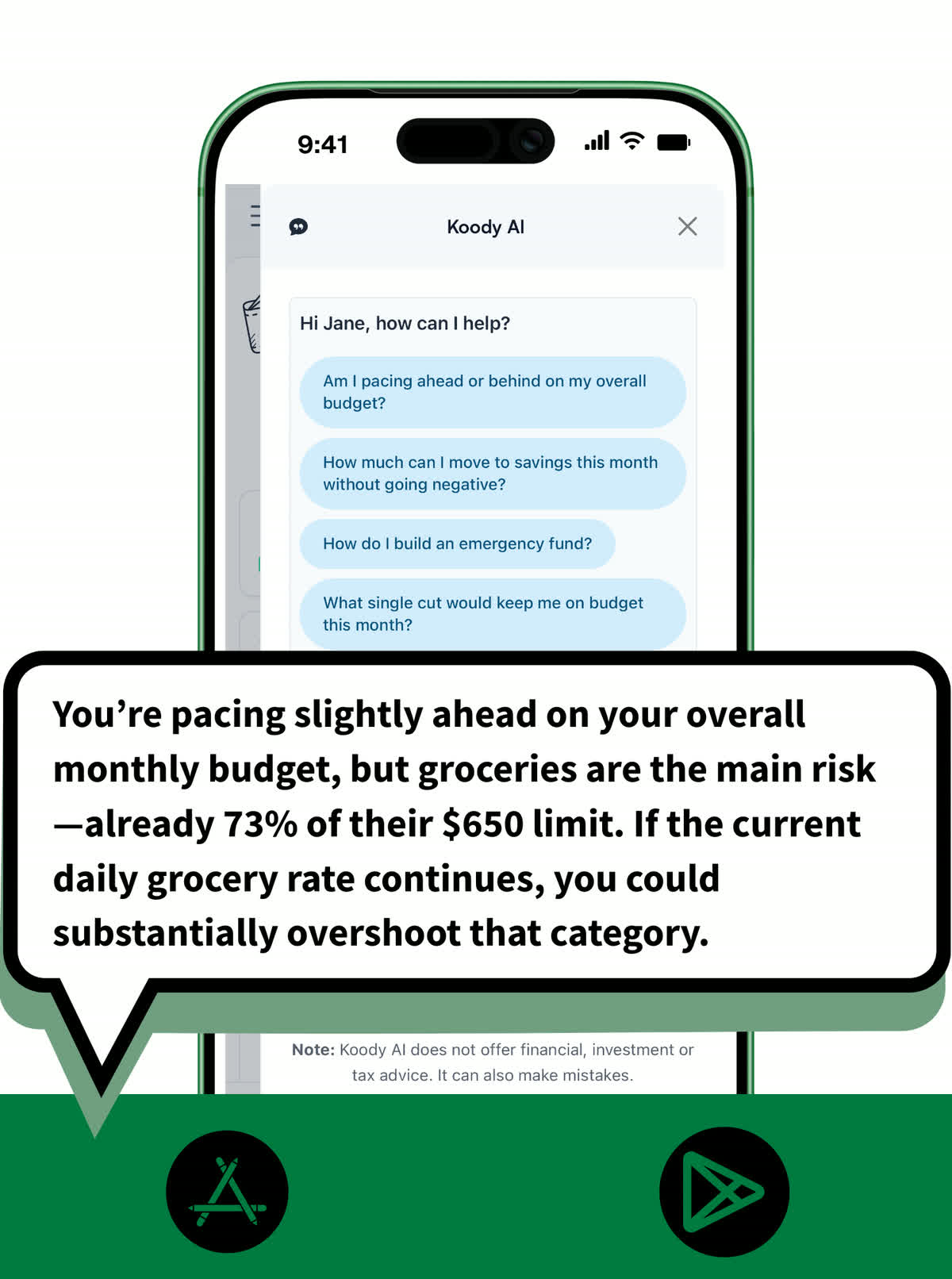
Ask quick questions and move on.
A simple budget does not mean guessing. Koody AI can help you make small, practical decisions without turning every review into deep analysis.
- Ask Koody AI simple questions about pacing, category pressure, and trade-offs.
- Get quick guidance before a purchase or when a category starts running hot.
- Use it as a lightweight check-in instead of digging through charts.
EXPORTS
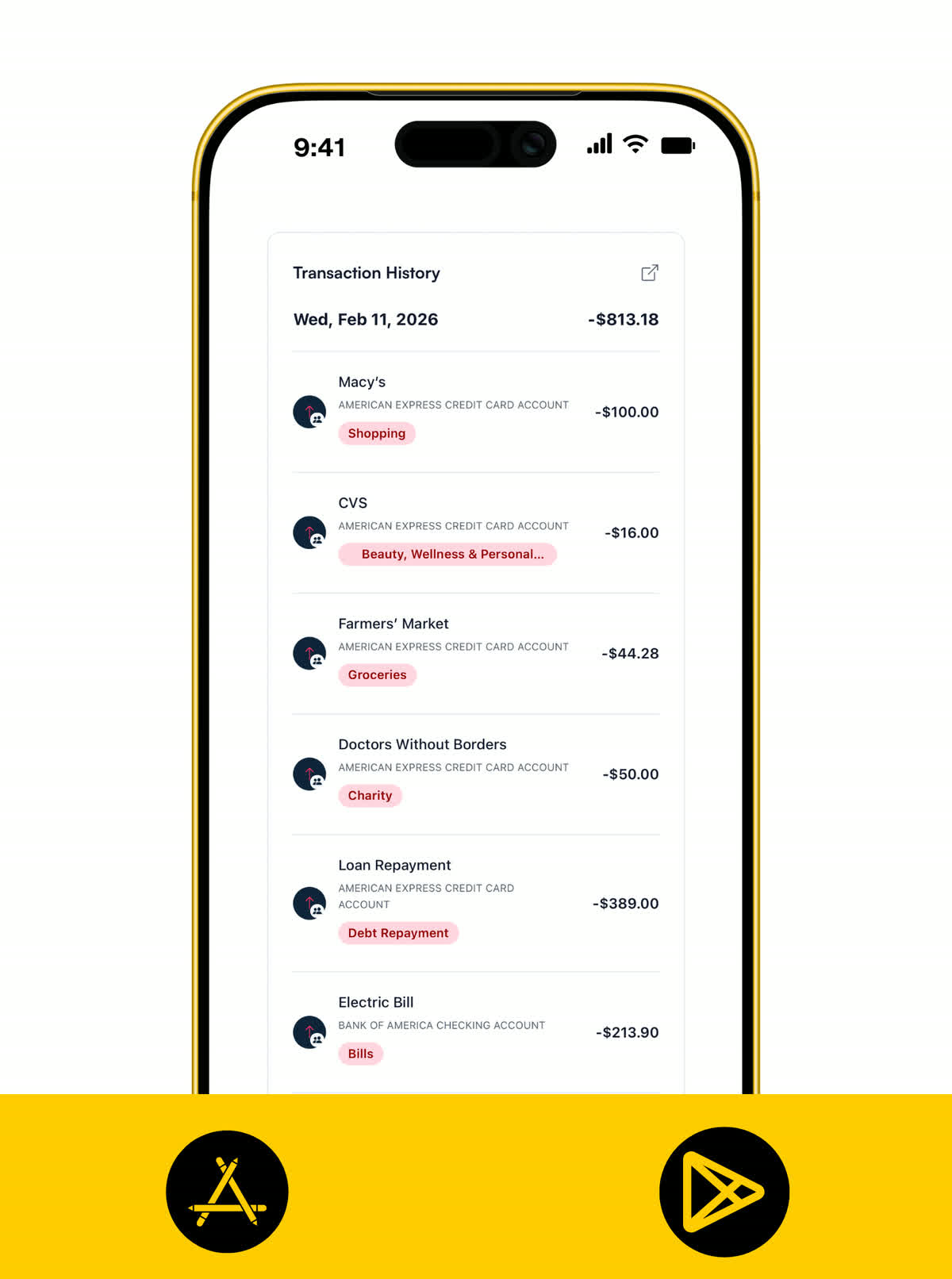
Export your spending when you need it.
Koody is a simple finance app that helps you budget day to day, then export transaction history as CSV, Excel, or JSON when you need records for spreadsheets, tax prep, or your accountant.
CSV, Excel, and JSON exports
Export transaction history in formats that work for spreadsheets, records, and handoffs.
Filter before you export
Narrow records by date, account, category, transaction type, or search before downloading.
Download or send records
Save exports for yourself or send transaction records to your accountant when needed.
Pricing
Our pricing is flexible and straightforward: no hidden fees, no surprises. Start with a free month of our Standard plan to see if it's right for you. If it's not, cancel anytime. No questions asked.
Free
Track money by hand, calculate your tax set-aside, and talk to Koody AI.
- Input transactions manually
- Add bank accounts
- Track spending and income (up to 1 year)
- Categorize transactions
- Monitor subscriptions or bills
- Koody AI
- Upload receipts
- Calculate your tax set-aside
- Access on mobile and desktop
Standard
Budgets that match your paydays, longer history, and exports.
- Everything in Free
- Track spending and income (up to 3 years)
- Add new categories
- Auto-generate recurring transactions
- Export transactions (CSV, Excel, JSON)
- Create and manage budgets
- Sync budgets with your payday
- Create recurring budgets
Plus
Statement imports, auto-categorization, and unlimited history.
Available to eligible customers in the US, UK, Canada, and Australia.Terms apply.
- Everything in Standard
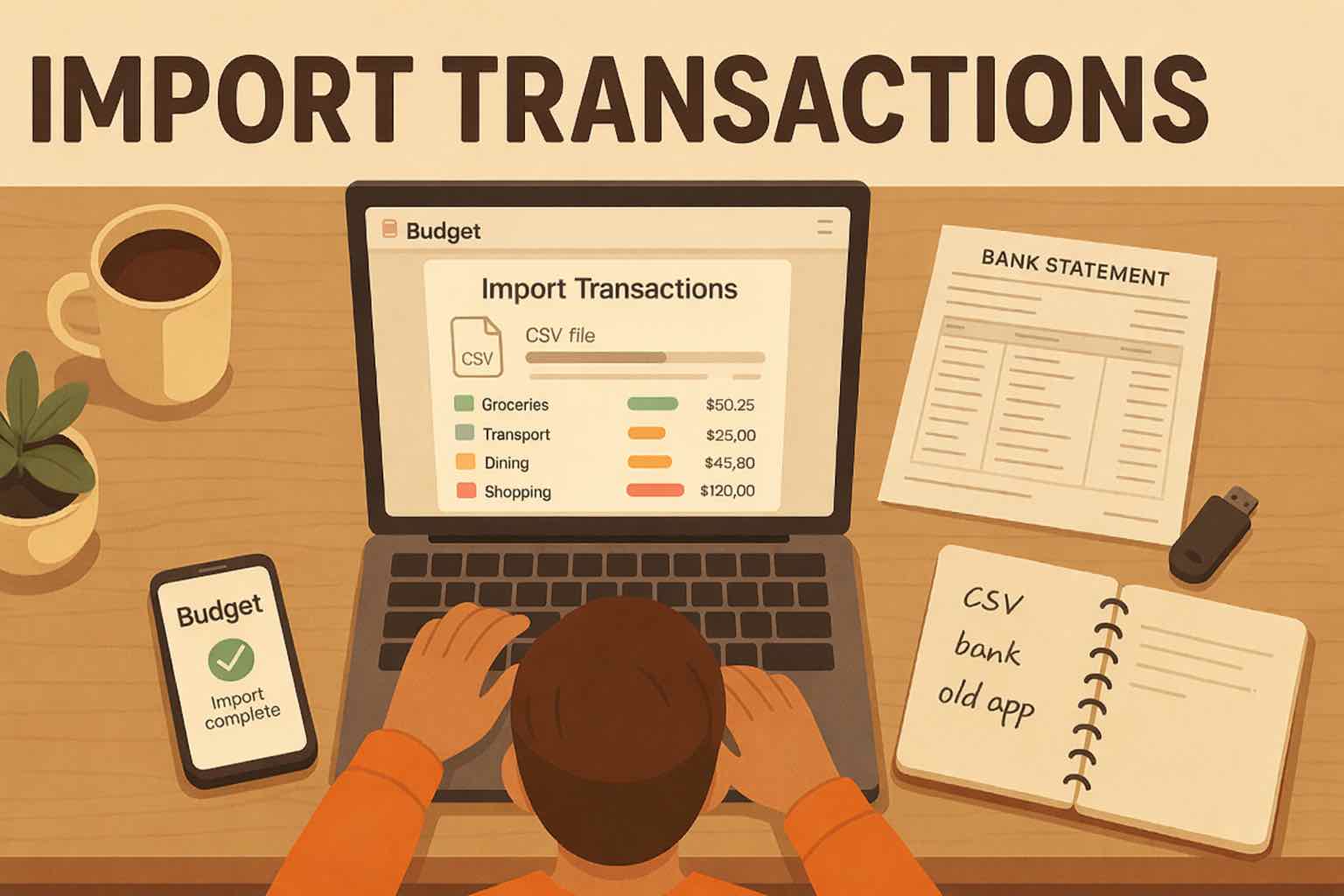
- Import transactions from bank and credit card statements (CSV or PDF)
- Track spending and income (unlimited years)
- Automatic transaction categorization
- Unlimited categories
- Automatic detection of recurring transactions
- Advanced Koody AI
- Keep budgets active indefinitely
Ready for a budget you can actually keep up with?
Start simple, review weekly, and adjust as life changes.


Helpful articles from the Koody blog

Frequently asked questions
Do I have to use zero-based budgeting in Koody?
No. You can run a more structured zero-based or envelope-style system if you want, or keep things lighter with simple category tracking and optional limits.
Can I start with only a few categories?
Yes. Many people start with a short list like housing, groceries, transport, eating out, and savings, then add detail later only if it helps.
Do I need category limits to use Koody?
No. You can use categories on their own and still see spending by category. Limits are there if you want extra structure or clearer guardrails.
Do I need bank linking to use the simple budget setup?
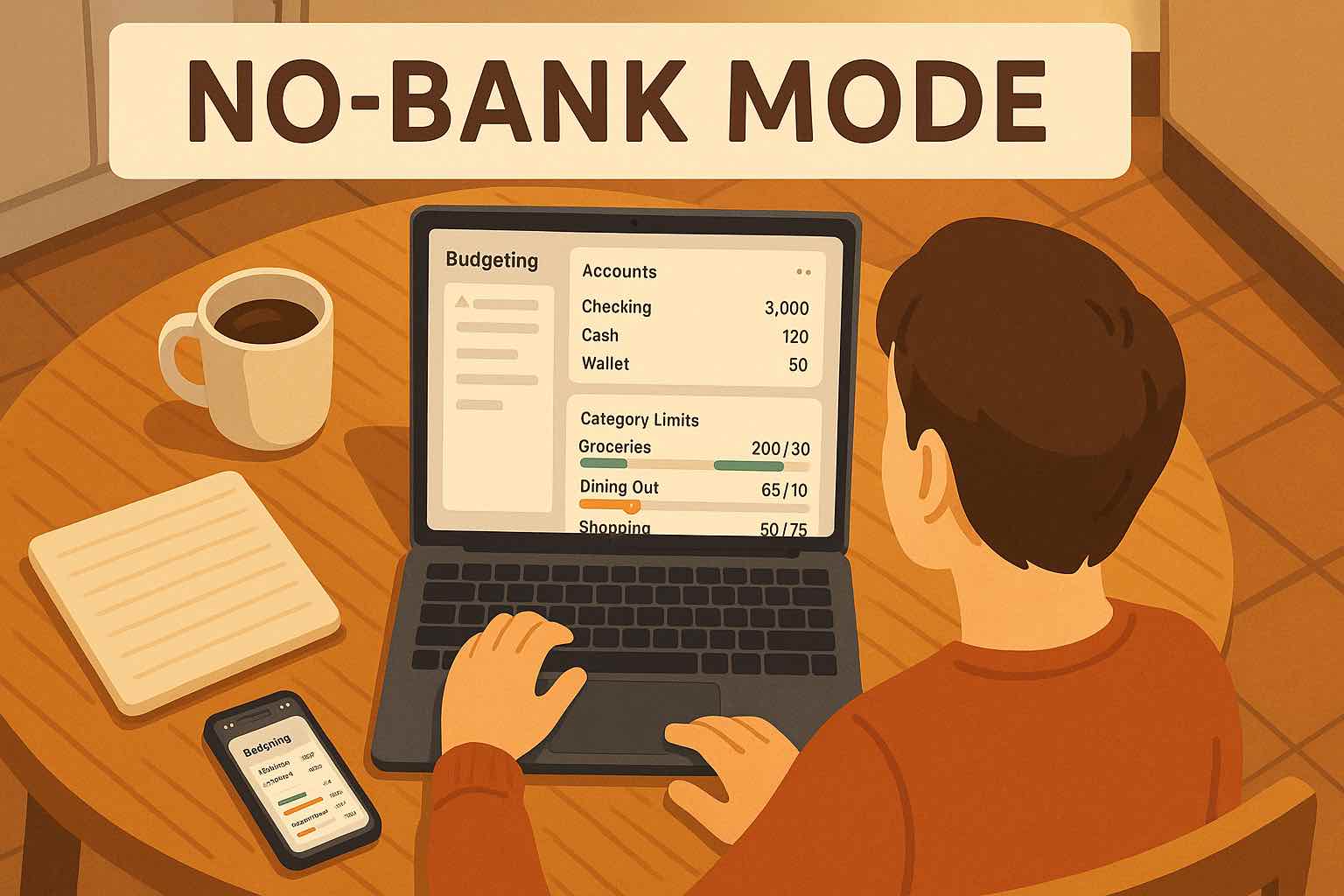
No. You can set up budgets, categories, and recurring items without connecting your bank.
Can I track recurring bills and subscriptions?
Yes. Recurring bills, subscriptions, and paychecks can stay visible so your plan is easier to maintain.
Can I use 50/30/20 in Koody?
Yes. You can use 50/30/20 as a loose starting point, then tune categories and limits to fit your real expenses.
Can I export my spending from Koody?
Yes. Koody is a simple personal finance app that supports transaction exports as CSV, Excel, and JSON files.
Does Koody work if my income changes month to month?
Yes. A simple budget works well with variable income because you can adjust limits, recurring items, and priorities as money lands.
Can Koody AI help me keep the budget simple?
Yes. Koody AI can answer practical questions quickly, which helps you make decisions without overcomplicating the process.