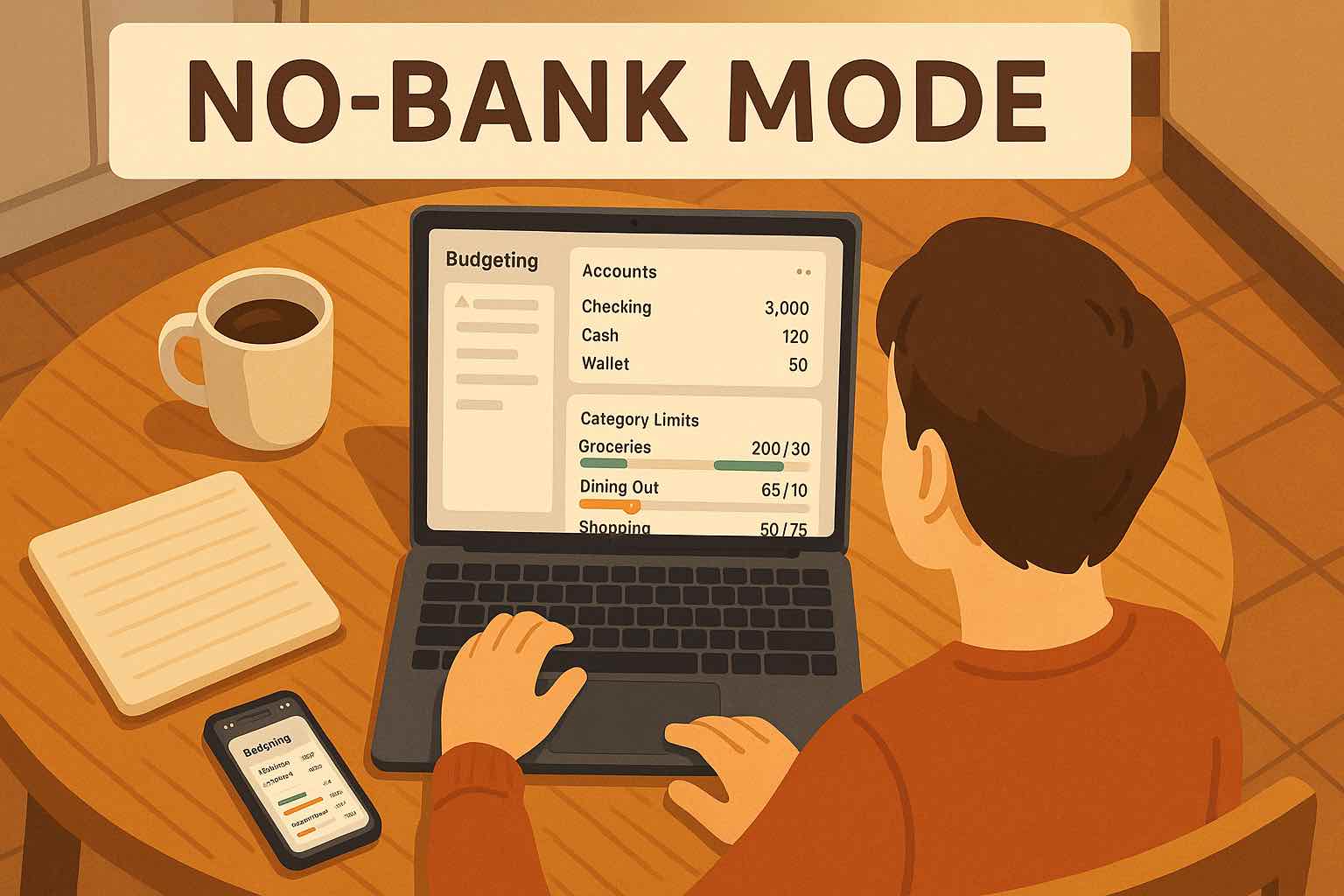
Budget without connecting bank accounts.
Koody is manual-first and built for people who want a personal finance app without bank account linking. Create manual accounts in seconds, then track transactions manually or import them from a CSV.


How it works
If you've ever hit a "Connect your bank" screen and hesitated, you're not alone. Koody is manual-first and built for people who want to budget without connecting bank accounts.
Set up your accounts yourself — manually, privately, and on your terms. Want speed? Import a CSV. Want control? Enter as you go. Either way, your money stays understandable.
Start Without Bank Login
Add your accounts yourself in seconds. No bank passwords, no forced connections, and nothing to "sync" before you can begin. Set up checking, savings, credit cards, or cash accounts, then start tracking right away with a layout that stays simple even as your finances get more complex.
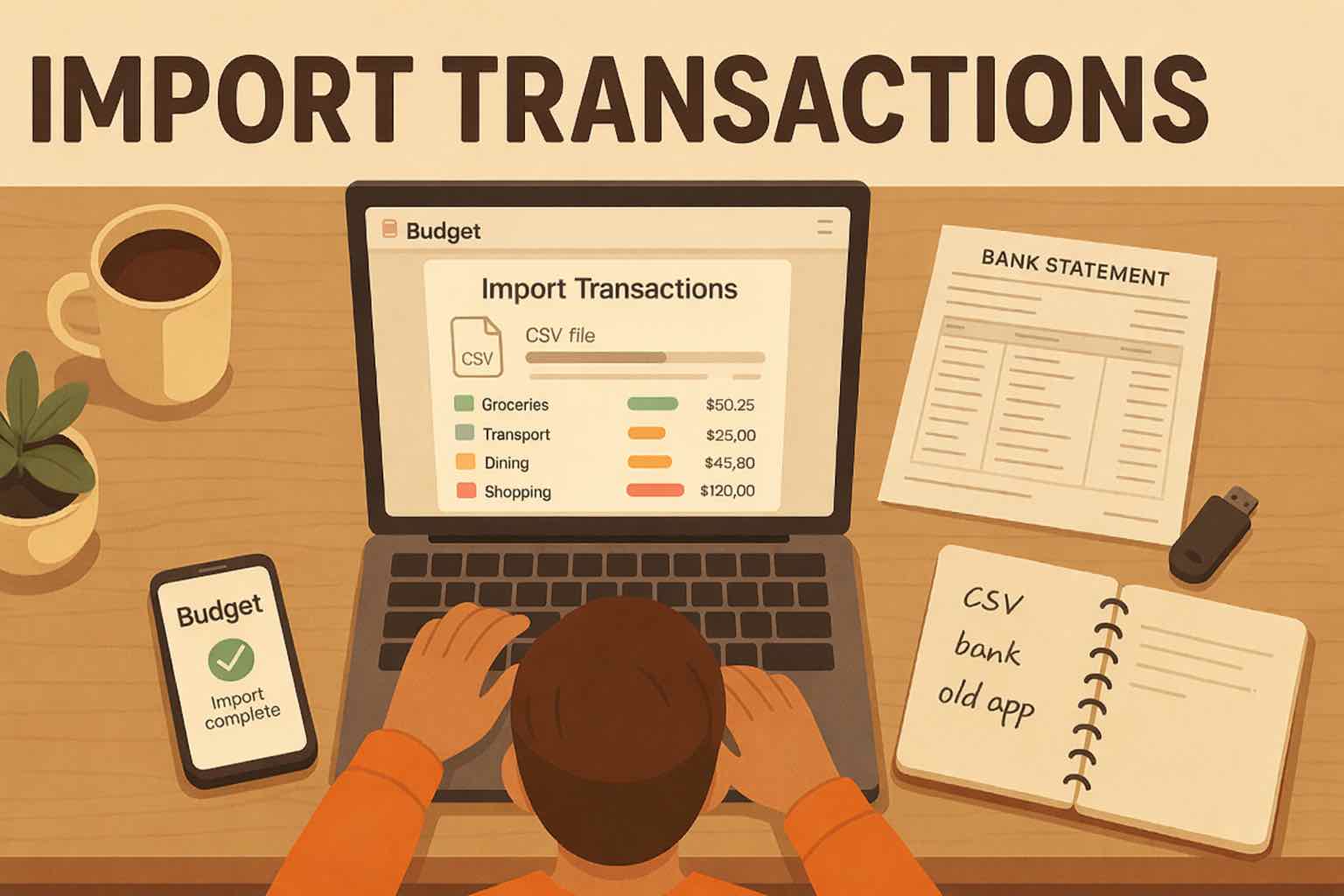
Import When You Want Speed
Once your accounts are set up, you can pull in history fast by importing transactions. Upload a CSV from your bank, import data from another budgeting app, or bring over an old spreadsheet you have been using for years. Koody auto-categorizes and highlights likely recurring items so you can clean things up quickly and move on.
Budget With Confidence
With manual accounts and transactions in place, the picture gets clear. Build budgets that match real life, keep an eye on upcoming bills, and spot overspending early while there is still time to adjust. The goal is calm control, so you always know what is left and what needs attention before payday shows up.
Built for people who want to start without connecting accounts.
Some people prefer bank syncing. Others prefer a personal finance app without bank account linking for privacy, reliability, and control. Koody is made for the second group, without cutting features.
Privacy And Control
You can budget without sharing bank credentials or granting third-party access. You decide what goes in.
No Sync Drama
No broken connections, no delayed transactions, and no MFA headaches. Your budget stays reliable.
Works With Real Life
Cash, multiple banks, niche accounts, and irregular income fit naturally when you track on your terms.
Fast When You Want It
Manual-first does not mean slow. Import transactions by CSV when you want a quick history boost.
Manual-first accounts
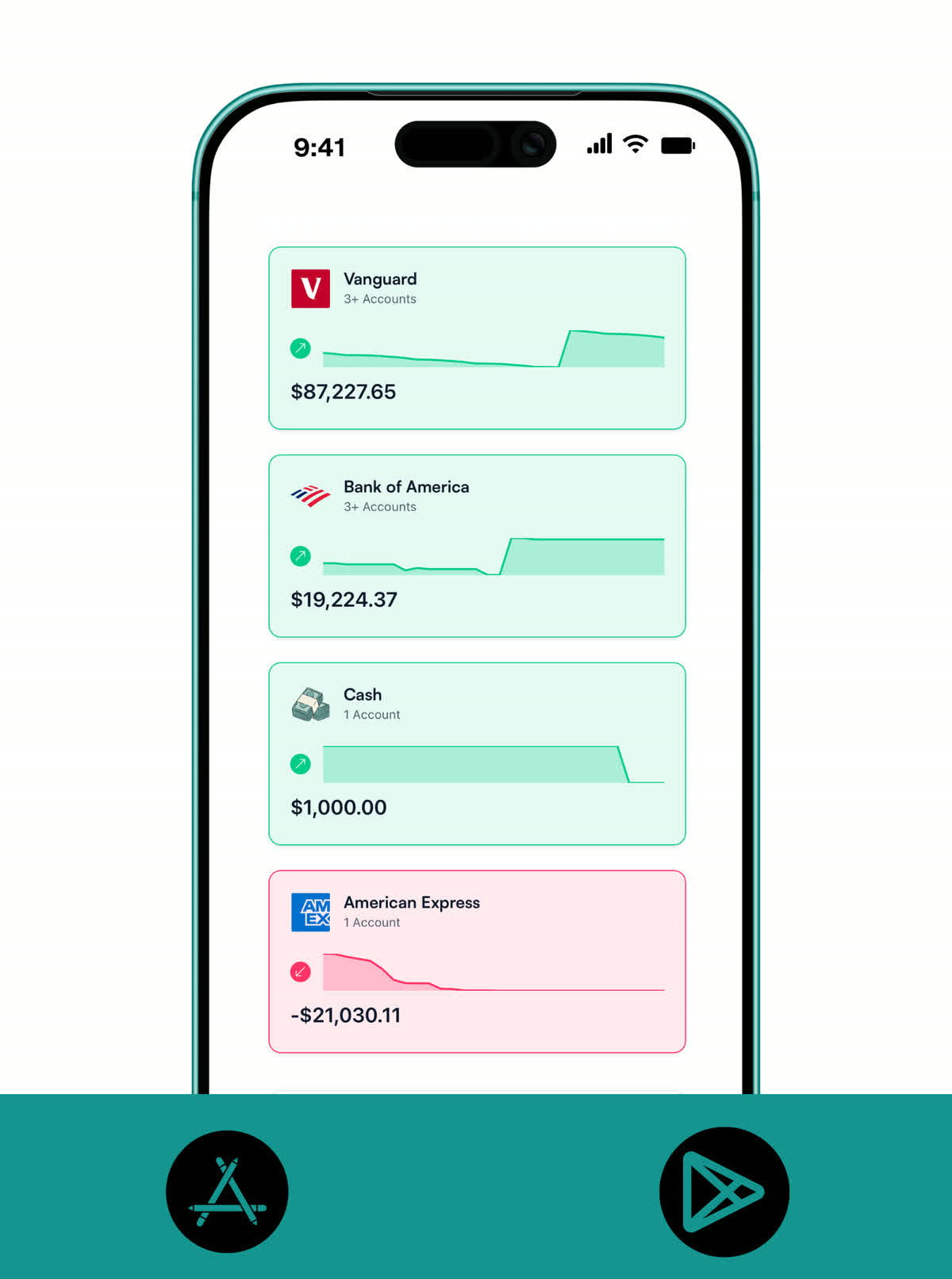
Add every account, even the ones that never sync.
Track checking, savings, credit cards, investments, crypto, and cash on hand. Your budget stays complete because it's built around your real life, not your bank's API.
- Add any account manually: checking, savings, credit cards, investments, crypto, and cash on hand.
- See everything in one unified dashboard, even accounts that never connect.
- Stay organized with a clean bank + bank account structure that matches real life.
Transactions your way
Manual entries or CSV imports, you choose.
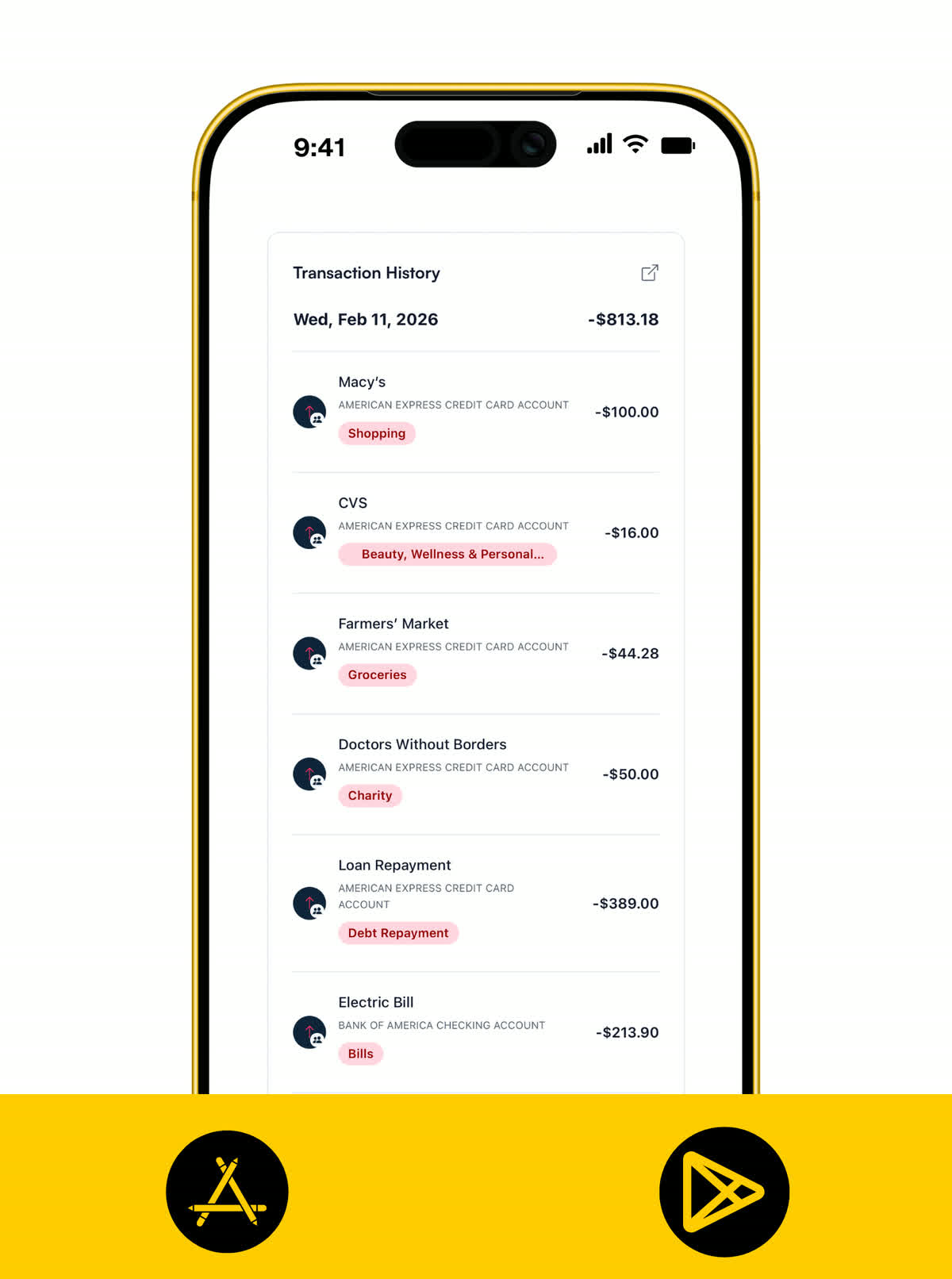
Enter transactions as they happen for maximum awareness, or import a bank statement when you want speed. Either way, Koody helps you categorize cleanly and spot repeat patterns without the sync drama.
- Track income and expenses manually, or import transactions from CSV statements.
- Set recurring items (subscriptions, bills, paychecks), so your plan stays current.
- Keep your numbers accurate with simple flags like taxable income when it applies.
Budgets
Build a budget that stays accurate without bank sync.
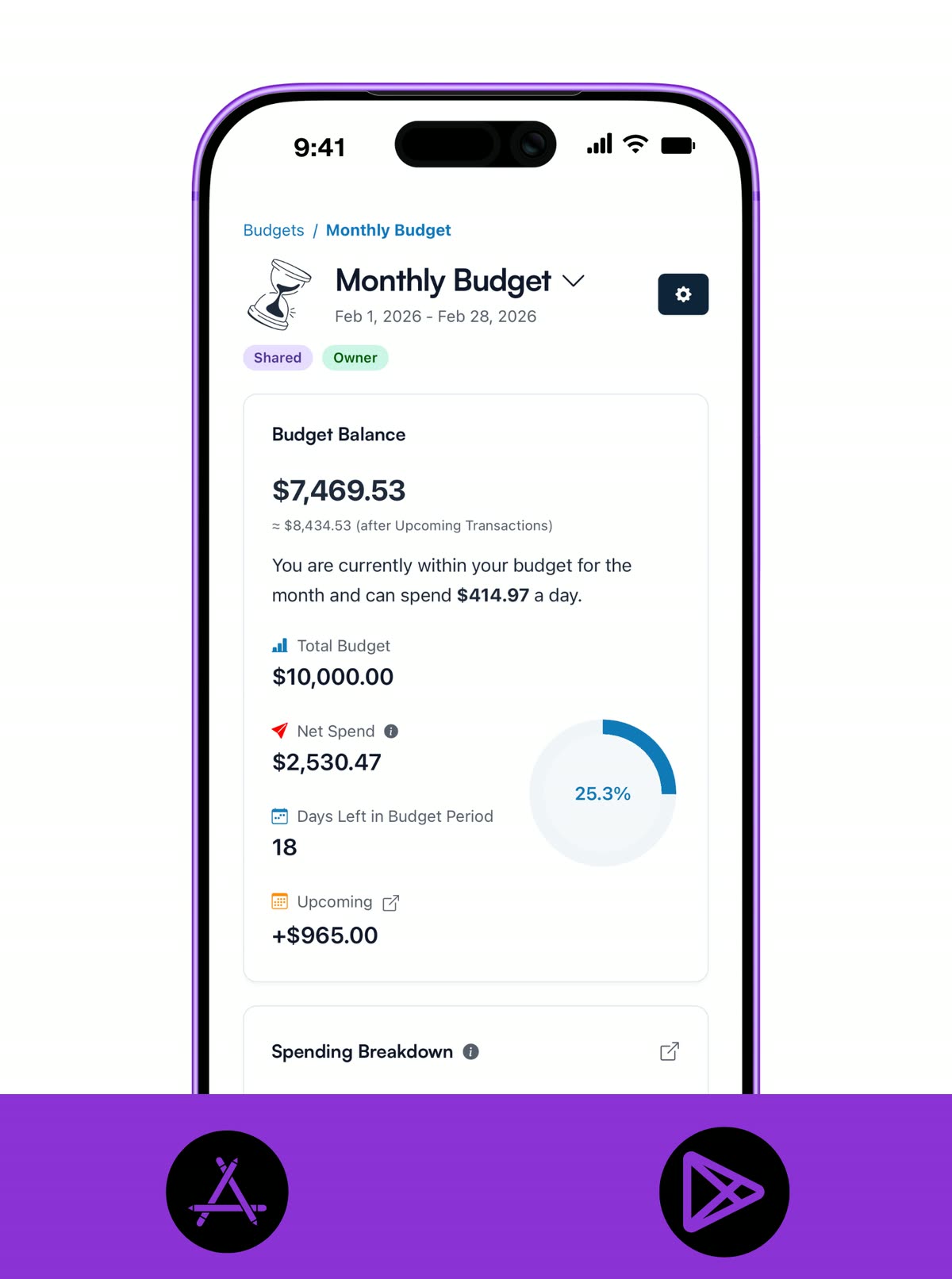
When you control the inputs (manual or CSV), your budget becomes clearer, not noisier. See what's left, what's overspent, and what's coming up so you can make decisions before money gets tight.
- Create monthly budgets or custom budgets that fit how you actually live.
- See what's left by category, what's overspent, and what's coming up next.
- Adjust as you go, because the point is progress, not perfection.
Charts and dashboards
Read your money story at a glance.
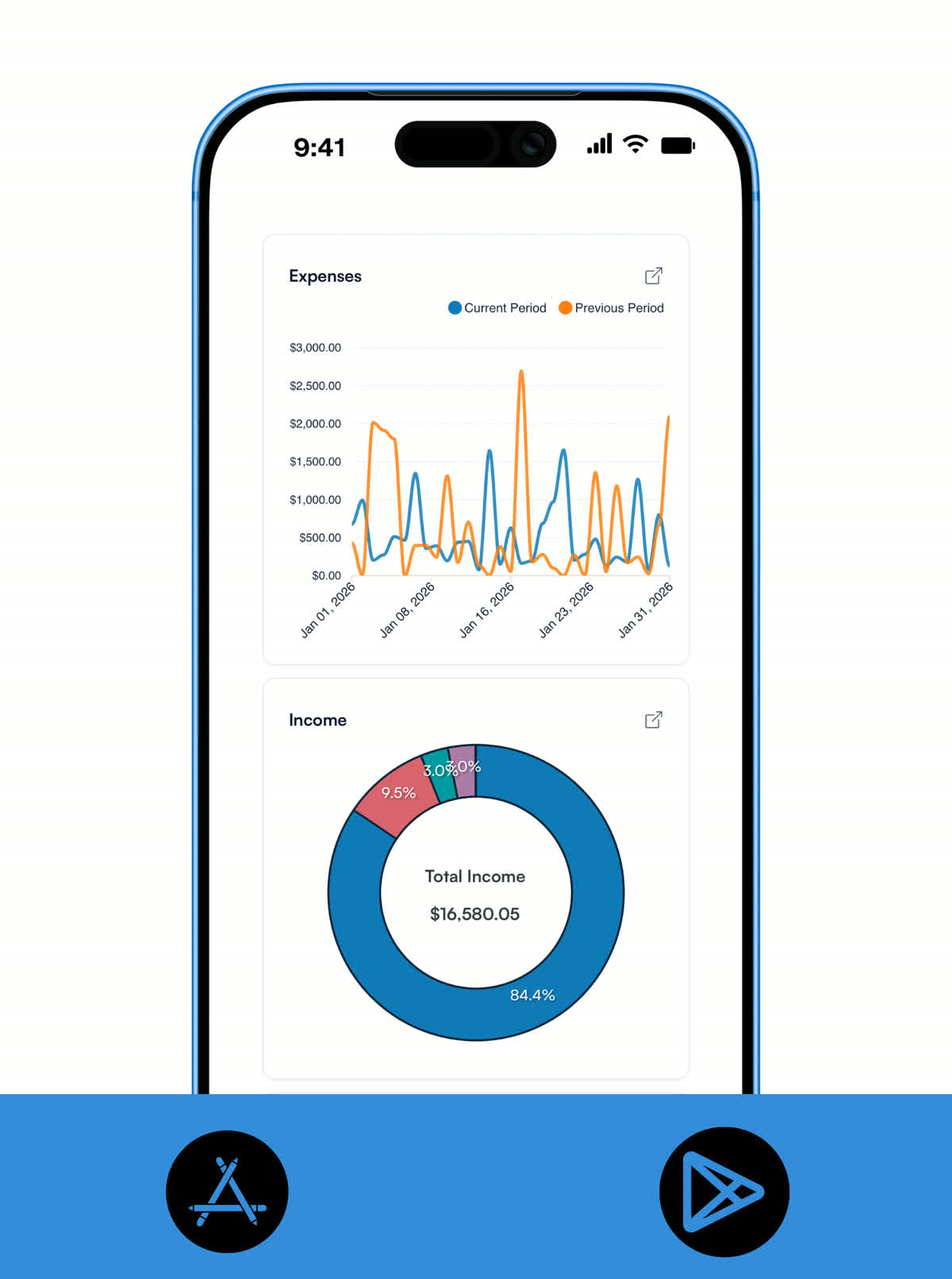
Numbers are easier to act on when they are visual. Koody uses color-coded charts and dashboard summaries so you can spot trends fast and make adjustments before small leaks become bigger problems.
- Use color-coded charts to see where your money is going without digging through raw transactions.
- Move from category breakdowns to account-level views in one dashboard flow.
- Catch spending drift early with visual trends that make weekly reviews faster.
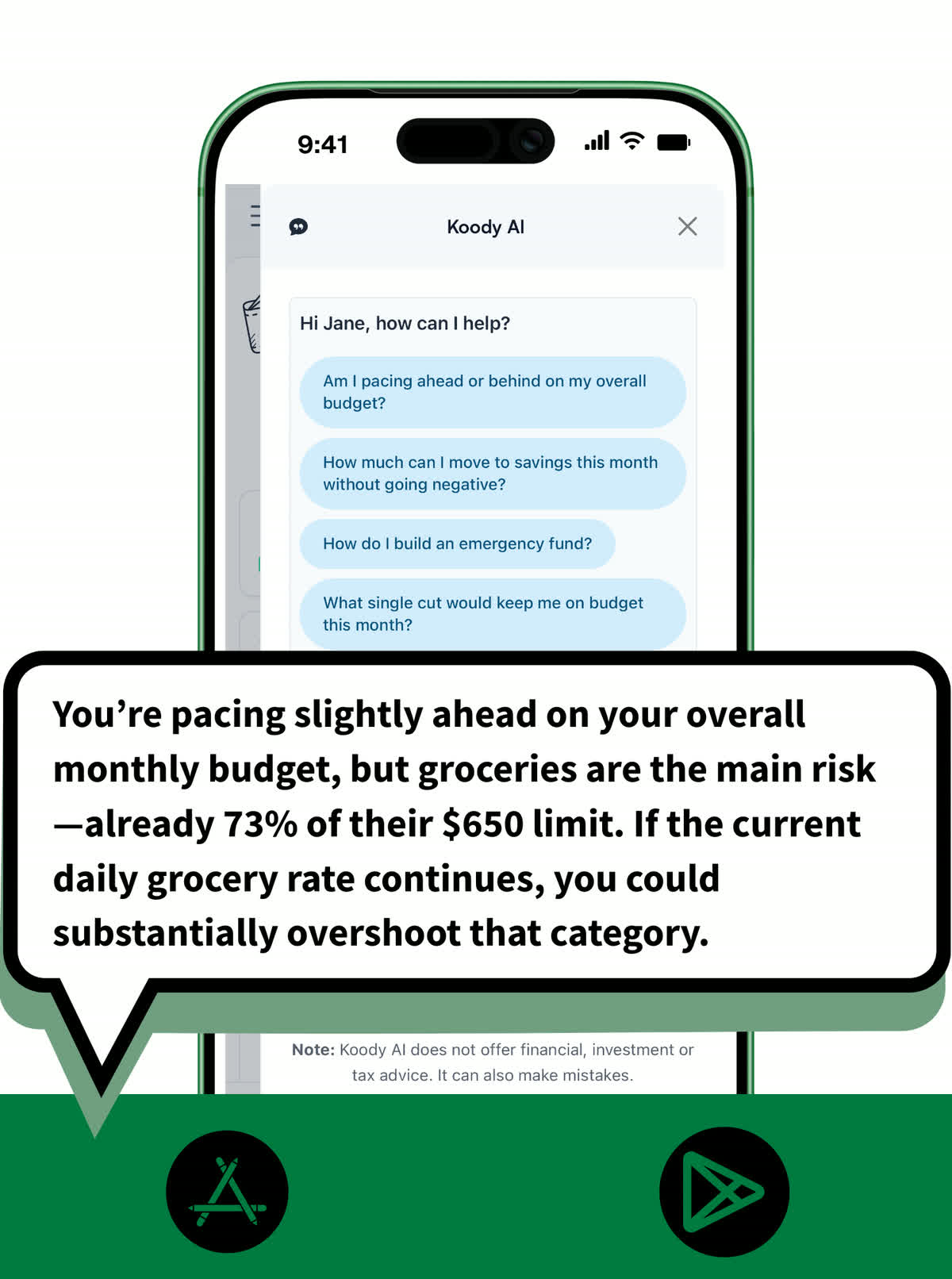
Koody AI
Clarity on demand.
Ask questions like "Can I afford this?", "What's my average daily spend?", or "Which categories are trending up?" Koody AI helps you make decisions with confidence, using the data you've chosen to track.
- Ask plain-English questions about cash flow, budgets, and trade-offs.
- Run quick what-ifs before you commit to a purchase or plan.
- Get practical nudges: pacing checks, category tweaks, and budget adjustments you can use right away.
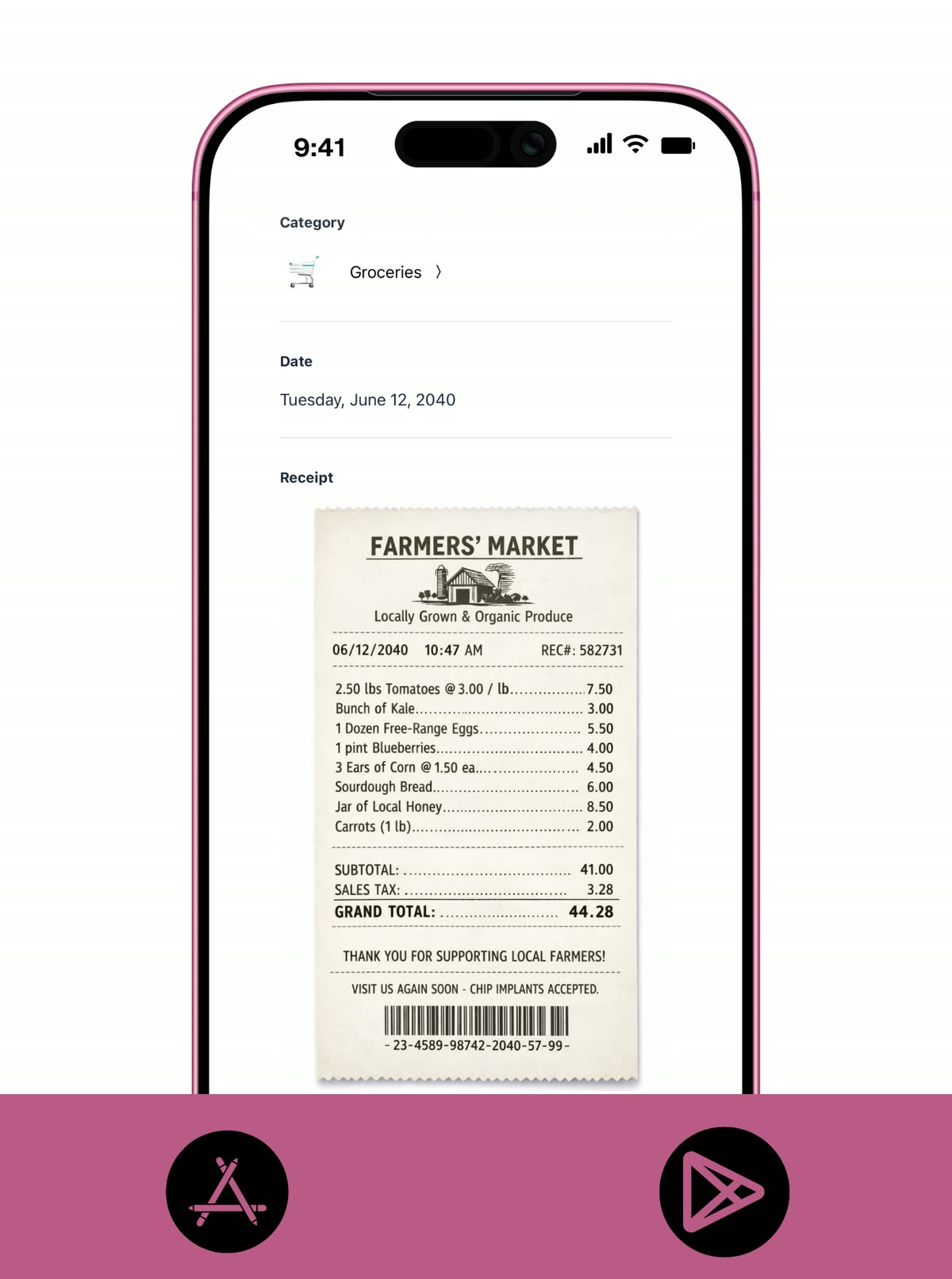
Receipt vault
Keep a clean paper trail without bank sync.
Manual tracking works best when every expense has context. Upload receipts as you enter spending or after a CSV import, then keep proof linked to each transaction.
- Add receipt photos or files from mobile and desktop as you log spending.
- Tie every receipt to its transaction timeline so reviews and disputes are faster.
- Search proof by merchant, amount, or date when tax or reimbursement season arrives.
Pricing
Start with a free month of our Standard plan to see if it fits. Cancel anytime — no questions asked.
Free
Track money by hand, calculate your tax set-aside, and talk to Koody AI.
- Input transactions manually
- Add bank accounts
- Track spending and income (up to 1 year)
- Categorize transactions
- Monitor subscriptions or bills
- Koody AI
- Upload receipts
- Calculate your tax set-aside
- Access on mobile and desktop
Standard
Budgets that match your paydays, longer history, and exports.
- Everything in Free
- Track spending and income (up to 3 years)
- Add new categories
- Auto-generate recurring transactions
- Export transactions (CSV, Excel, JSON)
- Create and manage budgets
- Sync budgets with your payday
- Create recurring budgets
Plus
Statement imports, auto-categorization, and unlimited history.
Don't love Plus? Ask for your money back within 30 days.
- Everything in Standard
- Import transactions from bank and credit card statements (CSV files only)
- Track spending and income (unlimited years)
- Automatic transaction categorization
- Unlimited categories
- Automatic detection of recurring transactions
- Advanced Koody AI
- Keep budgets active indefinitely


Helpful articles from the Koody blog

Frequently asked questions
Is Koody a personal finance app without bank account linking?
Yes, Koody is a personal finance app without bank account linking. You can budget, track spending, and monitor recurring bills without ever connecting a bank account.
Can I import transactions instead of linking accounts?
Yes. Import CSV statements from your bank or another budgeting or personal finance app whenever you want history fast, then review and categorize them inside Koody.
Can I budget without sharing bank logins?
Yes. You can keep real bank credentials out of Koody and still build a complete manual budget from accounts, categories, and transactions you add yourself.
Can I track net worth in Koody without linking bank accounts?
Yes. In Koody, add your banks and accounts manually, then update balances on a monthly routine to track net worth over time.
Can I track cash, multiple banks, and credit cards in one place?
Yes. In Koody, you can add checking, savings, credit cards, cash, crypto, and other accounts manually so your budget reflects real life.
Can I try Koody without entering bank details or a credit card?
Yes. You can start on Koody's Free plan at $0 in no-bank mode, then upgrade to Standard or Plus whenever it feels right.
Will I miss important features if I skip bank sync?
No. In Koody, you still get budgets, categories, recurring items, balances, and Koody AI insights. The main difference is that updates happen when you enter or import data.
Can Koody help me build better money habits?
Yes. A quick daily check-in and short weekly review in Koody can make budgeting more consistent and easier to maintain.
Can I use Koody as an expense tracker without bank sync?
Yes. In Koody, you can record expenses manually or import CSV statements, then categorize spending and track trends without connecting any bank account.
Can I upload receipts in Koody?
Yes. In Koody, you can attach receipts to transactions and keep proof of spending in one place.
How much work is manual budgeting each week?
Most people spend one short setup session in Koody, then a few minutes a day or a quick weekly check-in. You can mix manual entry with CSV imports to reduce effort.
Can Koody AI still help if I use manual entry or CSV imports?
Yes. Koody AI works with the data already in your Koody account and can help explain spending, trends, and budget trade-offs in plain language.