If you used Mint, you probably signed up for two reasons: first, you wanted to see where your money was going, and second, you wanted something easier than spreadsheets.
For a while, Mint did that. Then came the ads, the upsells, questions about data-sharing, and finally, Mint shutting down for good.
Now you're left searching for a replacement for Mint. Maybe you're typing things like:
- mint alternative
- apps to replace Mint
- best free Mint alternative
- best budgeting apps to replace Mint
…trying to figure out which budgeting app will actually help you instead of just harvesting your data or selling you more products.
Koody is built to be that missing piece: a Mint alternative that:
- Works without connected bank accounts (manual-first, not sync-first).
- Lets you choose your preferred currency and manage real-world, messy money.
- Helps one account owner keep household budget records organized.
- Uses artificial intelligence (AI) to help you think through decisions, not just dump numbers on a chart.
- Respects your privacy and doesn't drown you in ads.
Let's walk through what to use instead of Mint, why Koody is different from other apps like Mint, and how to switch over without losing your financial history.
Why Koody Is A Strong Mint Alternative
When people look for Mint alternatives, they are usually not just hunting for another app that shows charts. They're looking for something that gives them more control, more clarity, and less noise.
Most Mint alternatives fall into a few buckets:
- Privacy-first, manual-first budget apps that work without bank connections.
- Automation-heavy apps that require bank linking from day one.
- Zero-based or envelope budgeting apps with steep learning curves.
- Spreadsheet-style tools that are flexible but fiddly.
Koody lives in that first category. If your ideal Mint replacement is something that helps you understand and control your money without turning you into the product, Koody is built for you.
1. Manual-First, Not Sync-Or-Bust
Mint made it feel like connecting your bank was the entire product. If the sync broke, everything felt broken.
Koody flips that model:
- You can create accounts manually for checking, savings, cash, credit cards, envelopes, and more.
- You can log expenses and income by hand in seconds.
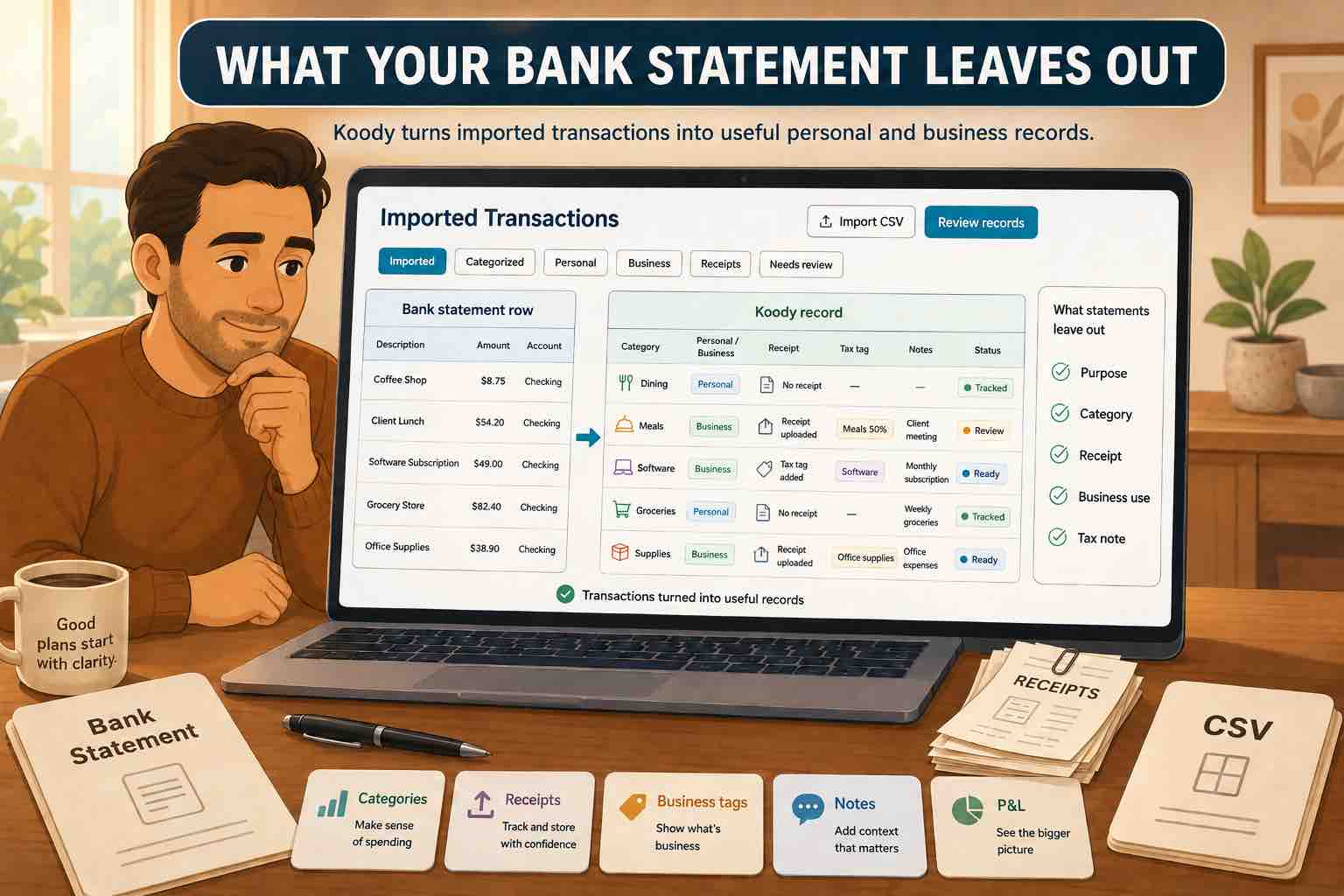
- You can import CSVs from your bank or from your old Mint exports.
That means Koody works as a Mint alternative without linking bank account info right out of the box. You can start and keep going with manual tracking and CSV imports.
2. Privacy-Focused And Ad-Light By Design
One of the biggest complaints in goodbye-Mint posts is simple: people are tired of feeling like they are the product.
Many free budgeting apps monetize with aggressive ads, recommendation feeds full of credit cards and loans, or data sharing with "partners."
Koody takes a different approach as a privacy-focused Mint alternative:
- You can use it without linking any bank accounts.
- Your financial life is not turned into an ad-targeting playground.
- The app is designed to help you build a plan and stick to it, not to push you into more debt.
If you've been searching for an ad-free Mint alternative or a Mint alternative that doesn't sell your data, Koody is pointed in that direction.
3. Built For Household Planning
Mint was mostly a single-person dashboard. Real life is messier: households need clear records for bills, categories, receipts, recurring items, and spending decisions.
Koody supports budget planning so you can:
- Keep household budget records in one organized place.
- Track bills, categories, receipts, and recurring items together.
- Review clearer records instead of awkwardly comparing screenshots.
So if you've been googling "Mint alternative for household budgeting" or "Mint alternative for families", Koody is designed with those use cases in mind.
4. Flexible Currency And Manual Tracking
Money does not always fit neatly into automatic bank feeds. You may use cash, manage more than one account, import transactions from different sources, or simply prefer to track things yourself.
Koody gives you the flexibility to:
- Choose your preferred currency.
- Track spending and income without relying on bank connections.
- Build budgets and goals that make sense for your actual life.
This makes Koody a strong option if you want a budgeting app that gives you more control over how you organize your money.
5. AI Copilot Instead Of Static Charts
Mint showed you graphs. Helpful, but limited. Often, what you really want is a conversation: Can I afford this? How long will it take to reach my goal? What happens if something changes?
Koody includes an AI copilot, Koody AI, a chat-based assistant that:
- Looks at your actual numbers, including income, expenses, and budgets.
- Helps you reason through "what if" scenarios.
- Explains things like emergency funds, debt payoff, and savings plans in plain language.
Instead of being just another Mint budgeting app alternative that dumps numbers into charts, Koody acts more like a personal finance thought partner.
How Koody Compares To Other Mint Alternatives
There is no single, official app that replaced Mint. Different people have drifted to YNAB, Rocket Money, Monarch Money, PocketGuard, Simplifi, and all kinds of spreadsheets and trackers.
Each of these tools has strengths, but many:
- Rely heavily on bank connections.
- Are subscription-only from day one.
- Offer less flexibility for manual tracking or currency preferences.
- Focus more on automation than on helping you understand your decisions.
Koody is designed to be a Mint replacement in a different way. It prioritizes clarity and control, with smart automations that work alongside manual entry, CSV imports, and access on web and mobile.
| What People Compare | Koody | Many Mint-Style Apps |
|---|---|---|
| Availability | Web, Google Play, and App Store. | Often mobile-first, with web support varying by product. |
| Bank linking required | No. You can budget with manual entry and CSV imports. | Often yes for full value. |
| Manual transaction tracking | Built in from day one. | Often secondary to connected account feeds. |
| CSV import from bank or Mint exports | Yes. | Varies. |
| Household budget planning | Built in. | Varies. |
| Currency flexibility | Choose your preferred currency. | Varies by product. |
| In-app guidance | Koody AI helps you reason through your real numbers. | Varies. |
Koody vs. Apps Like Mint That Require Bank Linking
Many of the "best budgeting apps to replace Mint" you see on roundup lists simply recreate the same bank-linking-first model. They often won't work at all until you link an account, and they may not support every institution or account type you use.
Koody can be used as:
- A Mint alternative for manual budgeting.
- A CSV-friendly app when you want to import existing history.
You are never stuck waiting on third-party account connections. The app still works as a manual budgeting tool and budget calculator from day one.
Koody vs. Hardcore Zero-Based Budgeting Apps
Zero-based budgeting tools are excellent if you want that level of structure and are ready for their rules and workflows. But if you just want "Mint, but saner," they can feel like too much overhead.
Koody borrows the good parts of structured budgeting, like category limits and payday-aligned budgets, without forcing you into one specific methodology. It can be as simple or as detailed as you need it to be.
How To Switch From Mint To Koody
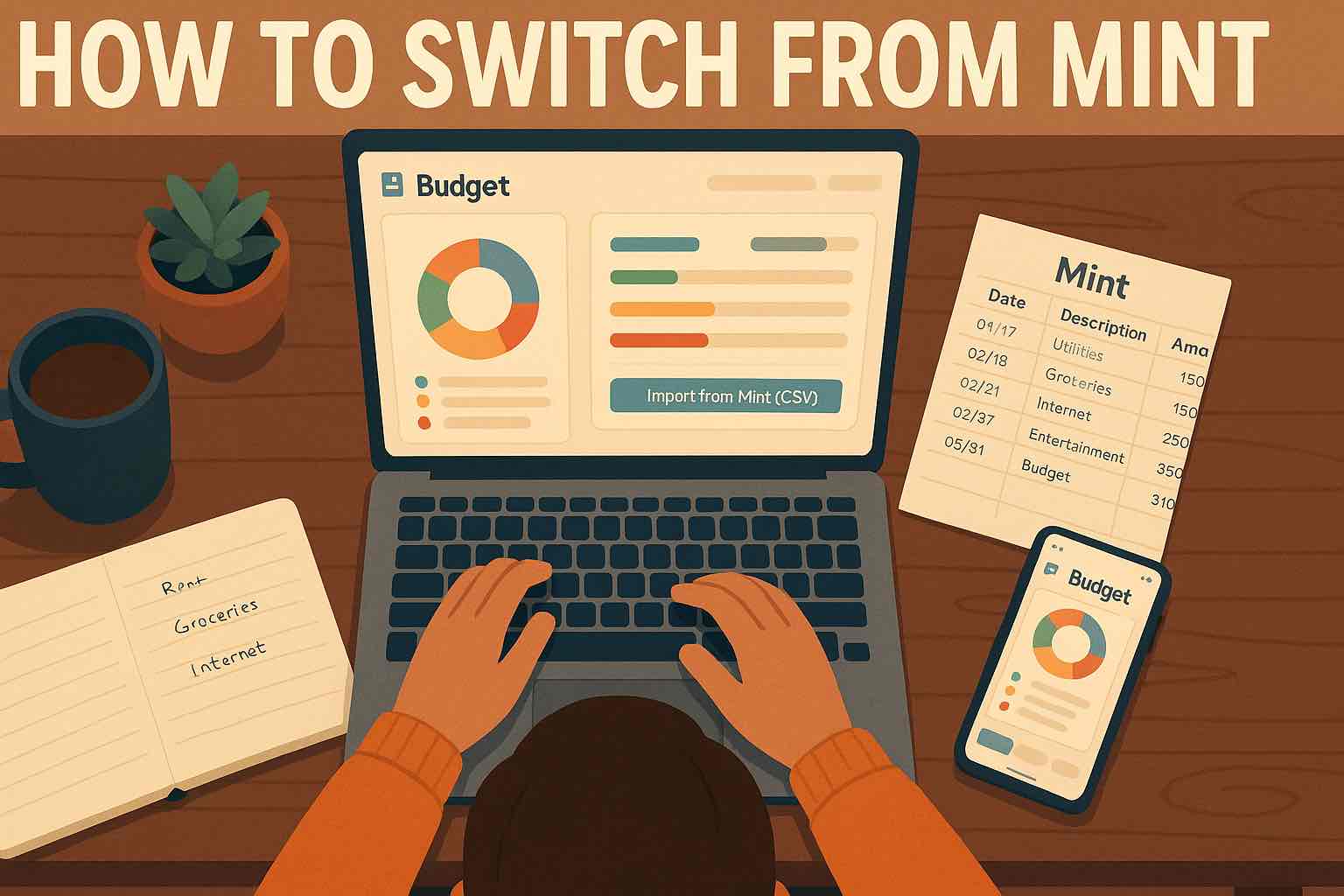
If you still have access to your old Mint exports or CSV statements, you don't have to start from scratch. Moving from Mint to Koody is straightforward.
Step 1: Export Your Mint Data Or Bank CSVs
If you previously downloaded your Mint data, look for CSV files that contain dates, descriptions, categories, amounts, and account names.
If you don't have Mint exports anymore, you can download CSVs directly from your banks instead.
Step 2: Set Up Accounts In Koody
Inside Koody:
- Create your key accounts for checking, savings, credit cards, and cash.
- Give each a starting balance and currency.
- Mirror how Mint grouped your transactions by account, where it makes sense.
This gives Koody a structure that looks familiar when your history comes in.
Step 3: Import Your CSVs Into Koody
Use Koody's CSV import engine:
- Upload your Mint or bank CSV.
- Watch Koody automatically map the columns to fields, such as date, amount, and description.
- Let the app auto-categorize where possible, then fine-tune categories as needed.
This workflow covers "how to switch from Mint to Koody," "how to replace Mint with Koody," and "how to import Mint data into a new budgeting app" all at once.
Step 4: Rebuild A Smarter Budget
Once your history is in Koody:
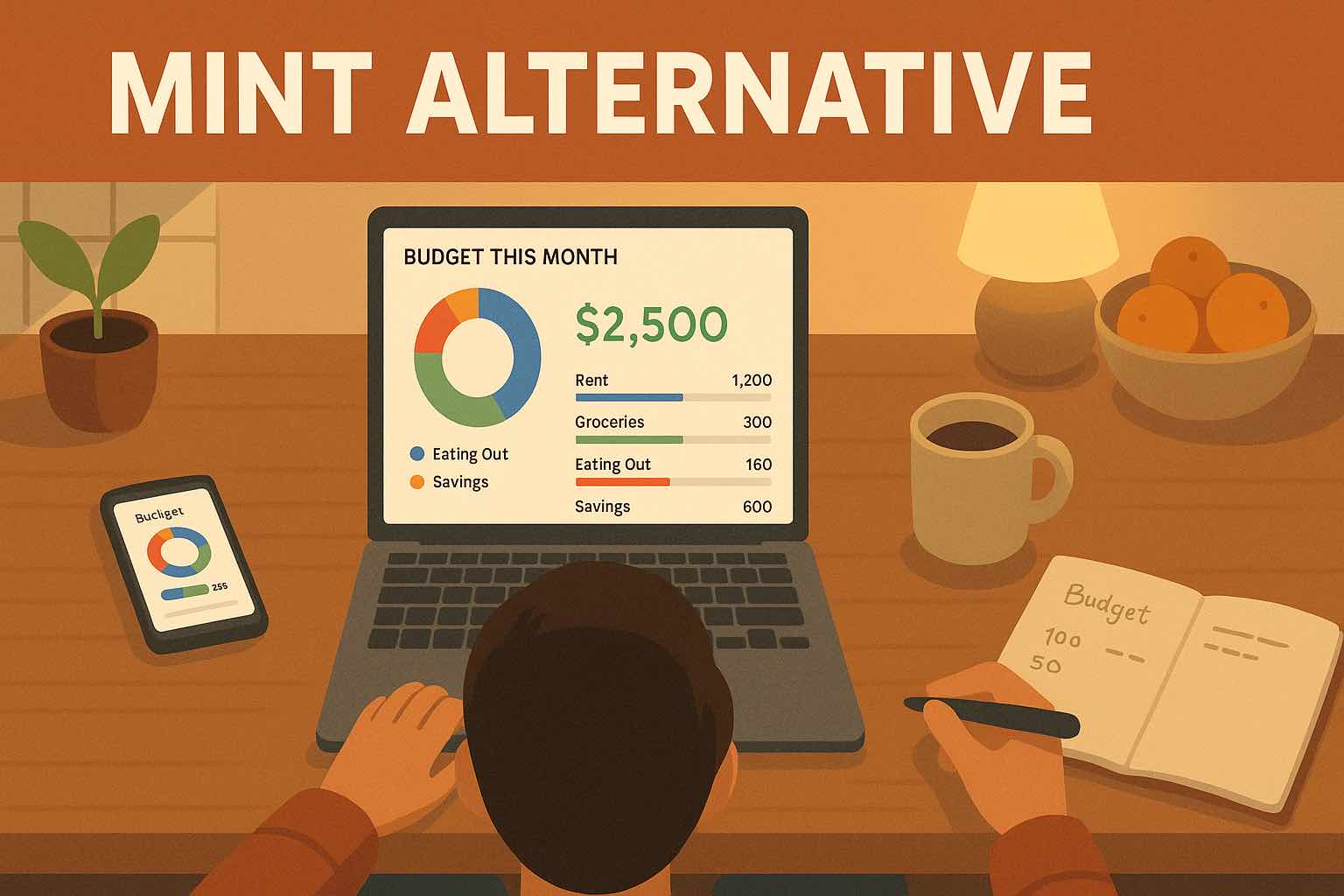
- Create a monthly or payday-aligned budget that reflects your current reality.
- Set category limits for the big items like housing, groceries, eating out, transport, subscriptions, and savings.
- Use Koody as your budgeting app after the Mint shutdown, a place where you don't just watch charts but actually adjust your behavior.
With this setup, you keep your history, gain more flexibility, and move forward with a budgeting app that feels like it is on your side.
FAQs: Mint Alternatives, Answered
Still not sure which Mint alternative is right for you? Here are answers to some of the most common questions people ask when Mint shuts down.
1. What Is The Best Mint Alternative?
The best Mint alternative depends on how you like to manage your money. If you want deep, rule-heavy zero-based budgeting, consider YNAB-style apps. If you want pure automation and do not mind linking everything, consider bank-first apps that focus on sync. If you want a manual-first, privacy-conscious Mint replacement with flexible currency settings and AI guidance, Koody is a strong choice.
2. Is There An App That Replaces Mint On Google Play?
Yes. Koody is available on Google Play, the App Store, and the web, so you can move from Mint without changing platforms.
3. What Is The Best Free Mint Alternative?
Completely free budgeting apps usually pay for themselves through ads, cross-selling financial products, or data partnerships. Ask whether the free plan actually does what you need, whether the business model is transparent, and whether the app helps you build better habits instead of just collecting data. Koody is designed to be usable from day one without forcing bank linking.
4. Is There A Mint Alternative Without Linking A Bank Account?
Yes. Koody is specifically built to work even if you never link a bank. You can manually add accounts and transactions, import CSVs from your bank or old Mint exports, and still get budgets, charts, and Koody AI guidance.
5. Can I Use Koody Outside The United States?
Koody is built primarily for people in the United States. If you live elsewhere, you’re welcome to use general tools such as budgeting, expense tracking, and cash flow management.
6. What Budgeting App Should I Use Instead Of Mint?
Ask yourself if you want maximum automation or more awareness and control, whether you are comfortable linking banks to another app, and whether you need features like flexible currency settings, CSV imports, or AI help. If you lean toward control, privacy, and real-world budgeting, Koody is a compelling option.
7. Are Budgeting Apps Safe?
Safety comes down to what data an app needs, how it stores and uses that data, and whether you are comfortable with the trade-offs. Manual-first apps like Koody have a built-in safety advantage because they do not require full account access to be useful.
Final Thoughts: You Don't Have To Settle For A Mint Clone
Mint going away created two types of people:
- Those who just want "Mint, but not dead."
- Those who realized this is their chance to create a budgeting system that actually works for them.
If you're in the second group, Koody is built for you.
It is a Mint alternative that doesn't hinge on perfect bank sync. It's a manual budgeting app that lets you choose your preferred currency, and it includes Koody AI, which helps you think through your choices instead of just logging them.
You don't have to settle for a Mint clone that repeats the same patterns. You can choose a tool that's calmer, clearer, and more respectful of your data.
Mint is gone. Start tracking your spending in Koody today.