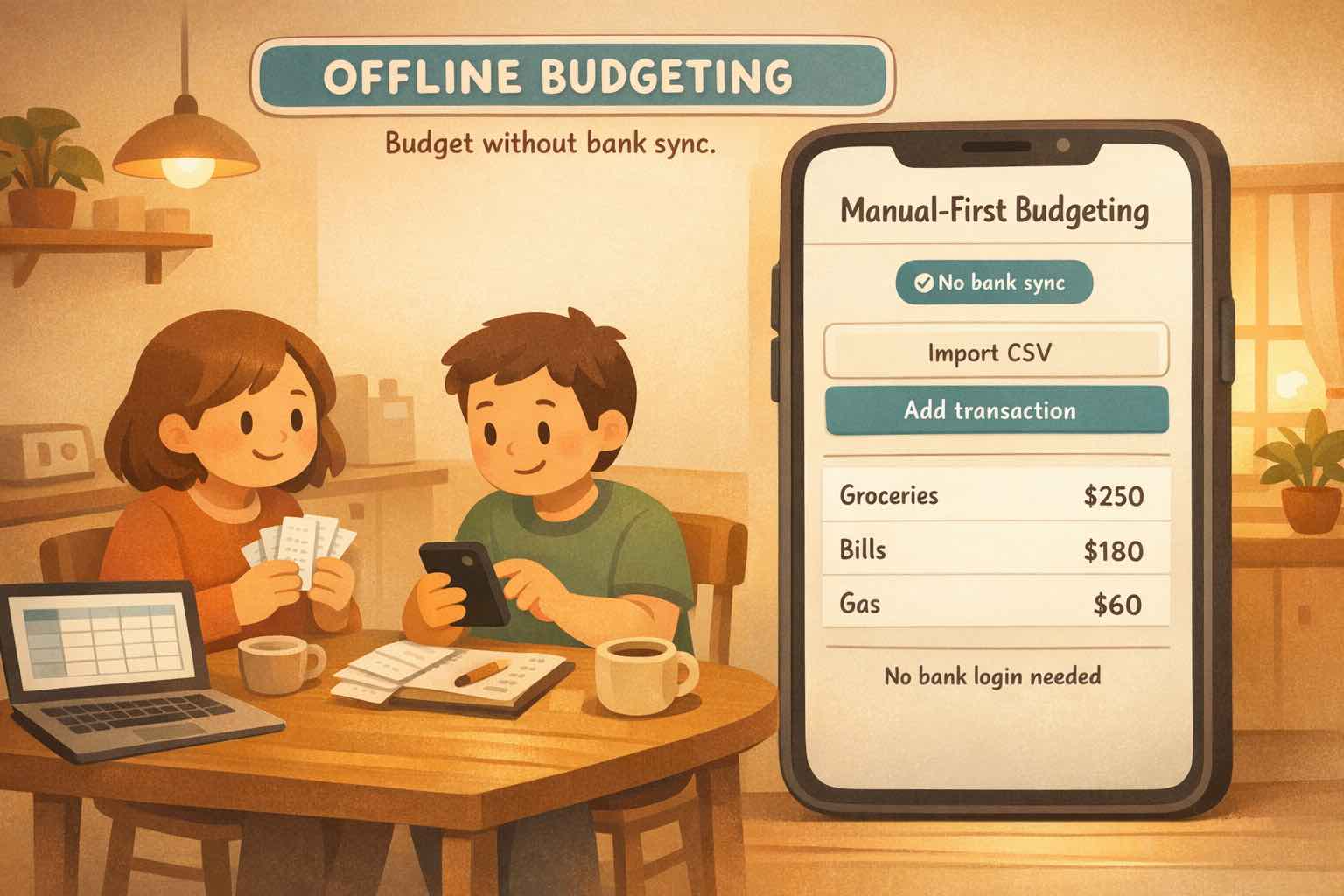
Offline budgeting: track your money without bank sync.
What Offline Budgeting Actually Means
When most people search for an offline budgeting app, they are really asking for one thing: a budget app without bank sync.
But "offline" can mean two different things, so let's sort it out quickly.
Offline (no bank sync): You track spending without linking your bank account. You enter transactions manually or import statements (like CSV) on your schedule.
Offline (no internet): The app keeps working with zero connection (airplane mode, subway, travel).
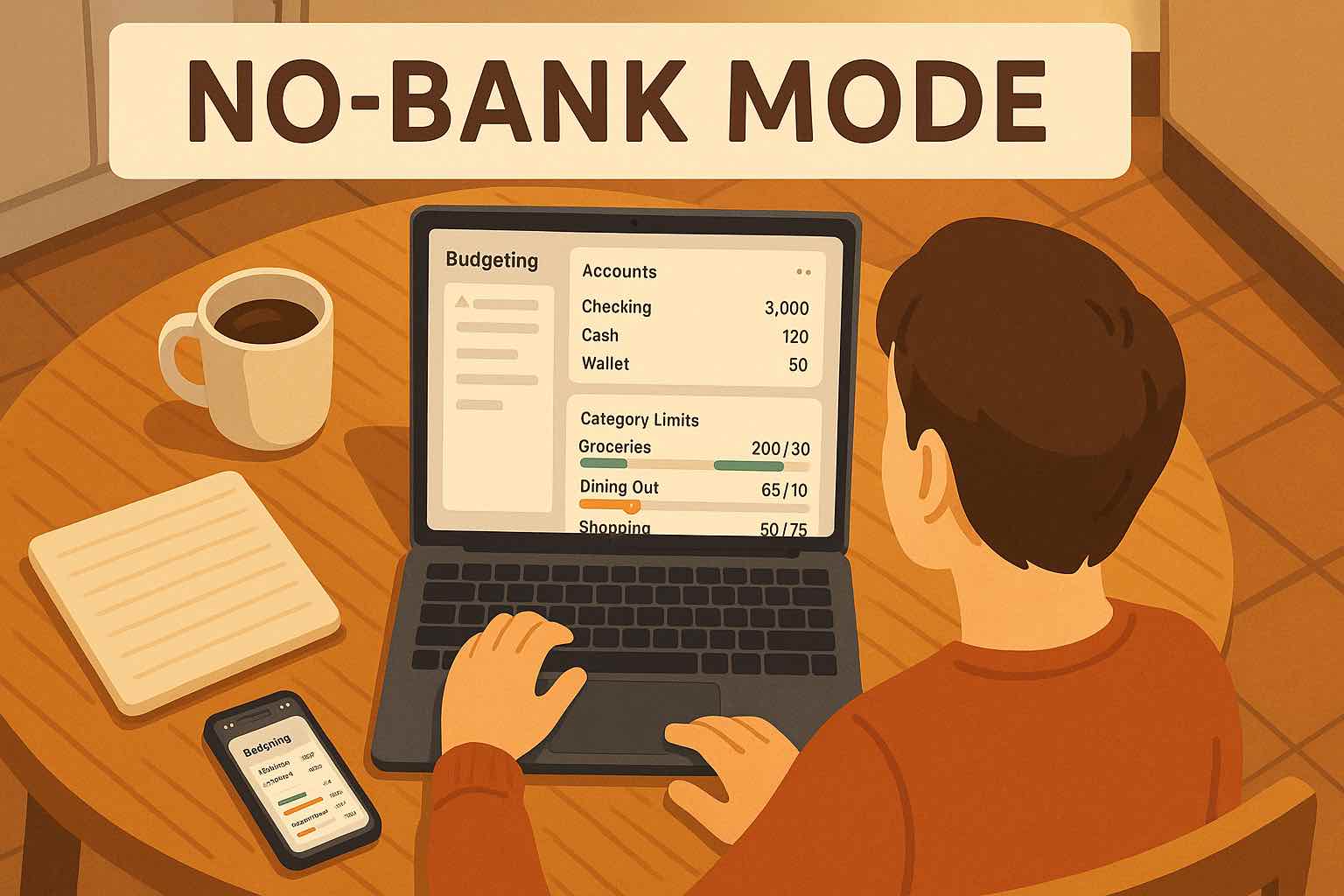
Koody is offline in the no-bank-sync sense. You can create manual banks and accounts, track spending, and build budgets without bank linking.
People do not type "offline budgeting" because they love buzzwords. They type it because they want control.
Usually, that control looks like:
Privacy: you do not want to hand over bank credentials or a live connection.
Reliability: you are tired of sync delays, missing transactions, or duplicates.
Ownership: you want to decide what gets recorded and when.
Real-life coverage: cash spending and messy money still need a place.
That is why searches often look like:
budgeting apps that work offline
offline budgeting app / offline budget app
which budgeting apps work offline?
best offline budget app
budget app without bank sync
budget app without linking bank account
In other words, "offline" is usually shorthand for a budgeting app that works without bank linking.
Offline vs No-Bank-Sync Budgeting
Think of "offline budgeting" as two different product requirements.
1. True Offline (No Internet) Budgeting
This is the no-internet version. The app stores your data on-device so you can open your budget in a dead zone.
The tradeoff is usually fewer connected features (cross-device sync, sharing, and automatic backups).
2. No-Bank-Sync Budgeting (What Most Searches Mean)
This is the privacy-and-control version. The app works without linking your bank account. You add data manually or import statements (like CSV).
Koody is built for this workflow. It is an online app (so your data can sync across devices), but bank connections are optional, not required.
You will usually see this described as manual accounts, manual entry, or file import.
If your main goal is a budget app without bank sync, Koody is the app you are looking for.
How Koody Fits The Offline Budgeting Workflow
Koody is designed for manual-first budgeting. You can use it fully without linking a bank account.
The flow is simple: set up your accounts, add spending (manually or by CSV), then build a budget you can actually stick to.
Step 1: Set Up Your Manual Accounts
Start with the places you actually spend from. Most people need only:
Checking (or current account)
One main card
Cash (optional)
You can add more later. The goal on day one is clarity, not completeness.
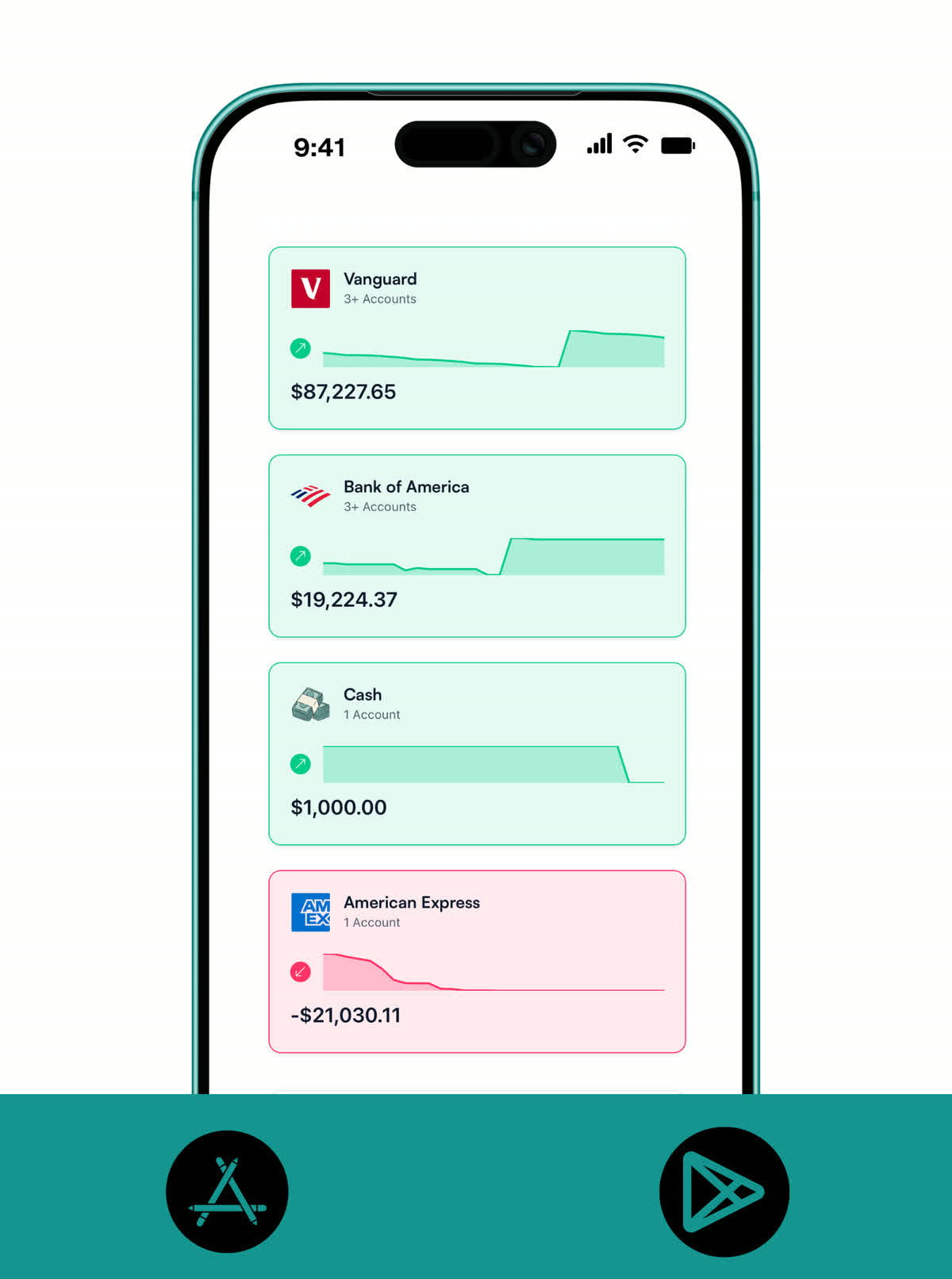
Add manual banks and accounts first, then budget without live bank connections.
Step 2: Pick A Tracking Rhythm You Can Maintain
You have two good options, and you can mix them:
Manual entry: quick, in-the-moment tracking when you spend.
CSV catch-up: import a statement when you want to update faster.
Pick the version you will actually do. A weekly catch-up beats a perfect system you never touch.
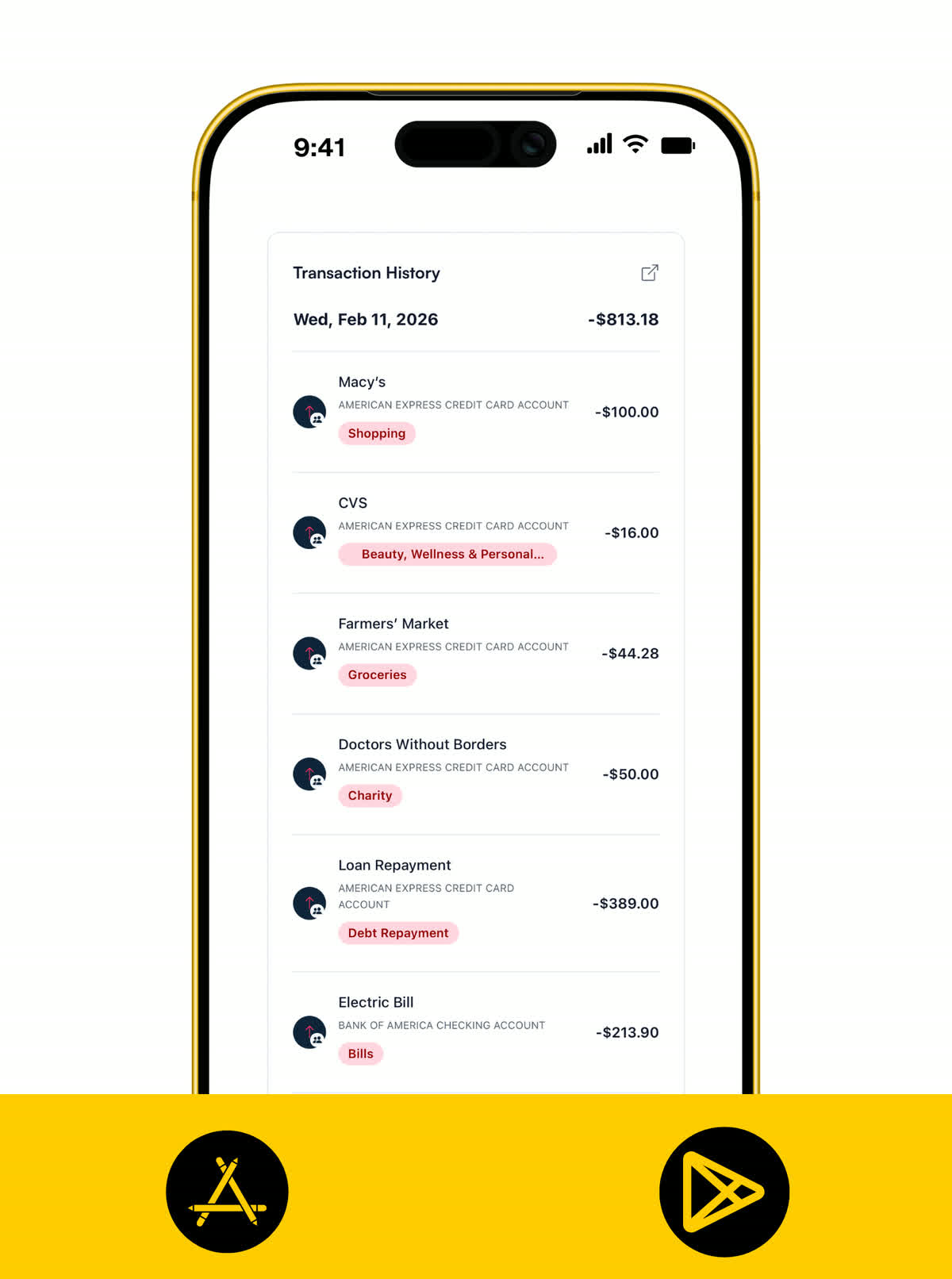
A clean transaction list with categories, so manual-first tracking stays simple without bank sync.
Step 3: Build A Budget That Feels Like Real Life
Now you can give your money a plan. Once transactions are in, Koody helps you:
Set category limits (groceries, bills, transport, etc.).
See what is left before the month ends.
Spot overspending early, while it is still easy to fix.
You can also build a budget without sharing bank logins and ask Koody AI for grounded next-step suggestions.
That is the whole idea: you get a real budgeting app without giving up control of your bank access.
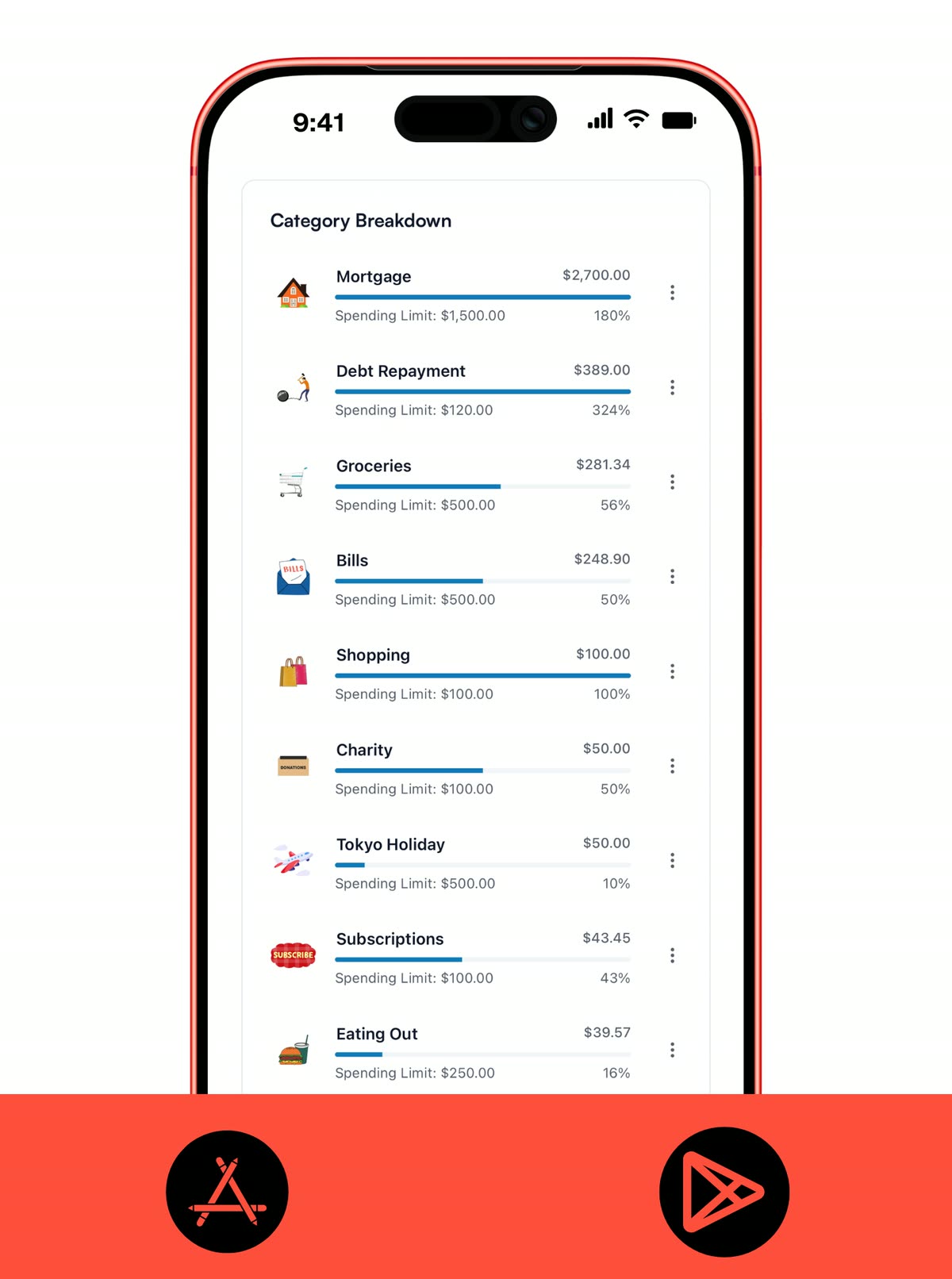
Category breakdown shows what you have spent versus your limit, so you know what is left at a glance.
If You Need True No-Internet Budgeting
If you are traveling, commuting, or often dealing with spotty service, you might mean offline in the literal sense. If your requirement is a strict no-internet operation, ask this before choosing any app:
Does it store data locally on-device?
Can you use core features without logging in?
What features stop working when you go offline?
How does backup work if your phone is lost?
This is different from "budget app without linking bank account." Both are valid, but they are not the same product requirement.
If your top priority is no bank sync plus a modern workflow, Koody is usually the better fit than a strict local-only setup.
A Quick Checklist For Choosing An Offline Budgeting App
If you are comparing tools, these questions matter more than marketing claims:
Can I use it without linking my bank account?
Can I add transactions manually, by CSV import, or both?
How fast is it to add a transaction on mobile?
Does it handle cash, multiple accounts, and split expenses?
If I miss a few days, can I catch up without pain?
If I go offline, what stops working?
If your answers point to "manual-first, CSV-friendly, no bank sync," Koody is built for that workflow.
Add one manual bank (or cash bucket), then add the accounts you actually use.
Enter starting balances so your totals make sense.
Add the last 7 days of spending, or import a recent CSV. Do not overthink categories.
Create one monthly budget with a small set of categories (housing, groceries, transport, bills, savings/debt).
Run a 3-minute weekly check-in to adjust categories before small leaks become budget stress.
This is enough to go from "I should budget" to a system you can actually keep up with by tonight.
FAQs: Offline Budgeting Apps
1. What Does 'Offline Budgeting App' Usually Mean?
Usually one of two things: a budget app that does not require bank sync, or an app that works with no internet. Koody is the first type: no bank linking required.
2. Do I Need To Link My Bank Account To Use Koody?
No. Add accounts manually, log spending, and (if you want) import a CSV statement. No bank login required.
3. Is Koody A Budgeting App That Works Offline?
Koody is 'offline' in the no-bank-sync sense: you do not connect your bank. It is not a full airplane-mode app; internet is needed for syncing across devices and AI.
4. Which Budgeting Apps Work Offline?
It depends on your definition. If you mean no bank sync, look for manual accounts and CSV/file import. If you mean no internet, look for local-first or on-device storage.
5. Can I Import Transactions Instead Of Linking My Bank?
Yes. Download a CSV from your bank, import it into Koody, and clean up categories or merchants as needed, without turning on bank sync.
6. Is Manual Budgeting Too Much Work?
It works best when you treat it like habit tracking, not paperwork. Do a tiny daily check-in (log spending or glance at categories), plus a short weekly reset. Consistency beats perfection.
7. Can Couples Or Roommates Share A Budget Without Sharing Bank Logins?
Yes. Share a budget in Koody, each person logs spending, and nobody shares bank passwords.
8. Is Offline Budgeting The Same As Mobile Banking That Works Offline?
Not exactly. Mobile banking offline is about viewing bank account data without connection. Offline budgeting is about planning and tracking spending, often without bank sync.
Final Thoughts
Offline budgeting is not a special method. It is just budgeting where you decide how the data gets in.
If your goal is to budget without linking your bank account, you can stop searching and start building something you will actually use.
Koody gives you manual entry, CSV imports, budgets, and AI help without requiring live bank connections.