You have twelve months of PDF or CSV bank and credit card statements sitting in a folder, and Schedule C asks for forty-plus numbered lines instead of a chronological list of transactions. Copying every deposit and debit into a spreadsheet by hand is slow, and summing raw bank totals almost always produces the wrong profit.
A bank statement records cash moving in and out of an account. Schedule C reports business revenue, allowable business expenses, and net profit under IRS rules. This guide walks through the exact steps to turn raw bank and card statements into reconciled Schedule C figures, with a complete 2026 worked example from first deposit to Line 31.
This is US federal tax education for cash-basis sole proprietors, based on the 2026 IRS Schedule C form, the latest IRS Schedule C instructions, and IRS Publication 583 accessed November 28, 2026. Check the final instructions for the tax year you file. Koody prepares records and worksheets, not tax returns or individualized tax advice.
Step 1: Gather every statement and payout summary for the tax year
Before categorizing a single charge, make a complete list of every account that touched business money between January 1 and December 31. Missing one credit card or payment app leaves out real deductions or understates gross receipts.
- Business checking and savings accounts: all twelve monthly PDF statements or full-year CSV exports.
- Credit cards used for business: every monthly statement for both dedicated business cards and any personal card that carried business charges.
- Payment processors and marketplaces: annual summary reports from Stripe, Square, PayPal, Venmo Business, Etsy, or similar platforms so you can see gross sales, refunds, and processing fees separately.
- Tax forms and cash records: every Form 1099-NEC and Form 1099-K you received, plus invoices, cash receipts, and your mileage log.
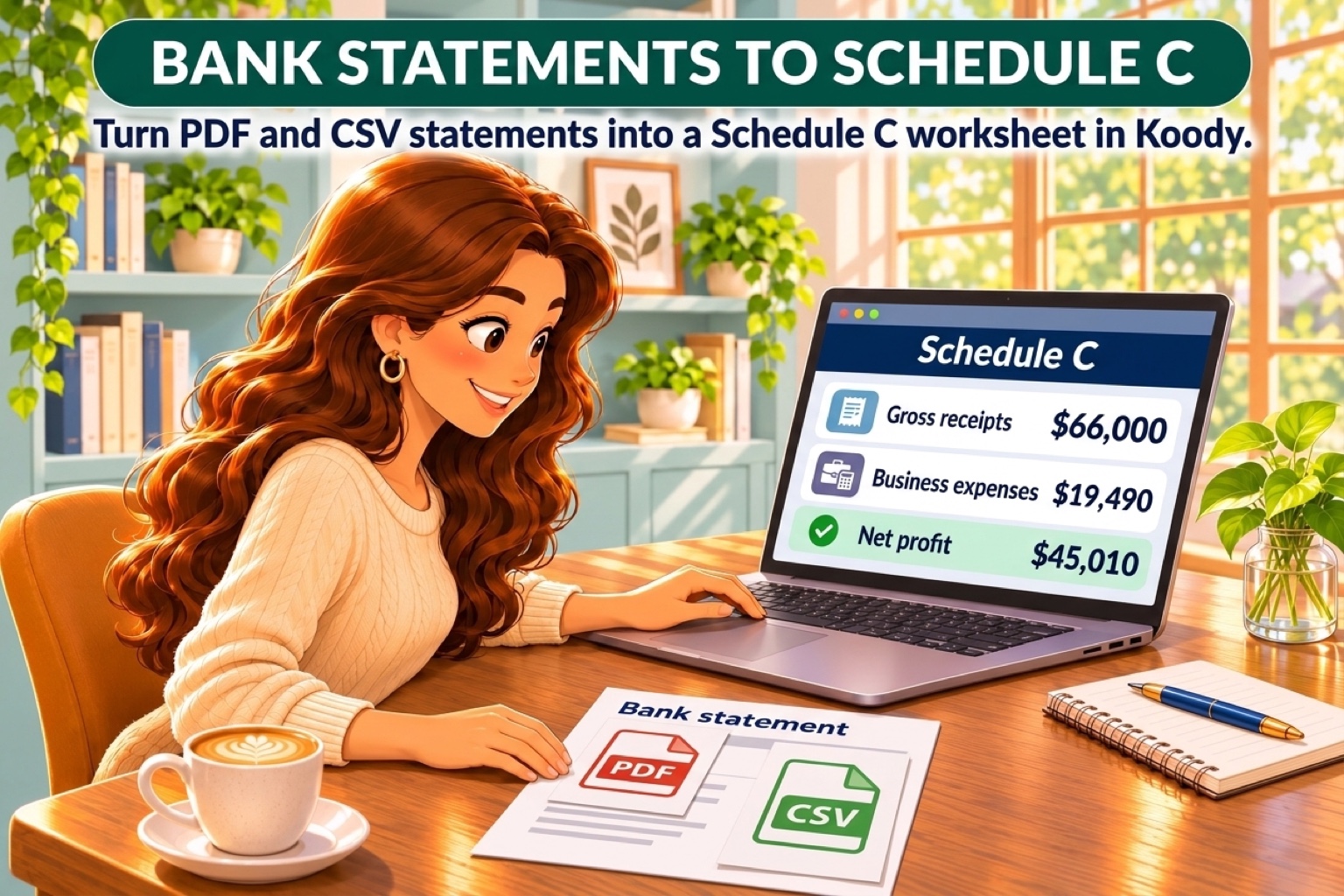
Download CSV files when your bank offers the full calendar year, or save the monthly PDFs when CSV history cuts off at 90 days or six months. You do not need to retype PDFs or clean up spreadsheet columns by hand. Upload both CSV files and PDF statements directly into Koody, and Koody extracts the dates, descriptions, and amounts automatically into the matching account.
Step 2: Strip out transfers, card payments, owner draws, and personal spending
The fastest way to distort Schedule C is to treat every bank deposit as revenue and every withdrawal as a business expense. Before you total any category, separate the six movements that appear on bank statements but do not belong in Schedule C profit.
| Statement item | Common example | Schedule C treatment | Why |
|---|---|---|---|
| Internal transfers | Moving money between checking and savings | Exclude from income and expenses | Counting a transfer inflates revenue or costs without changing profit. |
| Credit card bill payments | Paying a card balance from checking | Exclude the payment; keep the card purchases | The business purchases on the card statement are the actual expenses. |
| Owner contributions | Moving personal savings into business checking | Exclude from Line 1 gross receipts | Funding your own business is not taxable revenue. |
| Owner draws | Paying yourself from business checking | Exclude from Part II expenses | Sole proprietors take draws from profit rather than deducting them as wages. |
| Personal spending | Groceries, household bills, or personal gear on a mixed card | Exclude or split mixed receipts | Only the documented business share belongs in business totals. |
| Federal estimated taxes | Quarterly IRS payments from business checking | Exclude from Schedule C expenses | Federal income and self-employment taxes are reported on Form 1040, not deducted on Schedule C. |
Internal transfers
- Common example
- Moving money between checking and savings
- Schedule C treatment
- Exclude from income and expenses
- Why
- Counting a transfer inflates revenue or costs without changing profit.
Credit card bill payments
- Common example
- Paying a card balance from checking
- Schedule C treatment
- Exclude the payment; keep the card purchases
- Why
- The business purchases on the card statement are the actual expenses.
Owner contributions
- Common example
- Moving personal savings into business checking
- Schedule C treatment
- Exclude from Line 1 gross receipts
- Why
- Funding your own business is not taxable revenue.
Owner draws
- Common example
- Paying yourself from business checking
- Schedule C treatment
- Exclude from Part II expenses
- Why
- Sole proprietors take draws from profit rather than deducting them as wages.
Personal spending
- Common example
- Groceries, household bills, or personal gear on a mixed card
- Schedule C treatment
- Exclude or split mixed receipts
- Why
- Only the documented business share belongs in business totals.
Federal estimated taxes
- Common example
- Quarterly IRS payments from business checking
- Schedule C treatment
- Exclude from Schedule C expenses
- Why
- Federal income and self-employment taxes are reported on Form 1040, not deducted on Schedule C.
In Koody for Business, you do not have to filter those rows out of a spreadsheet by hand. Koody detects transfers, credit card payments, owner contributions, and owner draws and automatically excludes them from your Schedule C profit, while keeping Personal and Business categories separate even on a shared card. When a single hardware-store or Amazon receipt includes both client supplies and household items, split the transaction in Koody so only the business share enters your reports. If most of your year ran through one shared account, our guide on separating personal and business expenses in the same account explains how mixed accounts stay clean.
Step 3: Reconcile bank deposits with Line 1 gross receipts and 1099s
Most sole proprietors use cash-basis accounting, which reports income in the year it is actually or constructively received. Even on a cash basis, the sum of your bank deposits rarely equals Schedule C Line 1.
Line 1 gross receipts = business bank deposits − non-income deposits + processor fees withheld before payout + undeposited cash sales
Check three common gaps between your checking statements and Line 1:
- Payment-processor fees: If a client pays $1,000 by card and Stripe deducts $30 before depositing $970 into checking, your gross receipt on Line 1 is $1,000 and the $30 fee belongs on Line 10 (Commissions and fees). Recording only $970 can cause your reported gross receipts to fall below your Form 1099-K total.
- Customer refunds: Money refunded to clients goes on Line 2 (Returns and allowances) rather than vanishing from Line 1, so Line 3 equals Line 1 minus Line 2.
- Supplier refunds: When a vendor refunds you for returned supplies or canceled software, offset the original expense category instead of counting the refund as business revenue.
Compare your reconciled Line 1 total against every Form 1099-NEC and Form 1099-K you received. Under federal reporting rules, you must report all business income on Schedule C whether or not a client or payment network issued a 1099. For the 2026 tax year, federal Form 1099-NEC reporting starts at $2,000 and federal Form 1099-K reporting applies above $20,000 and 200 transactions, though individual states can set lower thresholds. Your own reconciled records, not the stack of 1099s, establish your complete gross receipts.
Koody handles the deposit cleanup automatically when you import your statements: it separates business revenue from internal transfers and owner contributions, and offsets supplier refunds against the original expense category so your Line 1 and Line 2 figures start clean before you compare them against your 1099s.
Step 4: Map business outflows to 2026 Schedule C lines
Once transfers, card payments, owner draws, and personal charges are out of the way, assign each remaining business purchase to its Schedule C Part II line (or Part V for Other expenses, which totals onto Line 48 and carries to Line 27b). Follow what the item was used for, not just the merchant name.
Watch one notable change on the 2026 IRS Schedule C: Part II now splits business interest across three lines. Line 16a remains mortgage interest paid to banks, Line 16b covers vehicle loan interest, and Line 16c covers other business interest such as business credit card interest. On the 2025 form, other business interest went on Line 16b.
| 2026 Schedule C line | Official category | Typical statement items and notes |
|---|---|---|
| Line 8 | Advertising | Local ads, social media ads, business cards, brochures, website hosting. |
| Line 9 | Car and truck expenses | Requires a mileage log or actual-expense calculation; do not sum random gas charges alone. |
| Line 10 | Commissions and fees | Stripe, Square, PayPal, and marketplace processing fees; referral commissions. |
| Line 11 | Contract labor | Payments to independent contractors and freelancers (issue Form 1099-NEC when required). |
| Line 13 | Depreciation and section 179 | Equipment, computers, tools, or machinery lasting more than a year (handled with Form 4562). |
| Line 15 | Insurance (other than health) | General liability, malpractice, or business property policies (not self-employed health insurance). |
| Line 16a / 16b / 16c | Interest (2026 form) | 16a: business mortgage interest; 16b: vehicle loan interest (new for 2026); 16c: other business interest such as business credit card interest. |
| Line 17 | Legal and professional services | CPA, tax preparer, bookkeeper, and attorney fees for the business. |
| Line 18 | Office expense | Printer paper, ink, toner, pens, folders, envelopes, and postage. |
| Line 20a / 20b | Rent or lease | 20a: rented vehicles, machinery, or equipment; 20b: rented studio, shop, or office space. |
| Line 21 | Repairs and maintenance | Routine servicing and repairs that keep existing equipment or premises working. |
| Line 22 | Supplies | Materials consumed while delivering your service, when not included in cost of goods sold. |
| Line 23 | Taxes and licenses | City business licenses, state regulatory fees, and deductible business taxes. |
| Line 24a / 24b | Travel and deductible meals | 24a: qualifying business lodging and airfare; 24b: qualifying business meals (generally 50% deductible). |
| Line 25 | Utilities | Dedicated business phone, internet, electricity, and water for a commercial space. |
| Line 27b (Part V, Line 48) | Other expenses | Business software subscriptions, bank account fees, continuing education, and professional dues. |
Line 8: Advertising
Local ads, social media ads, business cards, brochures, website hosting.
Line 9: Car and truck expenses
Requires a mileage log or actual-expense calculation; do not sum random gas charges alone.
Line 10: Commissions and fees
Stripe, Square, PayPal, and marketplace processing fees; referral commissions.
Line 11: Contract labor
Payments to independent contractors and freelancers (issue Form 1099-NEC when required).
Line 13: Depreciation and section 179
Equipment, computers, tools, or machinery lasting more than a year (handled with Form 4562).
Line 15: Insurance (other than health)
General liability, malpractice, or business property policies (not self-employed health insurance).
Line 16a / 16b / 16c: Interest (2026 form)
16a: business mortgage interest; 16b: vehicle loan interest (new for 2026); 16c: other business interest such as business credit card interest.
Line 17: Legal and professional services
CPA, tax preparer, bookkeeper, and attorney fees for the business.
Line 18: Office expense
Printer paper, ink, toner, pens, folders, envelopes, and postage.
Line 20a / 20b: Rent or lease
20a: rented vehicles, machinery, or equipment; 20b: rented studio, shop, or office space.
Line 21: Repairs and maintenance
Routine servicing and repairs that keep existing equipment or premises working.
Line 22: Supplies
Materials consumed while delivering your service, when not included in cost of goods sold.
Line 23: Taxes and licenses
City business licenses, state regulatory fees, and deductible business taxes.
Line 24a / 24b: Travel and deductible meals
24a: qualifying business lodging and airfare; 24b: qualifying business meals (generally 50% deductible).
Line 25: Utilities
Dedicated business phone, internet, electricity, and water for a commercial space.
Line 27b (Part V, Line 48): Other expenses
Business software subscriptions, bank account fees, continuing education, and professional dues.
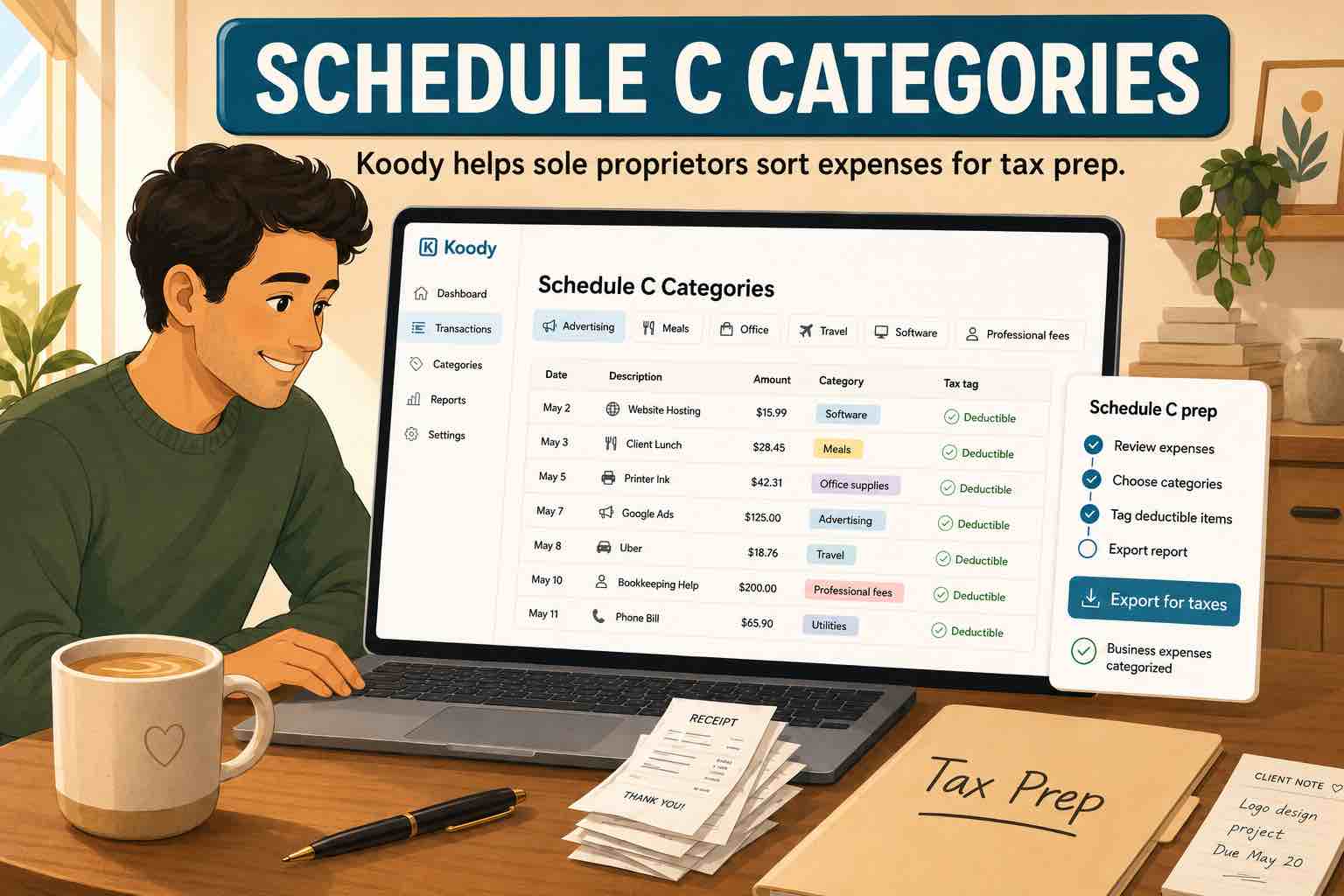
You do not need to memorize forty Schedule C lines or sort hundreds of rows in a spreadsheet. Koody automatically categorizes imported business purchases into Schedule C-aligned categories, totals Part V items onto Line 48 and Line 27b, and flags the lines that have IRS eligibility limits or special forms (such as equipment, vehicle expenses, meals, gifts, home office, or 2026 vehicle vs. other interest) so you can confirm them in one place. For a full line-by-line reference across every category, see our Schedule C expense categories guide.
Skip the manual Schedule C line sorting.
Upload your PDF or CSV bank and credit card statements into Koody for Business. Koody automatically maps your business transactions to Schedule C lines, totals Part V expenses, and flags only the items that need your confirmation.
Create your Schedule C worksheetStep 5: Add what bank statements leave out
A bank statement proves money moved on a given date, but it does not contain every fact required for Schedule C. Before finalizing your worksheet, check five areas that live outside your bank PDFs and CSVs.
1. Itemized receipts and business purpose
A card line reading "BIG BOX STORE $240.00" does not show whether you bought business drop cloths, personal groceries, or a mix of both. Under IRS Publication 583, supporting documents such as itemized receipts, invoices, and canceled checks establish both the amount and the business purpose. See our guide on using bank statements as receipts for business expenses for what to attach when a charge is vague.
2. Business mileage and vehicle rules (Line 9)
If you drive a personal vehicle for business, you cannot simply add up every gas-station charge on your card statement. You choose either the standard mileage rate (using a contemporaneous mileage log) or the actual-expense method prorated by business-use percentage. For 2026, the IRS standard business mileage rate changed mid-year: 72.5 cents per mile from January 1 through June 30, 2026, and 76 cents per mile from July 1 through December 31, 2026. Keep your first-half and second-half mileage totals separate.
3. Home office deduction (Line 30)
Household rent, mortgage interest, and home utilities usually sit on personal statements and require regular and exclusive business-use qualification before entering Line 30. Whether you use Form 8829 (actual expenses) or the IRS simplified method ($5 per square foot, up to 300 square feet), the deduction is calculated separately rather than summed from bank debits.
4. Inventory and cost of goods sold (Part III, Line 42)
Product sellers cannot always deduct every inventory purchase the day it leaves checking. Part III calculates cost of goods sold using beginning inventory, purchases, direct labor, materials, other costs, and ending inventory, then copies Line 42 onto Line 4. Keep physical year-end inventory counts alongside your purchase statements.
5. Equipment, depreciation, and cash transactions
Major tools, laptops, cameras, or machinery lasting more than a year may require depreciation or a Section 179 election on Form 4562 rather than a routine Supplies deduction. On the other side, business payments received or spent in cash never appear on a bank statement unless deposited or withdrawn; record them from receipts and invoices so both revenue and deductions stay complete.
Koody keeps these off-statement details alongside your imported records so you do not have to juggle separate spreadsheets. Attach receipts directly to any transaction, add cash entries when needed, and enter confirmed amounts for mileage, home office, inventory, or depreciation right inside Koody's Schedule C worksheet while keeping your P&L and bank balances untouched.
Worked example: turning one year of statements into Line 31
Suppose Nadia runs a cash-basis residential painting sole proprietorship in 2026. She has twelve monthly statements from her business checking account and twelve statements from a credit card she used for supplies and occasional personal errands.
Her checking statements show $69,400 in total deposits. Looking at the rows behind that total reveals four adjustments:
- Remove $3,000 transferred from her personal savings in January (owner contribution, not revenue).
- Remove $1,800 moved from her business savings account (internal transfer).
- Remove $400 refunded by a paint supplier for unopened cans (reduces Supplies from $5,250 to $4,850).
- Add $650 in Stripe processing fees withheld before her $21,600 card payouts hit checking (gross Stripe sales were $22,250; the $650 fee moves to Line 10), plus $1,150 in cash job payments not deposited into checking.
On the outflow side, Nadia removes $11,200 in checking-to-credit-card payments (keeping the underlying business card charges instead), $24,000 in owner draws to her personal account, $4,800 in quarterly federal estimated tax payments, and $1,940 in personal card purchases (including a $240 hardware-store charge split into $180 of business drop cloths and $60 of personal garden soil).
Adding her 2026 mileage log (2,400 miles in the first half of 2026 and 2,500 miles in the second half) and her simplified home office calculation (180 square feet) produces this reconciled 2026 Schedule C summary:
| Schedule C line | Description | Amount | Source and calculation |
|---|---|---|---|
| Line 1 | Gross receipts or sales | $66,000 | $42,600 direct client pay + $22,250 gross Stripe sales + $1,150 cash jobs |
| Line 2 | Returns and allowances | $600 | One canceled-job refund paid back to a client |
| Line 3 / Line 5 / Line 7 | Gross profit and gross income | $65,400 | $66,000 minus $600 (service business; $0 cost of goods sold) |
| Line 8 | Advertising | $1,120 | Local listings, yard signs, and website hosting |
| Line 9 | Car and truck expenses | $3,640 | 2,400 mi Jan-Jun × $0.725 ($1,740) + 2,500 mi Jul-Dec × $0.76 ($1,900) |
| Line 10 | Commissions and fees | $650 | Stripe processing fees reconciled from annual payout summary |
| Line 11 | Contract labor | $4,200 | Independent helper on two multi-room jobs (W-9 on file; 1099-NEC issued) |
| Line 15 | Insurance (other than health) | $1,480 | Annual general liability policy |
| Line 16c | Interest: Other (2026 line) | $210 | Business credit card interest |
| Line 17 | Legal and professional services | $750 | CPA fee for business tax preparation |
| Line 18 | Office expense | $340 | Invoice paper, printer ink, and postage |
| Line 20a | Rent or lease: equipment | $460 | Two-story scaffolding rental |
| Line 21 | Repairs and maintenance | $290 | Paint sprayer servicing |
| Line 22 | Supplies | $4,850 | $5,250 paint, rollers, and tape minus $400 supplier refund |
| Line 23 | Taxes and licenses | $180 | Annual city business license |
| Line 24b | Deductible meals | $140 | $280 qualifying business meals × 50% standard limit |
| Line 25 | Utilities | $600 | Dedicated business phone line |
| Line 27b (Part V, Line 48) | Total other expenses | $580 | $420 business software subscriptions + $160 bank account fees |
| Line 28 | Total expenses | $19,490 | Sum of Lines 8 through 27b |
| Line 29 | Tentative profit | $45,910 | $65,400 gross income minus $19,490 total expenses |
| Line 30 | Expenses for business use of home | $900 | Simplified method: 180 sq ft exclusive office × $5/sq ft |
| Line 31 | Net profit | $45,010 | $45,910 tentative profit minus $900 home office |
Line 1: Gross receipts or sales ($66,000)
$42,600 direct client pay + $22,250 gross Stripe sales + $1,150 cash jobs
Line 2: Returns and allowances ($600)
One canceled-job refund paid back to a client
Line 3 / Line 5 / Line 7: Gross profit and gross income ($65,400)
$66,000 minus $600 (service business; $0 cost of goods sold)
Line 8: Advertising ($1,120)
Local listings, yard signs, and website hosting
Line 9: Car and truck expenses ($3,640)
2,400 mi Jan-Jun × $0.725 ($1,740) + 2,500 mi Jul-Dec × $0.76 ($1,900)
Line 10: Commissions and fees ($650)
Stripe processing fees reconciled from annual payout summary
Line 11: Contract labor ($4,200)
Independent helper on two multi-room jobs (W-9 on file; 1099-NEC issued)
Line 15: Insurance (other than health) ($1,480)
Annual general liability policy
Line 16c: Interest: Other (2026 line) ($210)
Business credit card interest
Line 17: Legal and professional services ($750)
CPA fee for business tax preparation
Line 18: Office expense ($340)
Invoice paper, printer ink, and postage
Line 20a: Rent or lease: equipment ($460)
Two-story scaffolding rental
Line 21: Repairs and maintenance ($290)
Paint sprayer servicing
Line 22: Supplies ($4,850)
$5,250 paint, rollers, and tape minus $400 supplier refund
Line 23: Taxes and licenses ($180)
Annual city business license
Line 24b: Deductible meals ($140)
$280 qualifying business meals × 50% standard limit
Line 25: Utilities ($600)
Dedicated business phone line
Line 27b (Part V, Line 48): Total other expenses ($580)
$420 business software subscriptions + $160 bank account fees
Line 28: Total expenses ($19,490)
Sum of Lines 8 through 27b
Line 29: Tentative profit ($45,910)
$65,400 gross income minus $19,490 total expenses
Line 30: Expenses for business use of home ($900)
Simplified method: 180 sq ft exclusive office × $5/sq ft
Line 31: Net profit ($45,010)
$45,910 tentative profit minus $900 home office
Notice how far raw bank totals would have drifted. Using raw checking deposits ($69,400) would have overstated Line 1 by $3,400, while omitting the $650 in withheld processor fees, the $3,640 mileage calculation, and the $900 home office deduction would have inflated taxable profit by thousands of dollars.
Inside Koody for Business, Nadia does not have to compute any of those adjustments by hand in a spreadsheet. Uploading her 24 monthly PDF and CSV statements lets Koody extract every row, exclude the $11,200 in card payments, $24,000 in owner draws, $4,800 in tax payments, and $4,800 in non-income deposits, and total each Schedule C line automatically. She only splits the $240 hardware receipt, logs her cash jobs and withheld Stripe fees, and confirms her meals, mileage, and home office figures directly on the worksheet.
See your own Profit & Loss and Schedule C worksheet from your statements.
Bring in PDF or CSV statements from any bank, credit union, credit card, or closed account, with no bank login or fragile syncs required. Open any line on your Profit & Loss or Schedule C worksheet in Koody to inspect the exact transactions and receipts behind the total.
Try Koody for BusinessStep 6: Let Koody build your Schedule C worksheet
Doing this reconciliation by hand in a spreadsheet gets fragile across twelve months of mixed checking and credit card statements. Koody for Business automates the extraction, cleanup, categorization, and line-level rollups inside one workspace while keeping your personal finances separate.
- Upload your PDF or CSV statements: Add the accounts you used (from any bank, credit union, credit card, or closed account, with no bank login or broken syncs required), open New and choose Import Bank Transactions, and upload your monthly PDFs or full-year CSV files.
- Koody extracts, cleans, and categorizes automatically: Koody reads every transaction from your files, cleans messy merchant descriptions, flags possible duplicates, excludes transfers, credit card payments, owner draws, and personal spending from business profit, and assigns official Schedule C-aligned Business categories. When you adjust a recurring vendor once, Koody remembers that choice for future imports in the same workspace.
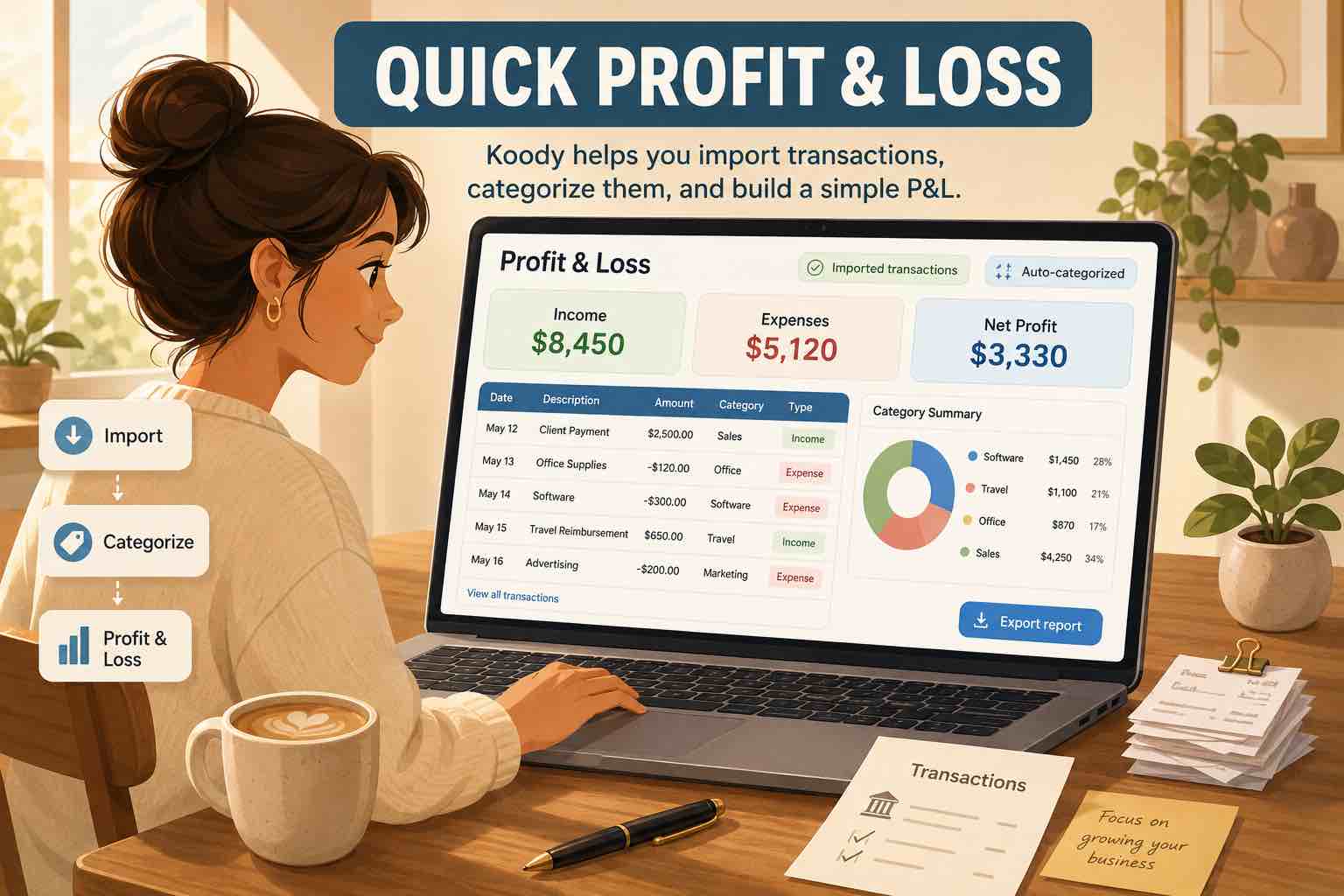
- Koody builds your Profit & Loss and Schedule C worksheet: Open Profit & Loss to review your annual cash-basis totals or compare periods, then open Schedule C and choose the tax year (2025 or 2026 USD). Every mapped category is already totaled on its line, and clicking any line opens the exact supporting transactions and attached receipts behind the number.
- Confirm only what a statement cannot know: Expand any flagged line (such as meals to confirm the eligible base for the 50% limit, vehicle expenses, home office, inventory, or 2026 vehicle vs. other interest) to enter your confirmed figure. Koody keeps those tax-only worksheet adjustments separate from your P&L and bank balances.
Statement imports, automatic categorization, and business reports require a paid subscription. After tax season, the same app keeps working year-round on mobile and desktop for personal budgets, business cash flow, period-over-period Profit & Loss comparisons, and Tax Set-Aside tracking.

Step 7: Confirm Koody's review flags and export for filing
Koody flags potential duplicates during import and highlights uncategorized rows and judgment-dependent tax lines right on the worksheet, so your final check before handing records to a tax preparer or entering figures into filing software takes minutes:
- Confirm every bank and credit card statement from January 1 through December 31 has been uploaded, with no missing months.
- Clear any remaining review triangles on Koody's Schedule C worksheet (such as meals, mileage, home office, inventory, or 2026 interest).
- Check that gross receipts on Line 1 account for payment-processor fees and align with your Forms 1099-NEC and 1099-K (or add a short note explaining any timing or reporting difference).
- Make sure receipts, invoices, or logs are attached to high-scrutiny transactions such as meals, travel, equipment, and contract labor.
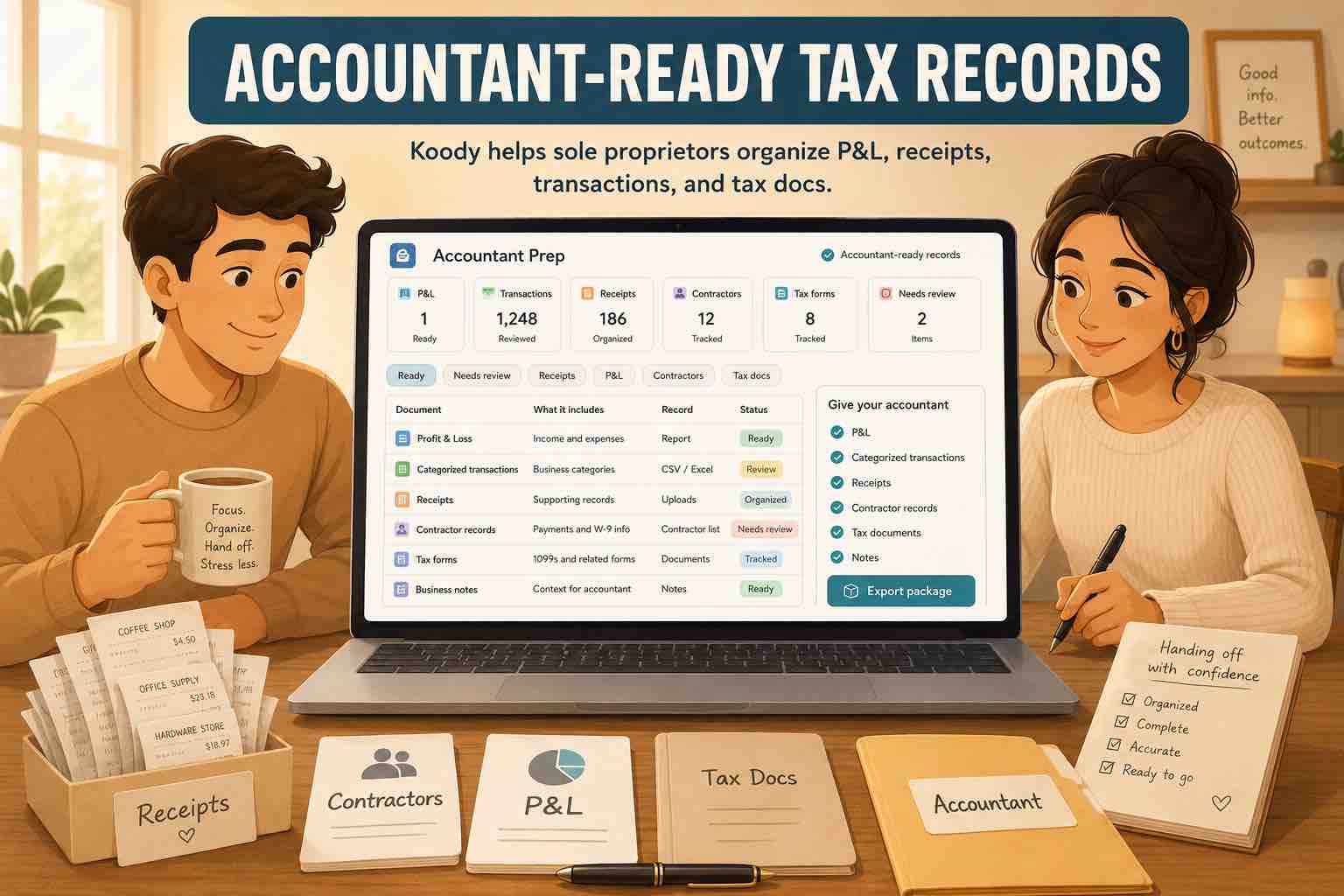
From Koody's Schedule C worksheet, open the Export menu and download the worksheet in Excel or CSV format alongside your Profit & Loss report and supporting transaction list. Keep your tax records and receipts for at least three years from the filing date (or longer for depreciable assets and special circumstances under IRS Publication 583). For a complete checklist of forms and summaries to include, see what to give your accountant for sole proprietor taxes.
FAQs
1. Can I prepare Schedule C using only my bank statements?
Bank and credit card statements are the best starting point for cash-basis sole proprietors because they show dates, payees, and amounts paid or received. However, statements alone leave out payment-processor fees deducted before payout, cash income and cash expenses, business mileage, home office calculations, inventory counts, and itemized receipt details. You need to combine your statements with those supporting records before filing.
2. Should I download PDF or CSV bank statements for Schedule C?
Download CSV files when your bank offers the full tax year, because they already sit in columns. Use PDF statements when your bank limits CSV history to 90 days, when an account is closed, or when monthly PDFs are the only archive you have. Koody imports both CSV and PDF bank and credit card statements, extracts the transactions, and auto-categorizes them for review.
3. Why do my total bank deposits not match Schedule C Line 1?
Bank deposits often include non-income items such as transfers between your own accounts, owner contributions from personal savings, loan proceeds, and supplier refunds. At the same time, deposits from Stripe, Square, PayPal, or marketplaces usually arrive net of fees, and cash payments never hit the bank unless you deposit them. Line 1 reports gross business receipts before those fees and refunds.
4. Do credit card payments count as expenses on Schedule C?
No. Paying your credit card bill from checking is a transfer between accounts. The deductible business expenses are the individual business purchases on the credit card statements. Counting both the card purchases and the monthly card payment counts the same spending twice.
5. What changed on Schedule C for the 2026 tax year?
On the 2026 IRS Schedule C, Part II separates vehicle loan interest onto Line 16b and moves other business interest to Line 16c, whereas the 2025 form used Line 16b for other interest. Check the official instructions for the tax year you file before transferring figures from any worksheet.
6. What if I used a personal bank account or card for business purchases?
A sole proprietor can still deduct ordinary and necessary business expenses paid from a personal account or card, provided the records support the purchase and business purpose. Exclude every personal charge from Schedule C, split any mixed receipt so only the business portion enters your business totals, and keep the itemized receipt.
7. What can I export from Koody for my accountant or tax filing software?
You can export your line-by-line Schedule C preparation worksheet, your cash-basis Profit & Loss report, and your categorized transaction history in Excel or CSV format, with attached receipts and notes kept alongside each transaction. Koody prepares these organized records and working figures for review rather than filing returns or estimating your tax bill.
Let Koody turn your bank statements into a Schedule C worksheet.
Upload your PDF or CSV bank and credit card statements into Koody for Business. Koody extracts and categorizes your transactions, builds your Profit & Loss report and Schedule C preparation worksheet, and lets you export everything in Excel or CSV when you are ready to file.
Get started with KoodySources
This guide provides general US federal tax recordkeeping education for sole proprietors and is not individualized tax, legal, or accounting advice. Koody's Schedule C report is a preparation worksheet, not an official IRS form or a completed tax return. Have a qualified tax professional review your records and prepare your return.
- IRS Form 1040, Schedule C (2026): Profit or Loss From Business (Sole Proprietorship), including Part I, Part II (Lines 16a-16c), Part III, and Part V.
- IRS Instructions for Schedule C (Form 1040): line-by-line income, expense, meals, vehicle, and home office instructions.
- IRS Publication 583: Starting a Business and Keeping Records (supporting documents, electronic records, and retention periods).
- IRS Standard Mileage Rates: 2026 business mileage rates (72.5 cents per mile Jan-Jun 2026; 76 cents per mile Jul-Dec 2026).
- IRS Understanding Your Form 1099-K: gross receipts reporting and third-party payment network thresholds.
Sources accessed November 28, 2026.