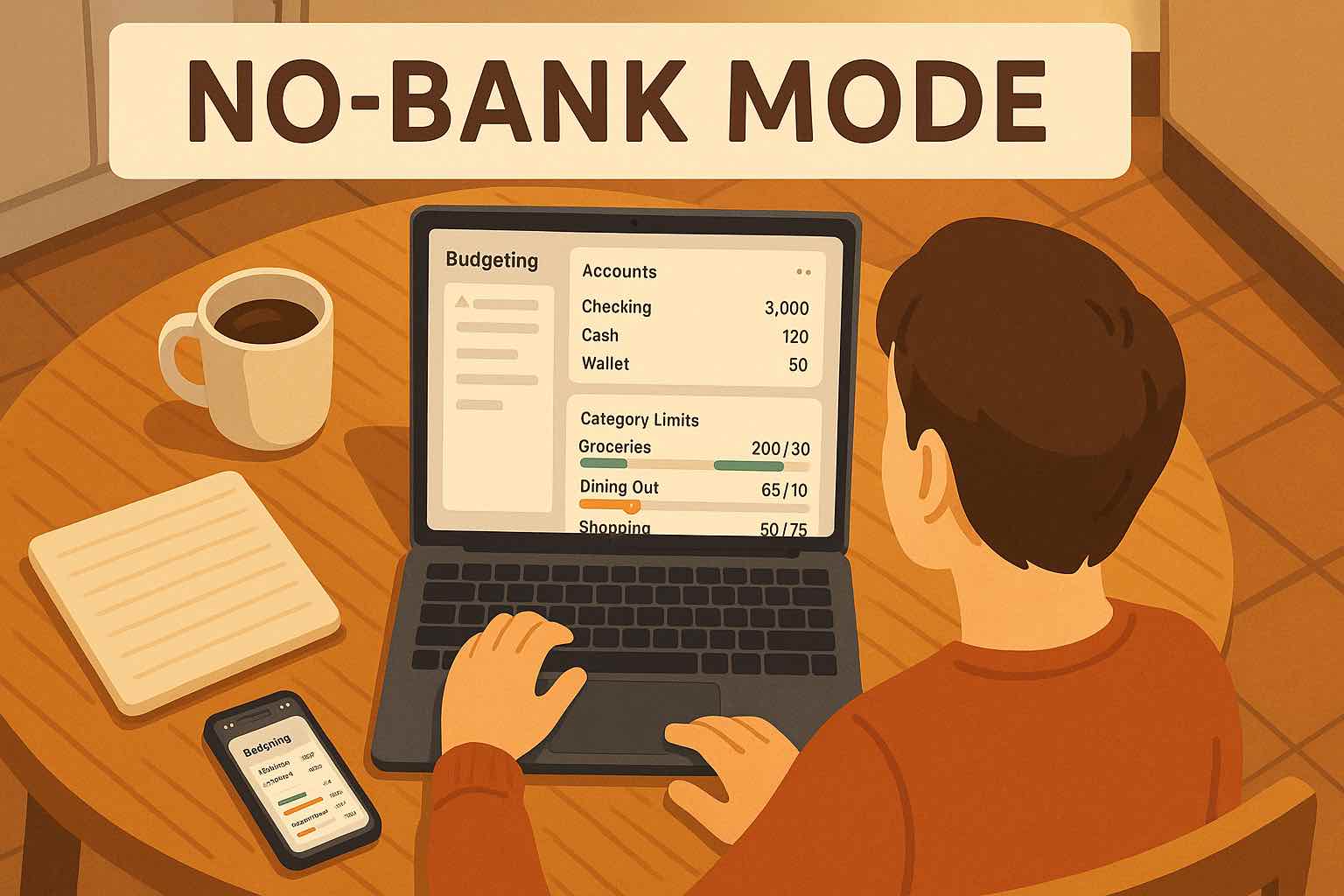
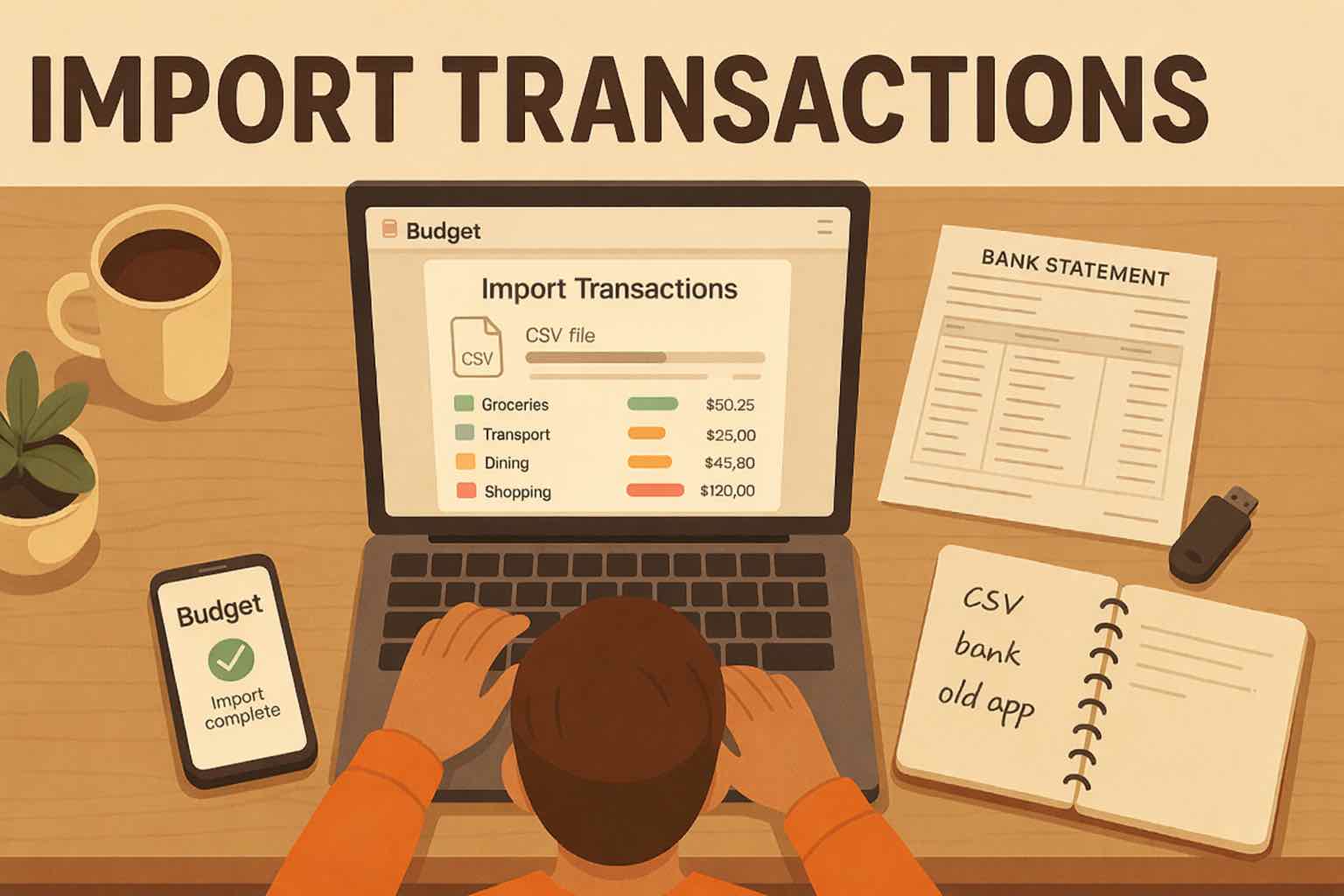
Convert a bank statement PDF to CSV with Koody.
Upload a bank or credit card statement PDF and download the transactions as CSV, Excel, or JSON. Koody also auto-categorizes your transactions and helps you budget, track expenses, manage personal or business cash flow, and prepare for tax season.

How it works
Choose the matching Koody account, upload your statement, and let Koody turn the PDF into a transaction list you can review and download.
Upload your statement
Choose the matching checking, savings, or credit card account in Koody, then upload the PDF.
Koody organizes your transactions
Koody extracts the dates, descriptions, and amounts, then cleans and auto-categorizes the transactions.
Review or download
Check the imported transactions, make any edits, and download CSV, Excel, or JSON whenever you need a file.
Import results
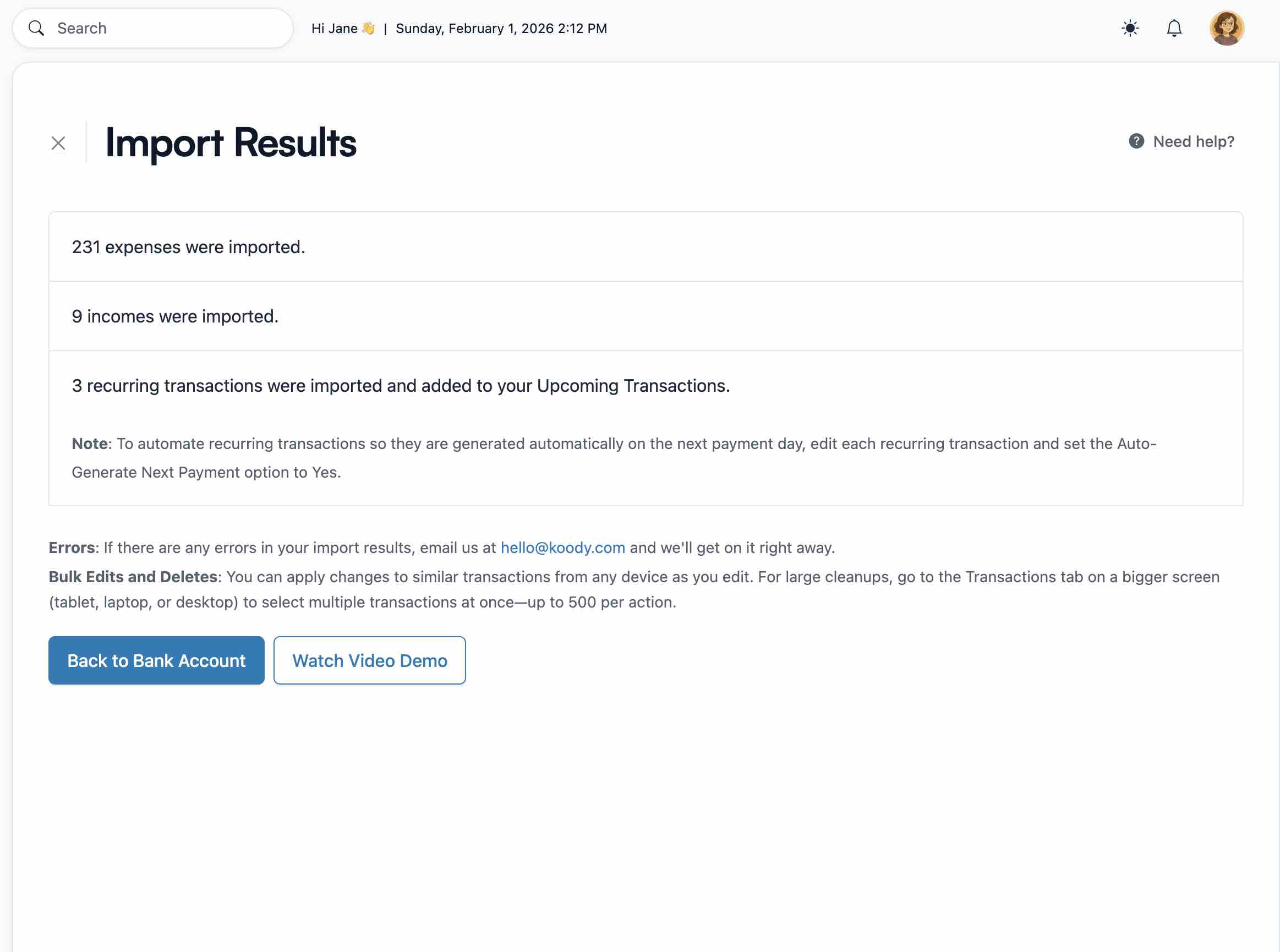
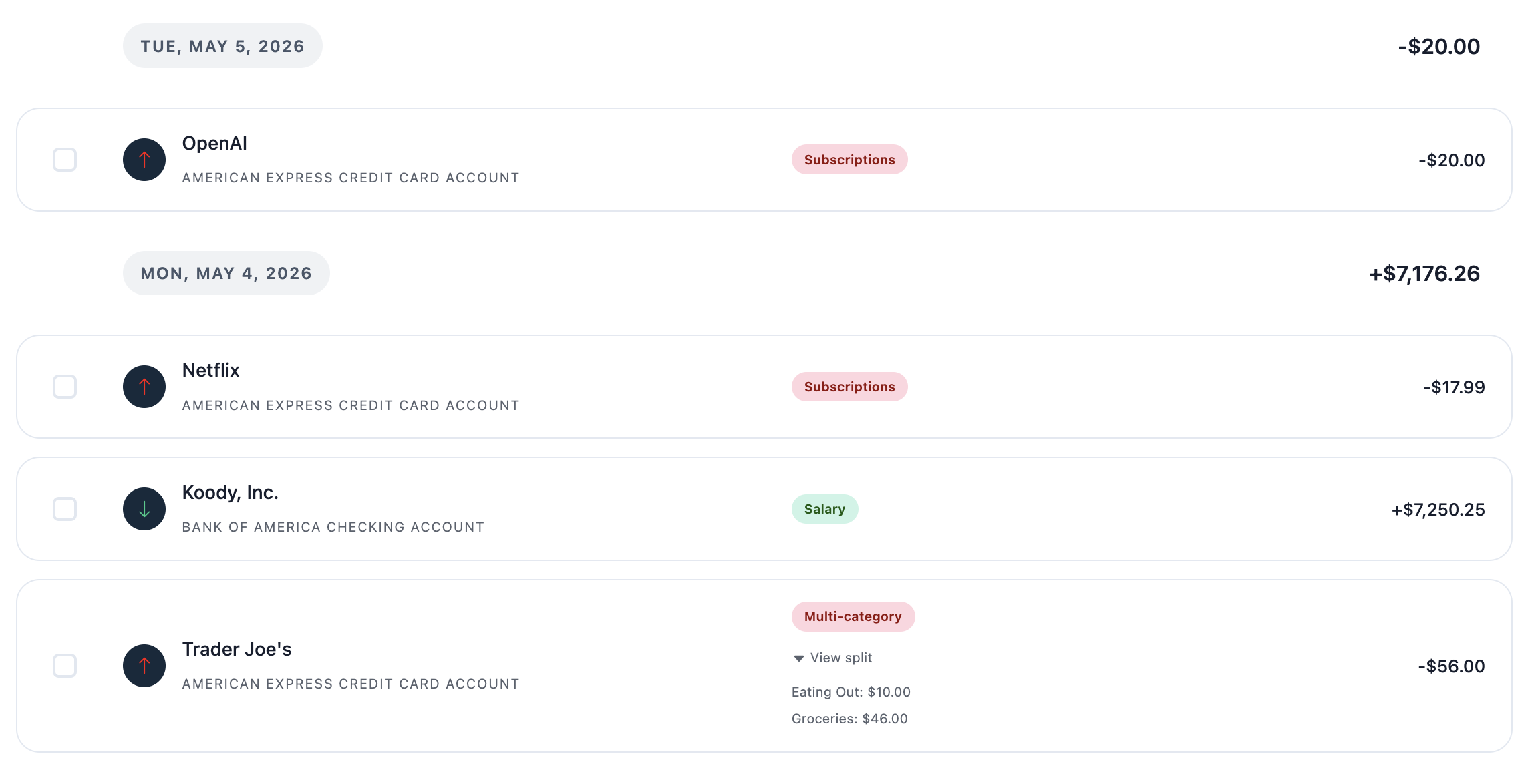
See every imported transaction in one place.
Koody turns statement pages into an organized transaction list with a clear summary of what was imported.
- Readable descriptions and automatic categories.
- Clear totals, recurring activity, and duplicate checks.
Fast cleanup
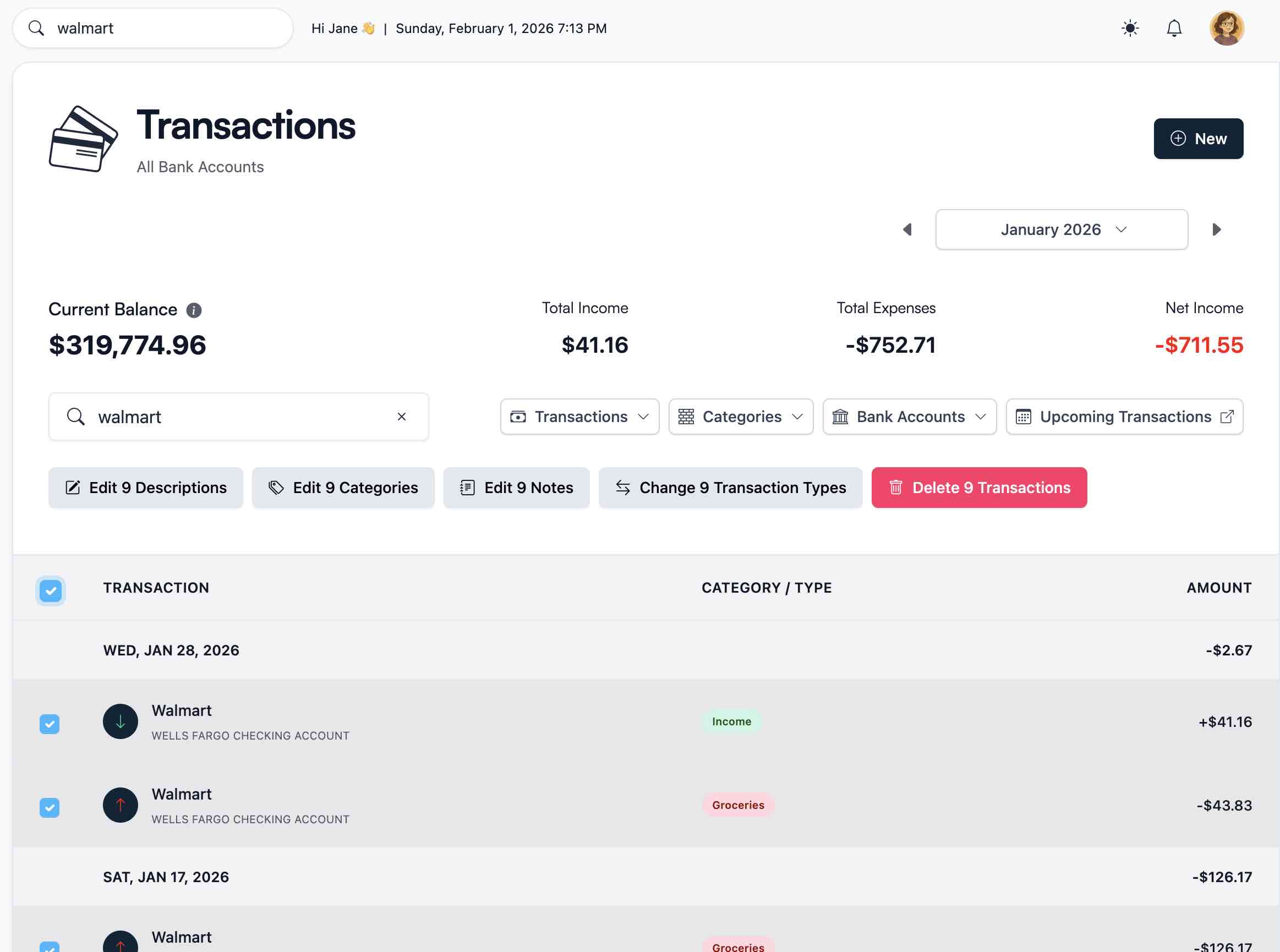
Fix patterns without rebuilding a spreadsheet.
If a merchant name, category, or note needs attention, update matching transactions together instead of editing every row by hand.
- Edit matching transactions in bulk.
- Save useful changes for future imports.
Flexible export
Download CSV, Excel, or JSON whenever you need it.
Keep a spreadsheet, make an offline copy, or send organized transaction records to your accountant.
- Filter by date, account, category, or transaction type.
- Take your transaction data with you whenever you want.
More than a file conversion
Put your statement history to work.
Koody is more than a PDF-to-CSV converter. It auto-categorizes transactions and helps you build budgets, track expenses, manage personal and small-business cash flow, and prepare for U.S. tax season.
- Build or update a personal or household budget with transactions from older statements.
- Review personal and sole-proprietor cash flow account by account.
- Organize transaction records for tax season or a handoff to your accountant.
Pricing
Free
Track money by hand, calculate your tax set-aside, and talk to Koody AI.
- Input transactions manually
- Add bank accounts
- Track spending and income (up to 1 year)
- Categorize transactions
- Monitor subscriptions or bills
- Koody AI
- Upload receipts
- Calculate your tax set-aside
- Access on mobile and desktop
Standard
Budgets that match your paydays, longer history, and exports.
- Everything in Free
- Track spending and income (up to 3 years)
- Add new categories
- Auto-generate recurring transactions
- Export transactions (CSV, Excel, JSON)
- Create and manage budgets
- Sync budgets with your payday
- Create recurring budgets
Plus
Statement imports, auto-categorization, and unlimited history.
Available to eligible customers in the US, UK, Canada, and Australia.Terms apply.
- Everything in Standard
- Import transactions from bank and credit card statements (CSV or PDF)
- Track spending and income (unlimited years)
- Automatic transaction categorization
- Unlimited categories
- Automatic detection of recurring transactions
- Advanced Koody AI
- Keep budgets active indefinitely
Frequently asked questions
Can I convert a bank statement PDF to CSV with Koody?
Yes. Upload the statement, review the imported transactions, then download your Koody transactions as CSV, Excel, or JSON.
Does Koody support credit card statement PDFs?
Yes. You can import bank and credit card statement PDFs into the matching Koody account.
What should I do if a transaction looks wrong?
Review the imported transactions in Koody and edit anything that needs attention. You can also delete the import, try again, or write to us at hello@koody.com.
Does Koody need my bank login?
No. You download the statement from your bank and upload it yourself. Koody does not ask for your bank login.
Can I use the imported transactions for business records and tax time?
Yes. You can organize personal and business activity, mark taxable income, attach supporting records, and export transaction data for your own review or for your accountant. Koody does not calculate your tax liability.
Ready to convert your PDF to CSV?
Upload the PDF, review your organized transactions, and download CSV, Excel, or JSON.