An accountant can do more with a clean set of records than with a folder full of unexplained bank statements. The difference is context. They need to see what the business earned, what it spent, how each total was built, and which transactions need a closer look.
You do not need to become an accountant before meeting yours. You do need to prepare records that another person can follow.
Important: Koody is a budgeting and record-prep app, not a tax filing service, tax advisor, accountant, tax preparer, payroll provider, or law firm. Your accountant should decide the final treatment and tell you which records they require.
Start with your accountant's checklist
Ask your accountant how they want the information before you send it. One accountant may want a P&L and an Excel export. Another may ask for bank statements, receipts above a certain amount, mileage records, equipment purchases, and copies of every Form 1099.
The type of work you do changes the list. An Uber driver may need vehicle and mileage records. An Etsy seller may need inventory, platform fees, shipping, refunds, and a 1099-K. A therapist may need office rent, malpractice insurance, continuing education, and contractor records. A hairdresser may need booth rent, supplies, card processor reports, and license renewals.
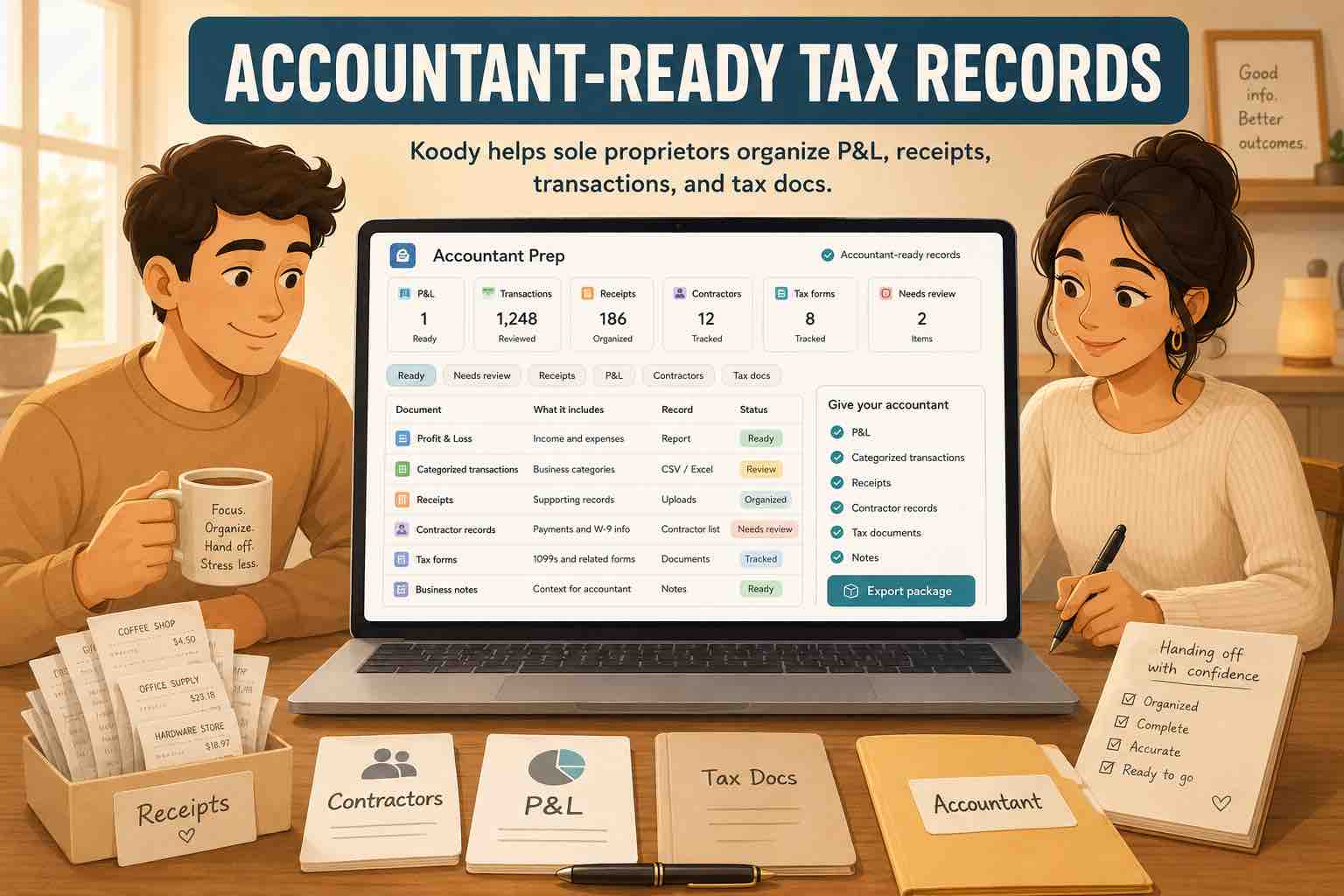
A good starting package has three layers:
- Summary reports: A P&L and other totals that show the year at a glance.
- Transaction records: The dated income and expense rows behind those totals, with useful categories and notes.
- Supporting documents: Receipts, invoices, tax forms, statements, mileage logs, contracts, and payment confirmations that explain important rows.
Those layers answer different questions. The P&L shows the total. The transaction export shows which payments created it. The receipt or invoice explains what happened.
The P&L and the transactions behind it
What is a P&L for a sole proprietor?
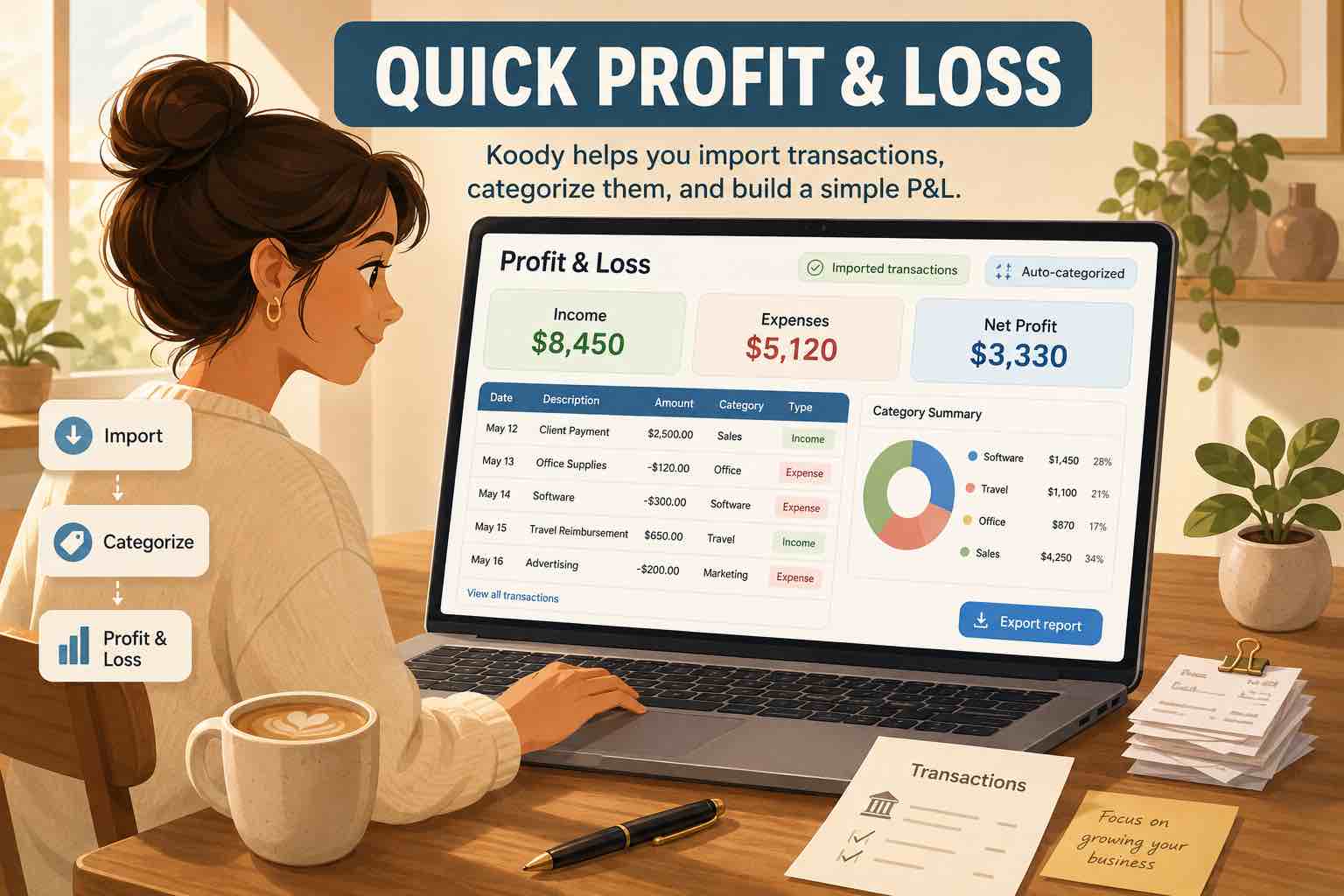
A profit and loss report adds up business income and subtracts business expenses for a period. If the business received $80,000 and had $30,000 of reviewed expenses, the report shows $50,000 of profit before any later tax adjustments.
For a sole proprietor, that report is a practical starting point for Schedule C because Schedule C also reports business income and expenses. The two reports are not automatically identical. Your accountant may reclassify a purchase, adjust inventory, review depreciation, or handle another tax item differently.
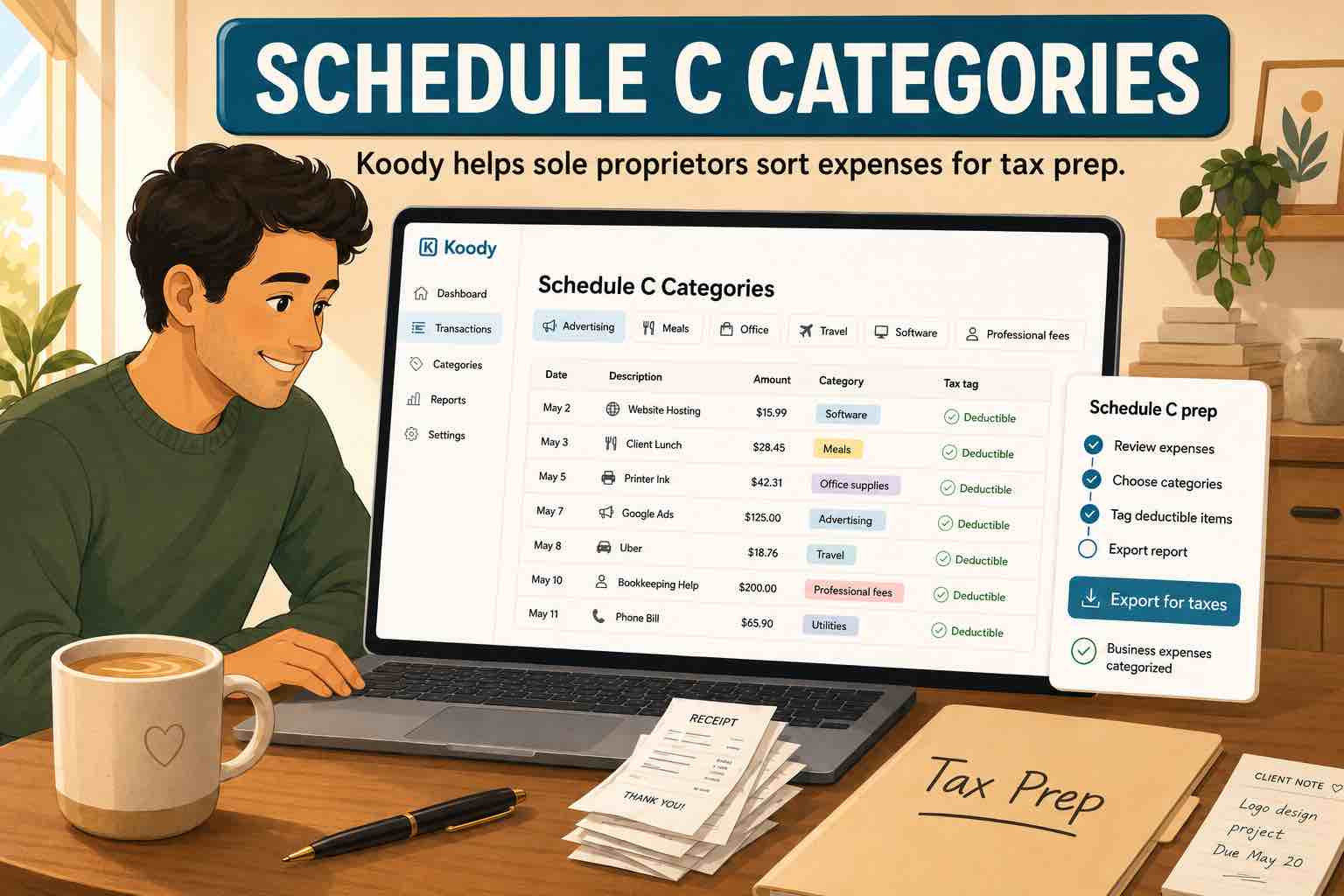
The report becomes more useful when its categories resemble the business records your accountant expects: Revenue, Returns & Allowances, Advertising, Contract Labor, Insurance, Legal & Professional Services, Rent, Supplies, Travel, Meals, Utilities, Taxes & Licenses, and other relevant categories.
Koody can create a simple Schedule C-style P&L from transactions you have reviewed. Keep the transaction export with it so your accountant can trace a total back to the individual rows.
Does the accountant still need statements?
They may. Bank and card statements can confirm accounts, date ranges, deposits, payments, and balances. They are also useful when the books need to be checked against the original account activity.
A statement alone may not say what you bought. A charge from Amazon, Costco, Target, Apple, or a local supplier could be equipment, inventory, office supplies, a personal purchase, or several categories on one receipt. That is where the receipt, split, and business-purpose note help.
Keep the receipt and explanation with the transaction.
Take a receipt photo on mobile or attach an invoice, PDF, screenshot, or confirmation to the matching Koody row. Add a note when the merchant name does not explain the business purpose.
Organize records in KoodyIncome records to prepare
Give the accountant the full income picture
Business income can arrive through clients, cash sales, card processors, marketplaces, delivery or rideshare platforms, insurance payments, grants, interest, and other sources. Your accountant needs the total income and enough records to understand where it came from.
Prepare the records that apply to you:
- Client invoices and payment records.
- Cash sales records, receipt books, or daily sales summaries.
- Forms 1099-NEC, 1099-K, or other tax forms received.
- Platform and marketplace annual statements.
- Payment processor reports.
- Bank deposits connected to business income.
- Refunds, returns, discounts, chargebacks, and allowances.
- Other income that does not fit the normal sales category.
Do not assume every deposit is revenue. A transfer from savings, a credit card cash advance, a loan deposit, an owner contribution, or a reimbursement can enter the bank account without being a new sale. Label those rows before the handoff.
The reverse is also true: a marketplace deposit may be less than the sale because the platform removed fees, refunds, shipping charges, reserves, or other amounts first. Keep the platform report with the payout records so your accountant can review gross income and the deductions from it.
Expense records and receipts
Categorize what the business paid for
An expense category gives the accountant a first answer: advertising, rent, supplies, insurance, contract labor, or something else. The receipt and note answer the next questions.
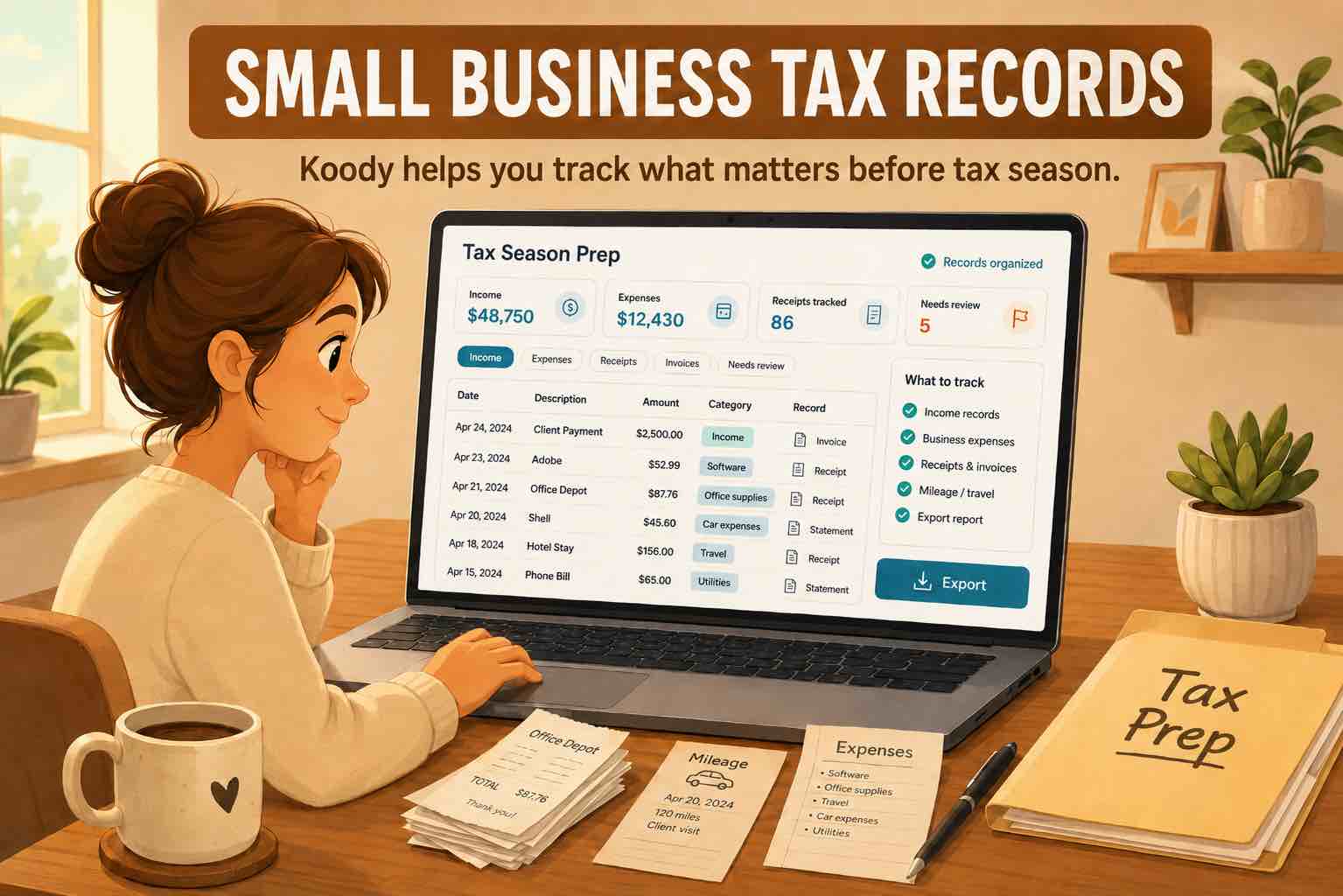
For each business expense, keep the date, payee, amount, payment record, category, business purpose, and supporting document when available. The IRS describes receipts, invoices, account statements, canceled checks, credit card slips, and other documents as records that can support business transactions.
Review broad merchants carefully. A $240 warehouse-store charge may include business cleaning products and personal groceries. In Koody, split the transaction between the correct business and personal categories. Attach the same receipt to the row and add a note that explains the split.
Keep personal purchases, owner draws, transfers, credit card payments, loan principal, and estimated tax payments from inflating ordinary business expenses. They may be important records, but they do not all belong in the P&L expense total.
What if a receipt is missing?
Look for the invoice in email, an order history, a card statement, a client calendar, a supplier account, or a payment confirmation. Add a note based on records you can verify. Do not invent a business purpose for a purchase you cannot identify.
Our guide to bank statements and receipts for business expenses explains what each document can show and what may still need support.
Contractor and marketplace records
Contractors
For each contractor, organize the person's or business's name, Form W-9, invoices, payment dates, payment amounts, services performed, payment confirmations, and any Form 1099-NEC records.
Keep Contract Labor separate from legal fees, accounting fees, commissions, repairs, office supplies, and employee payroll. The category tells your accountant what kind of payment to review.
Marketplaces and payment platforms
If you sell or work through a platform, prepare the Form 1099-K when you received one, annual transaction reports, payout statements, order records, refund reports, fee reports, shipping records, and notes for personal activity that appeared on the same platform.
The amount deposited into your bank can be lower than the gross amount reported by the platform. Separating Revenue, Returns & Allowances, Marketplace Fees, Commissions & Fees, and Transfers helps your accountant see the pieces instead of trying to reverse-engineer them from net deposits.
Records that depend on your business
Not every item below applies to every sole proprietor. Include the sections that describe your business.
Equipment and other assets
Prepare receipts and invoices for laptops, cameras, barber chairs, therapy office furniture, machinery, tools, phones, vehicles, and other longer-lasting property. Include the purchase date, amount, date first used for business, business-use percentage, and sale or disposal details when relevant.
Inventory and cost of goods sold
Sellers and makers may need beginning inventory, purchases, materials, production costs, items taken for personal use, and ending inventory. Keep marketplace fees and outgoing shipping separate so your accountant can decide where each amount belongs.
Vehicle and travel records
Prepare mileage logs when required, plus business dates, destinations, business purpose, parking, tolls, travel receipts, lodging, and mixed personal travel details. Koody can organize transaction records, but it does not replace a mileage log.
Home office records
If you are preparing a home office claim, your accountant may ask for office and total-home measurements, dates of use, rent or mortgage records, utilities, insurance, direct office repairs, shared household costs, and the method used in prior years.
Loans, insurance, licenses, and tax payments
Keep loan statements that separate principal from interest. Organize business insurance policies separately from personal health insurance. Include business and professional license renewals, permit records, and estimated tax payment confirmations. Keep estimated tax payments out of ordinary Schedule C expense categories.
Prior-year information
A new accountant may request the prior-year tax return, depreciation schedules, asset details, inventory method, loss carryovers, or other records that affect the new year. Ask before sending sensitive documents and use the secure method your accountant provides.
How to prepare the handoff in Koody
Work through the year in this order:
- Confirm the date range and every account used for business.
- Import the relevant bank and card transaction CSVs using Koody's Plus plan.
- Let Koody auto-categorize the transactions.
- Review income, transfers, card payments, refunds, owner draws, and personal spending.
- Split mixed personal and business purchases.
- Review business expense categories.
- Attach receipts and files and add notes where the description needs context.
- Create and review the Schedule C-style P&L.
- Filter the transaction records and export the file your accountant requested.
Koody exports filtered transactions as CSV, Excel, or JSON on Standard and Plus plans. Before sending the file, open it and confirm the date range, accounts, categories, transaction types, notes, and split amounts.
From the same Export screen, you can download the files or enter your accountant's email address and select Send to Accountant. Koody can also email a copy to you.
Ask your accountant how they want records delivered. Tax records can contain names, addresses, account information, taxpayer identification numbers, and health insurance details. Use their secure portal when they provide one.
Final check before the handoff
- The reporting period covers the full tax year.
- Every business account and card is included.
- Income totals have been checked against invoices, deposits, Forms 1099, and platform reports.
- Transfers and credit card payments are not counted as new income or expenses.
- Refunds and returns are labeled correctly.
- Mixed personal and business transactions are split.
- The P&L categories are understandable.
- Large or unusual transactions have receipts, files, or notes.
- Contractor, equipment, inventory, vehicle, home office, insurance, loan, license, and tax records are included when relevant.
- The export opens correctly and matches the P&L period.
Add a short list of unresolved questions. A note such as "Please review whether this $2,400 camera should be treated as equipment" is more useful than placing the charge in Supplies and hoping nobody asks.
FAQs
1. What should a sole proprietor give an accountant for taxes?
Start with a profit and loss report, categorized income and expenses, transaction details, receipts and invoices, Forms 1099, contractor records, and notes for unusual transactions. Add equipment, inventory, mileage, home office, insurance, loan, and estimated tax records when they apply to your business.
2. Does my accountant need every receipt?
Ask your accountant how they want receipts delivered. Even when they prepare a return from categorized totals, you should keep the receipts and supporting records behind those totals. Attach important receipts to their transactions so they are available when a question comes up.
3. Should I give my accountant bank statements or a P&L?
An accountant may ask for both. The P&L summarizes business income, expenses, and profit. Bank and card statements help support the transactions behind that report, but they may not explain what was purchased or why it was for business.
4. What is a P&L for a sole proprietor?
A profit and loss report adds up business income and subtracts business expenses for a chosen period. It gives your accountant a starting point for Schedule C, while the categorized transactions and supporting records explain how you reached each total.
5. What tax forms should I send my accountant?
Send the forms you received that relate to the business, such as Forms 1099-NEC and 1099-K, plus any other tax documents your accountant requests. Also include contractor forms, estimated tax confirmations, health insurance forms, or payroll records when they apply.
6. What should I give my accountant for contractor payments?
Organize each contractor's name, Form W-9, invoices, payment dates, amounts, service descriptions, payment confirmations, and any Form 1099-NEC records. Keep contractor payments separate from legal fees, supplies, commissions, and payroll.
7. What transaction export formats does Koody support?
Koody can export filtered transactions as CSV, Excel, or JSON on Standard and Plus plans. Review the date range, accounts, categories, transaction types, splits, and notes before downloading or sending the file.
8. Does Koody send my records directly to my accountant?
Yes. Open Export from the Transactions tab, choose the date range and file formats, enter your accountant's email address, and select Send to Accountant. Koody emails the transaction export directly to your accountant and can send a copy to you.
Prepare the records before your accountant asks.
Import and review the transactions in Koody, attach receipts and notes, create the P&L, and export the records your accountant wants to see.
Prepare your accountant handoffSources: IRS references used
Sources accessed July 10, 2026. Koody is not a tax filing service or tax advisor.