Koody helps you build better money habits
A budget becomes useful when you return to it.
Koody is built around that return: adding a transaction, reviewing a category, importing recent activity, attaching a receipt, checking a balance, asking Koody AI a question, or looking at what changed this week.
Koody helps your budget stay close to real life. The more often you update it, the easier it is to notice the grocery run, the fuel stop, the card payment, the client payment, the cash tip, the subscription, or the side-hustle expense before the month gets away from you.
That is why Koody works without a required bank connection. The app is useful before any bank login enters the conversation.
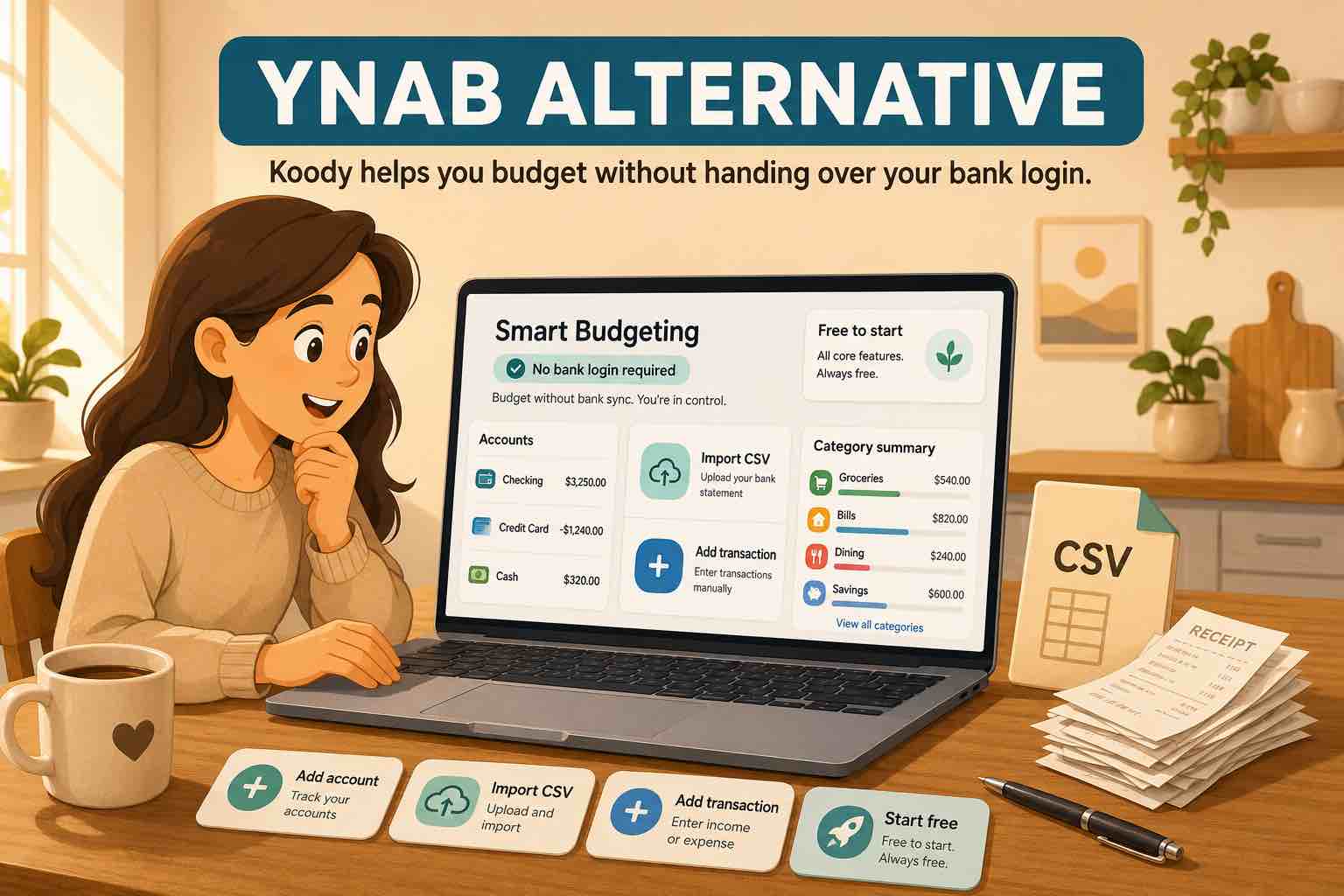
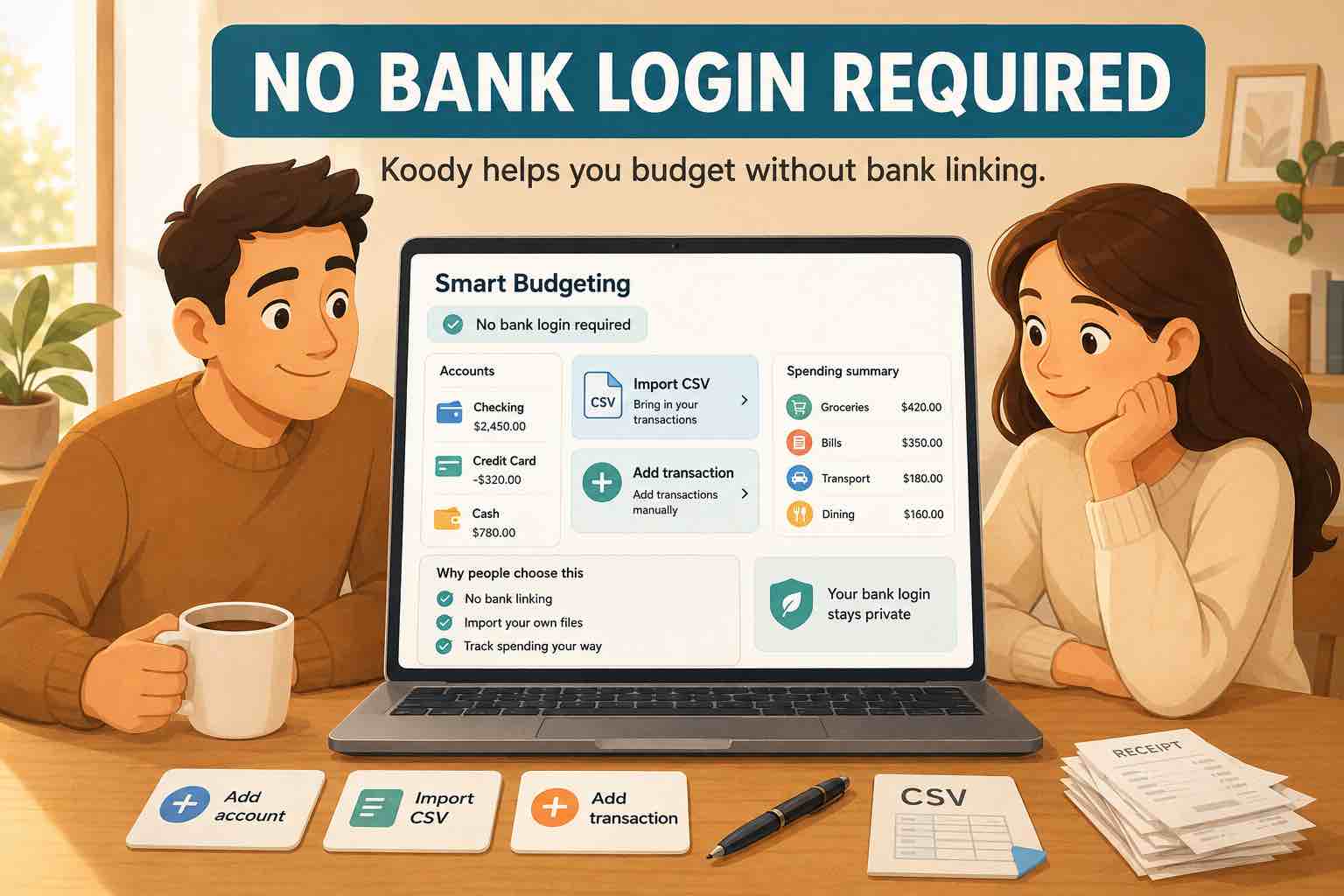
No bank login required
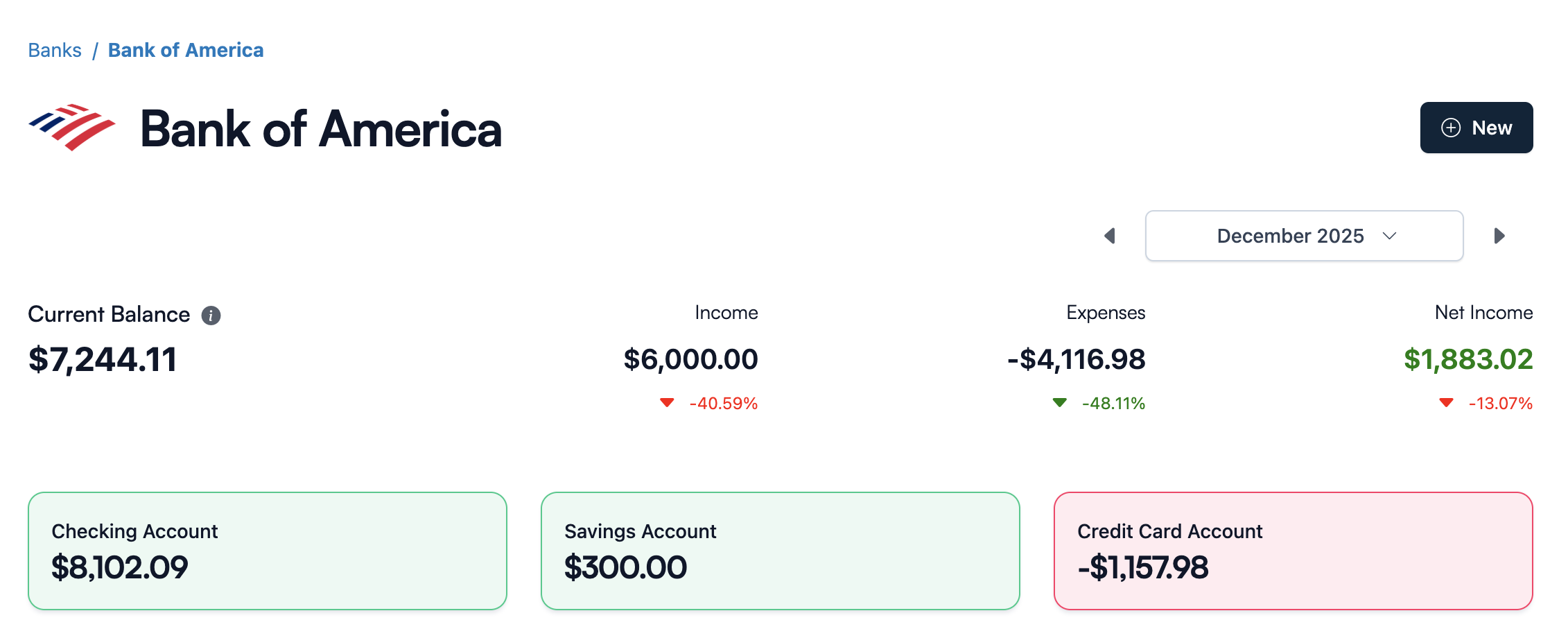
You can start Koody with the accounts you already understand.
- Checking account.
- Savings account.
- Credit card.
- Cash wallet.
- Side-hustle account.
- Household account.
- Any other account you want in your money picture.
Add a starting balance, then add income, expenses, transfers, receipts, notes, and categories as your money moves.
If you want a step-by-step setup, read our guide to using Koody without linking your bank.
Privacy, control, and choice
Koody lets you decide what your budget includes.
Maybe you only want checking, savings, and a credit card. Maybe you also want cash spending, shared household expenses, side-hustle income, receipts, tax notes, or a separate view of business records.
You can start small and add more later. You can leave out accounts you do not want in your budget. You can attach receipts when they help and ignore them when they do not.
That is the privacy promise: your budget should match the life you want to track, not every account a bank connection can find.
Enter or import transactions
Some transactions are worth adding right away because you want to notice them: a grocery shop, a fuel stop, a client payment, a cash purchase, or a bill you want to see in the budget.
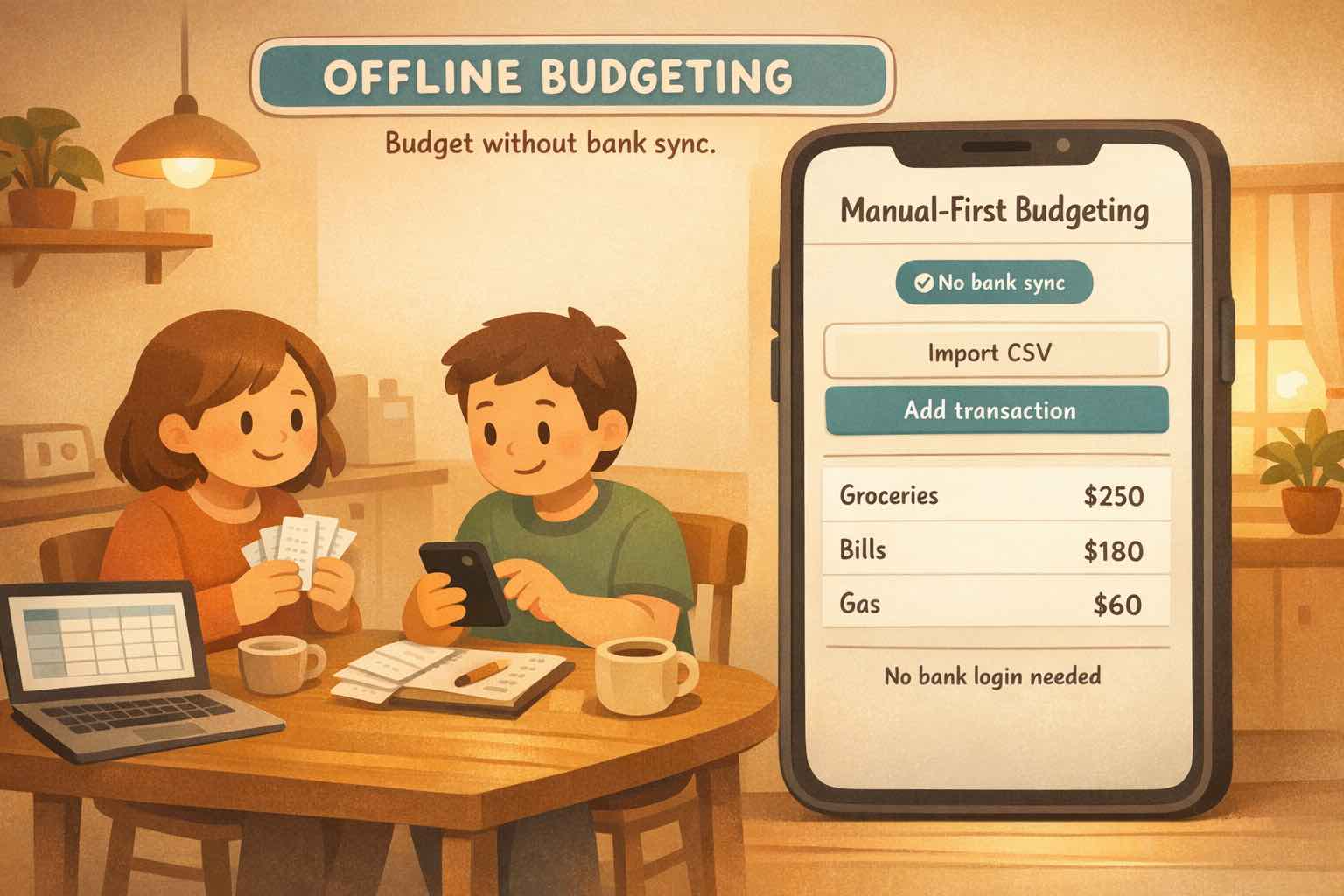
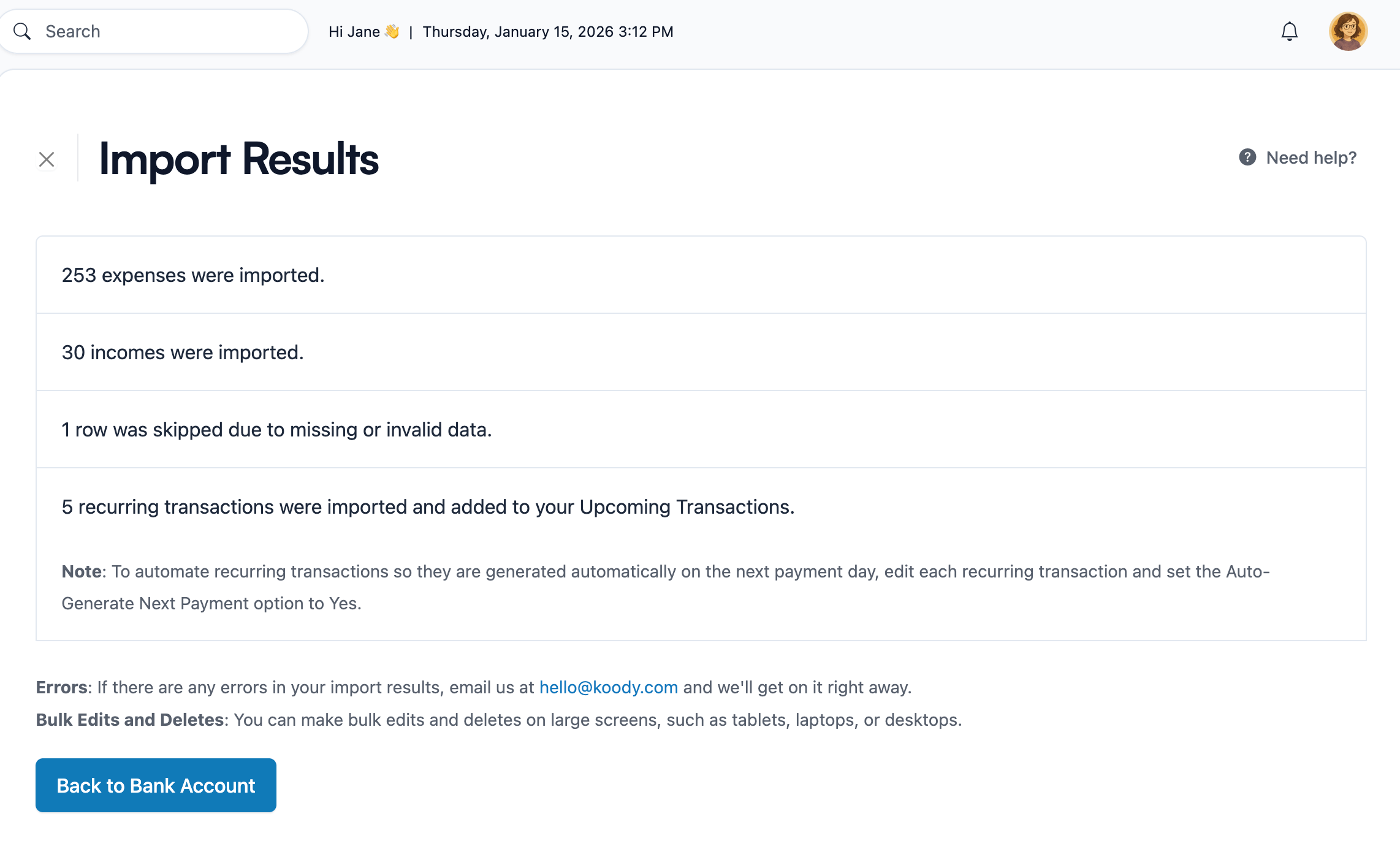
Other times, you just need speed. Import transaction files when you want history, catch-up, or a weekly or monthly review. Koody supports files from bank statements, credit card statements, spreadsheets, CSV exports, and old apps.
After import, Koody helps clean merchant names, auto-categorize rows, find transfers and refunds, catch likely duplicates, and review recurring items.
Use quick entries when you want to notice a transaction right away. Use transaction imports when you need to catch up quickly. Review both so your reports reflect your actual money.
Keep personal and business money in one app
Real money is rarely perfectly separated.
You might use one card for groceries and a business supply run. One checking account might receive salary and side-hustle income. A sole proprietor might take an owner draw. A freelancer might pay for software from the same card used for personal subscriptions.
Koody helps keep those records in one app. Use personal categories for personal spending. Use business categories for business records. Split mixed transactions when one charge belongs in more than one place.
- Keep Eating Out separate from Business Meals.
- Keep Gifts separate from Business Gifts.
- Keep Salary separate from Revenue.
- Keep Transfers separate from Owner Draw / Personal.
- Keep personal Bills separate from Business Utilities.
That separation helps the budget make sense today and keeps better records for review later.
Take your records with you
You should be able to walk away with your records.
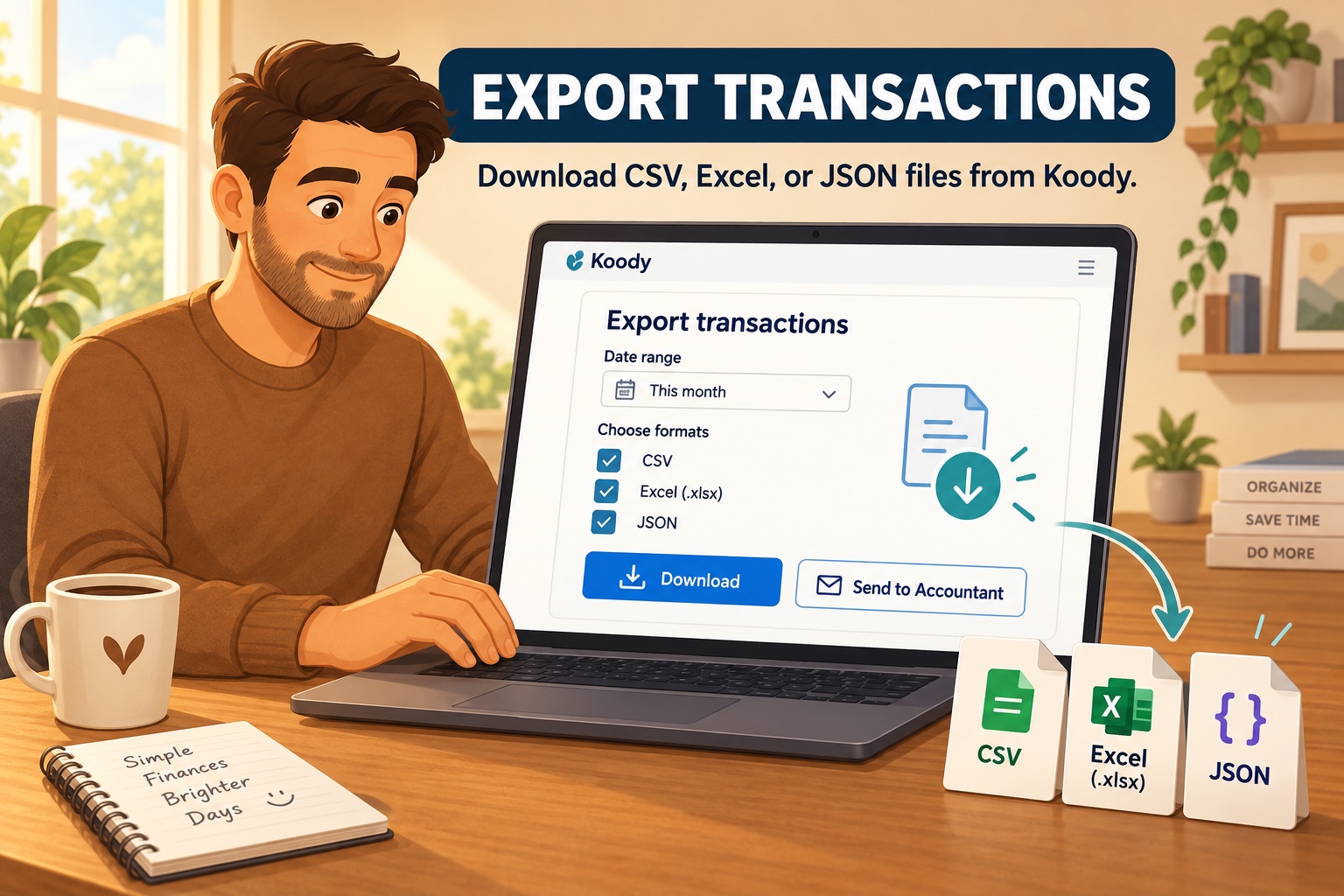
Koody lets you export transactions and records when you want to review them somewhere else, keep a backup, share records with an accountant, or move on.
Build the habit in Koody, and keep the records available when you need them somewhere else.
What Koody gives you
Koody gives you the tools to manage personal and business money in one place while keeping the habit close.
- Accounts: track banks, cards, cash, savings, and side-hustle money.
- Transactions: add income, expenses, transfers, refunds, and split transactions.
- Budgets: set category limits and see what is left.
- Recurring items: track bills, subscriptions, and expected income.
- Receipts and notes: keep context beside the transaction.
- Transaction imports: catch up from bank, card, spreadsheet, CSV, or app-export files.
- Exports: send records to a spreadsheet, accountant, or tax preparer when needed.
- Koody AI: ask questions about the data already in Koody.
You get habit tracking, privacy, control, transaction import, receipts, exports, and AI help without starting from a bank connection.
Start in Koody
Start with one small check-in:
- Create your Koody account.
- Add the accounts you want to understand.
- Enter current balances.
- Add a few recent transactions.
- Set category limits for the areas you want to watch first.
- Import transactions when you want more history or a faster catch-up.
You can build the habit before linking a bank. Start with what you know, then let Koody help you keep going.
Build the habit without linking a bank.
Add what you want to track, import transactions when it helps, keep personal and business money in one app, and export your records whenever you need them.
Open KoodyFAQs
1. Why does Koody not ask for my bank login?
Koody is built around the habit of checking in with your money. You can add accounts, enter transactions, import transaction files, review categories, and choose what belongs in your budget without starting from a bank-login screen.
2. Can I use Koody without bank sync?
Yes. Koody works without bank sync. Add the accounts you want to track, update balances, add income and expenses, import transactions when you need speed, and review your money in Koody.
3. Is Koody only for manual transaction entry?
No. Koody supports quick entries and transaction imports. Enter spending when you want the check-in. Import transaction files, including CSVs, when you want history, catch-up, or a faster review.
4. Can I import transactions instead of linking my bank?
Yes. If your bank, credit card, spreadsheet, or old app gives you a transaction file, including a CSV, you can import it into Koody, review the rows, and keep your budget updated without a live bank connection.
5. What does privacy look like in Koody?
You choose which accounts, transactions, receipts, files, categories, and notes belong in Koody. You can track what helps your budget and leave out what does not.
6. Can Koody AI work without a connected bank?
Yes. Koody AI works with the accounts, budgets, categories, receipts, notes, and transactions you choose to keep in Koody. It does not need a live bank connection to help explain what changed.
7. Can I manage personal and business money in Koody?
Yes. Koody is built for people who want personal and business money in one place: household spending, cards, cash, side-hustle income, sole proprietor records, receipts, notes, categories, and exports.
8. Can I export my records from Koody?
Yes. Koody lets you export your records, so your budget history is not trapped. You can review it elsewhere, send it to an accountant, or keep your own backup.