YNAB is a serious budgeting app with a well-known method. A lot of people like it because it gives every dollar a job and asks you to look at the money you actually have.
But not everyone wants the same app, the same learning curve, or the same relationship with bank connections. Some people just want a clean place to budget, track categories, and keep their records under their control.
That is where Koody fits.
Who this is for
This guide is for people who searched for a YNAB alternative because they want category budgeting, but they also want a different starting point.
You might be:
- Wanting category budgeting without connecting a bank first.
- Tired of apps that make bank linking feel like the first step.
- Happy to add transactions yourself when you want to pay attention.
- Looking for transaction import when you need speed.
- Managing household money and side-hustle records in the same place.
- Moving away from a spreadsheet and wanting an app that still gives you control.
If you want YNAB exactly, use YNAB. If you want a lighter Koody setup with categories, imports, receipts, exports, and no bank login, this is for you.
What people like about YNAB
Most people who look for a YNAB alternative already like the idea of category budgeting. They just need a different app around it.
The useful parts are simple:
- Give money a job before it disappears.
- Use categories instead of guessing where the month went.
- Check the budget before spending.
- Move money between categories when real life changes.
- Build the habit of looking at money before the month is over.
Koody keeps those practical ideas and gives you a different way to use them.
Where Koody fits
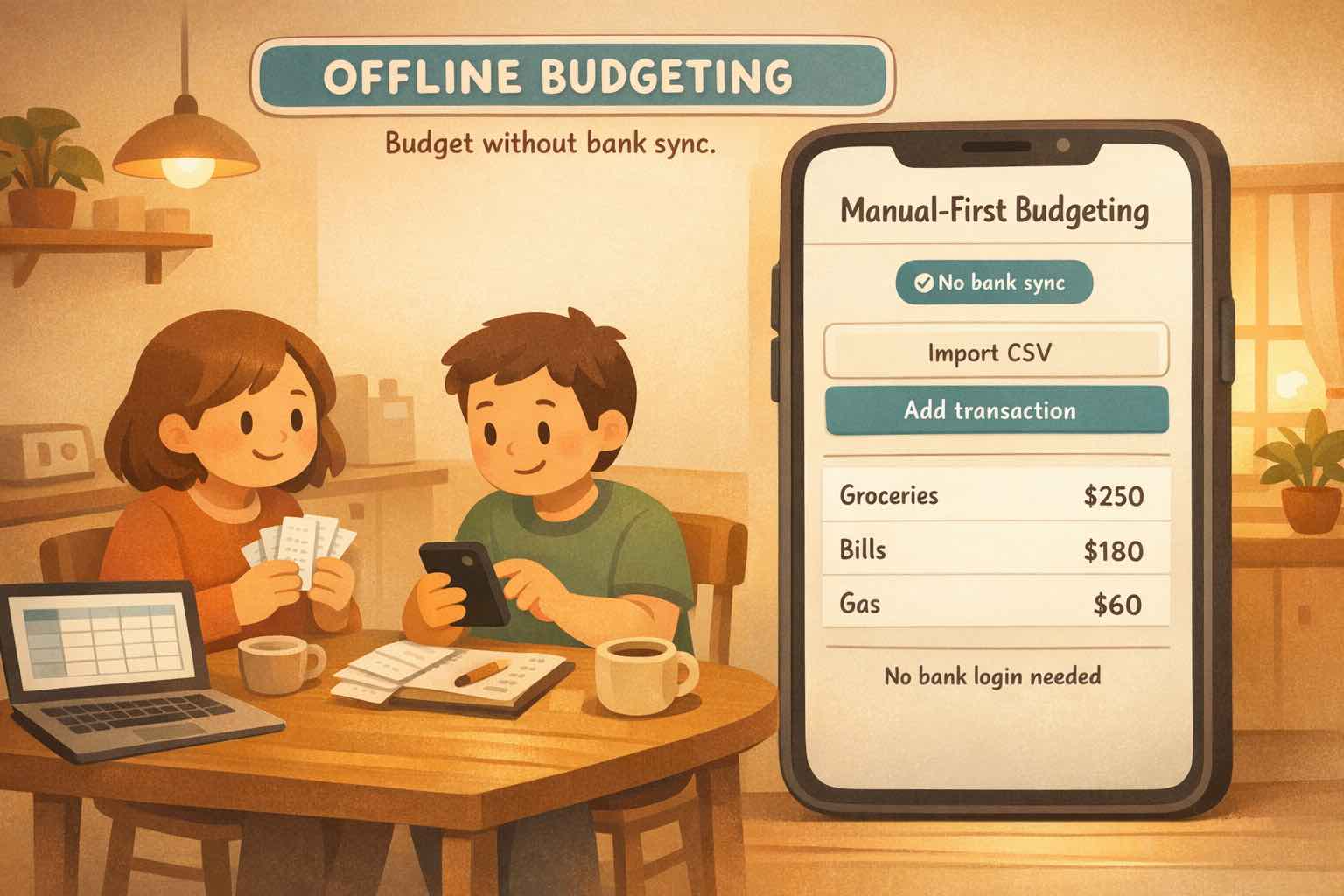
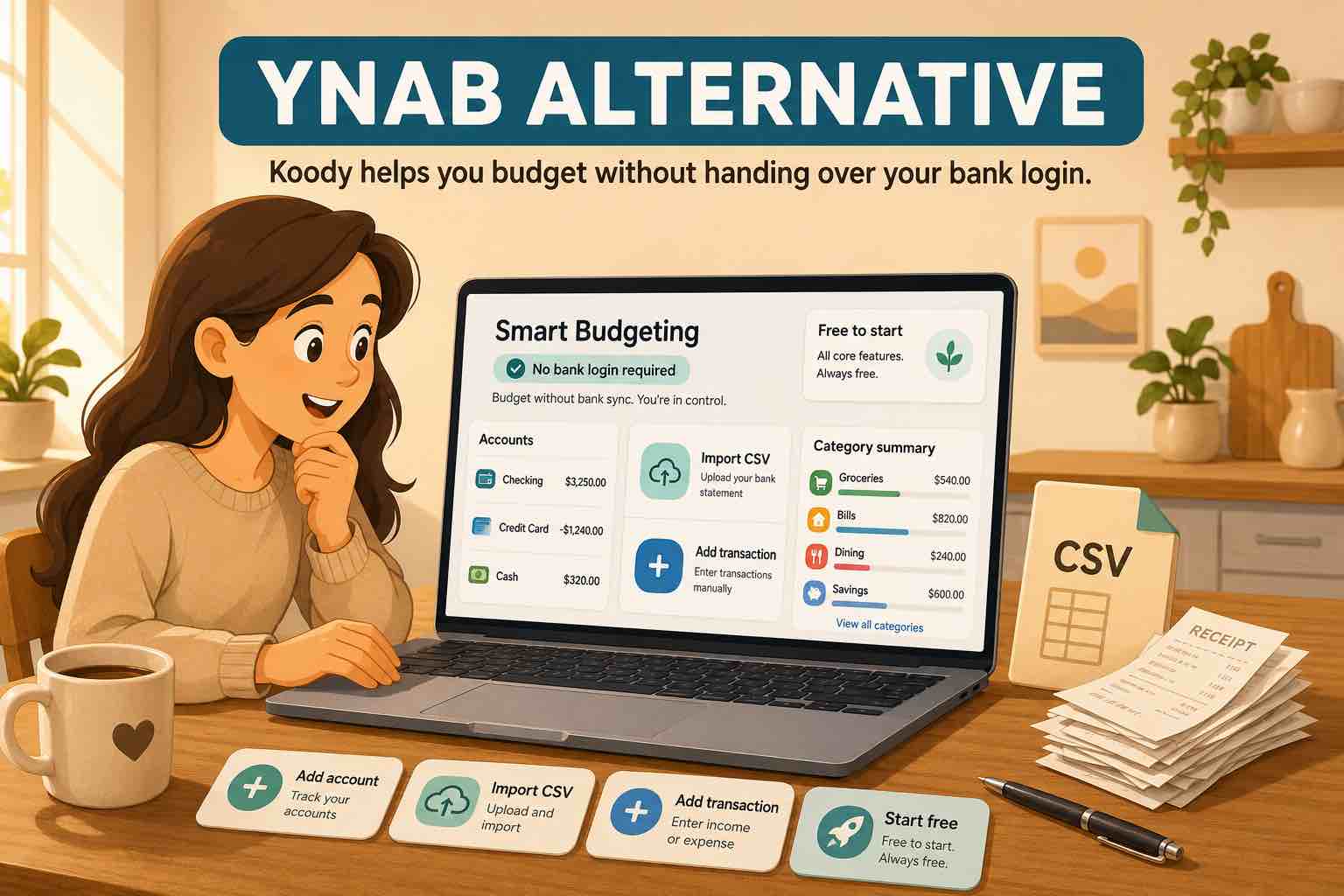
Koody works well if you want category budgeting without linking a bank.
Start with the accounts you care about: checking, savings, credit card, cash, side-hustle account, household account, or anything else you want in the budget. Add category limits for food, rent, bills, transport, subscriptions, savings, debt, business meals, supplies, or whatever fits your life.
Then choose how transactions get in:
- Add a quick transaction when you want to notice it right away.
- Import transaction files when you need history or catch-up.
- Review categories before the rows shape your reports.
- Attach receipts or notes when the transaction needs context.
Koody gives you a budget you can touch, review, and adjust without handing the whole starting point to a bank connection.
Build your budget without linking a bank.
Add accounts, set category limits, enter transactions, import files when you need speed, and review your money in one place.
Try KoodySet up Koody like a practical category budget
You do not need to build a perfect system on day one. Start with a setup you can use this week.
- Add the accounts you want to understand.
- Enter starting balances.
- Create category limits for the spending you want to watch first.
- Add recurring bills and expected income.
- Add recent transactions or import a file from your bank, card, old app, or spreadsheet.
- Review categories and fix anything obvious.
- Come back weekly so the budget stays close to real life.
That setup gives you the heart of category budgeting: accounts, categories, transactions, and regular review.
What Koody gives you
Koody is more than a blank budget sheet. It gives you:
- Category budgeting: set up a budget around the spending and saving categories you actually use.
- No bank login: use Koody without starting from a bank connection.
- Category budgets: set limits and see where your money is going.
- Transaction import: bring in history from bank, card, spreadsheet, CSV, or old-app files.
- Auto-categorization: let Koody help sort rows before you review them.
- Receipts and notes: keep the explanation beside the transaction.
- Personal and business money in one app: track household spending and side-hustle records without mixing the categories.
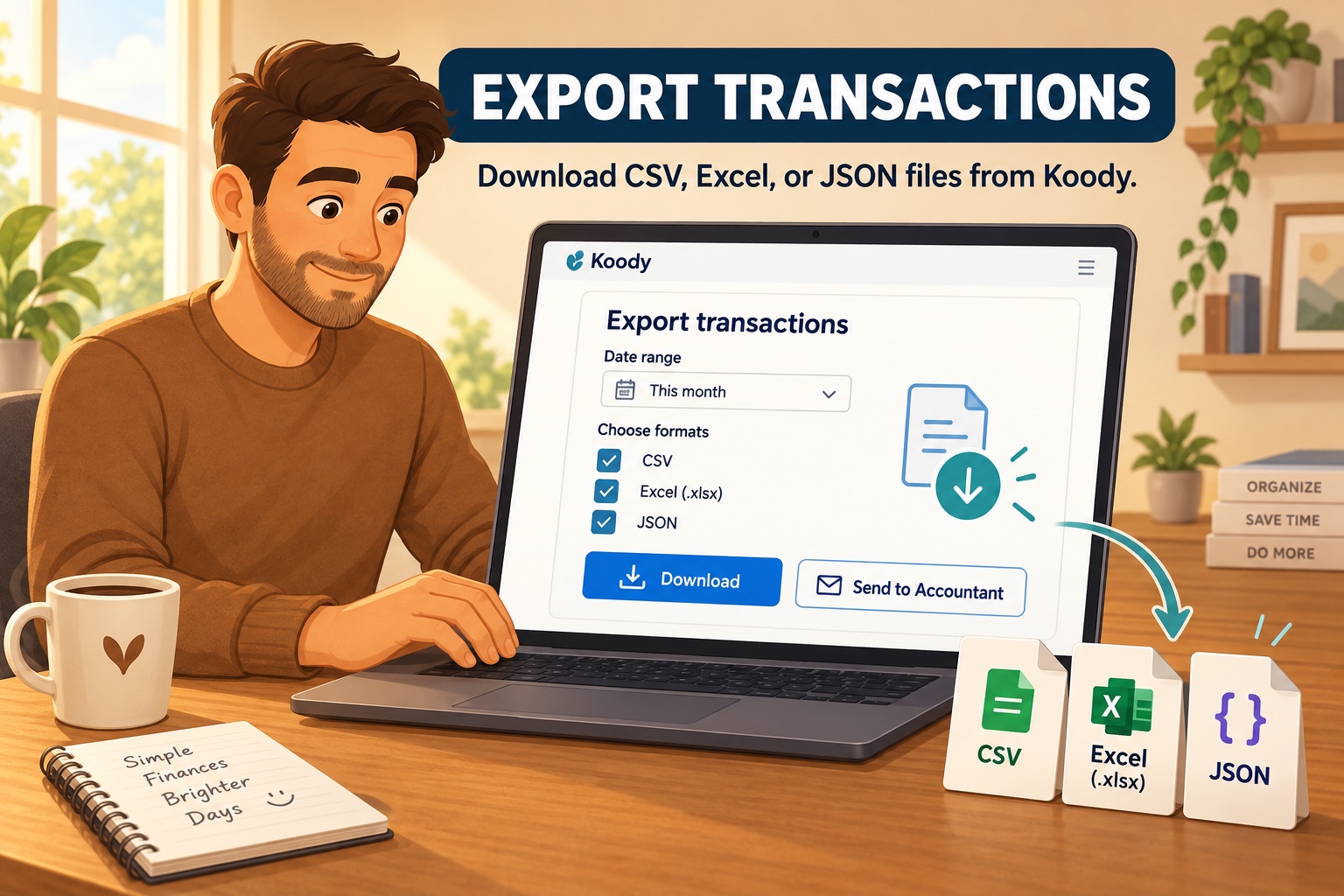
- Exports: take your records to a spreadsheet, backup, accountant, or tax preparer.
- Koody AI: ask questions about the data you choose to keep in Koody.
If you want category budgeting without starting from a bank connection, Koody gives you a practical path.
Who should stay with YNAB
YNAB may still be the better choice if you want YNAB's exact method, classes, community, and app structure. Some people love that full system and should keep using it.
Koody is for the person who wants a budget they can understand and return to, with categories, transaction import, receipts, exports, and no bank login.
Start free in Koody.
Add what you want to track, set category limits, and import transactions when you need speed.
Open KoodyFAQs
1. Is Koody a good YNAB alternative?
Yes. Koody works well for people who want category budgeting without linking a bank. You can start with accounts, categories, budgets, quick entries, recurring items, and transaction imports when you need them.
2. Can I use Koody without linking a bank?
Yes. Koody works without linking a bank. Add the accounts you want to track, enter transactions yourself, import transaction files when you need speed, and review your budget in Koody.
3. Can I import transactions into Koody?
Yes. Koody can import transaction files from bank statements, credit cards, spreadsheets, CSV exports, and older apps. After import, Koody helps clean merchant names, auto-categorize rows, and flag likely duplicates.
4. Does Koody support zero-based budgeting?
Koody supports category limits and budget review, so you can use it for a practical zero-based budget. You decide what each category should receive, then review spending against those limits.
5. Can I choose custom budget start and end dates in Koody?
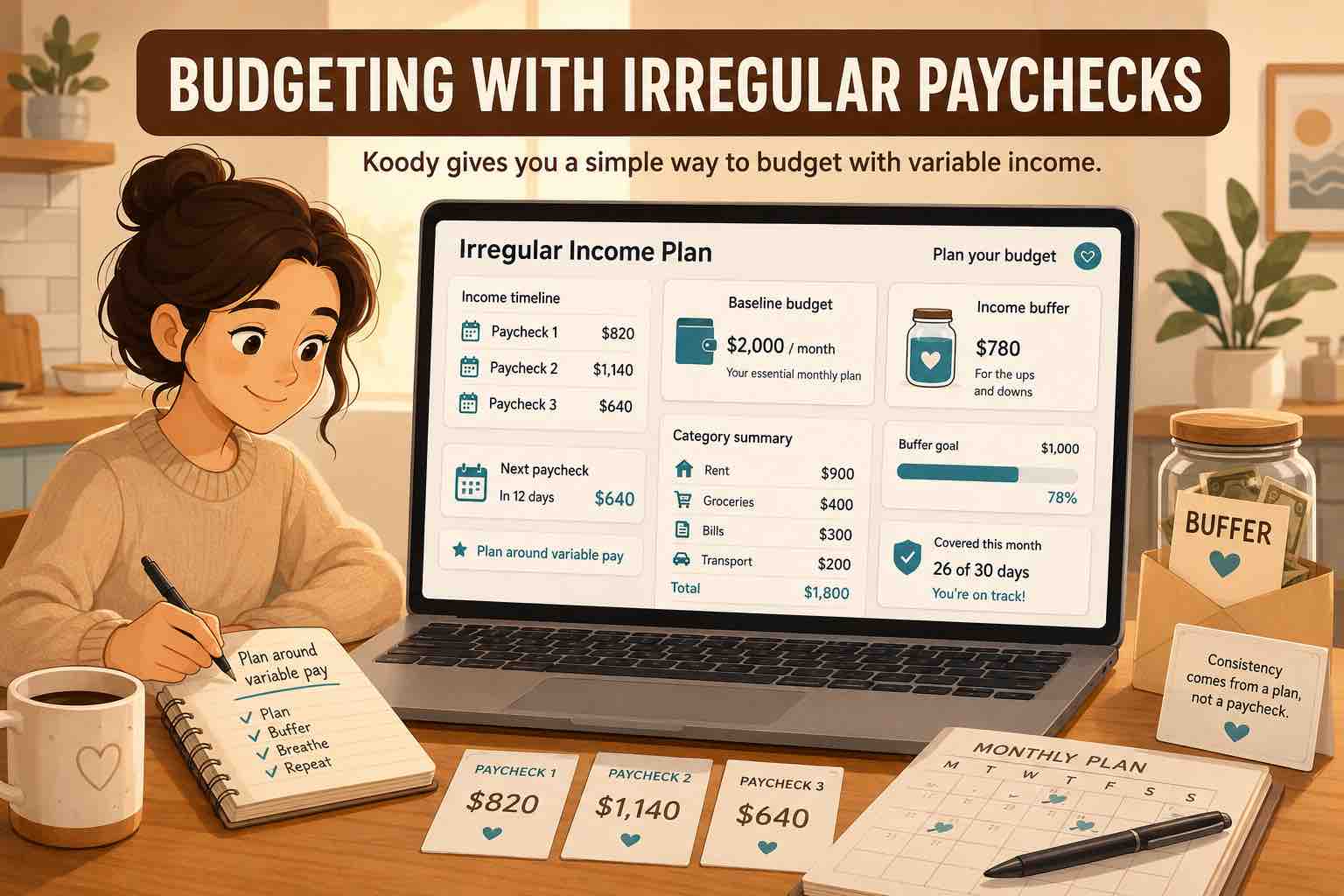
Yes. Koody lets you choose custom budget periods, so your budget can match your pay cycle, household setup, business records, or the dates you actually use to plan.
6. Can I manage personal and business money in Koody?
Yes. Koody lets you keep personal and business money in one app. Use personal categories for household spending, business categories for work records, receipts and notes for context, and exports when someone needs a file.
7. Is Koody good if I am new to budgeting?
Yes. Koody is a good fit if you want to start with a few accounts, simple categories, and a budget you can come back to. You do not need to connect a bank before the app becomes useful.
Try Koody as your YNAB alternative.
Build category budgets, add accounts, track transactions, keep receipts and notes, and manage your money without linking bank accounts to a budgeting app.
Open Koody