
What should a sole proprietor check each month?
Review one complete calendar month at a time, once its statements are available. Keep the previous month's closing records nearby so you can check continuity. Include every account used for business, even if some purchases went through a personal card.
- Gather the month's transactions. Collect bank and credit card statements, payment-app activity, marketplace reports, and cash records. Check the start and end dates of each file. A card statement ending halfway through the month will not contain all the transactions you need.
- Compare your records with the statements. Look for missing or duplicated transactions and check opening and closing balances. If a balance differs, trace the difference rather than adding an unexplained adjustment. A pending charge may appear in your app before it appears on the completed statement; distinguish that timing difference from a missing posted transaction.
- Review business income. Check customer payments, cash sales, and platform activity. A marketplace deposit may be sales minus fees and refunds, so reconcile it with the platform report before treating the deposit as total sales. Keep loans and money you contributed to the business separate from customer revenue. If your books track invoices, check unpaid customer balances too.
- Check expenses and mixed purchases. Review uncategorized items, unfamiliar merchants, and unusually large costs. Split a purchase when it includes more than one category, including personal items. Keep the business portion supported by the receipt and an explanation where needed; a merchant name alone does not establish business use.
- Check transfers, card payments, and refunds. A payment settling purchases already recorded on a credit card must not create another expense. Identify transfers between your own accounts and money taken for personal use. Review returned purchases separately from new sales income. For loan payments, distinguish principal from interest instead of treating the whole payment as an operating cost.
- Attach receipts and explain unclear purchases. Match receipts or invoices to the transactions that need them. Retrieve missing documents from email or the supplier while the purchase is recent. Add a short business-purpose note where the document does not explain the connection. Do not invent a purpose for an unrecognized charge.
- Update records that bank statements cannot supply. Depending on your business, this may include mileage, inventory, contractor details, equipment purchases, unpaid bills, or invoices. Keep these supporting records alongside your monthly review. Confirm unfamiliar accounting treatments with your accountant before assuming every withdrawal belongs in expenses.
- Review profit and save the finished records. Open the month's profit and loss report and compare income, major expense categories, and profit with the previous month. Inspect unexpected changes. Save or export the reviewed records, and keep a dated list of questions still needing an answer.
Profit is not the same as available cash. After reviewing the report, check upcoming bills, debt payments, and money reserved for taxes before deciding what the business can send home. Our explanation of profit versus bank balance shows how those figures can differ.
What does a completed monthly review look like?
A cleaner receives $4,000 from clients during the month. The first expense total is $1,530. Reviewing the records reveals two corrections:
- A $300 credit card payment was counted as an expense even though the purchases were already recorded. Treating the payment as a transfer removes the duplicate $300 cost.
- A $100 store purchase includes $70 of cleaning supplies and $30 of household shopping. Splitting it leaves only $70 in business expenses, removing another $30.
Reviewed business expenses are $1,200: $1,530 - $300 - $30. With no other adjustments in this example, profit is $2,800: $4,000 - $1,200. The review also identifies a missing receipt for an $80 supply purchase already included in that $1,200. Downloading the supplier's invoice completes the supporting record without adding the expense again.
The finished review therefore contains a corrected report, the transactions behind it, and the supporting documents. It also leaves a clear explanation of what changed, rather than just a different total.
How can you do the monthly review in Koody?
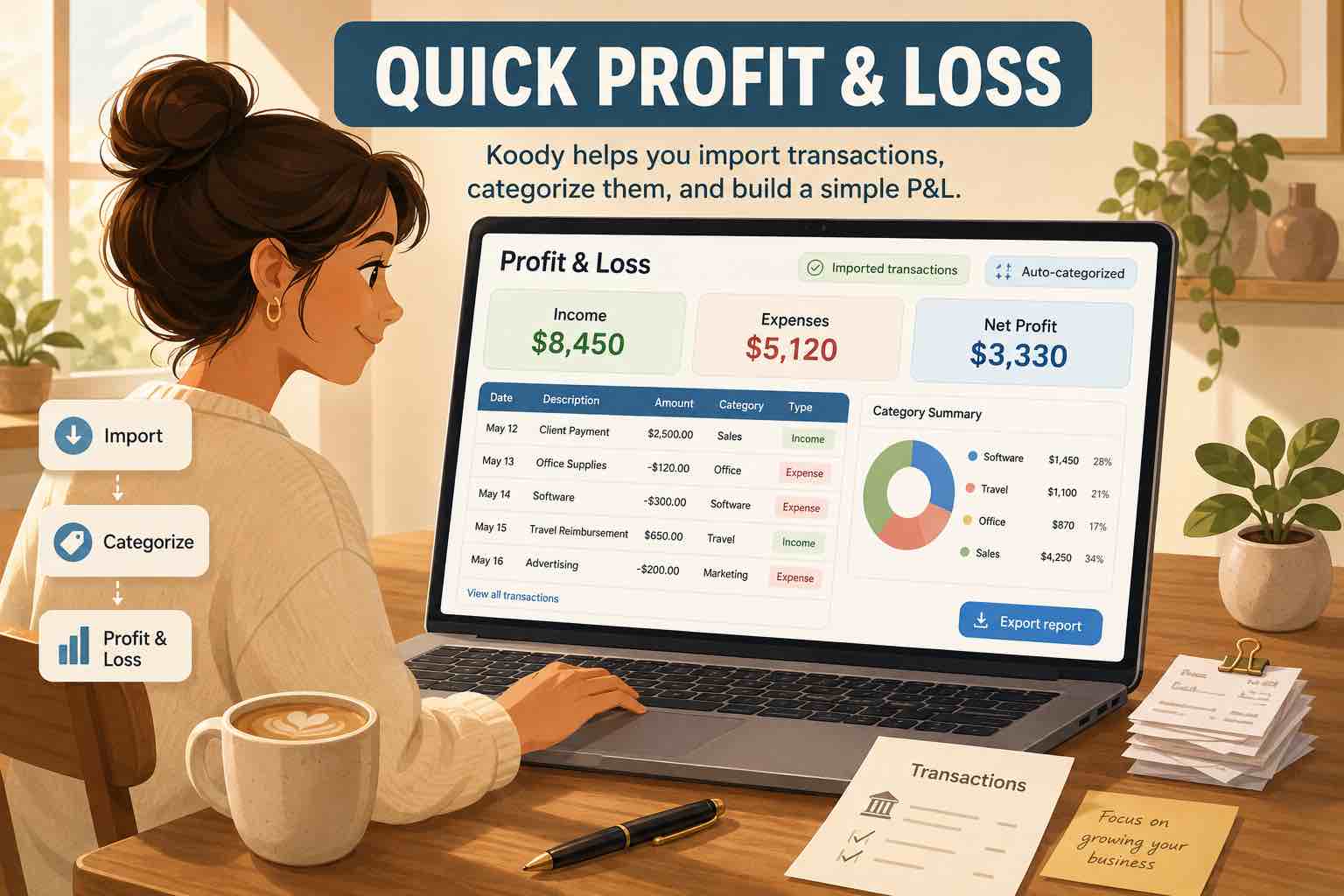
Choose the account the statement belongs to, upload the bank statement, click Import, and review the results. Koody extracts and auto-categorizes the transactions and identifies transfers, refunds, and recurring payments. It can remember your corrections for later imports, reducing repeated changes to the same suppliers and subscriptions.
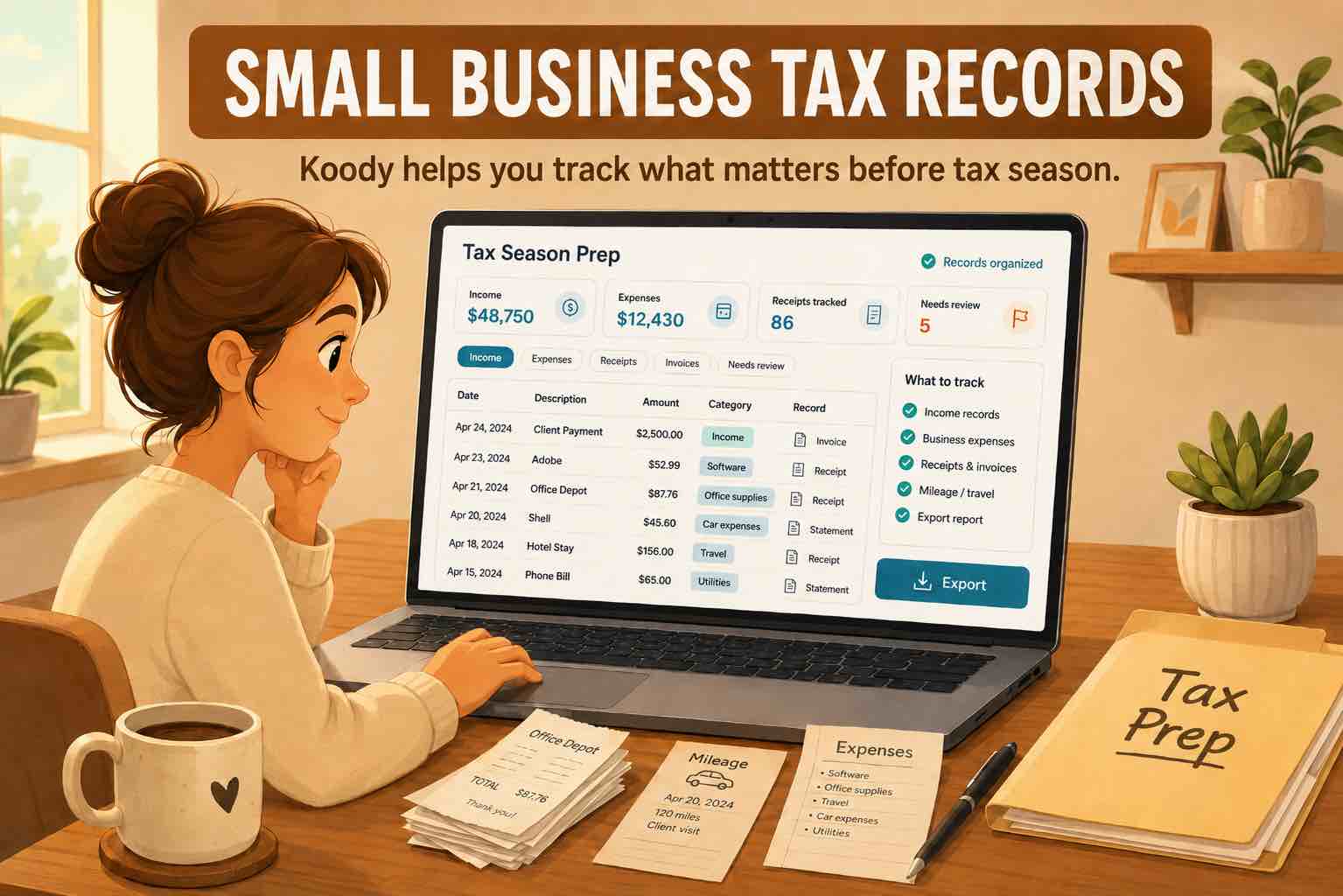
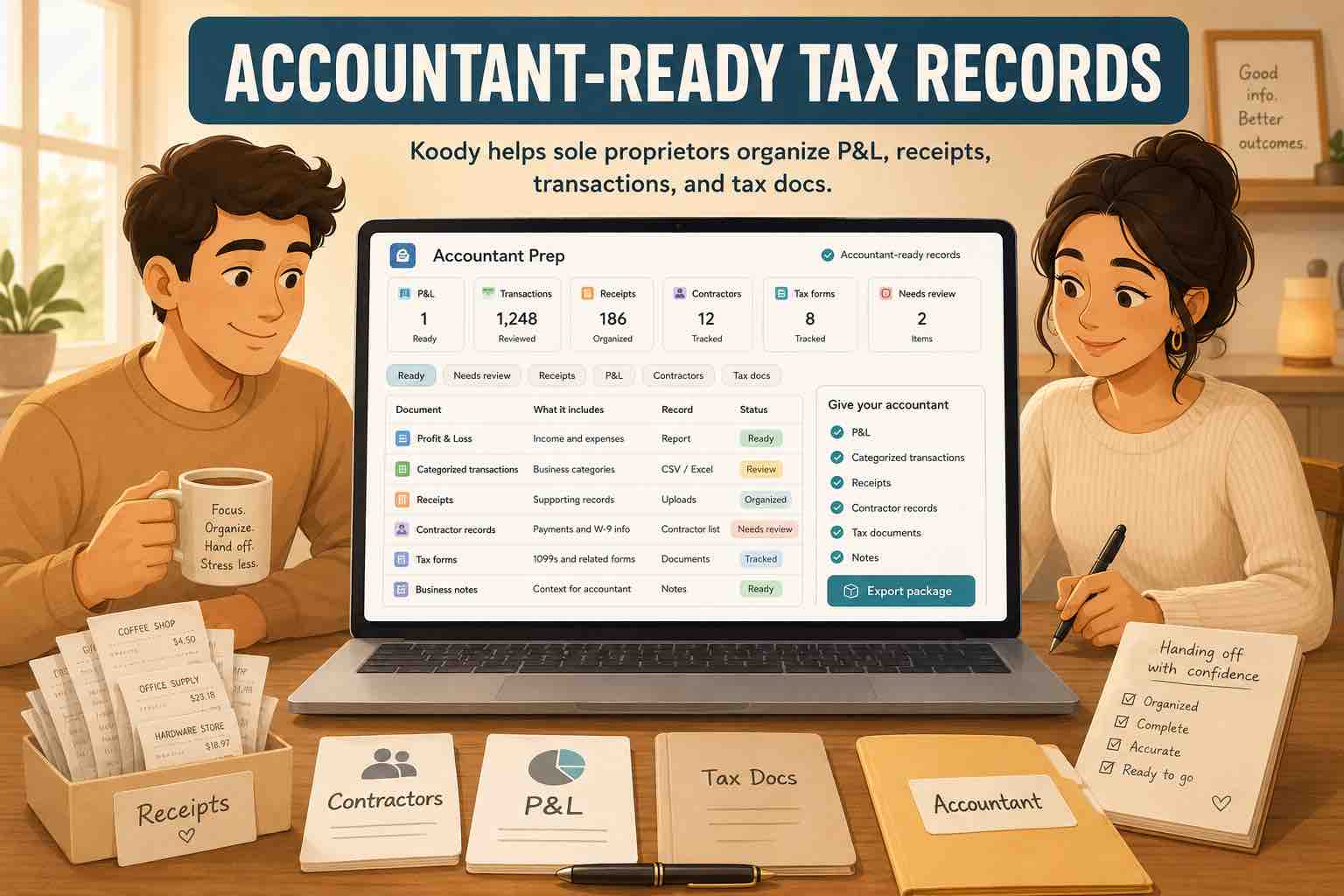
In the Business workspace, review the month's income and expenses, split mixed purchases, and keep receipts and notes with their transactions. The P&L lets you compare periods and inspect the records behind a total. You can export reviewed transactions and reports when your accountant needs them. Statement imports and business reports are paid features.
Spend less time sorting the month's expenses.
Let Koody categorize your business transactions, keep receipts beside purchases, and bring reviewed income and expenses into your P&L. Build useful business records throughout the year instead of starting from a folder of statements at tax time.
Try KoodyWhat if you cannot finish every item?
Keep a short outstanding-items list with the transaction date, amount, question, and next action. An unidentified payment might need a supplier search; an equipment purchase might need your accountant's advice. Do not treat a provisional total as finished while an unresolved item could change it.
Set a date to revisit those items and carry them into the next review if necessary. Schedule the next monthly review while you have the records open, so you know where to resume and which questions still need an answer.
Sources
Sources accessed October 31, 2026. General bookkeeping information for sole proprietors; tax references concern US federal rules.