At a glance
Koody for Business helps sole proprietors and small businesses track income and expenses, manage cash flow, and get ready for tax time. Import PDF or CSV bank statements, and Koody automatically categorizes your transactions. You can review them, keep receipts and notes together, and create profit and loss reports and Schedule C preparation records.
Use the Business workspace on its own or alongside Personal. Your business gets its own Overview, Transactions, Banks, Categories, and Reports, all in the same app.
Open KoodyYou've done the work, sent the invoices, and paid the bills. But when you sit down to check how the business is doing, the answers may be spread across bank statements, receipts, and a spreadsheet you haven't updated in weeks.
How much did you earn? Where did the money go? Are you keeping more of it than last year? And what will you send your accountant when they ask for your business records?
Today, we're introducing Koody for Business to help you answer those questions throughout the year. We've brought business income and expense tracking, cash flow, profit and loss, and Schedule C preparation into a dedicated Business workspace.
Whether you run a therapy practice, drive for a living, sell handmade products, or have a growing cleaning business, you can start with the records you already have. Koody does the importing and categorizing. You make the decisions about your business with the numbers in front of you.
Spend less time entering and categorizing transactions
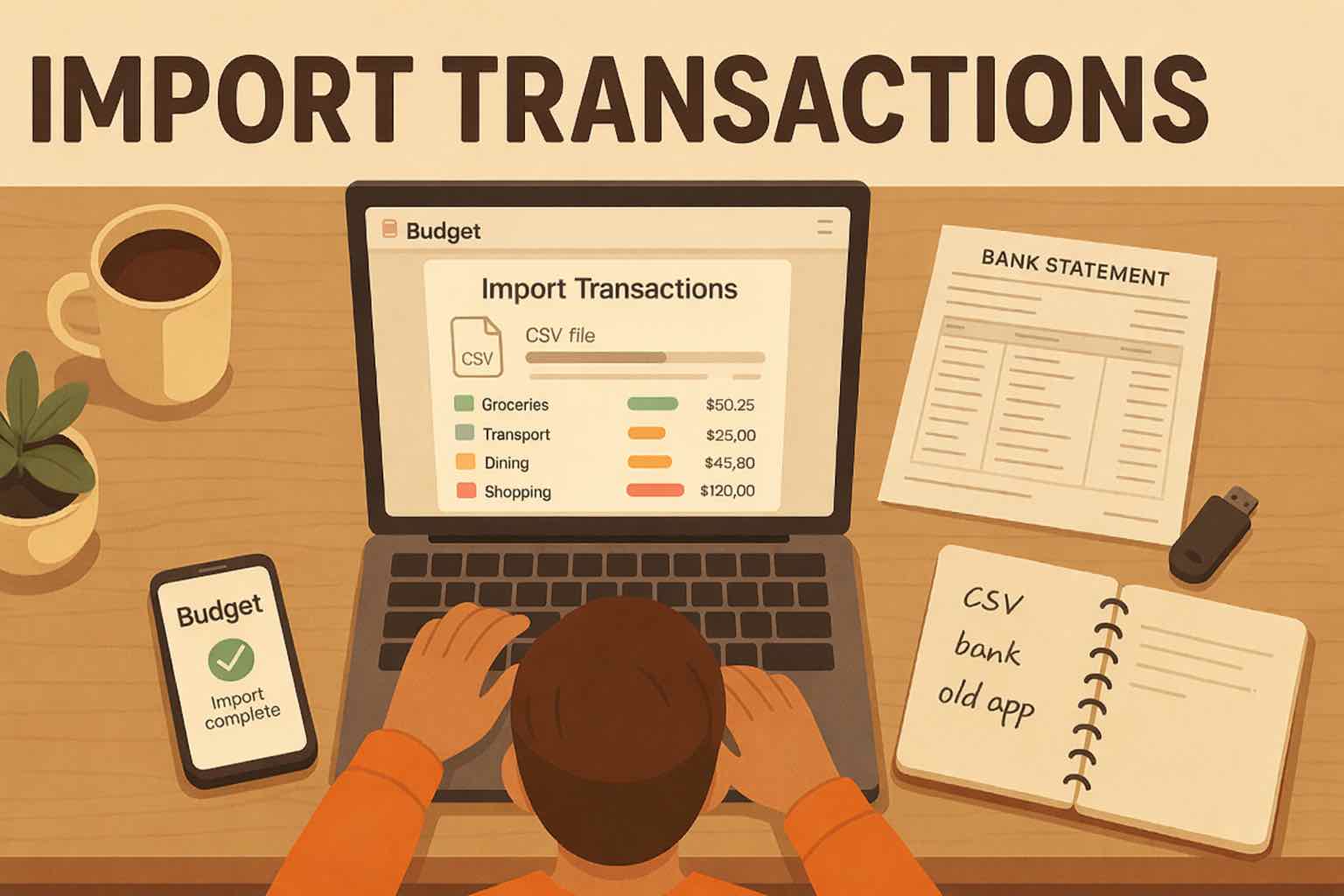
A year of bookkeeping can begin with the bank statements already sitting in your downloads folder. Upload a PDF or CSV statement, and Koody extracts the transactions, cleans up descriptions, and automatically categorizes your income and expenses. It also identifies transfers, refunds, and recurring payments.
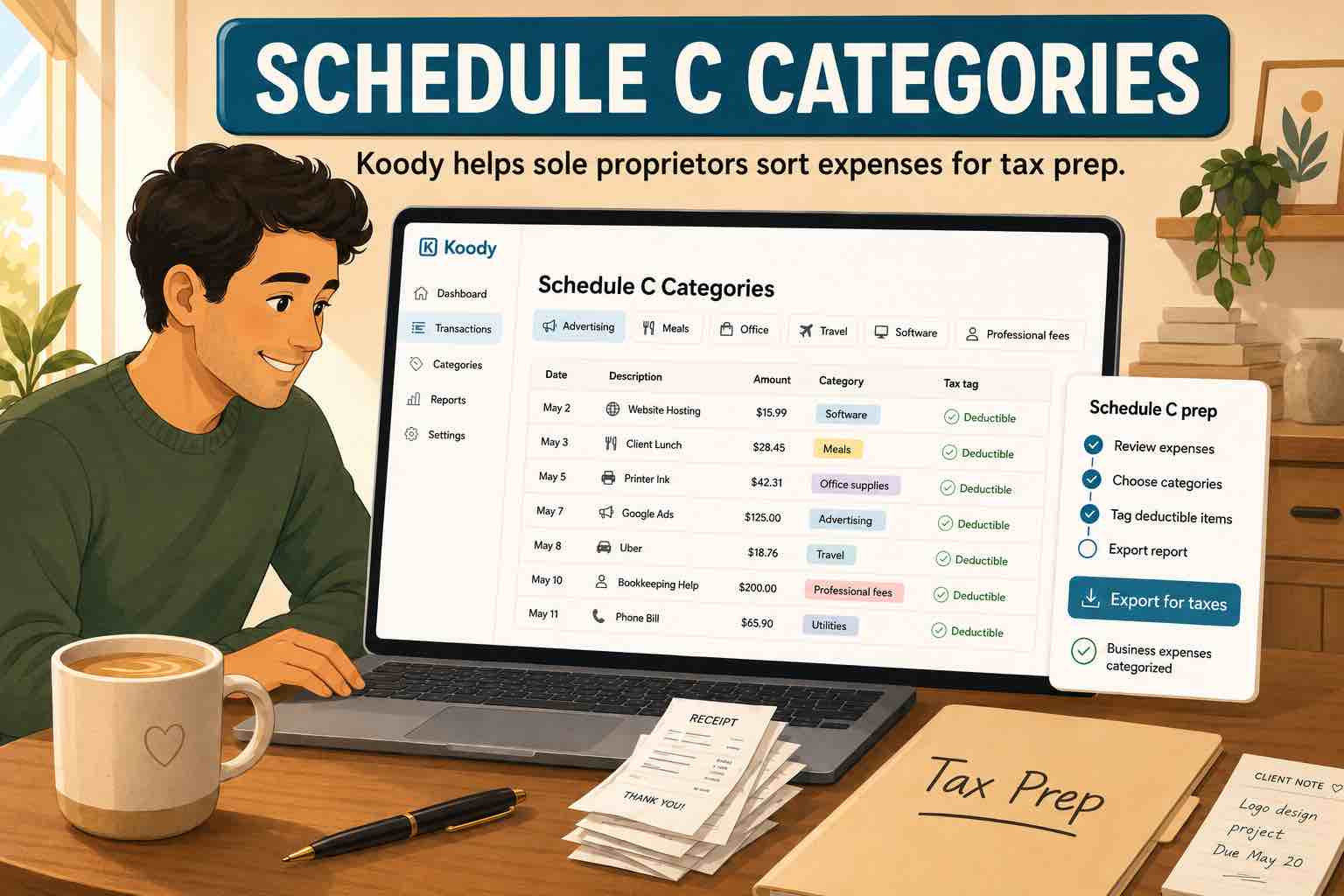
You then review the results and change anything you want. A payment to your landlord can go under Property Rent & Leasing. Your booking software belongs under Technology & Software. Payments to someone helping with client work can go under Contract Labor. Business categories are built in, and you can create your own when you need them.
For repeat purchases, you can ask Koody to remember your edits for future imports. That means less time correcting the same description or choosing the same category month after month.
The same process works whether you're keeping up with this month or catching up on an entire year. Choose the account, upload the statement, click Import, and review the results. Our guide to importing transactions walks through the steps.
You can also add transactions yourself, including cash payments that never appear on a bank statement. Attach the receipt, take a photo on mobile, or add a note while you still remember what the purchase was for.
Know where your business money is going
A busy month can still leave you short of cash. Customer payments may arrive after the rent is due, supplies can cost more than expected, and a few small subscriptions can become a sizeable monthly bill.

Business Overview brings your income, expenses, account balances, and cash flow together. You can see which categories take the most money, compare activity across periods, and look at the transactions behind a total.
If software costs have gone up, open that category and see which subscriptions contributed. If a week brought in less money than usual, review the customer payments received during that period. You can follow the number back to the transactions instead of searching through several accounts.
Checking those numbers regularly helps you plan a purchase, spot a cost you want to reduce, or leave enough cash for the next round of bills.
See how much your business actually earned
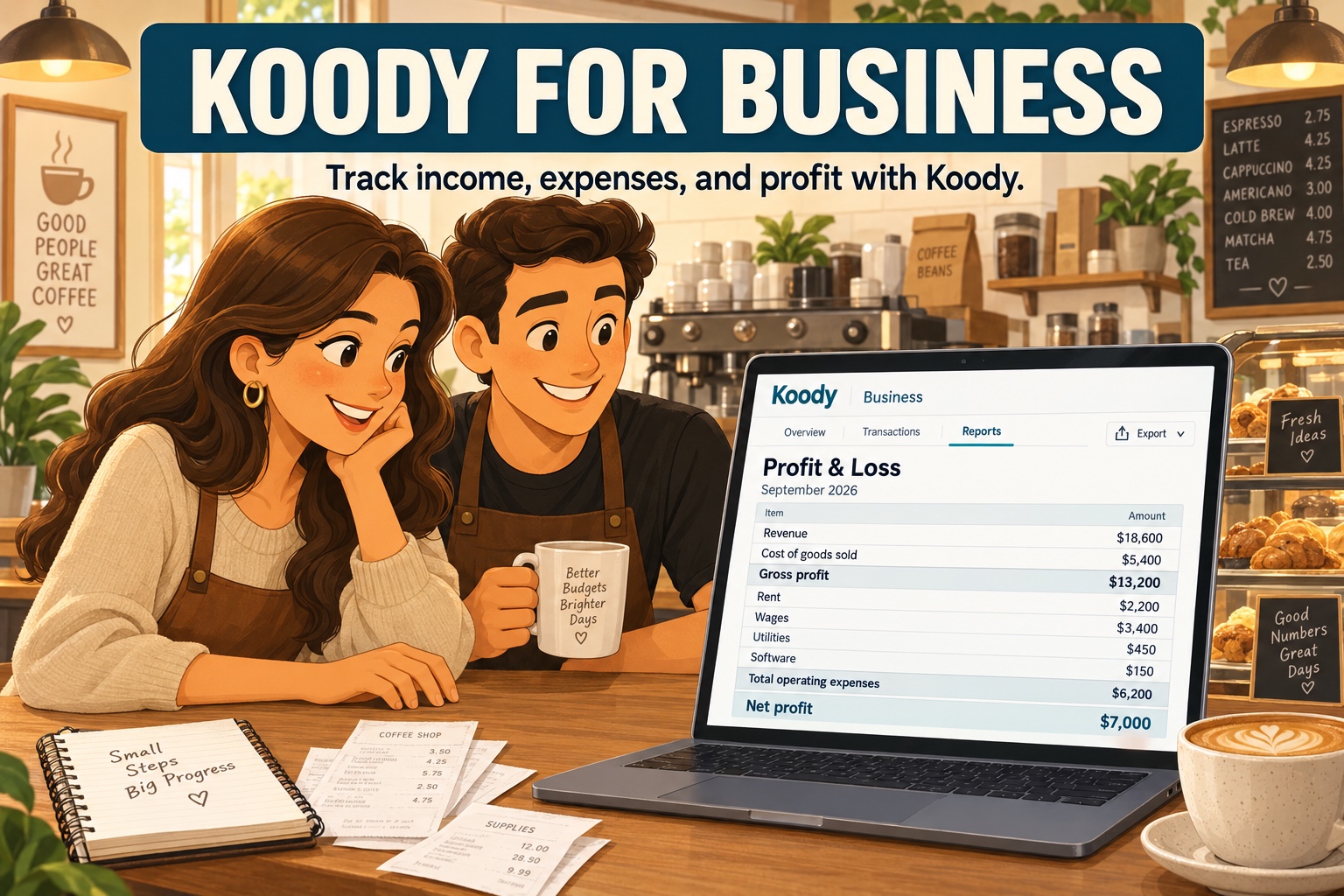
Sales tell you how much customers paid. A profit and loss report, often called a P&L, shows what remains after business costs. If a service business earns $8,400 in a month and has $2,100 in business expenses, its profit before taxes is $6,300. That gives the owner a much more useful starting point for deciding what the business can afford.
Koody creates a P&L from your Business records for the period you choose, including any accounting adjustments you enter. View a month, quarter, year, or custom date range. Turn on the previous-period comparison to see how income, individual costs, and profit have changed.
Say your revenue grew this year, but contractor costs grew faster. The comparison makes that easier to spot. You can then review your prices, the work you're taking on, or the cost of delivering it.
Koody also shows items that need review and keeps transfers, owner movements, and asset purchases separate from ordinary income and expenses when correctly recorded and categorized. If the report needs an inventory value or another accounting adjustment, you can add the reviewed figures rather than rebuilding the report in a spreadsheet.

Find out what your business is keeping.
Bring your bank statements into Koody and review the categorized transactions. Your Business workspace puts cash flow, costs, and profit within reach whenever you need to make a decision.
Get startedGet your records ready for Schedule C
If you file US taxes as a sole proprietor, Schedule C is the part of your tax return used to report income or loss from your business. Preparing it starts with knowing what you earned and what you spent, along with the records supporting those amounts.
Koody's Schedule C preparation worksheet organizes Business records against the relevant lines, so you can review totals for items such as contract labor, insurance, office expenses, and rent. You can see the recorded amounts, review items that need attention, and keep the transactions behind the figures available for follow-up.
This is useful long before you send anything to an accountant. When a purchase needs a receipt or an explanation, you can add it to the transaction. When a category needs changing, you can fix it while the details are still familiar. Tax prep becomes easier because you've been building the records as you go.
The worksheet is designed for US sole proprietors who keep their business records in USD. Use it to review your income and expenses with your accountant before filing. It does not file your tax return or calculate the tax you owe.

Keep personal and business spending separate, even in one account
You can use Koody entirely for your business. There's no need to build a personal budget or bring your household accounts into it first.
But if you do manage both in Koody, the workspaces help you keep their records separate. A Business category places the transaction in Business. A Personal category places it in Personal. That works even when both payments came from the same bank account.
Suppose you use a personal card for a $120 order: $80 of supplies for your salon and $40 of toiletries for home. Split the purchase between the appropriate Business and Personal categories. Business includes the $80 portion, while Personal includes the $40 portion. The original payment stays connected to its account.
You can therefore see your household spending and your business costs without maintaining two copies of the same transaction history. Our guide to separating personal and business expenses covers more examples.
Give your accountant numbers they can follow
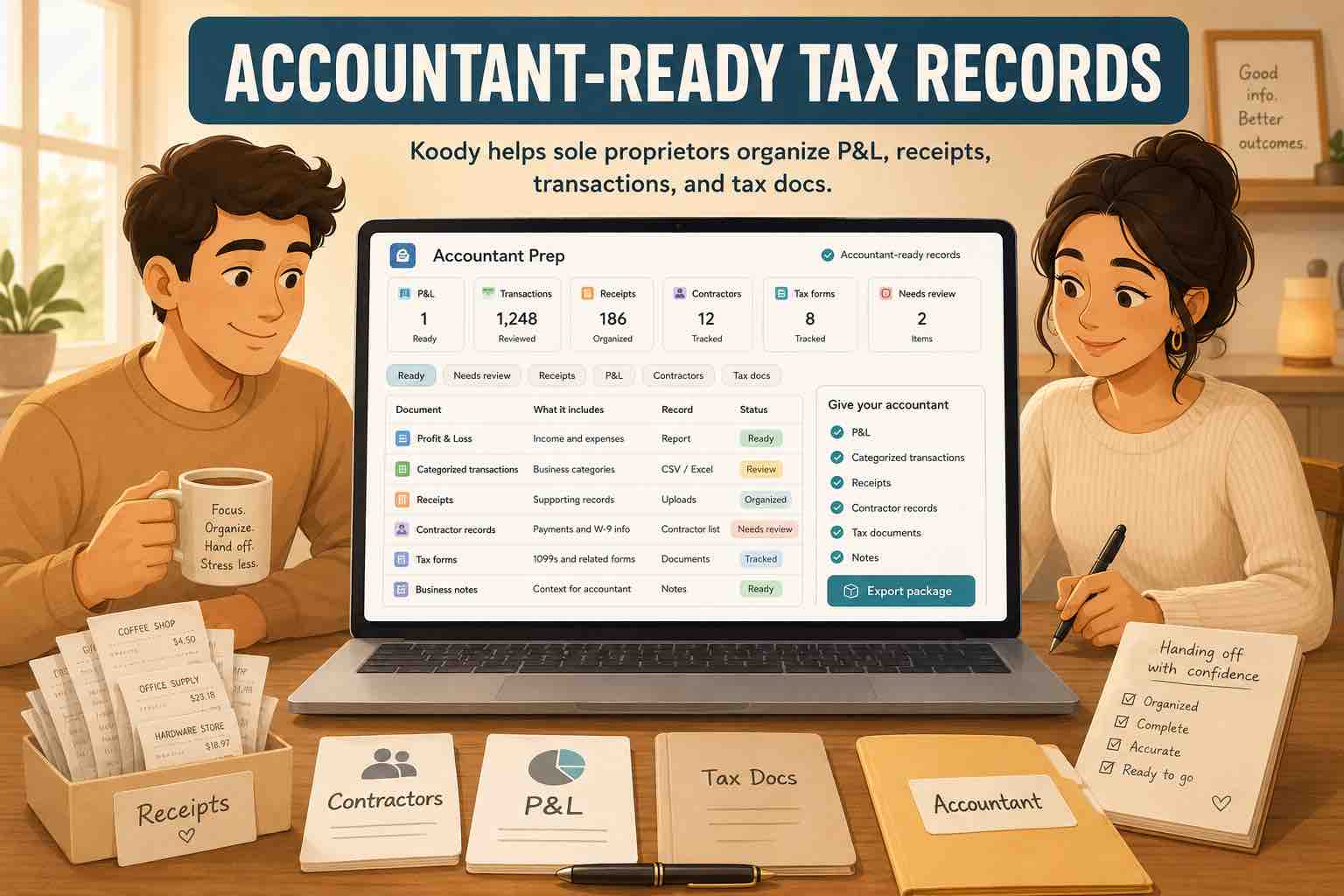
When your accountant asks what went into a total, it helps to have the answer beside the transaction. Keep receipts, invoices, and notes in Koody throughout the year. A note such as "Replacement chair for the therapy office" explains a purchase far better than a store name alone.
Download your P&L or Schedule C worksheet as CSV or Excel. For the underlying transactions, choose the accounts, dates, and filters you need, then export as CSV, Excel, or JSON. You can also send a transaction export directly to your accountant from Koody.
Business transaction exports include the Business portions of split purchases, including purchases made from a Personal account. That gives you a business-focused set of records to share, while your household spending stays in Personal.
Your accountant gets a starting point they can check against the supporting records. You spend less time explaining unidentified payments or rebuilding totals from old statements. Our sole proprietor tax-record checklist can help you decide what else to gather for your appointment.
Start with one account and one statement
You don't have to catch up on every account before you can see something useful. Start with the bank account or card you use most for your business:
- Open Koody and select Business in the navigation.
- Add the bank or card account you want to track. You can add a cash account too.
- Import a PDF or CSV statement into the matching account, or add transactions yourself.
- Review the categories and transaction types. Add any splits, receipts, or notes you need.
- Open Overview to explore your cash flow, or Reports to review your profit and loss and Schedule C records.
Once that first statement is reviewed, bring in the next one. You're building a record you can keep using each month, with the same transactions supporting your everyday decisions and your tax preparation.
Statement imports and Business reports are included in Koody's Plus Plan.
You can explore the Koody for Business features or get started in the app. If you need help with your first import, email us and our team will help you get it sorted.
FAQs
1. What is Koody for Business?
Koody for Business helps sole proprietors and small businesses track income and expenses, manage cash flow, and prepare financial records for tax time. Its Business workspace brings together bank statement imports, automatic categorization, receipts, profit and loss reports, and a Schedule C preparation worksheet.
2. Can I use Koody just for my business?
Yes. You can use the Business workspace on its own. You do not need to add personal accounts or create a household budget. If you want to manage personal finances too, you can use both workspaces in the same Koody account.
3. Can Koody create a profit and loss report from bank statements?
Yes. Import your PDF or CSV bank statements, then review the transactions and business categories. Koody uses your Business records to prepare a profit and loss report. You can choose a reporting period, compare it with the previous period, review any items needing attention, and export the report as CSV or Excel.
4. Can Koody separate personal and business expenses from one account?
Yes. Personal and Business categories determine which workspace a transaction belongs in, even when the payments come from the same bank account. You can also split one purchase between Personal and Business categories so each workspace includes the appropriate amount.
5. Can I send business records to my accountant from Koody?
Yes. You can select and send a transaction export to your accountant from Koody. Transaction exports support CSV, Excel, and JSON. You can also download your profit and loss report and Schedule C worksheet as CSV or Excel to share with them.
Reference: IRS: About Schedule C (Form 1040). Accessed October 6, 2026.
Put your business numbers to work.
Start with a bank statement. Let Koody organize the transactions, then see where your money is going, what your business is earning, and what you have ready for tax time.
Get started with Koody