A lot of people are interested in a new finance app right up until it asks them to connect through Plaid.
Sometimes the concern is privacy. Sometimes the bank connection keeps breaking. Sometimes the app asks you to reauthorize again. Sometimes a bank is unsupported. Sometimes the feed creates duplicate or missing transactions and your budget stops feeling trustworthy.
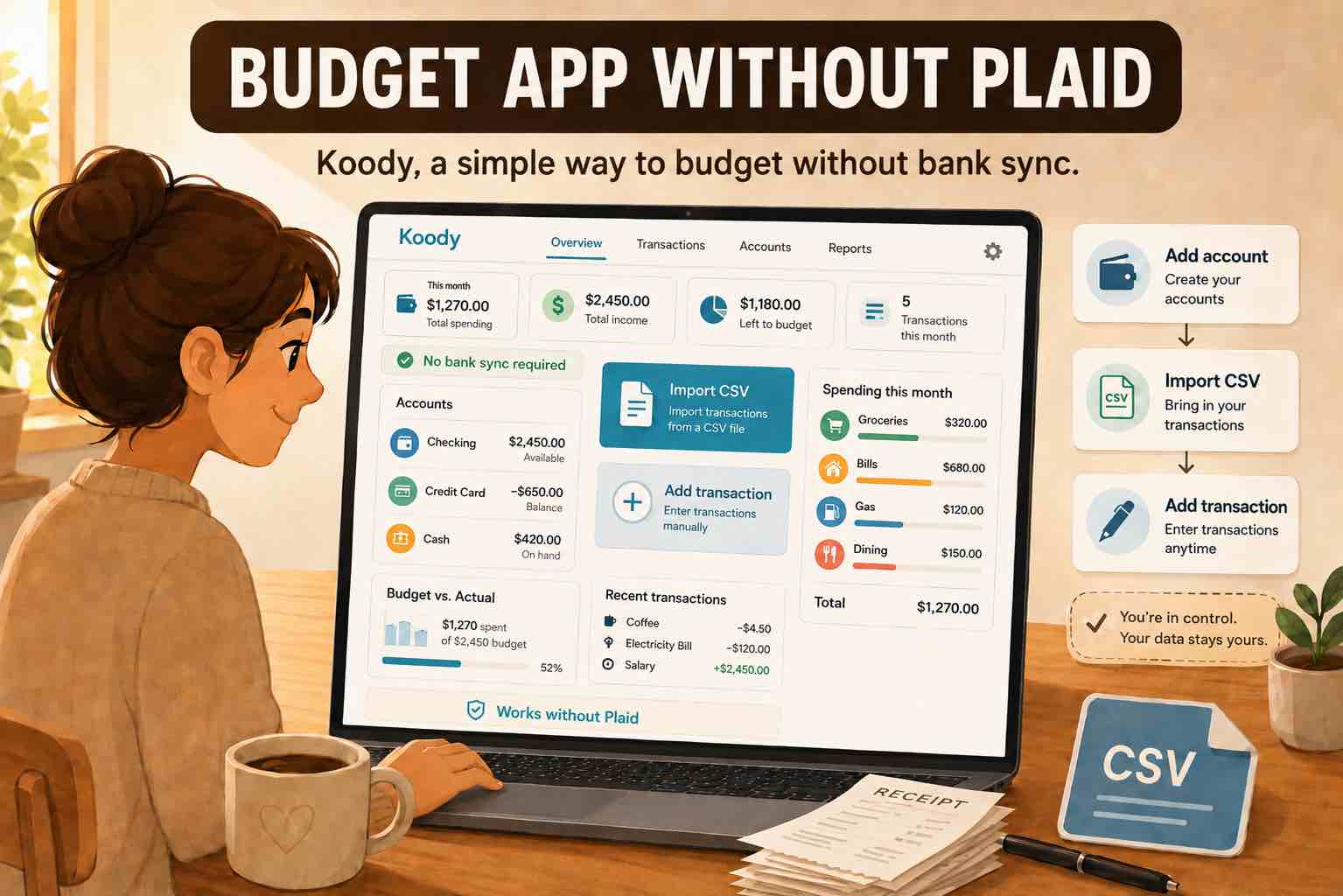
If that is where you are, the answer is not another Plaid-first app with a nicer dashboard. The answer is a budget app that lets you bring your own transaction files.
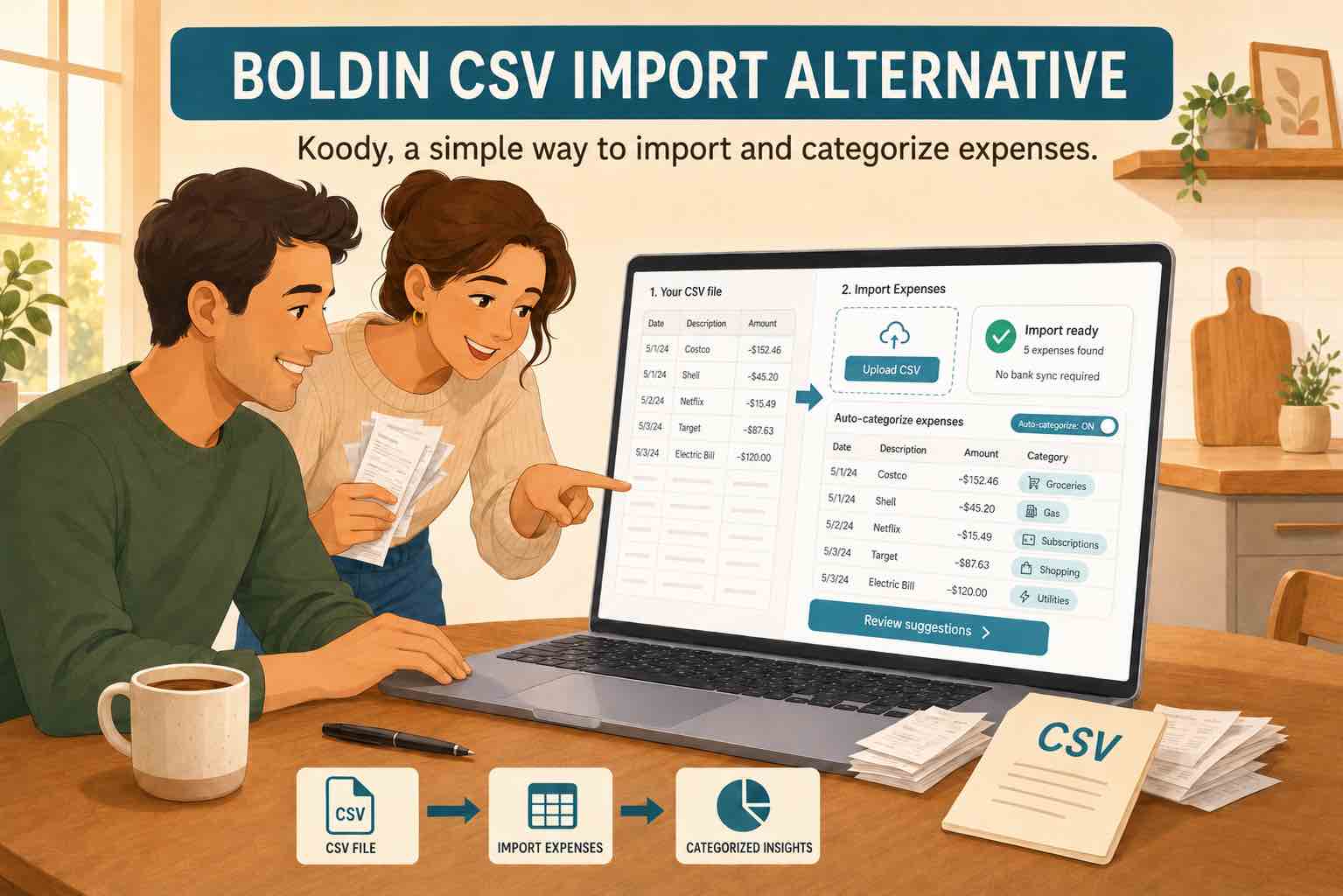
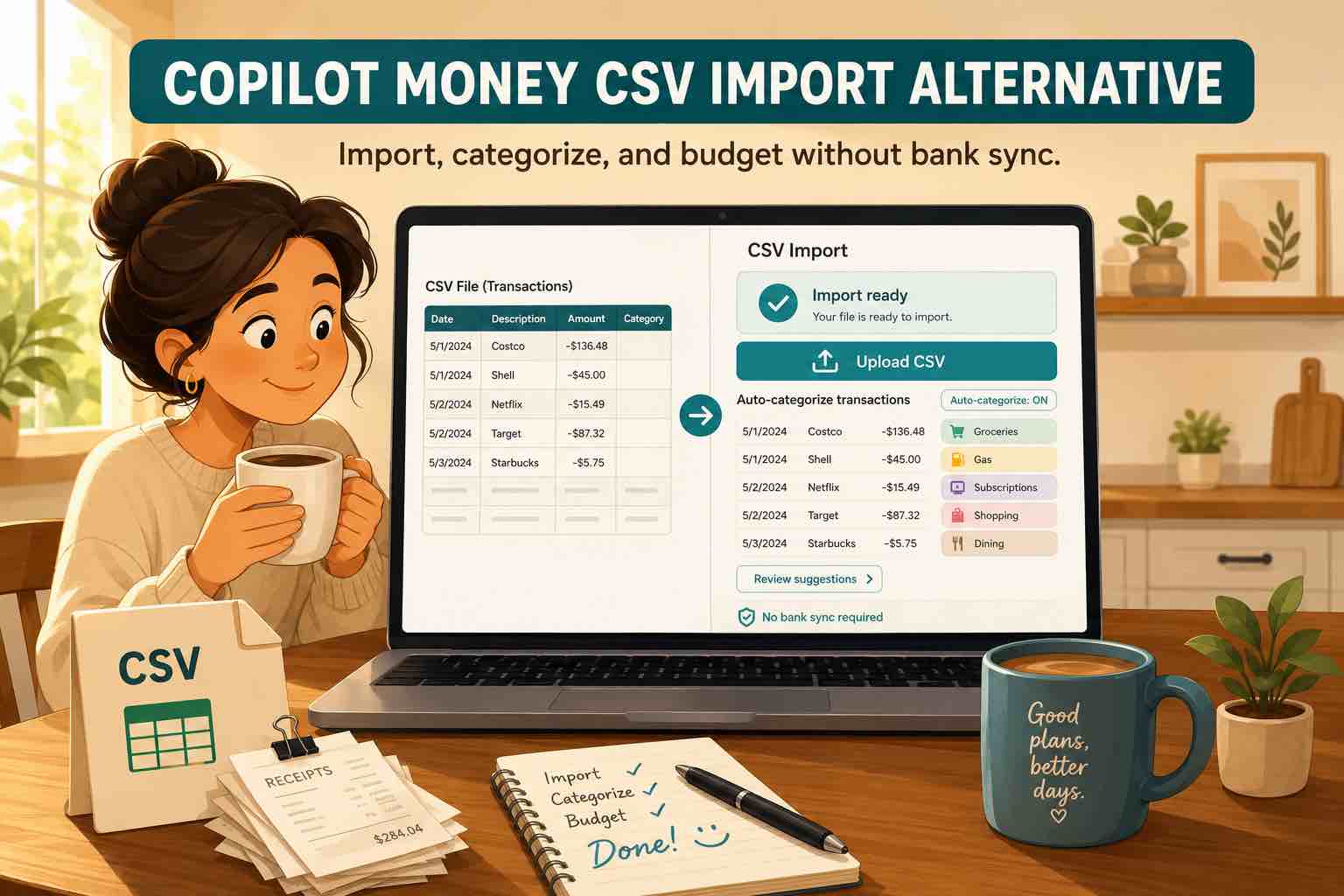
Koody is built for that. Import bank and card CSVs, review the transactions, and keep your budget moving without handing bank access to another Plaid-connected product.
Why people are tired of Plaid-first budgeting apps
Plaid can be convenient when the connection is supported, current, and clean. If your accounts sync reliably and you want background updates, that setup can work.
The frustration starts when the app becomes a troubleshooting project. Accounts disconnect. Reauthorization loops appear. Smaller banks or credit unions are not supported. Pending card charges change later. Transactions duplicate. Important rows go missing.
That is why "it is just a Plaid wrapper" lands with people. The complaint is not only about Plaid. It is about finance apps that make bank linking the main event and leave you stuck when that connection is not the way you want to budget.
Koody gives you a different path: import the transaction files you already trust, then review the cleaned results before they shape your budget.
The better question: can I bring my own transactions?
The real question is not manual versus automatic. It is whether you can bring in the data you already have and make it useful quickly.
Most banks and credit cards let you export transaction activity. If your budgeting rhythm is weekly, monthly, quarterly, or tax-time, that file-based rhythm can make more sense than a live feed you do not fully control.
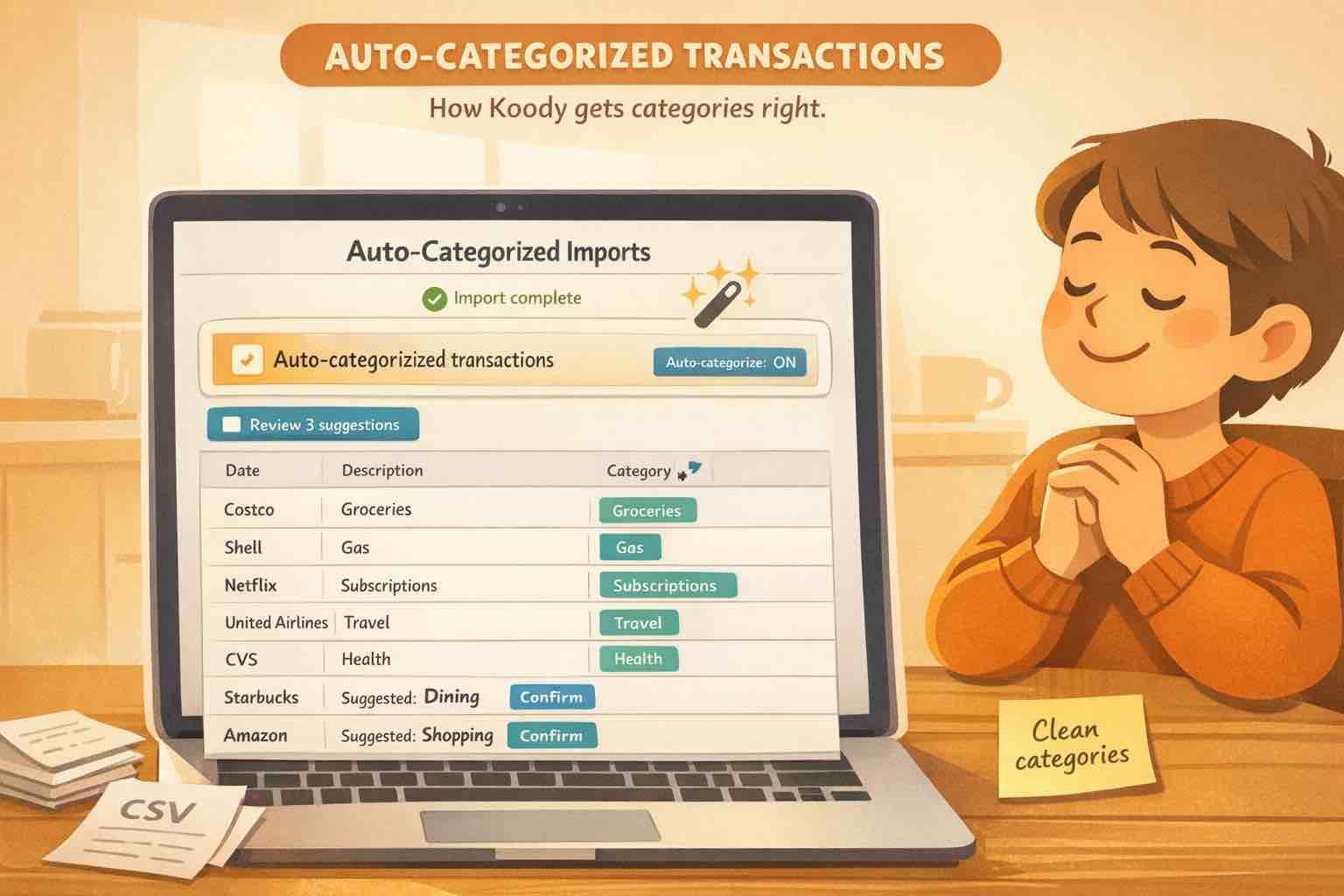
Koody lets you import transaction CSVs, then it helps clean descriptions, auto-categorize rows, find transfers, refunds, subscriptions, bills, and duplicates, and review the result before you move on.
Import bank statements, credit card CSVs, and spreadsheet exports
Koody is built around the files people actually have.
- Bank statement CSVs from checking and savings accounts.
- Credit card CSVs with purchases, payments, refunds, subscriptions, and repeat charges.
- Spreadsheet exports from Microsoft Excel, Google Sheets, or an older budget system.
- Transaction exports from older apps when you want to bring history into a cleaner budget.
That is the practical difference. You can start with the file in front of you instead of waiting for a bank connection to behave.
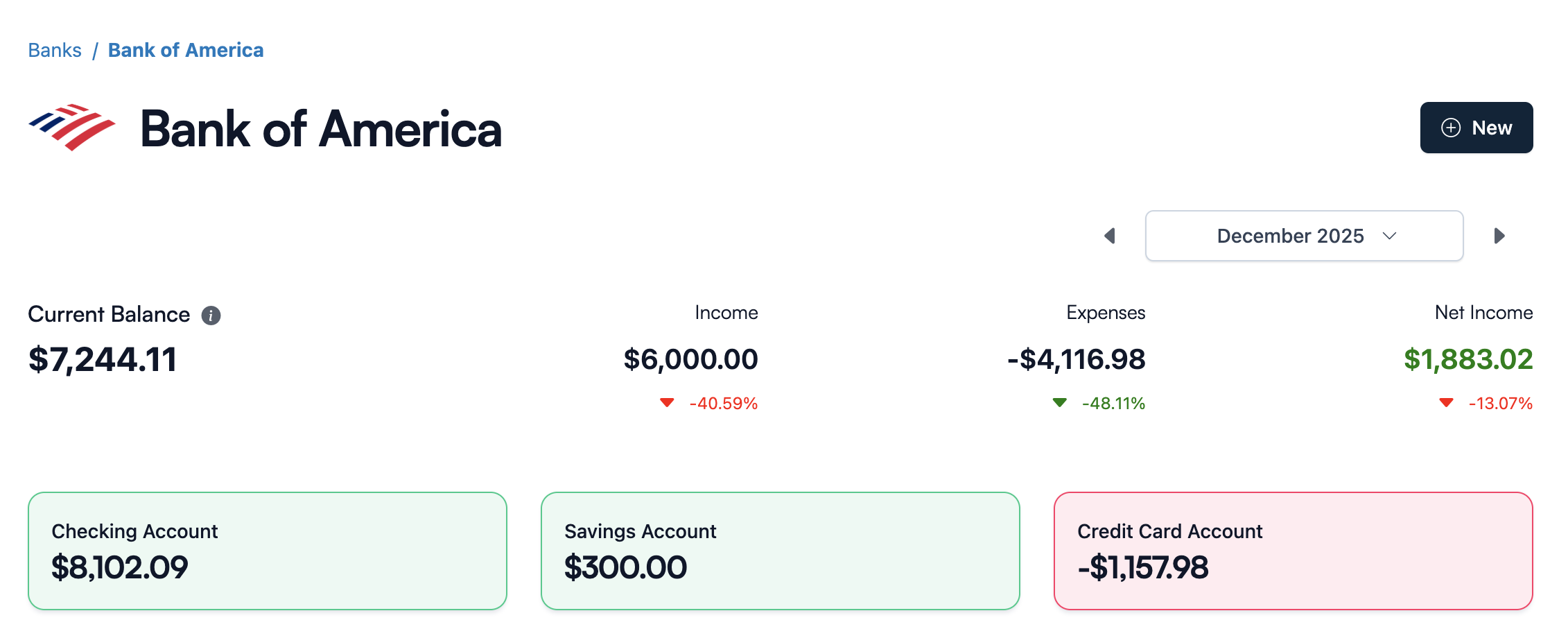
What Koody does after import
CSV import should not mean dumping raw rows into a spreadsheet-shaped app.
After upload, Koody helps turn the file into budget data you can review:
- Cleaner descriptions: noisy merchant text becomes easier to read.
- Auto-categorization: imported transactions start with useful categories.
- Transfers and refunds: account movement and money coming back are easier to review.
- Recurring bills and subscriptions: repeat charges become more visible.
- Duplicate checks: overlapping imports are easier to catch.
- Bulk edits: fix repeated merchant, category, and note patterns faster.
- Saved preferences: useful edits carry forward so future imports get easier.
- Koody AI: ask practical questions when you want help understanding your spending.
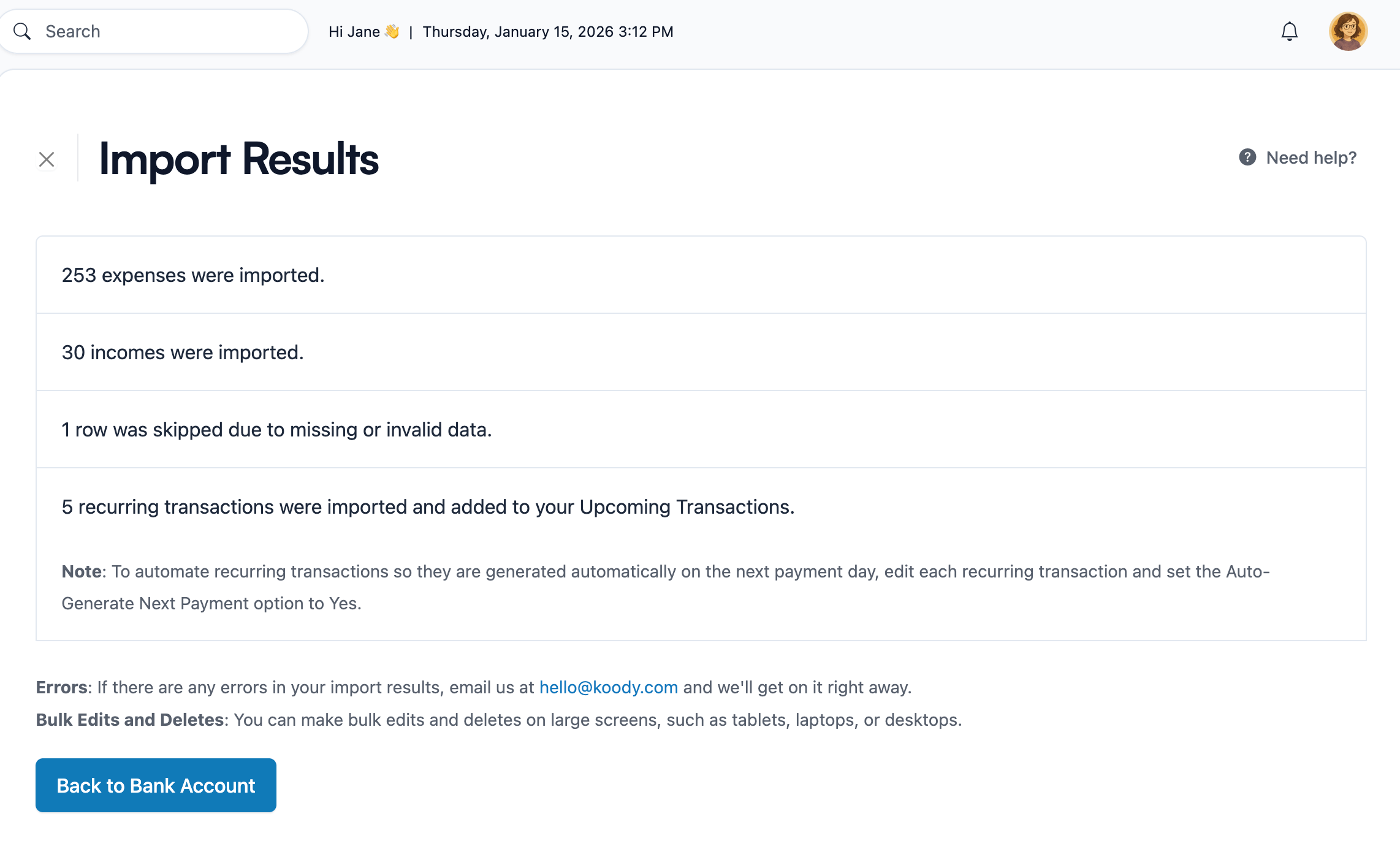
Plaid-first apps vs Koody import review
If you are tired of apps that start with Plaid and make everything else secondary, the comparison is straightforward.
| Need | Plaid-first apps | Koody |
|---|---|---|
| Bank access | Start by asking you to connect accounts. | Start with transaction file imports or manual entry. |
| Unsupported banks | Coverage depends on the bank connection. | Use bank and card CSV exports when sync is not the answer. |
| CSV imports | Usually treated as secondary or limited. | Import bank statement, credit card, spreadsheet, and app-export CSVs. |
| Duplicate control | Duplicates can appear when feeds change or reconnect. | Review imports and catch repeated rows before they distort your budget. |
| Missing transaction review | Feed gaps can be hard to spot. | Compare Koody's import review against the file you uploaded. |
| Auto-categorization | Usually centered on connected-account data. | Koody auto-categorizes imported transactions after upload. |
| Bulk edits | Cleanup depends on the app's review tools. | Bulk edit imported merchant names, categories, notes, and patterns. |
| AI help | Useful when the synced data is already clean. | Use Koody AI after import to understand spending and ask practical questions. |
| Best fit | People who want a sync-first budget app and have clean connections. | People who want a modern budget app without required Plaid linking. |
Start budgeting without Plaid
You do not need to connect Plaid just to build a useful budget.
Upload the file, review cleaner transactions, and keep your budget moving.
Import transactions without connecting Plaid.
Bring in bank statement CSVs, credit card CSVs, and spreadsheet exports. Koody helps clean descriptions, auto-categorize transactions, check duplicates, bulk edit repeated patterns, and review spending without required bank linking.
Open KoodyFAQs
1. Can I use Koody without Plaid?
Yes. Koody does not require Plaid. You can build your budget with transaction imports and manual entry instead of connecting your bank through Plaid.
2. Can I import transactions instead of linking my bank?
Yes. Koody lets you import transaction files, review what came in, and keep your budget updated without a live bank connection.
3. What files can I import into Koody?
Koody can import bank statement CSVs, credit card CSVs, spreadsheet exports, and transaction CSVs from older budgeting apps.
4. Will Koody auto-categorize imported transactions?
Yes. Koody auto-categorizes imported transactions after upload and lets you adjust anything that needs correction.
5. Can Koody detect duplicates after import?
Yes. Koody helps you review duplicate imports and repeated rows, especially when files overlap across dates or accounts.
6. Can I import credit card transactions without Plaid?
Yes. If your card provider lets you download transaction activity as a CSV, you can import those credit card transactions into Koody.
7. Can I use Koody if my bank does not work with Plaid?
Yes. If your bank lets you export transaction activity as a CSV, Koody gives you a way to bring that data into your budget.
8. Is Koody just manual budgeting?
No. Koody supports manual entry, but the Plaid-free import path includes CSV imports, auto-categorization, bulk edits, saved preferences, duplicate checks, and Koody AI.
9. Is CSV import a paid feature in Koody?
Koody's free plan supports manual budgeting. Transaction imports are part of Koody Plus, which includes bank statement imports, auto-categorization, recurring transaction detection, and advanced Koody AI.
Ready to try it? Open Koody and start budgeting without Plaid.