A $184.62 Costco charge appears on March 14. The row gives you a date, a description, and an amount. It does not tell you whether the cart held groceries, salon supplies, therapy-office supplies, or a mixture of all three.
The same row cannot tell you whether someone reimbursed part of the purchase, whether the receipt is still in your wallet, or whether any of it belongs in your business records. Those details are still easy to remember today. Six months later, the row may be all you have.
What does a bank statement show?
A bank statement is a record of activity in an account during a set period. It commonly shows the opening and closing balances, transaction dates, descriptions, and amounts. Checking-account statements may identify deposits, withdrawals, checks, card purchases, electronic transfers, fees, and interest. Credit-card statements show charges, payments, credits, fees, and the balance due.
This sample bank statement has one row for each transaction and columns for the date, description, and amount.
The transaction description may come from the merchant, payment processor, card network, or bank. It may use a store name you recognize. It may also use a legal company name, an abbreviation, a location code, or a payment-service label that needs a second look.
Federal statement rules focus on information that helps you identify and reconcile the transaction. The Consumer Financial Protection Bureau explains in its commentary to Regulation Z that item-by-item descriptions are not required on an open-end credit statement. Periodic-statement rules for electronic transfers likewise center on details such as the amount, date, type, and identifying information for the other party.
Those details help you match the transaction to your own records. They rarely reconstruct the full purchase, its purpose, or the documents connected to it.
What the transaction row leaves out
A statement row records the account activity. Receipts, invoices, account relationships, and your own records explain what happened.
What you bought
A $184.62 Costco row does not list groceries, printer ink, towels, hair products, or office chairs. An Amazon charge may cover one item or a basket spread across several personal and business categories.
Why you paid
A restaurant charge does not name the client, business discussion, or people at the table. A hotel charge does not explain whether the trip was for a conference, a client visit, a family vacation, or a combination.
Personal, business, or mixed use
The account name does not settle the purpose of every transaction. A business card can pay for a personal item. A personal card can pay for business software. A phone, internet, warehouse-store, or travel bill can include both.
Transfers and credit-card payments
Money moving between your own accounts may look like spending in one account and income in another. A credit-card payment also moves money between accounts; the individual card purchases carry the spending categories. Without the relationship between those rows, totals can count the same money twice.
Refunds and reimbursements
A deposit could be a paycheck, a merchant refund, an insurance repayment, a client reimbursement, or a friend paying back their share. The amount and description may help, but the statement may not connect the deposit to the original expense.
Loan principal and interest
A single loan payment can contain principal and interest. The account row shows the total payment. The loan statement provides the split, which is needed when the two parts receive different treatment in a budget or business record.
Gross income, fees, and net payouts
An Etsy, rideshare, delivery, or payment-processor deposit may be the amount left after fees, refunds, tips, reserves, or other adjustments. The deposit alone may not show gross sales or each amount removed before payout.
Receipts, invoices, and warranties
A statement can help confirm payment. The receipt or invoice shows the items or services, sales tax, and seller details. That document may also be needed for a return, reimbursement, warranty claim, or business record.
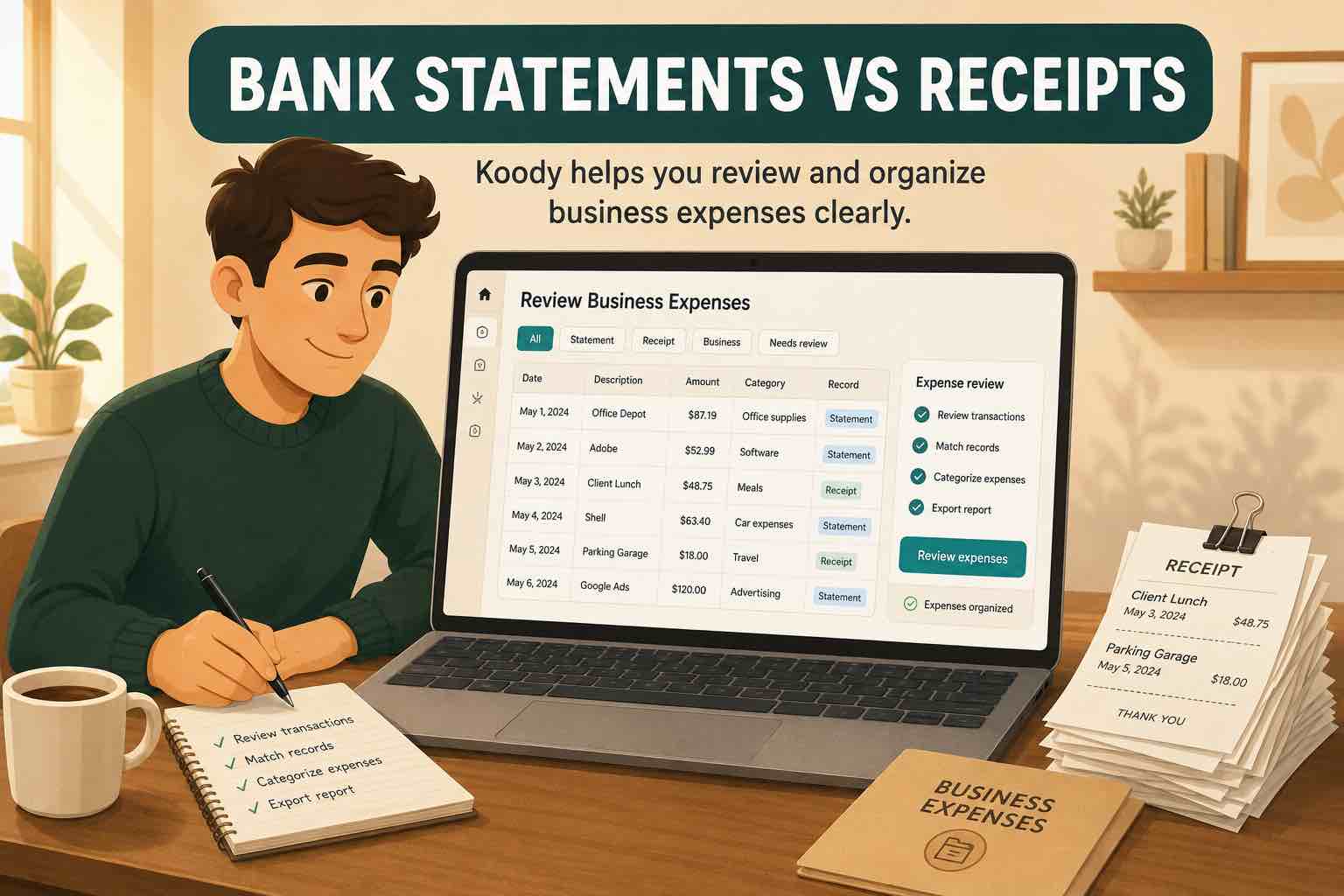
For business expenses, the IRS lists account statements among useful supporting documents, along with receipts, invoices, paid bills, and other records. Our guide to bank statements and receipts for business expenses explains the difference in more detail.
What this looks like in real transactions
The description and amount may help you recognize a transaction. The receipt, account, and reason for the payment tell you how to record it.
Amazon · $76.19
The charge could cover a personal book, printer paper, a laptop cable, and client materials in one order. The order receipt shows whether one category or several are needed.
Venmo or Zelle · $250.00
Money from another person could be client income, rent shared by a roommate, repayment for dinner, a loan, or money moved between accounts you control. The sender name does not explain the reason.
Loan payment · $600.00
The lender's statement may show that $470 reduced principal and $130 paid interest. The bank row shows only the $600 that left checking.
Marketplace payout · $1,284.40
An Etsy or rideshare payout may combine many sales or trips after platform fees, refunds, tips, taxes, or reserves. The platform report explains how the payout was calculated.
What a useful financial record includes
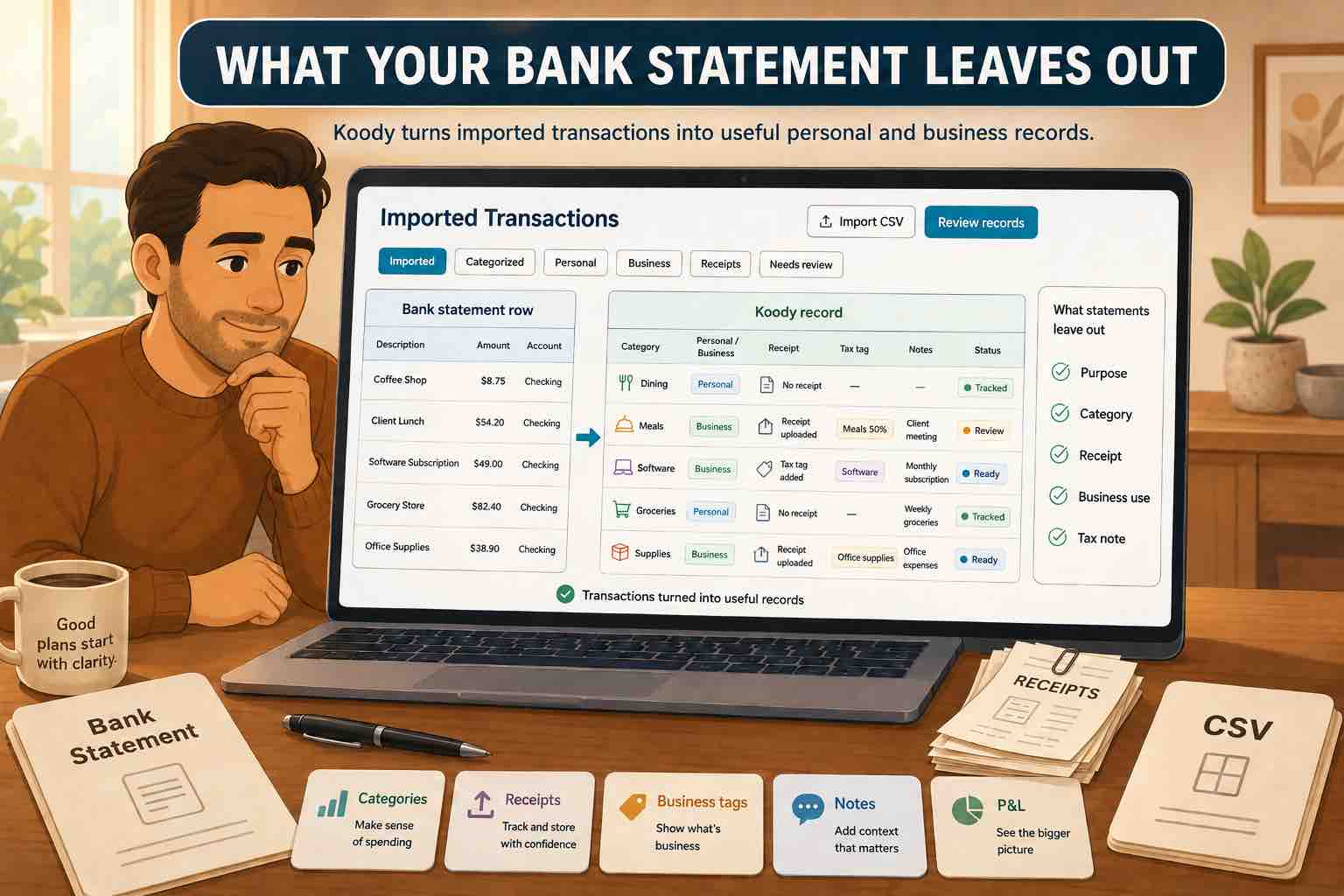
Keep the original transaction details. They anchor the record to the account. Then add the information you will need when you return to it:
- Original details: posted date, description, amount, and account.
- Recognizable merchant: a cleaned name that is easier to find and review.
- Category: the kind of income or spending represented by the transaction.
- Transaction type: expense, income, transfer, refund, or another type that tells the totals how to treat the row.
- Personal and business split: the amount assigned to each category when one purchase includes both.
- Receipt or invoice: the item or service details behind the payment.
- Note: a short explanation when the purpose is not obvious from the other records.
- Related transaction: the matching transfer, refund, or reimbursement where applicable.
Not every coffee or utility bill needs a paragraph. Add detail when it will answer a real question later: what was purchased, who paid, which part belonged to the business, why money came back, or where the supporting document is stored.
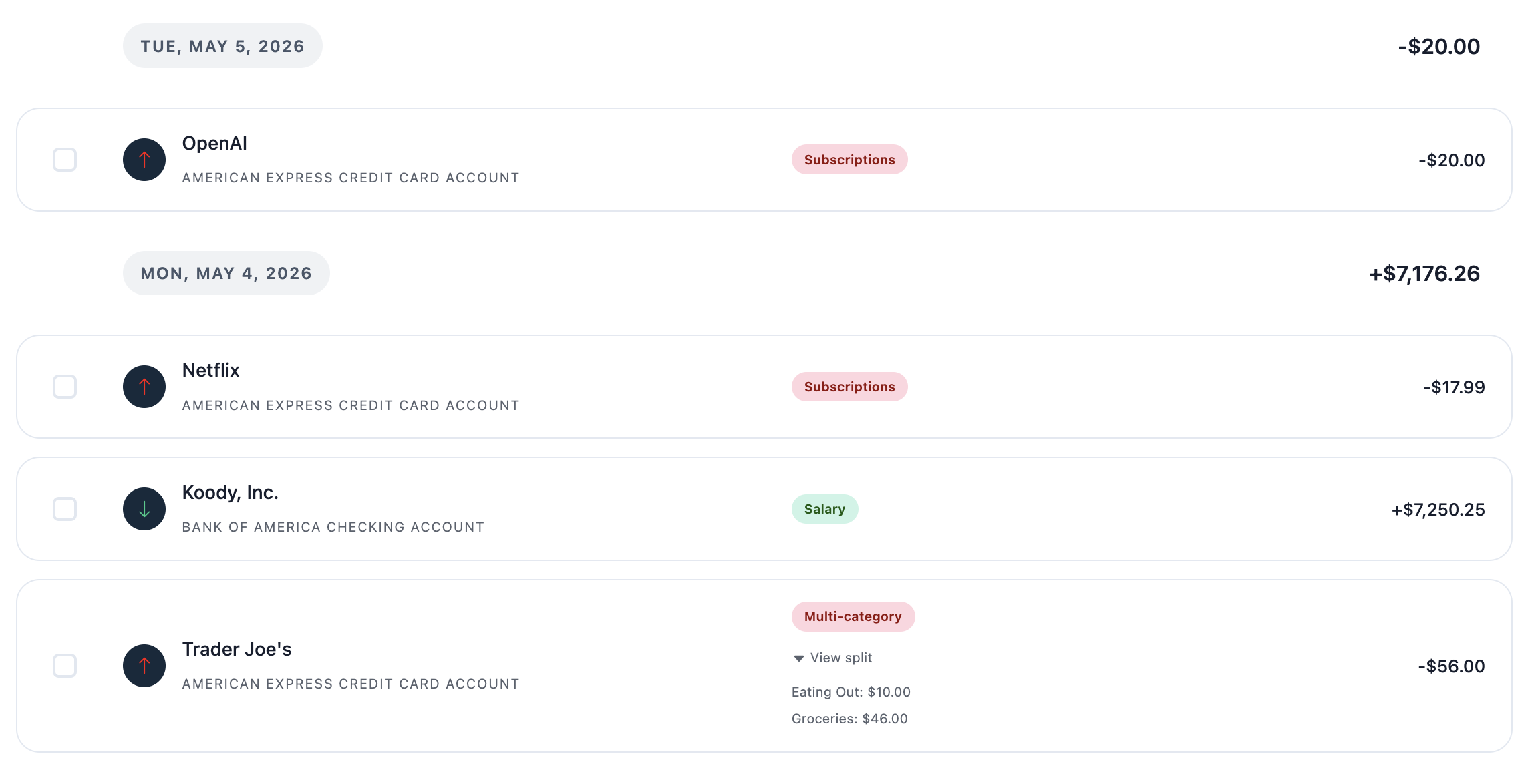
How Koody turns transaction rows into useful records
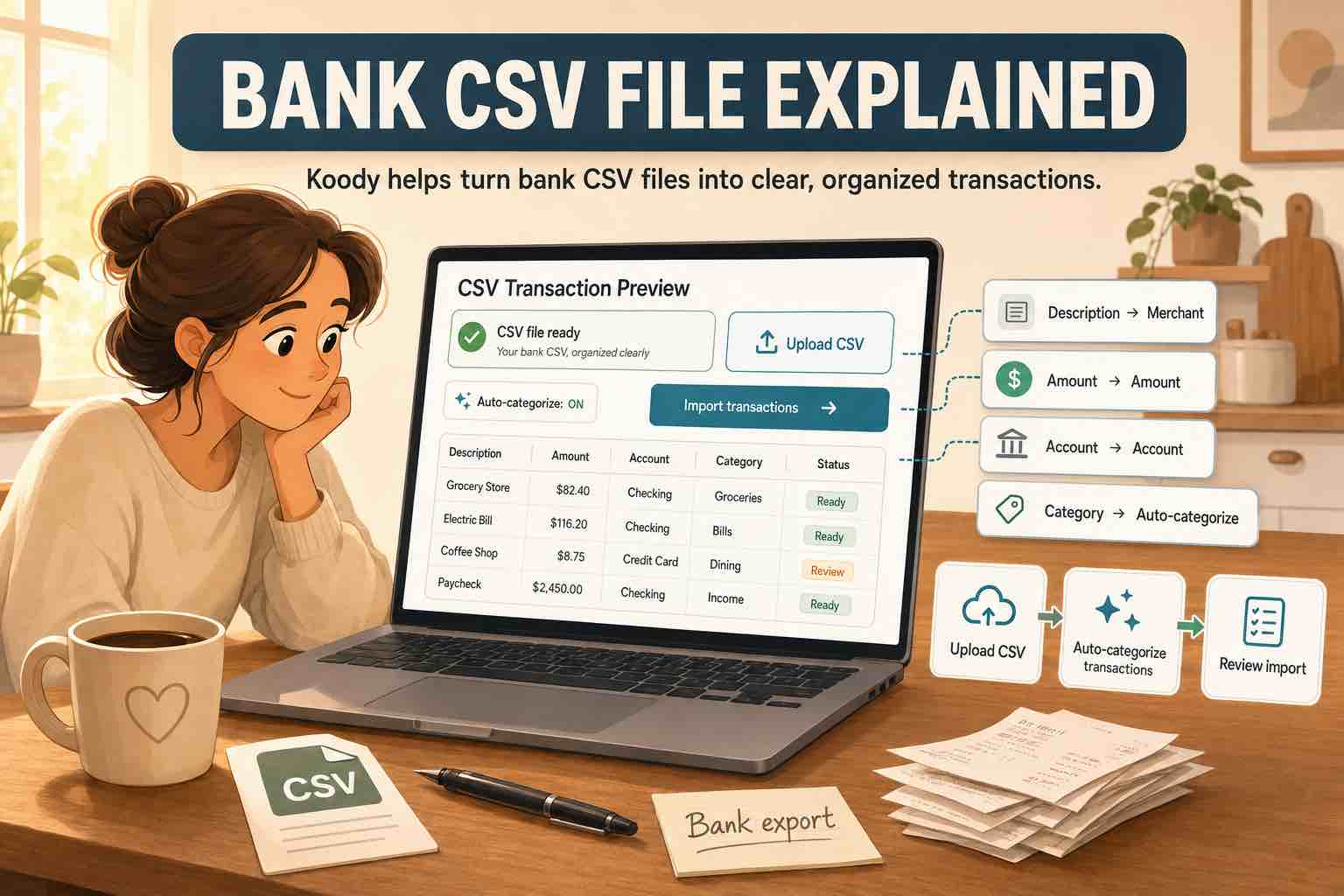
Start with the original CSV downloaded from your bank or card provider. You do not need to rearrange its columns or make it look like a spreadsheet template. If you need help finding the right file, read our guide to CSV files from a bank.
Importing takes four steps:
- Choose the account the file belongs to.
- Upload the original CSV.
- Click Import.
- Review the results.
Koody reads the file, cleans hard-to-read transaction descriptions, auto-categorizes the rows, and identifies transaction types such as income, expenses, transfers, and refunds. You review the results and change anything you want.
When a purchase covers more than one part of your life, split it across categories. Mark transfers between your accounts so the same money is not counted as new income or spending. Tag a returned payment as a refund, attach the receipt to the original charge, and use the same recognizable description and category to make any difference easy to see.
On mobile, take a photo of a receipt and attach it to the transaction. You can also attach an existing photo, invoice, PDF, screenshot, or downloaded file.
Add a note when the transaction still needs context. "Printer for therapy office" says more than an unexplained office-store charge. "Client reimbursed filing fee on July 18" connects money coming back to the expense that came first.
Koody can remember category edits for repeated transactions, so later imports require fewer changes. The reviewed records can feed your budget, filtered exports, reimbursement review, and a Schedule C-style P&L.
Turn bank transactions into records you can use.
Import the original transaction file. Koody auto-categorizes the rows, and you can review the categories, transaction types, receipts, splits, and notes in one place.
Import transactionsKeep personal and business money in one app
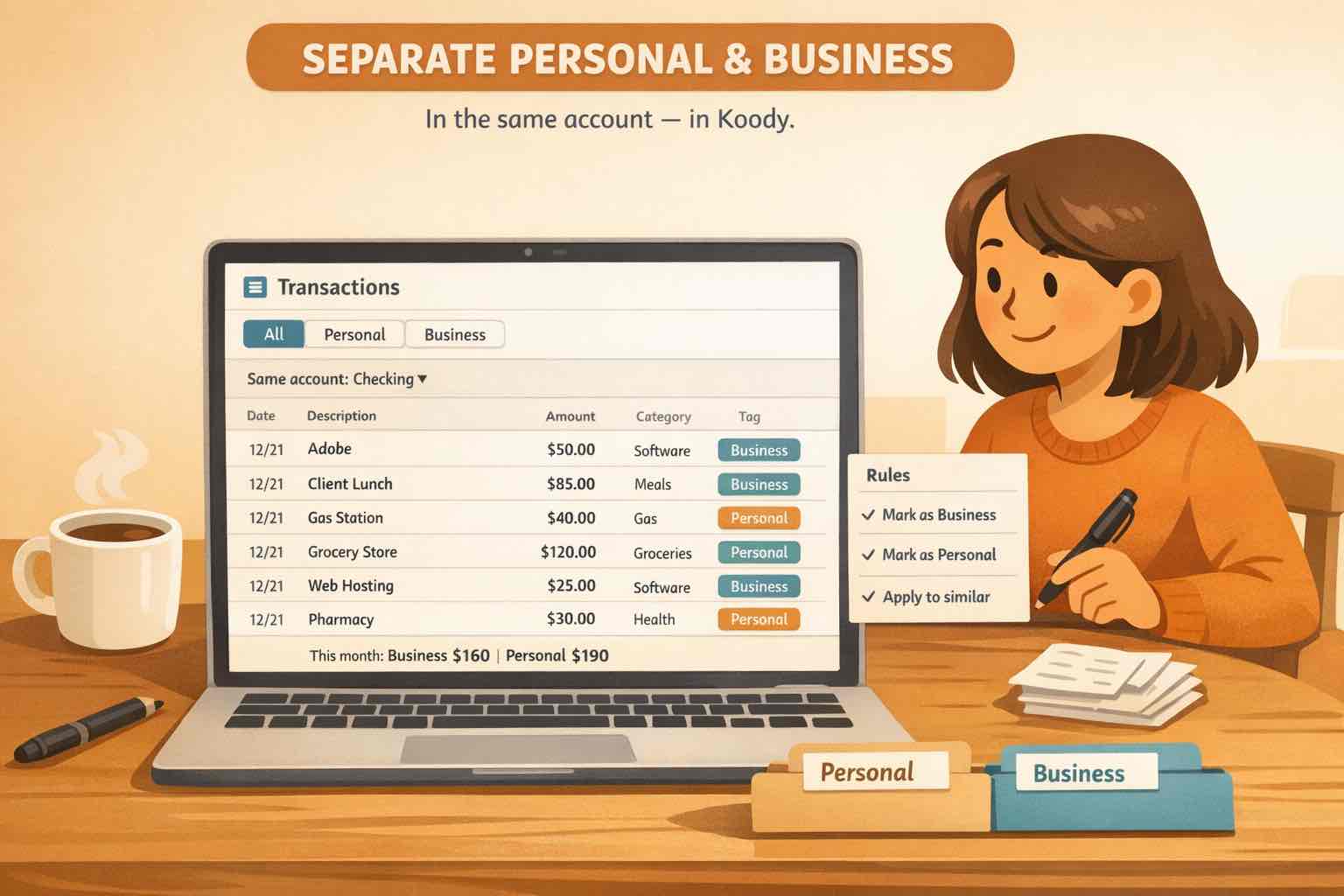
Sole proprietors often use the same phone, shop at the same stores, move money between business and personal accounts, and occasionally pay a business cost from a personal card. Keeping both sides in Koody helps you match transfers and split mixed purchases correctly.
Use personal categories for household spending and business categories for business costs. Split a mixed purchase when both appear on one receipt. Create transfers between accounts you track in Koody, or mark a one-legged transfer when only one side is present. The transfer type keeps the movement out of budget and P&L totals; the category can still explain why the money moved.
Review deposits with the same care. Client income, an owner contribution, a refund, a reimbursement, and a transfer into savings can all increase an account balance while belonging in different parts of your records.
Our guide to separating personal and business expenses in the same account covers the category and split decisions in greater depth.
Build a record you can return to
Review transactions while the purchase, trip, refund, or transfer is still easy to remember. Five minutes spent identifying a mixed Costco receipt today can prevent an hour of searching through email and order histories before tax prep.
Choose a review schedule that fits your money: after an import, once a week, twice a month, or when a statement closes. Correct the descriptions and categories, deal with transfers and refunds, attach the documents worth keeping, and leave useful notes before moving on.
Your records remain useful outside Koody too. Export the date range and accounts you need for your own review, an accountant, or another tool. You decide which accounts to include, which records to keep, and when to export them.
FAQs
1. What information does a bank statement show?
A bank statement commonly shows the statement period, opening and closing balances, transaction dates, descriptions, and amounts. Depending on the account, it may also separate money in from money out or identify checks, transfers, card purchases, fees, and interest.
2. Do bank statements show what you bought?
Usually not. A statement may identify the merchant, date, and total amount, but it rarely lists the individual products or services in the purchase. The receipt or invoice carries that detail.
3. Why are bank transaction descriptions confusing?
The description may come from a merchant, payment processor, card network, or bank and can use a legal business name, abbreviation, location code, or limited statement descriptor. That text may be useful without being immediately recognizable.
4. Can I use bank statements to make a budget?
Yes. Bank statements provide the transaction history needed to start a budget. Import the original CSV into Koody, review the auto-categorized transactions, mark transfers and refunds, split mixed purchases, and correct anything that needs changing before using the totals.
5. How do I categorize bank transactions?
Review the merchant, amount, account, receipt, and reason for the payment. Choose the category that describes the purchase, mark transfers or refunds with the correct transaction type, and split a transaction when it includes more than one category.
6. Can a bank statement replace a receipt?
A bank statement can show that money changed hands, but it may not show what you bought or why the purchase belonged to a business. Keep the receipt or invoice when item details, tax records, reimbursement, returns, or warranty coverage may be needed.
7. How does Koody organize bank transactions?
Koody imports original bank CSVs, cleans transaction descriptions, and auto-categorizes the rows. You review the results, change anything you want, split mixed purchases, mark transfers and refunds, attach receipts, add notes, and export the reviewed records.
8. Can Koody keep personal and business finances together?
Yes. You can keep personal and business accounts in Koody, use the appropriate categories, split mixed purchases, and mark transfers between your accounts. Your personal budget and Schedule C-style P&L can then use the same reviewed transaction records.
Import, review, and keep your money in one place.
Bring in the original bank transactions. Koody auto-categorizes them and identifies transfers and refunds. You review the results, split mixed purchases, attach receipts, and add notes.
Open KoodySources
Sources accessed July 22, 2026.