A sole proprietor rarely needs a household budget in isolation. Business income may pay the rent. Personal money may cover a business purchase. A tax set-aside sits beside the emergency fund. The app needs to show the full financial picture while keeping the business P&L free from groceries, owner draws, account transfers, and credit card payments.
Monarch and Koody can both serve parts of that job. The right choice depends on which records you need every week, how transactions enter the app, and what you want to hand an accountant at tax time.
Is Koody a Monarch Money alternative for sole proprietors?
Yes. Koody is a strong Monarch Money alternative for a sole proprietor who wants personal budgeting, business categories, receipts, split transactions, Schedule C-style P&L reports, and accountant sharing in one app.
Monarch is a serious personal finance product. Its official pricing page currently lists personal budgets, custom reports, automatic categorization, receipt scanning, and bank connections across its plans. Monarch Plus adds small-business tracking, a dedicated P&L for each business, and tax-prep exports.
Koody approaches the same household-and-business problem through accounts, budgets, transaction records, business categories, attached files, P&L reports, and direct accountant exports. Koody AI can create a budget from the information and transaction history you choose, then help you review that budget in the same app as the business records.
What a sole proprietor needs from a money app
Start with the financial jobs rather than the longest feature list. A useful app should help you:
- Build and maintain a personal budget.
- See the accounts and balances used by the household and business.
- Record all business income, including cash and payments outside the main bank account.
- Keep ordinary business expenses separate from personal spending.
- Split one purchase when only part belongs to the business.
- Keep receipts, invoices, and useful financial notes with transactions.
- Identify transfers, credit card payments, refunds, reimbursements, tax set-asides, and owner's draws correctly.
- Review business category totals and profit for a chosen period.
- Prepare transaction records and reports for an accountant.
- Export the data if you leave the app or need your own copy.
A driver may need vehicle, phone, platform fee, owner draw, and tax-payment categories. A therapist may need office rent, professional insurance, licensing, continuing education, processor fees, and neutral income descriptions. An Etsy seller may need inventory, marketplace income, fees, shipping, refunds, and cost of goods sold.
The app should let each person build records around the business they run instead of forcing every sole proprietor into a generic "business expense" bucket.
Personal budgets and business records in one app
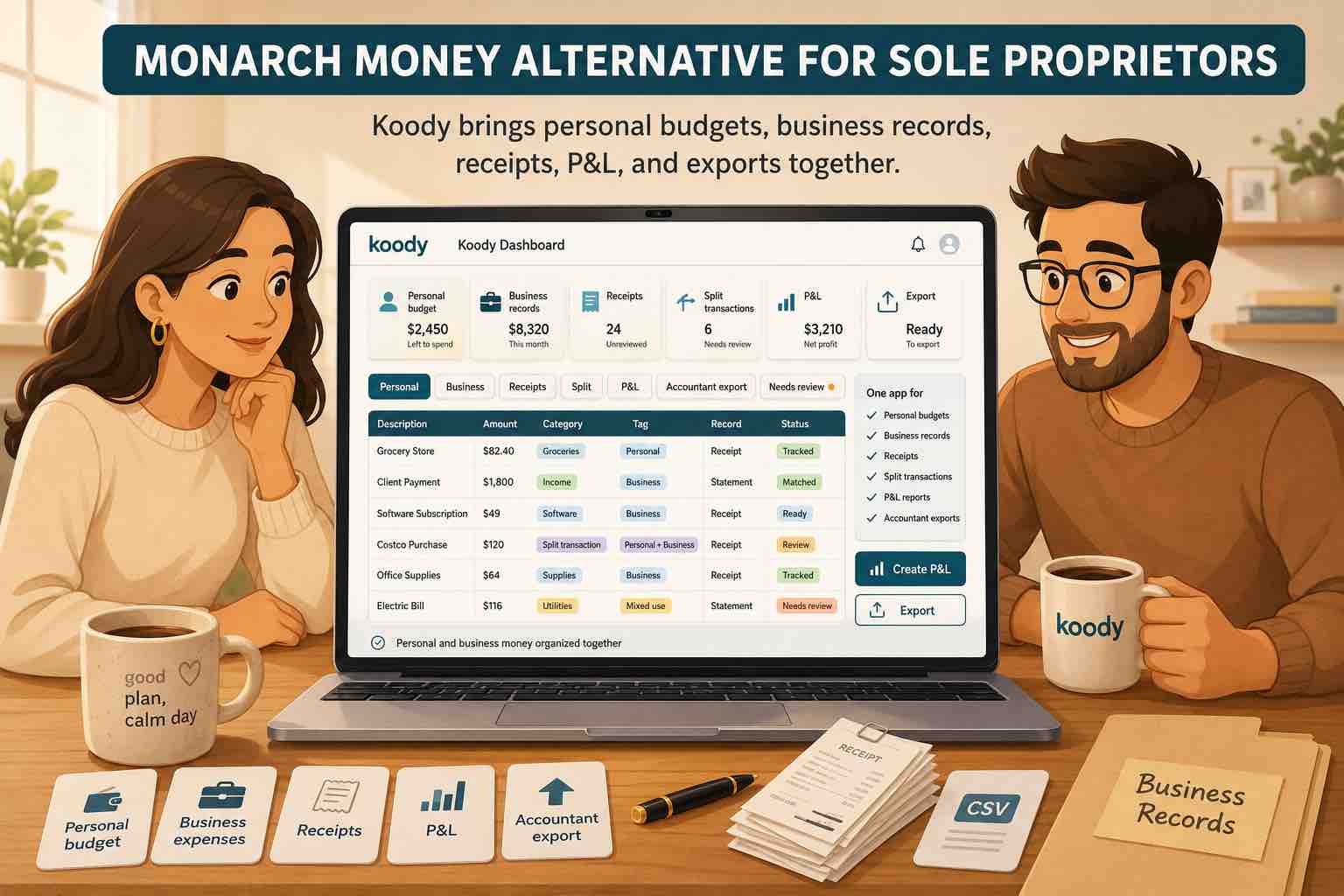
Koody lets you add the personal and business accounts you want to manage. Use household categories for rent, groceries, childcare, debt, savings, and everyday spending. Use business categories for Revenue, Contract Labor, Supplies, Business Insurance, Taxes & Licenses, Owner Draw / Personal, Estimated Tax Payments, Inventory / Cost of Goods Sold, and other Schedule C record-prep needs.
The categories keep the reports readable. A transfer from business checking to personal checking can be reviewed as an owner's draw instead of a business expense. A credit card payment can stay separate from the purchases already recorded on the card. Personal money added to the business can remain an owner contribution rather than customer revenue.
On the personal side, Koody AI can create a budget from your selected accounts, recent spending, dates, and category limits. You review the proposed budget and change anything you want. The business transaction record remains available for the P&L and accountant handoff.
Keep the household budget and business records in one app.
Use separate categories for personal and business activity, split mixed purchases, attach receipts, and review the P&L without losing sight of the household budget.
Set up KoodyCategories, split transactions, and receipts
A category becomes useful when it tells you what the transaction was. Office Expense, Marketplace Fees, Business Utilities, Contract Labor, Owner Draw / Personal, and Transfers answer different questions even when all the money left the same checking account.
Koody auto-categorizes eligible imported transactions, cleans hard-to-read descriptions, and identifies likely transfers, refunds, bills, and subscriptions. You review the results and can change the category, description, transaction type, or note. Koody can remember eligible edits for repeated merchants in later imports.
Mixed purchases need another step. Suppose a therapist's $160 phone bill is 60% practice use, or a seller's warehouse receipt contains $90 of inventory materials and $110 of household groceries. Split the transaction across the business and personal categories instead of placing the whole amount on one side.
Take a receipt photo on mobile or attach an existing image, PDF, invoice, screenshot, or downloaded file. The receipt stays with the transaction. Add a short note when the category or split does not explain the business use on its own.
Monarch also supports transaction splitting and receipt scanning. If those features are central to your decision, compare the actual steps, the records created, and where each receipt can be reviewed rather than assuming only one app has them.
Schedule C-style P&L reports and accountant sharing
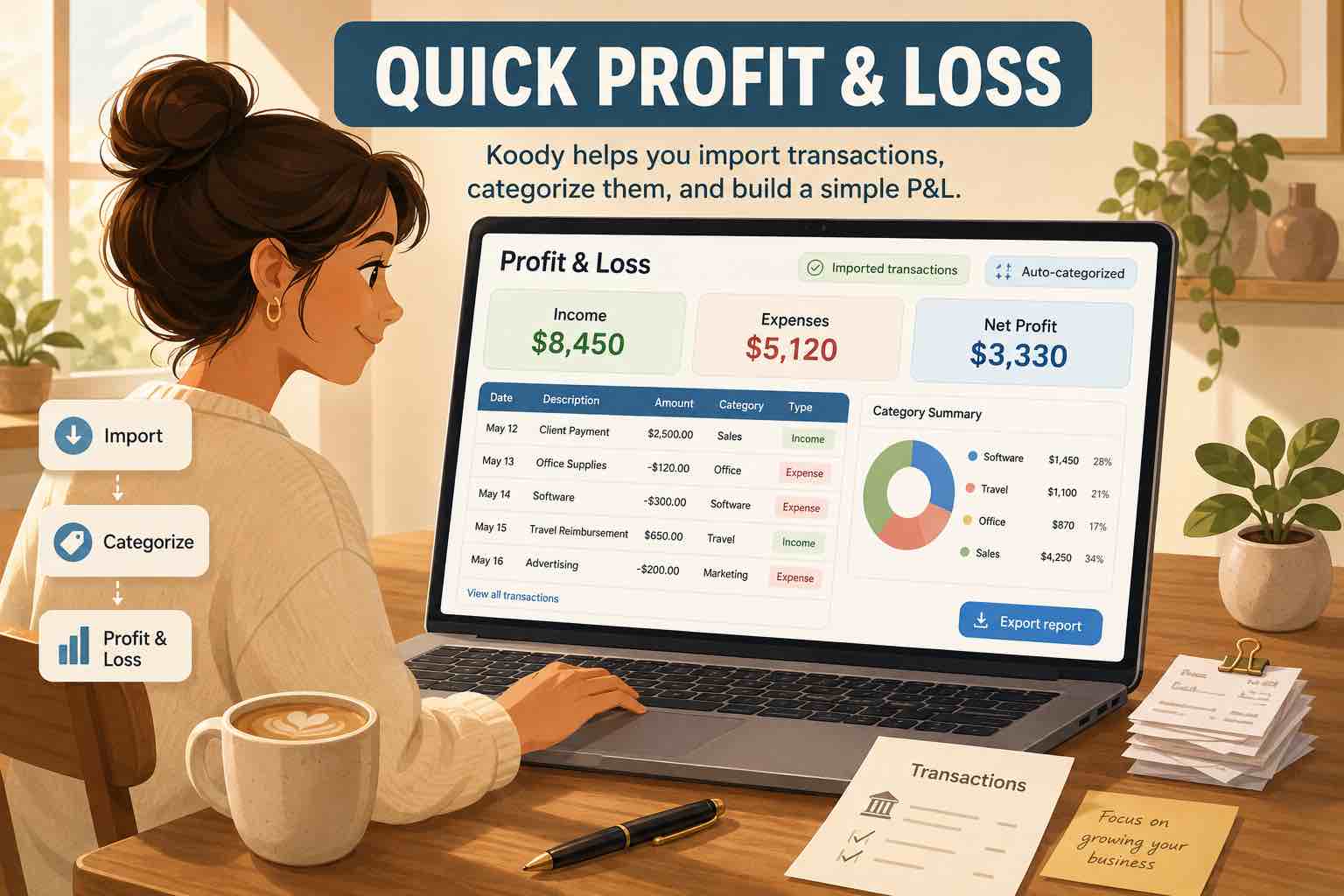
A P&L adds up business income and subtracts business expenses for a selected period. A sole proprietor can use it to review whether the business earned a profit and to prepare the categorized totals an accountant may use for Schedule C.
Koody creates a Schedule C-style P&L from the transactions you have reviewed. Open an income or expense category to check the rows behind its total. Review transfers, owner draws, personal purchases, credit card payments, refunds, equipment, and uncategorized transactions before treating the report as finished.
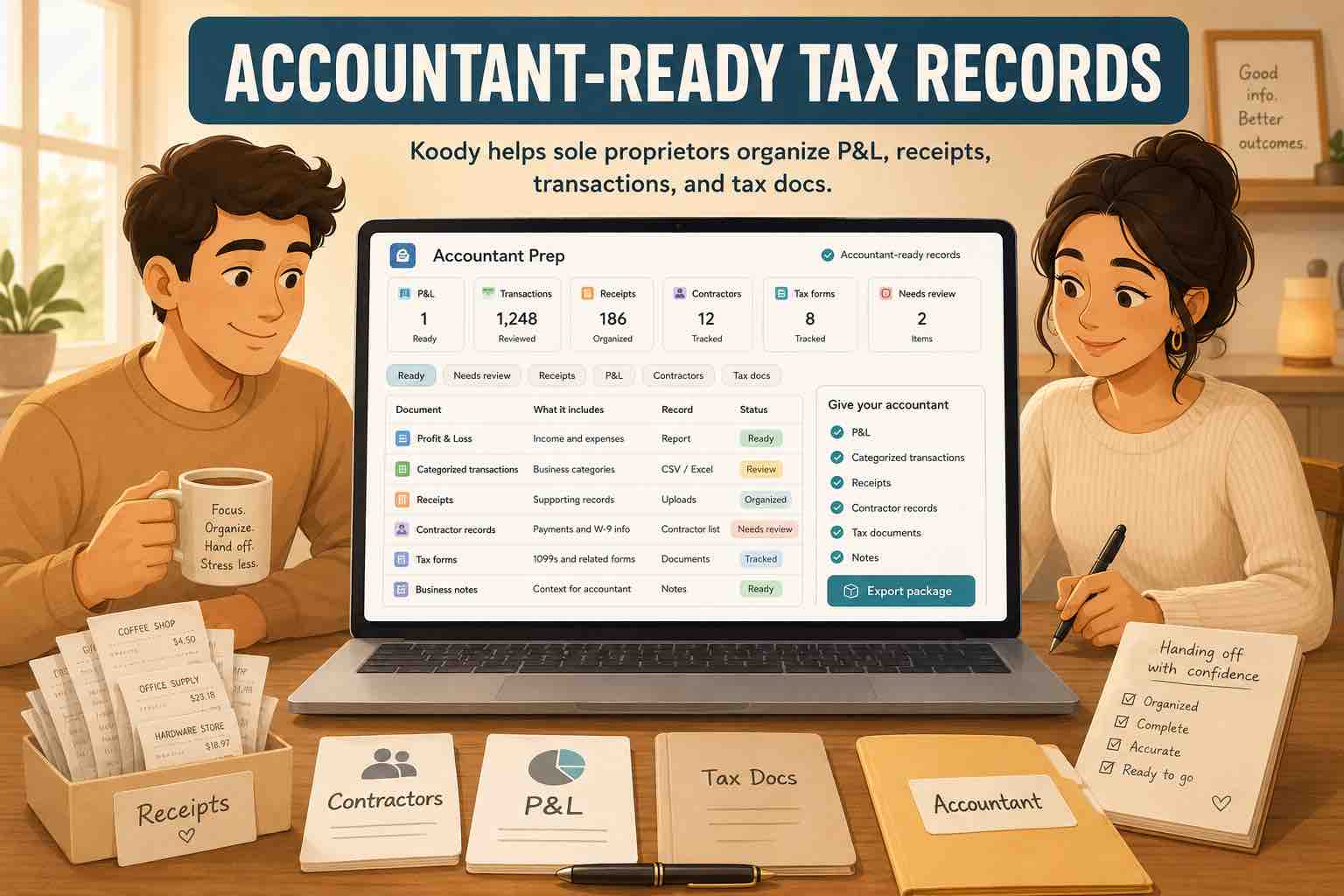
When the records are ready, Koody exports filtered transactions as CSV, Excel, or JSON. Enter the accountant's email address in the Export screen and select Send to Accountant. Koody emails the export directly and can send a copy to you.
Monarch Plus officially includes business P&L reports and tax-prep exports. Monarch's Professionals program also lets clients grant a financial professional temporary access. Compare how your accountant wants to receive records: direct files, an export you upload to a portal, or access inside the app.
Bringing transaction history from Monarch into Koody
Monarch lets you download transaction history as CSV. You can download one account from its account page or download transactions across all accounts from Settings under Data.
Move the history in a controlled order:
- Download the relevant transaction history from Monarch and keep an untouched copy.
- Add the matching personal and business accounts in Koody.
- Import each relevant CSV into the account where those transactions belong.
- Let Koody clean descriptions and auto-categorize eligible transactions.
- Review income, business expenses, personal spending, transfers, card payments, refunds, owner draws, and mixed purchases.
- Attach important receipts and add financial notes where the row needs more detail.
- Review the personal budget and create the business P&L for the period you imported.
A Monarch CSV contains the transaction fields included in that export. Do not assume that Monarch rules, tags, account relationships, business entities, receipt images, or every custom setting will appear in Koody. Keep the Monarch export and download any records you need before ending a subscription.
Start with one account and a limited date range if you want to inspect the result first. If an unusual export needs attention, email us at hello@koody.com. Someone from our team will inspect the file and help fix the import.
Bank linking, imports, and keeping transactions current
Monarch supports live connections to banks and financial institutions. Koody does not currently offer live bank linking. Today, transactions enter Koody through quick manual entries or transaction imports from original bank, card, spreadsheet, and app CSV files.
If you need transactions to update automatically every day, Monarch's live connections may suit you better today. If Koody's personal budgeting, business categories, receipts, splits, P&L, accountant email, and support cover more of what you need, decide how often you are willing to import new activity.
A regular import update is straightforward:
- Download the new transaction date range from the financial institution.
- Choose the matching Koody account and upload the file.
- Click Import.
- Review the auto-categorized results.
Koody checks imported rows against earlier imports to prevent duplicate transactions when date ranges overlap. It can also remember eligible edits for repeated merchants. Manual entry remains available for cash, checks, or transactions you want in the budget immediately.
What to compare before switching
How transactions stay current
Decide whether you need live connections, periodic imports, manual entry, or a combination. Consider the financial institutions you use, how often you review money, and how much transaction history you need.
How the app handles a real sole proprietorship
Test your own categories and transaction types. Can the app distinguish Revenue, Returns & Allowances, processing fees, inventory, owner draws, tax payments, transfers, and personal spending? Can you split mixed purchases without rebuilding the transaction elsewhere?
What sits behind the P&L
A report total should lead back to the transactions that created it. Check whether you can review the rows, descriptions, categories, receipts, splits, and notes behind each number before sending the report to an accountant.
How records reach the accountant
Ask your accountant whether they want CSV, Excel, a P&L, read-only access, or files uploaded to a secure portal. Confirm which app supports the handoff you will actually use.
What happens when you need help or leave
Look at support access and export options before moving years of history. Monarch's help center says members can download full transaction and balance history even after a trial or subscription ends. Koody supports transaction exports and direct accountant email, and our team can inspect files when an import needs help.
Who Koody is a good fit for
Koody is a strong fit when you want:
- Personal budgets and sole-proprietor records in the same app.
- Business categories built around the transactions you review for Schedule C.
- Receipt photos and files attached to the matching transactions.
- Split transactions for mixed household and business spending.
- Owner draws, tax payments, transfers, refunds, and card payments kept out of ordinary income and expenses.
- A Schedule C-style P&L with transaction detail behind the totals.
- CSV, Excel, and JSON exports sent directly to an accountant.
- Koody AI assistance with budgets and questions about the financial data already in the app.
- Help from our team when a transaction file needs attention.
Koody currently requires manual entry or transaction imports to keep activity current. A business that needs invoicing, payroll, inventory quantities, double-entry accounting, or tax filing may also need specialized accounting and tax systems.
Use the trial period and your own records to test the jobs you complete most often. Check how the app handles your accounts, categories, receipts, reports, and accountant handoff before you move the rest of your history.
FAQs
1. Is Koody a Monarch Money alternative for sole proprietors?
Yes. Koody is a strong option when you want personal budgets and sole-proprietor records in one app, with business categories, split transactions, receipts, Schedule C-style P&L reports, transaction exports, and direct accountant email.
2. Can Koody manage personal and business money in one app?
Yes. Add the personal and business accounts you want to manage, use separate categories for each side, and keep transfers, owner draws, tax set-asides, refunds, and business expenses from distorting the wrong report.
3. Can Koody create a Schedule C-style P&L?
Yes. Koody can create a Schedule C-style P&L from reviewed income and expense transactions for a selected period. You can open category totals, check the rows behind them, and prepare the report for accountant review.
4. Can I attach receipts and split mixed transactions in Koody?
Yes. Attach a receipt photo, image, PDF, invoice, screenshot, or other file to the matching transaction. When a purchase is partly personal and partly business, split the amount across the categories that apply.
5. Can I share Koody records with my accountant?
Yes. Koody exports filtered transaction records as CSV, Excel, or JSON. Enter the accountant's email address in the Export screen to send the files directly, and choose whether Koody should send a copy to you.
6. Can I move transaction history from Monarch Money to Koody?
Yes. Monarch lets members download transaction history as CSV. Add the matching accounts in Koody, import the relevant CSV files, let Koody auto-categorize eligible transactions, and review the results. Receipt images, rules, tags, and business setup may need separate attention.
7. Does Koody support bank linking?
Koody does not currently offer live bank linking. You can enter transactions as they happen or import original CSV transaction files from banks, cards, spreadsheets, and other apps. Include this difference when deciding which app fits your day-to-day use.
8. How much work does it take to keep Koody current?
Manual entry works well for transactions you want to record immediately. For a larger update, download the new transaction range, import it into the matching Koody account, and review the auto-categorized results. Koody checks for duplicate imported rows and can remember eligible edits for later imports.
Bring your personal budget and business records into Koody.
Add the accounts you want to manage, import the relevant transaction history, review the personal and business categories, and prepare records for your accountant.
Try Koody for personal and business moneySources: product and IRS references used
Product information and sources accessed July 16, 2026. Koody is not a tax filing service or tax advisor.
- Monarch pricing and current plan features
- Monarch: Introducing Monarch Plus
- Monarch Help: Importing transaction history manually
- Monarch Help: Downloading transaction or account history
- Monarch Help: Splitting transactions
- Monarch Help: Receipt and image imports
- Monarch Help: Professionals Program
- IRS Publication 334, Tax Guide for Small Business
- IRS Schedule C instructions