
How should you categorize a refund in your budget?
Use the category of the returned purchase: a clothing refund belongs with clothing, and a grocery refund belongs with groceries. In Koody, select Refund as the transaction type and keep the relevant spending category. The type explains that money came back; the category explains what it relates to.
Keep the original expense rather than deleting it or changing its amount. Your bank or card records show both movements, and your records should let you follow the same sequence. If the refund covers only one part of a mixed purchase, use the category for that part.
Record only the money actually returned. A return confirmation is useful evidence that you are waiting for a refund, but it is not a deposit. Store credit also does not put money back into your bank account, so do not enter it there as though cash arrived.
What happens when the refund arrives in the same month?
Suppose you spend $120 on clothes and receive a $45 refund during the same monthly budget. Keep a $120 expense and a $45 refund in Clothing. The net cost is $75: $120 - $45. For a partial refund, leave the remaining $75 as the cost of what you kept, including any charges that were not refunded.
In Koody, Money Out still shows the $120 paid, while Money In includes the $45 returned. If you use a spending limit, these transactions use $75 of it. This lets you see both the original payment and the amount recovered without treating the returned money as wages.
If the whole $120 comes back and there are no other purchases in that budget, spending-limit usage returns to zero. You have recovered the purchase price. Whether to spend it again depends on the other bills and commitments that money needs to cover.
How do you handle a refund for a previous month's purchase?
Keep both dates as they happened. A $120 clothing purchase in October stays in October. If the retailer returns $120 in November, the refund belongs in November. Backdating it to October would hide when the money became available again.
Suppose you also buy $40 of clothing in November. For a Koody budget covering November and the relevant account and category, those transactions produce:
- Money Out: $40 for the new purchase.
- Money In: $120 from the refund.
- Net cash flow: +$80 from those two transactions.
- Spending-limit usage: $0, not minus $80. Koody floors usage at zero.
October's $120 expense remains visible. Across both months, you paid $160 and received $120 back, leaving a net cost of $40. Looking at the longer period explains the purchase and return together; looking at November alone explains that month's money movements.
A refund larger than the month's expenses does not automatically increase Koody's configured spending limit. Nor does it tell you that the surplus is free to spend: you may need it for a card payment or another commitment. Review the account receiving it before changing your plan.
How does a credit card refund affect your budget?
Record the refund in the credit card account where it posts, using the original purchase category. It reduces what you owe on that card. It does not create a deposit in checking unless the issuer separately sends money there.
If you already paid the card, a refund can leave a credit balance. That means the issuer owes you money; it is different from new earnings. Check the issuer's balance and payment information before adjusting your planned repayment. Do not assume a merchant refund satisfies a required minimum payment.
Keep the card repayment separate from the purchase and refund. Counting all three as spending would distort the budget. Our guide to budgeting credit card payments explains how to track purchases and repayments without counting the same cost twice.
How can you check refunds in Koody?
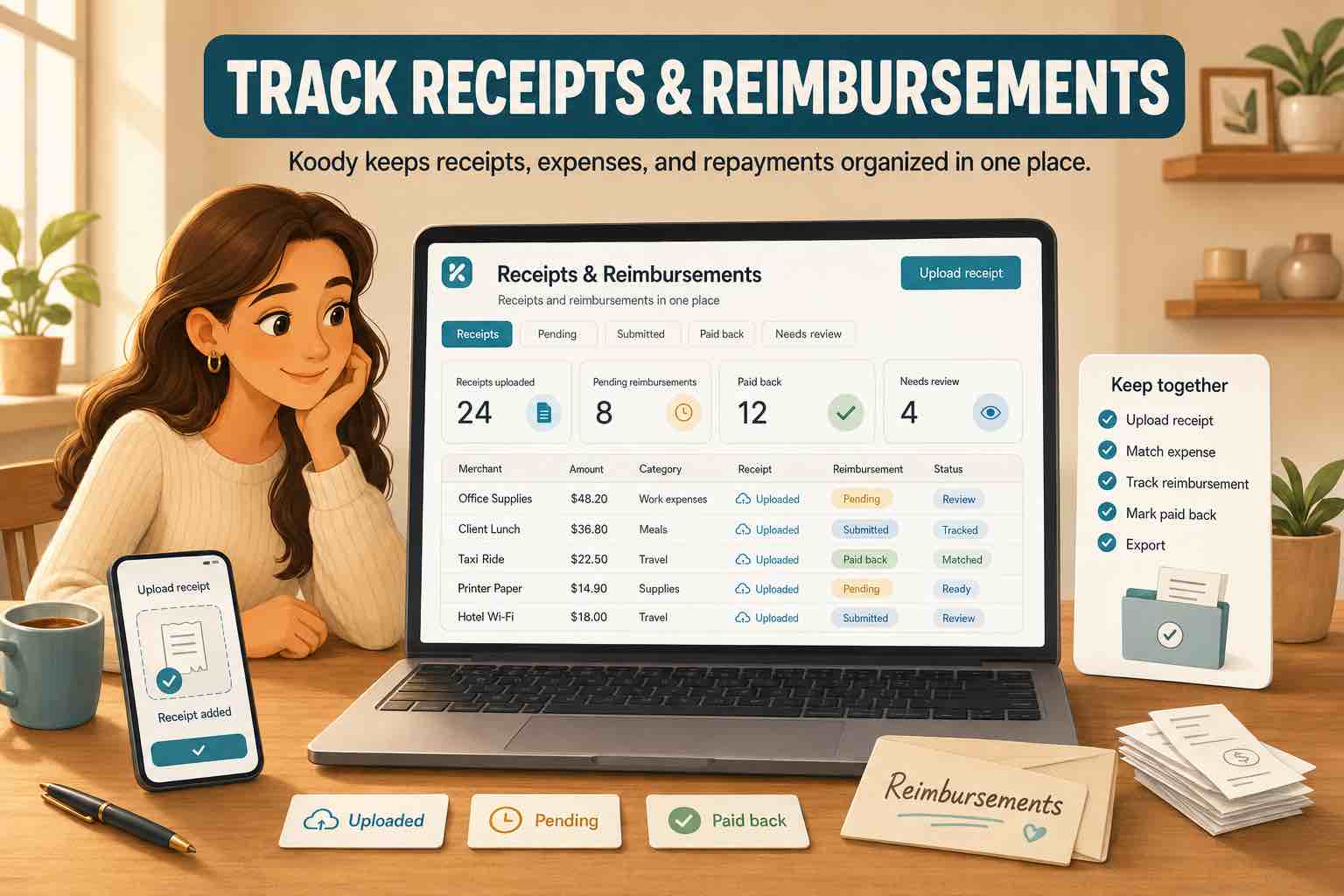
When you import bank statements, Koody auto-categorizes transactions and identifies refunds. Review the returned amount, account, category, and transaction type. A short note naming the original purchase and an attached return confirmation make a later review easier, especially when the retailer's refund description differs from the charge.
If a refund is missing from a budget, check that its date falls within the budget period and that the budget includes its account and category. Then check that it is marked as a refund rather than ordinary income or a transfer. If you entered it manually before importing a statement, check that the same return has not been counted twice. Statement imports are a paid feature.
Keep returned purchases straight in your budget.
Koody organizes purchases and refunds with their categories, receipts, and notes. Review what you paid and what came back, then use your budget to decide what the remaining money needs to cover.
Try KoodySources
Sources accessed October 31, 2026. Budget calculations described here reflect Koody's treatment of expenses and refunds.