
Which months should you compare?
Start with the most recent completed month and the month before it. Comparing ten days of November with all of October would make the result difficult to interpret. Check that both months include the relevant bank, card, and cash activity before drawing a conclusion.
Use the same treatment of business costs in both periods. If supplies are under Supplies in one month and General in the next, the category change can look like a spending change. Correct inconsistent categories before deciding that a cost has risen or disappeared.
Calendar months also have different numbers of working days. A barber who opened for 23 days rather than 20 had more opportunities to earn. The full-month totals are still useful, but keep opening days, holidays, and any time off in mind when explaining them.
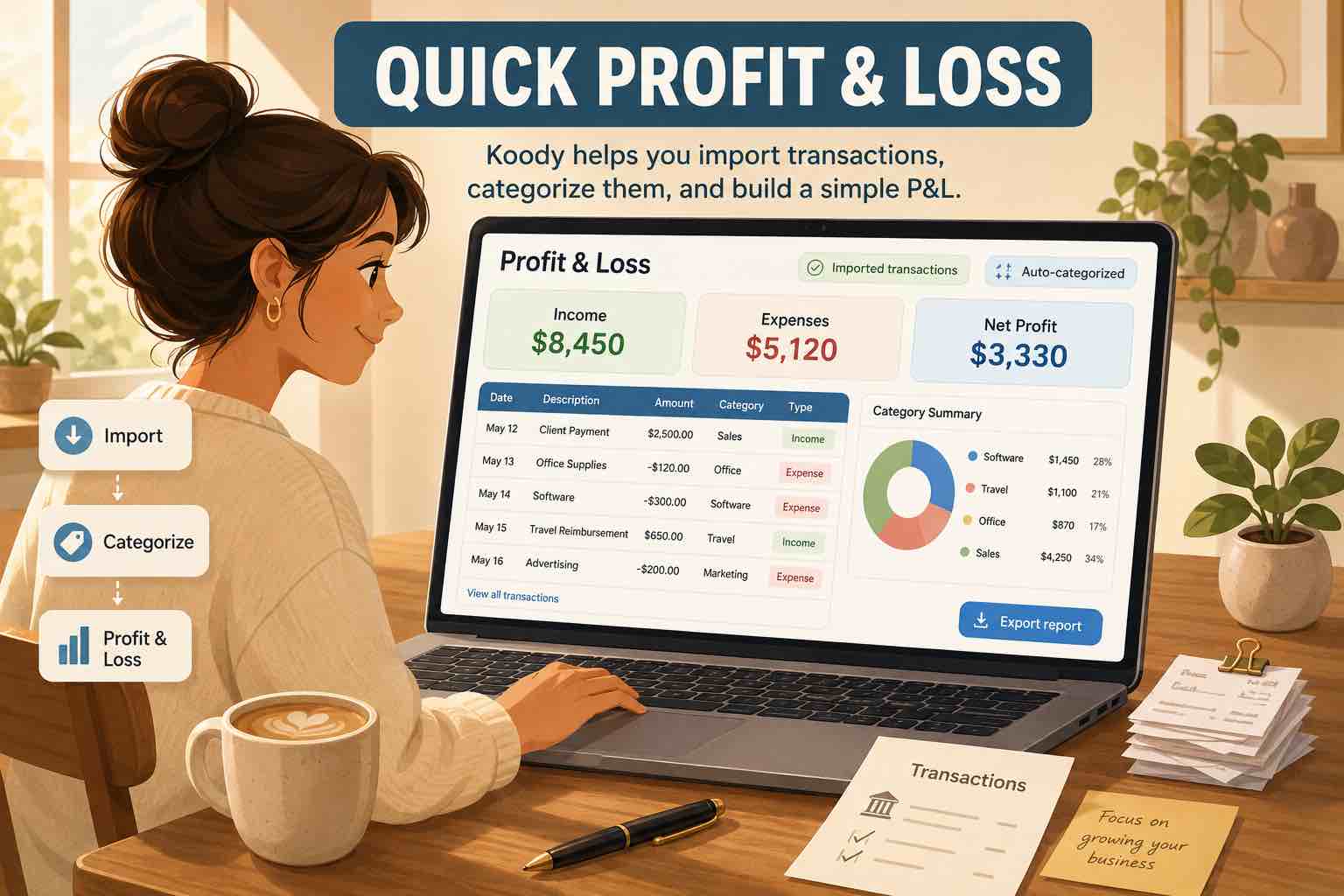
Koody shows both months side by side, with the changes calculated for you.

How do you calculate the change in profit?
Koody calculates the difference between the two periods. Here is how to read that change in dollars and as a percentage. The dollar difference tells you how much more or less the business earned after its costs:
Profit change = current month's profit - previous month's profit
If the previous month's profit was positive, you can also express the change as a percentage:
Percentage change = profit change ÷ previous month's profit × 100
For example, a change from $3,000 profit to $2,400 profit is a $600 decrease. Dividing -$600 by $3,000 gives -20%. The business made 20% less profit, even if the bank balance or sales figures moved in another direction.
If the previous month had zero profit, a percentage increase cannot be calculated using that formula. If it had a loss, describe the change in dollars and say whether the business moved into profit or reduced its loss. That is easier to understand than a percentage with a negative starting point.
How can sales rise while profit falls?
Consider a small salon with these results:
- September: $10,000 income - $7,000 expenses = $3,000 profit.
- October: $12,000 income - $9,600 expenses = $2,400 profit.
Income increased by $2,000, but expenses increased by $2,600. The extra costs absorbed all the extra income and another $600. Looking only at sales would miss that decline.
Profit margin adds another useful comparison: profit divided by income, multiplied by 100. September's margin was 30%; October's was 20%. For every dollar earned, the salon kept 30 cents after these costs in September and 20 cents in October. The margin fell by 10 percentage points.
How do you find what caused the difference?
Start with the categories showing the largest dollar changes. In the salon example, supplies rose from $1,500 to $2,700 and contractor costs rose from $1,000 to $2,200. Other expenses rose from $4,500 to $4,700. Those increases of $1,200, $1,200, and $200 explain the full $2,600 expense increase.
Open the transactions behind the changed totals. A larger supplies payment could reflect higher prices, a bulk purchase, or more products used. Contractor costs could reflect extra hours or a higher rate. The category tells you where to look; the payments and supporting receipts help explain the cause.
Separate a lasting change from a one-off payment. An annual insurance bill can make one month look more expensive. A customer paying late can move income into the next month in cash-basis records. Keep the recorded dates accurate, and note the timing when interpreting the comparison.
Check for duplicate purchases, missing refunds, personal spending, and transfers counted as expenses. Owner withdrawals and loan proceeds also should not be mistaken for ordinary business costs or sales. For the separate question of cash available to spend, see why profit differs from your bank balance.
See what changed in your business profit.
Koody turns categorized Business records into a P&L with a previous-period comparison. When a cost rises, you can open the purchases behind it and check the receipts and notes without searching through separate files. You can also export the report with the comparison included.
Bank statement imports and automatic categorization help keep the records current. These and business reports are paid features. You can also prepare a Schedule C worksheet from reviewed records when it is time to organize your tax information.
Review your profit in KoodyWhat should you do with the result?
Choose an action that follows from the cause. A lasting supplier price increase may call for reviewing your prices or sourcing. A bulk purchase may simply explain that month's payment. A late customer payment calls for following up on the invoice, not assuming demand has fallen.
Check several months before treating one result as a trend. For seasonal work, compare the same month in the previous year as well. Keep a short note of the explanation and the action you chose, then review the next completed month to see whether the position improved.