How do you match an Amazon charge to an order?
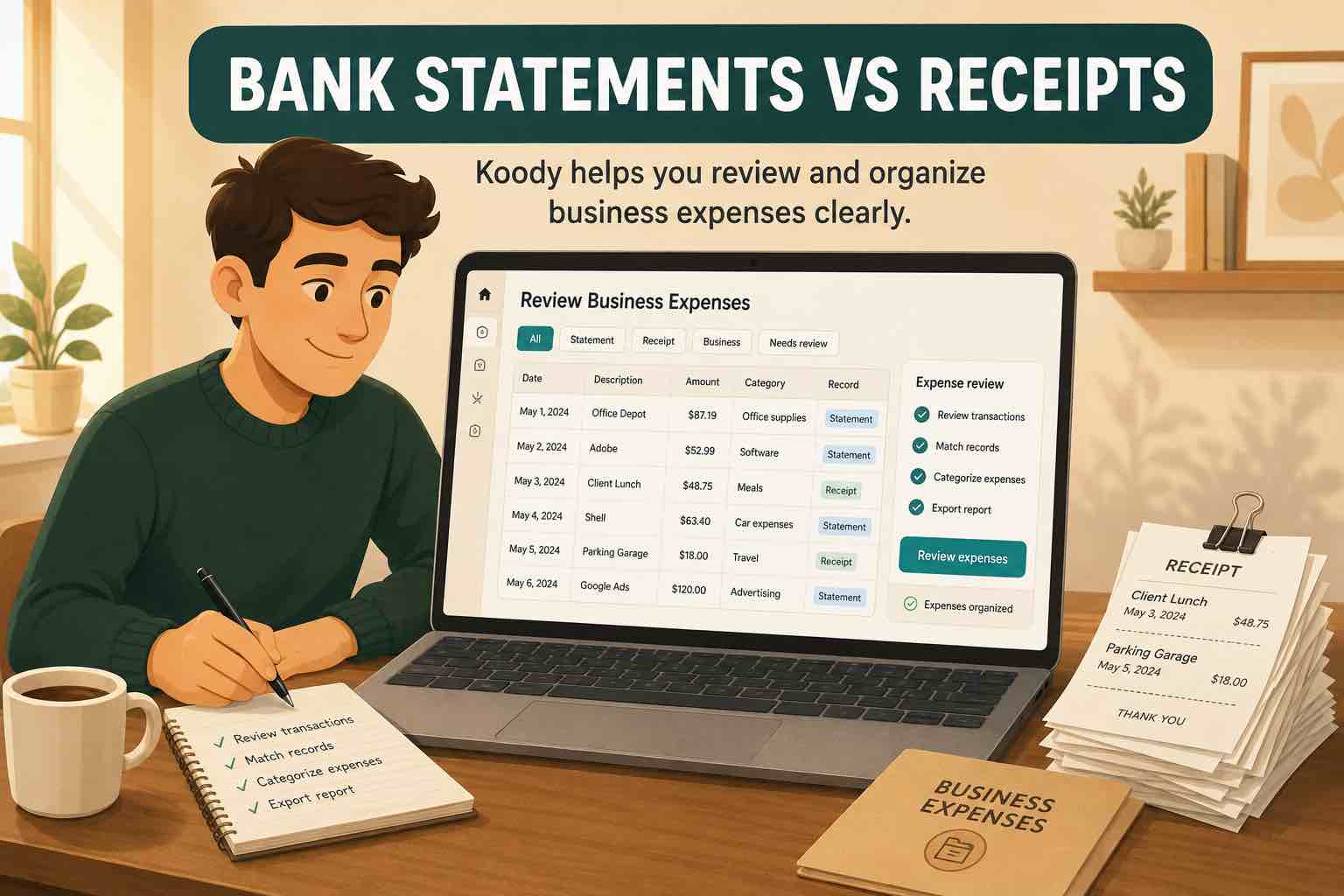
Open your Amazon order history and find the purchase. Compare its payment details with the charge on your bank or card statement, then save the itemized order summary or invoice. Check the amount actually charged, including tax, shipping, and discounts. The order date and bank posting date may differ.
Add the order number to the transaction's note if it will help you find it again. A description such as "Salon gloves and appointment paper" is more useful than "Amazon purchase."
If several orders have similar totals, check the payment card and the items in each shipment before choosing a match. Mark which charge belongs to which order so you do not use the same receipt to explain two different purchases. For a shared Amazon account, ask the person who placed the order if you cannot identify the items.
When you cannot find the order, keep a note beside the charge and leave its business purpose unresolved until you have the details. The bank description alone will not tell you whether a parcel contained work supplies or something for home.
What category should an Amazon purchase go in?
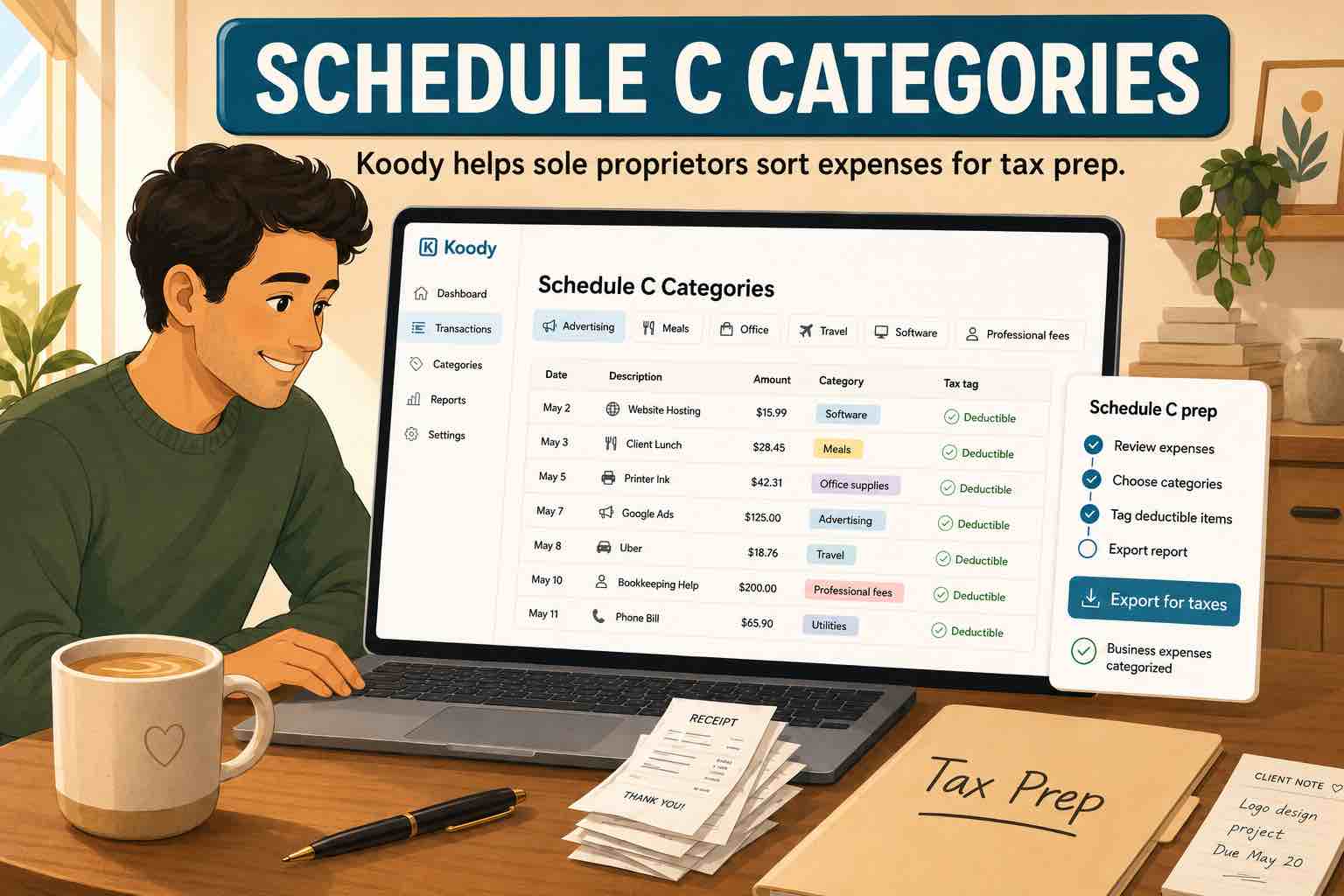
There is no single business expense category for Amazon. Choose the category that describes the item and its use:
- Supplies: gloves or cleaning products used while serving customers.
- Office Expenses: paper or ink used for bookings and invoices.
- Inventory Purchases: products you buy to resell to customers.
- Asset Purchases: equipment such as a new salon chair. Review its accounting and tax treatment separately from everyday supplies.
- A Personal category: household items bought for yourself or your family.
The same product can have different uses. Shampoo used during appointments is different from shampoo bought for resale or for your own bathroom. A business card does not make every item a business expense.
Use the same category for the same kind of cost across different shops. Printer paper bought on Amazon and printer paper bought locally should not end up in separate expense groups just because the seller changed. Keeping Amazon as the merchant and Office Expenses as the category lets you review both where you shop and what the business spends on office costs.
How do you split business and personal items?
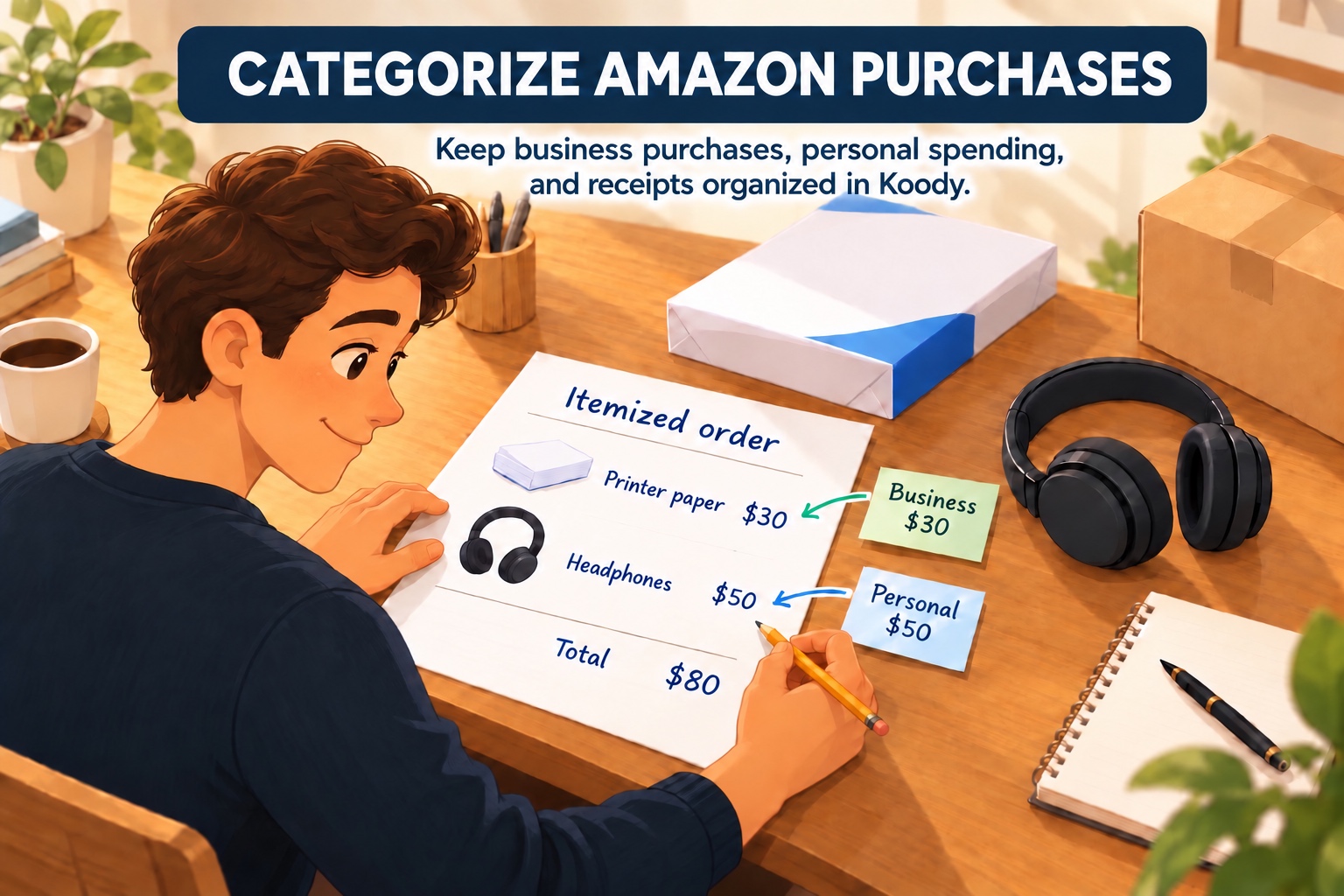
Suppose a hairdresser's $90 Amazon charge contains $45 of salon gloves, $25 of appointment paper, and a $20 toy for their child. These amounts include each item's share of tax and shipping.
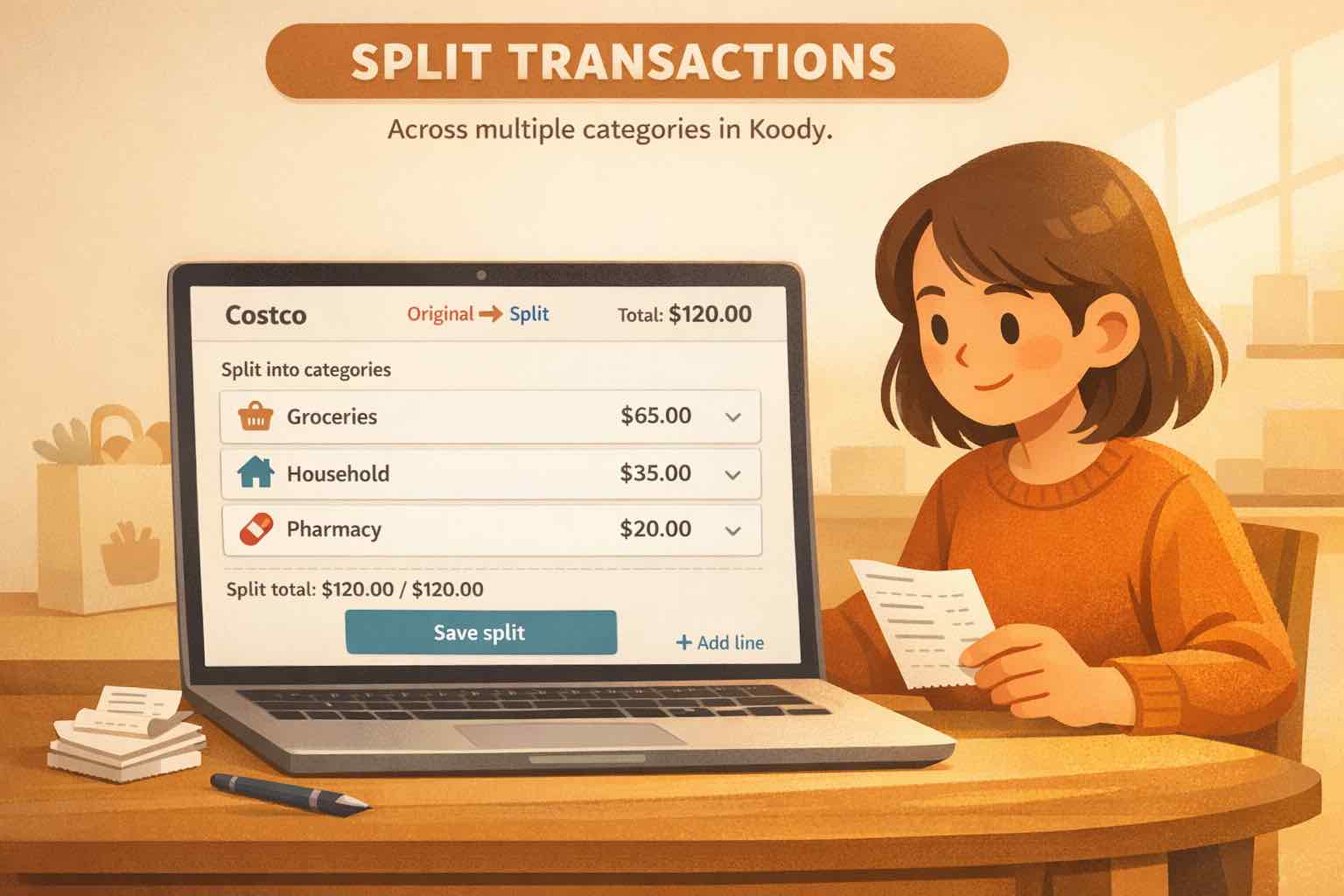
- Open the $90 transaction in Koody and choose Edit, then split the transaction.
- Assign $45 to Supplies in Business and $25 to Office Expenses in Business.
- Assign $20 to Shopping in Personal. The three amounts must add up to the original $90.
- Attach the itemized receipt and save. Keep one purchase, with its category breakdown, rather than adding three more expenses.
The business portion is $70; the personal portion is $20. Koody keeps those portions in their respective workspaces. Include shared charges and discounts in the split so nothing is left unallocated or counted twice.

Use the order's item-level figures where available. If a delivery charge covers the whole order, divide that charge between the items on a reasonable, consistent basis and note how you did it. Check the final split against the amount paid, not the prices shown before discounts or additional charges. You can also split a purchase containing only business items when they belong in different categories.
What if an order has several charges or a refund?
An order can produce separate charges when items ship separately. Match each posted charge to its items. If a $90 order appears as charges of $65 and $25, categorize those two transactions; do not add another $90 expense for the order summary. For Amazon Business purchases, its reconciliation tools can help match charges to orders.
Keep the original purchase when an item is returned. Mark the money received back as a Refund in Koody, use the category of the returned item, and add a note identifying the purchase. A refund for the personal toy belongs with personal spending, not salon supplies.
For a partial refund, record the amount actually returned and keep the refund confirmation. If a replacement arrives without another charge, there is no second payment to add. If you pay again and receive a separate refund, retain both transactions so your records agree with the statement.
What should you check before using the records for your business?
Review Amazon purchases while you can still remember what you ordered. For each charge, check that the amount matches, the categories describe the items, and the personal share is separated. Keep the itemized document attached and add a short note when the business use is not obvious from the product name.
In Koody, those details stay with the transaction when you return to it later. Your business records show the business portion, and the receipt explains what is behind it. When your accountant asks about a purchase, you can find the order and your explanation together instead of searching through months of deliveries.
Keep the receipt beside the Amazon charge.
Koody brings automatic categorization, split purchases, receipts, and notes together. Import your bank statements, review your Amazon orders, and keep the business costs ready for your reports and accountant. Statement imports are a paid feature.
Try KoodySources
Sources checked November 1, 2026. General bookkeeping information; US tax treatment depends on the purchase and its business use.