What records do you need with only a few transactions?
For US federal tax records, the IRS allows a recordkeeping system suited to your business that clearly shows income and expenses. Using software is one way to keep those records. The number of transactions does not remove the need to explain the figures on your return.
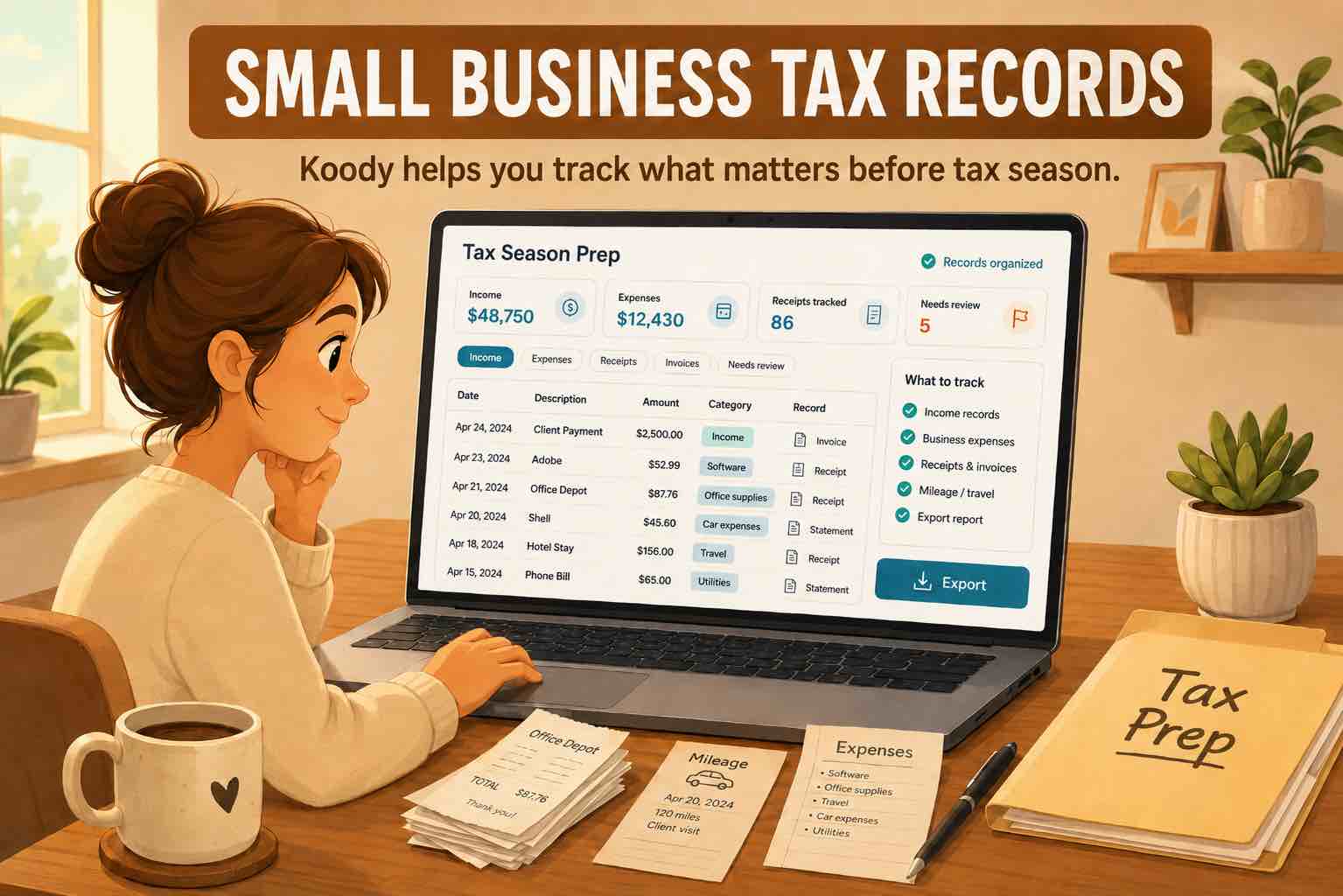
Keep the date, amount, customer or supplier, purpose, category, and account for each payment. Save receipts, invoices, and other supporting documents where you can find them again. Include cash activity as well as bank payments. A bank statement alone may not explain what you bought or how you used it in the business.
Your business can have additional requirements, such as payroll records or inventory records. A small transaction count does not necessarily mean a simple business. Start by identifying what you and your accountant need to produce, then choose a way to keep that information.
When is a spreadsheet enough?
A spreadsheet is a reasonable starting point when payments are straightforward, you enter them consistently, and you can check the totals without rebuilding the file. Use a consistent set of categories and a receipt reference for each relevant row. Keep a backup and avoid overwriting the only copy of a completed month.
Suppose a consultant receives two client payments and pays for three subscriptions each month. Five entries may take little time to maintain. If the spreadsheet already gives the consultant accurate income and expense totals and the accountant can use it, software is a choice rather than an immediate necessity.
Check the spreadsheet against the bank statement regularly. Transfers, personal payments, and card repayments still need to be identified correctly. For the full monthly review, use our bookkeeping checklist for sole proprietors.
When does bookkeeping software become useful?
Look at the jobs you repeat. If you copy payments from statements, search email for receipts, add category totals by hand, and then rearrange everything for your accountant, software can save work even before your transaction count grows.
- Repeated entry: Statement imports bring transactions into your records without typing each payment.
- Repeated sorting: Automatic categorization and remembered corrections reduce the work of organizing familiar purchases.
- Supporting documents: Receipts and notes beside a transaction make it easier to answer a question about that cost.
- Reports: Reviewed categories can feed a profit and loss report without building a new summary each time.
Software is particularly helpful when you want to check profit during the year instead of assembling the figures only at tax time. The useful comparison is the subscription cost against the time you spend and the reports you actually use. You do not need a particular number of transactions to make that comparison.
What can ten transactions involve?
Consider a cleaner with ten entries in a month: three customer payments, four business purchases, one purchase containing both cleaning supplies and household items, one refund from a supplier, and one transfer between their own accounts.
The mixed purchase needs a split so only the business portion enters business expenses. The refund needs the appropriate transaction type and category. The transfer is money moving between accounts, not another sale or purchase. There are only ten entries, but counting all money in as sales and all money out as expenses would give the wrong result.
A spreadsheet can handle these distinctions if it is set up properly. In Koody, you can split the purchase across categories, mark the refund and transfer, and keep the receipt beside the original payment. Those tools become useful because of what the entries contain, not because ten is a special threshold.
Which features should you pay for?
Start with the result you need. For a sole proprietor keeping their own books, that may be categorized income and expenses, receipts, a P&L, and records for Schedule C preparation. If you also need customer invoicing, payroll, inventory, or a balance sheet, assess those requirements separately rather than assuming every bookkeeping app includes them.
Check how you will bring in existing records and take them out again. Ask your accountant which reports and transaction details they want. A tool that produces the records you use is more helpful than a long feature list unrelated to your business.
There is also a difference between buying software and hiring someone to keep your books. Software can organize information and produce reports; professional help can resolve questions about how your business should treat a particular payment. Choose each service for the job you need done.
Get a P&L and Schedule C worksheet without building them in Excel.
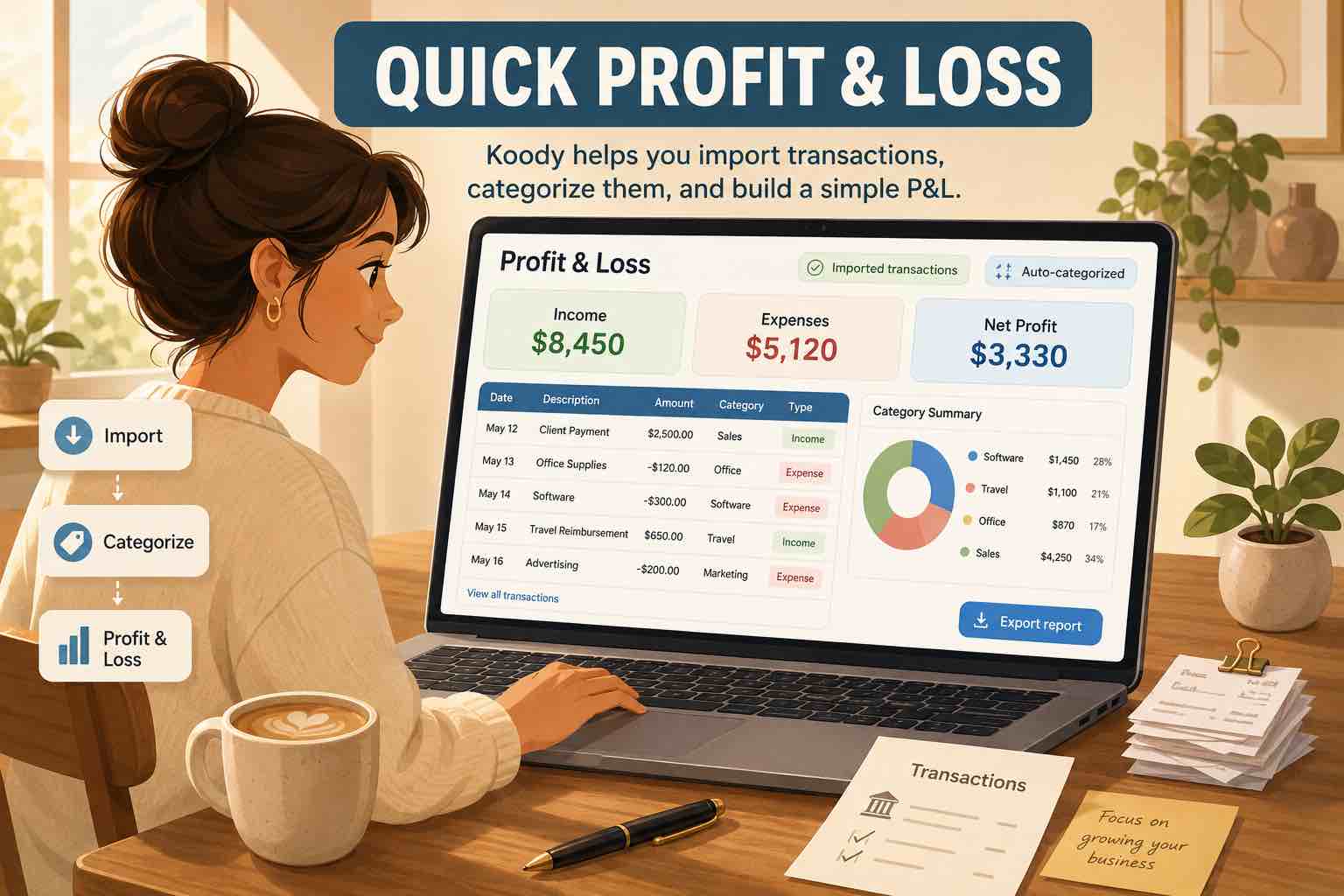
Koody creates a profit and loss (P&L) report from your business records, showing income, expenses, and profit for the period you choose. It also prepares a Schedule C worksheet from your reviewed records, ready to download for your accountant. Even with only a few transactions, you can get the reports you need without learning spreadsheet formulas or building a tax worksheet yourself.
Bank statement imports and automatic categorization help you keep those records current. Receipts, split purchases, and notes stay with the transactions behind your totals. Imports, automatic categorization, and business reports are paid features, with personal budgeting and business records available in the same app.
Try KoodyHow can you decide without moving everything?
Try one representative month, including an awkward purchase or refund if you have one. Compare the finished records with your statement and check that you can find a receipt, explain the profit figure, and export what your accountant needs.
Notice whether the new system reduces repeated work and whether you understand the result. Keep your existing records while you evaluate it. You can choose software for the convenience it gives you today; you do not have to wait until bookkeeping becomes a backlog.
Sources
General bookkeeping information for US businesses. Sources accessed November 1, 2026.