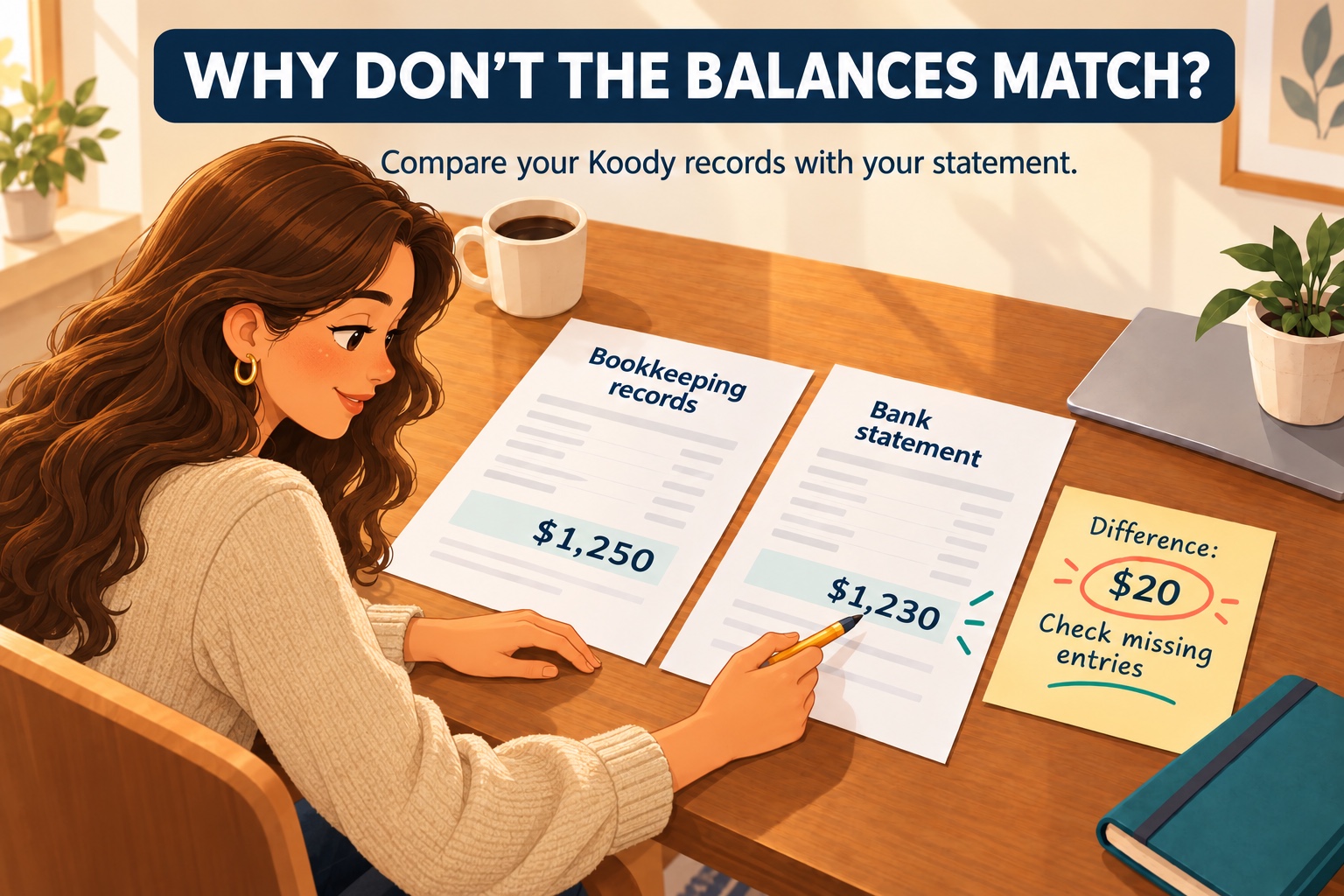
Are you comparing the same figures?
Use the statement's closing date and balance, not today's available balance in your banking app. Available balances can include pending payments and deposit holds. Your bookkeeping figure should cover that same bank account through the statement date, in the same currency.
Include every movement in that account, including personal withdrawals and transfers. An expense-only list cannot explain its balance. If you are comparing profit with cash instead, read about why profit differs from bank balance.
What if this is your first reconciliation?
Choose a starting date and gather the statement and account records for that point. If you start on October 1, establish what was in the account at September 30 before adding October's activity. Starting your records at zero when money was already there leaves a difference even if every new payment is correct.
Check for earlier payments or deposits already recorded in your books but still waiting to clear. These explain why the opening book balance may differ from the opening bank balance. For example, a $1,000 statement balance with a $100 outstanding check and no other differences corresponds to $900 in the books.
If there is no reliable starting record, work back through earlier statements and payments until you can explain the balance. Keep the calculation with your records so you can use it next month.
How do you find the difference?
Start with the last completed reconciliation. Check that its closing book balance carries into the next period, with any outstanding items still accounted for. If the starting figure has changed, look for an edited or deleted earlier transaction before checking new payments.
- Match each statement row once. Compare amounts, descriptions, and dates. Allow for the purchase date differing from the bank's posting date. Check that a deposit was not entered as money out.
- Find entries missing from your books. Bank fees, interest, automatic payments, and returned customer payments can appear on the statement before you record them. Add the supported entry once.
- Investigate entries missing from the statement. A check you issued may not have cleared; a deposit may still be in transit. Keep genuine timing differences on a dated list and check subsequent bank activity. An entry could also belong to another account.
- Check duplicates and amounts. A payment entered manually and imported later can appear twice. Compare both entries with the original record before removing a duplicate. In a spreadsheet, check that the balance formula includes every row.
Correct the identified cause rather than adding an unexplained adjustment. If a statement entry itself appears wrong, ask the bank to investigate and keep the correspondence.
Is it a timing difference or an error?
A timing difference has a real payment or deposit behind it. A barber might record a supplier check on the last day of the month, while the supplier banks it the following month. The amount belongs on the outstanding-items list until it clears; the later bank entry is the same payment.
A pending card authorization is different from a completed statement charge. A driver checking a fuel purchase should compare the final posted amount with the receipt, rather than treating a temporary hold as another expense. A duplicate charge in your books, a reversed sign, or an incorrect amount needs a correction; waiting will not fix it.
What does a reconciled difference look like?
Suppose your statement ends at $5,000 and your books show $4,875. You find three items, with no other differences:
- A $400 supplier check is already in your books but has not cleared the bank.
- A $250 deposit is already recorded but has not appeared on the statement.
- A $25 bank fee appears on the statement but is missing from your books.
Adjusted bank balance = $5,000 - $400 + $250 = $4,850
Corrected book balance = $4,875 - $25 = $4,850
Record the $25 fee. Keep the check and deposit on your outstanding-items list; entering them again would duplicate them. Both sides now reconcile to $4,850, even though the original statement still says $5,000.
What should you save and check next month?
For each correction, retain the supporting statement or receipt and a short explanation. If you entered a $45 payment as $54, correct the amount and note the $9 change. If you find a duplicate, keep one complete record with its supporting documents. Adding a separate receipt should not create another payment.
Keep a list of outstanding items with the original date, amount, payee or payer, and reference. When the next statement arrives, match each cleared item and remove it from the outstanding list, while retaining the original transaction. Follow up with the bank or recipient when an item remains unexplained, rather than carrying it forward indefinitely.
Save the finished comparison, corrections, and remaining items together. Matching totals are useful, but checking each payment also helps catch two mistakes that happen to cancel each other out.
Spend less time entering and sorting transactions.
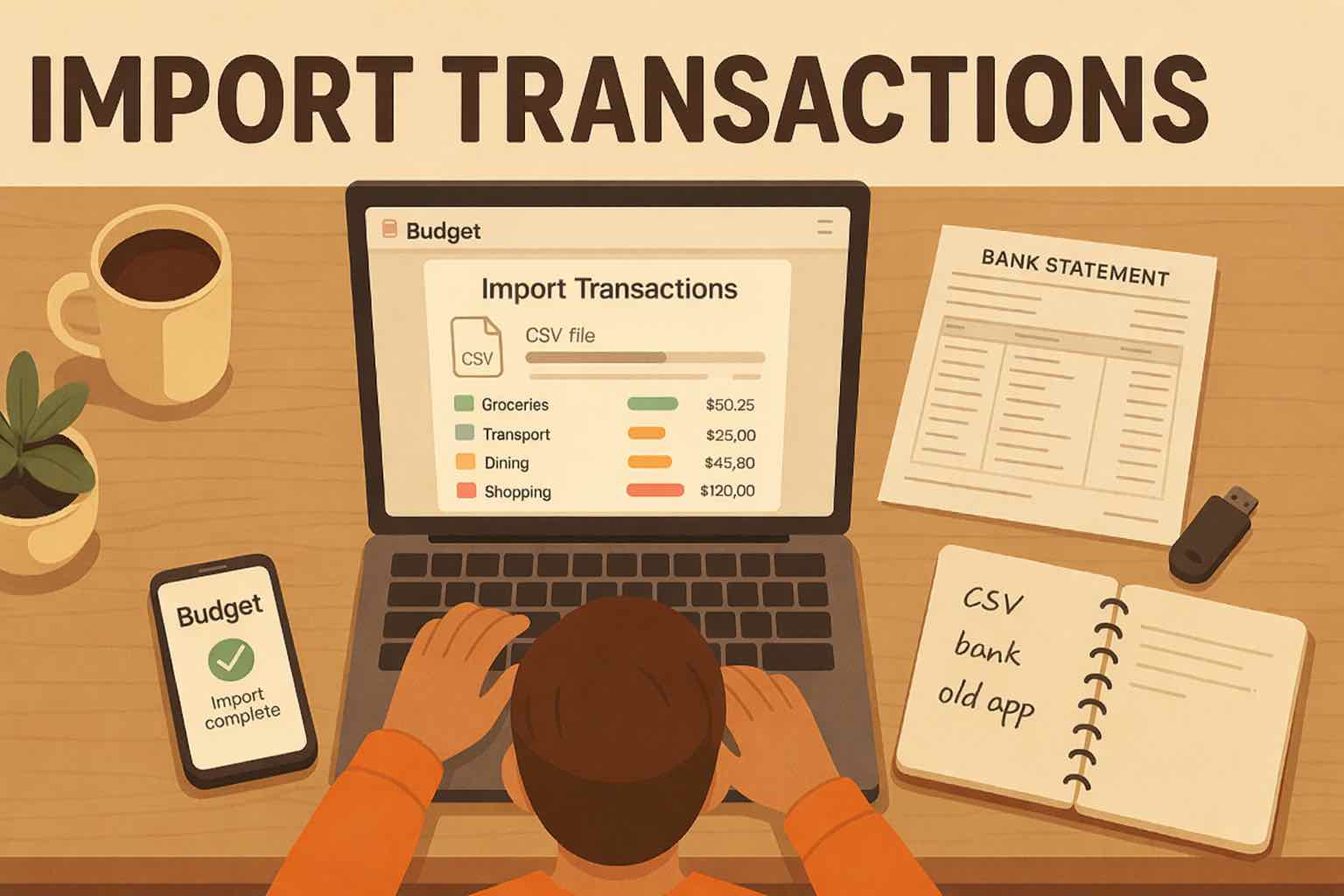
Import bank statements into Koody and let Koody auto-categorize the transactions. Review the records against your statement, correct entries, and keep receipts and notes beside the payments they explain. That gives you organized records to work through when a balance differs.
Choose the account the statement belongs to before importing. Use transaction notes for explanations such as "Amount corrected against October statement." You do the statement comparison; Koody keeps the transaction details available for that review.
Statement imports and automatic categorization are paid features.
Organize your records in KoodySources
General bookkeeping information. Sources accessed November 1, 2026.