How can an app find recurring charges without connecting to my bank?
Upload PDF or CSV statements from the account you use to pay the bill. If your internet provider charges your credit card, use the card statements. Your checking account might show only your payment to the card company, not what the internet provider charged.
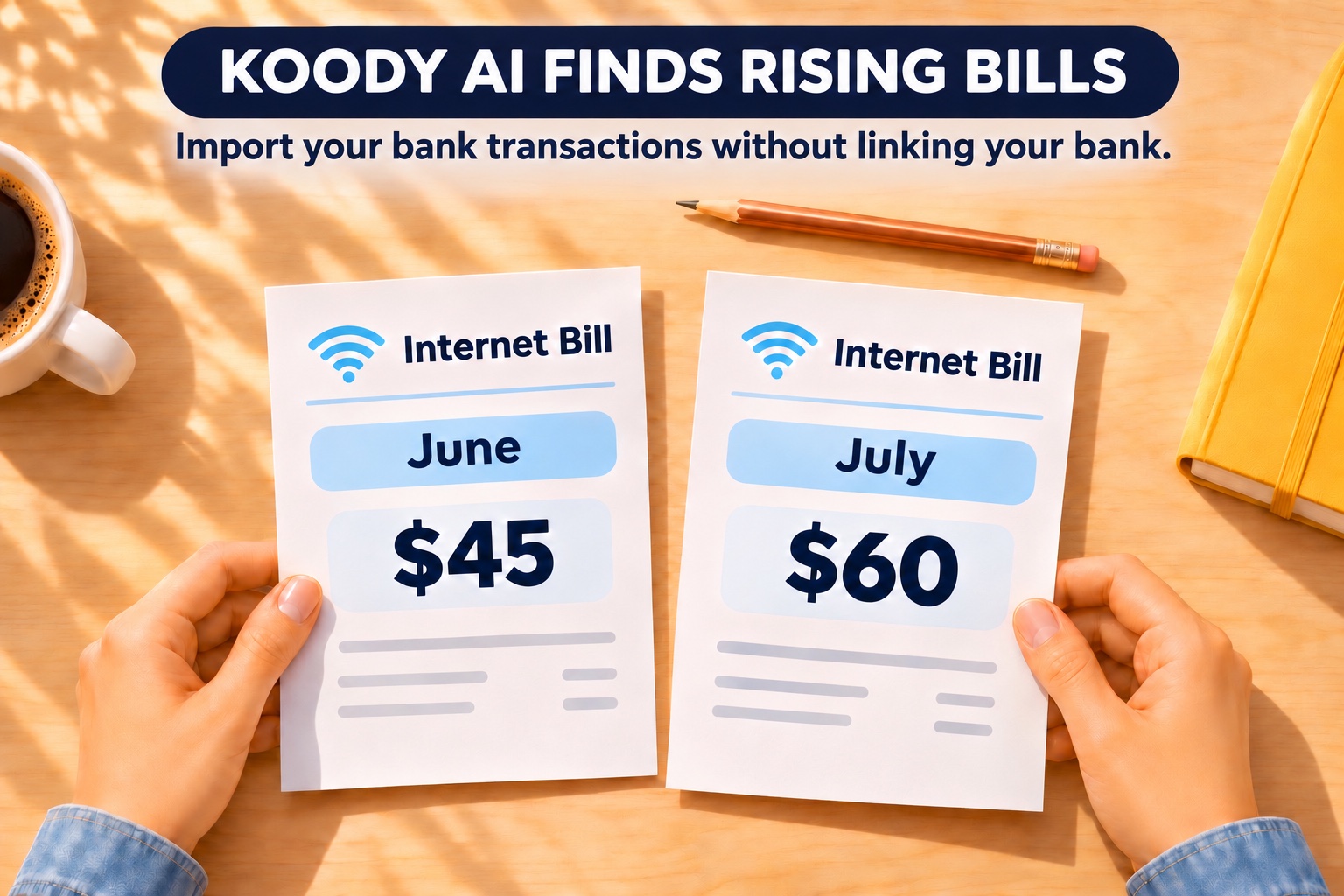
We imported three monthly statements into a test account and asked Koody AI: “Check my broadband charges from May through July 2026. Who charged me, when did the bill go up, and what would the increase cost over a full year?” We didn't give it the provider's name, the payment dates, or either price.

How much does a $15 increase really cost?
The July statement shows $15 more paid so far. The $180 figure in Koody's answer is what that increase would cost over a year if it continues. A one-time fee and a higher monthly rate can look identical on a bank statement, but only one belongs in next month's budget.
What money app tells me what to do next?
Ask Koody AI what to check next. For a bill increase, a useful follow-up is: “What should I look for on the invoice before I change my budget?” Compare the itemized June and July bills. Did a discount expire? Was there an equipment fee? If the reason isn't clear, you can now ask the provider a specific question: “My bill went from $45 to $60 in July. What changed, and will it recur?”
If the fee was a one-off, leave next month's allowance at $45. If $60 is the new rate and you plan to keep the service, use that figure when you ask Koody for your next budget.
Suppose the provider agrees to restore the $45 rate. When your next statement arrives, import it and ask Koody AI what the provider charged that month. A $45 payment confirms the discount reached your account. If the charge is still $60, you have the amount and payment date to take back to the provider.
Where else did my money go?
Sometimes a single bill gets more expensive. Other times, each purchase looks familiar and it's the number of purchases that changed. Start with the question that matches what you noticed.
A subscription you haven't used in months
Ask Koody AI: “How much have I paid for subscriptions since January? Show me the merchants and amounts.” The yearly total can change how you think about a small monthly charge. A $9 service you've paid for ten times has already cost you $90. You know whether you still use it; Koody gives you the spending history to decide whether to keep paying for it.
A spending category that suddenly looks high
Ask Koody AI: “Why did I spend more on groceries in September than in August? Break it down by merchant.” If most of the increase came from one shop, follow up by asking for the purchases there. One large grocery trip just before month-end tells a different story from a meal delivery that now appears every week. The transactions help you decide whether next month's grocery budget needs to change.
Charges spread across different cards
A streaming service on one card and a second service on another are easy to miss when the statements arrive on different days. Import both into their respective accounts in Koody, then ask about subscription spending for the same period. Look at the merchants behind the total. Two different services might do the same job for your household even though neither payment is a duplicate.
Is there an AI budgeting app that adjusts to my spending?
Yes. Ask Koody AI: “Create a monthly budget for me.” Koody uses your spending history to propose categories and amounts. You don't need to work out a limit for each category first.
Ask Koody AI: “Why am I spending more on bills? Show me which payments went up and update my budget proposal using the latest amounts.” You can ask for another proposal as often as you like, including after importing a newer statement. Choose Apply budget when the amounts fit. Until then, the proposal doesn't change your saved budget.
Ask Koody AI to build your next budget
Upload your statements and find out which bills went up. Then ask Koody AI for a budget based on what you actually spend. No bank connection required.
Create a budget from your spending