If you have ever looked at your bank balance and wondered where the money went, you already understand the problem a budget is trying to solve.
Your bank balance tells you how much is sitting there right now. It does not tell you that rent is due next week, the electricity bill is coming, your card payment is pending, or you promised yourself you would save something this month.
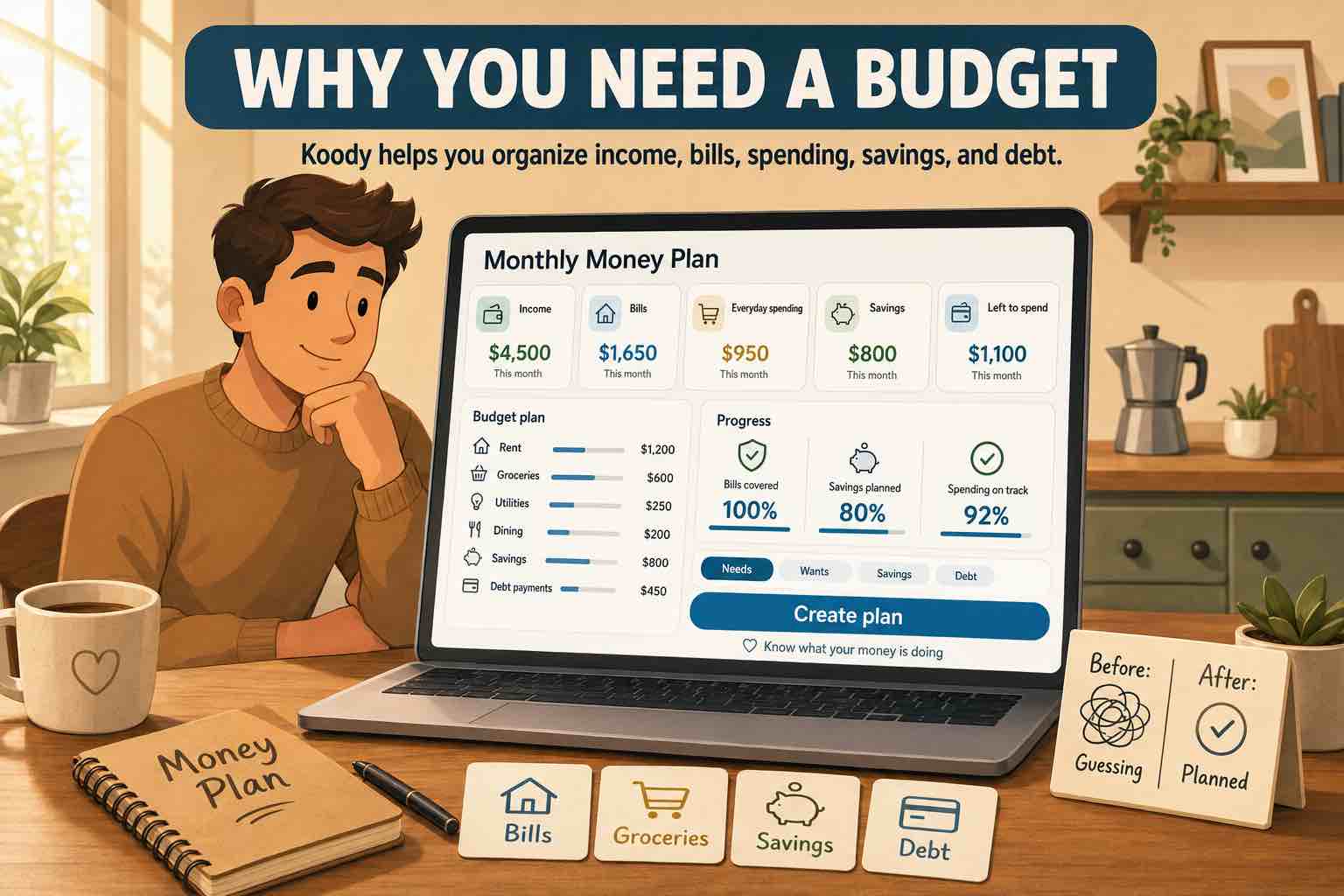
A budget fills in that missing picture. It gives your money a job before the month turns into a pile of receipts, card swipes, transfers, and guesses.
What is a budget?
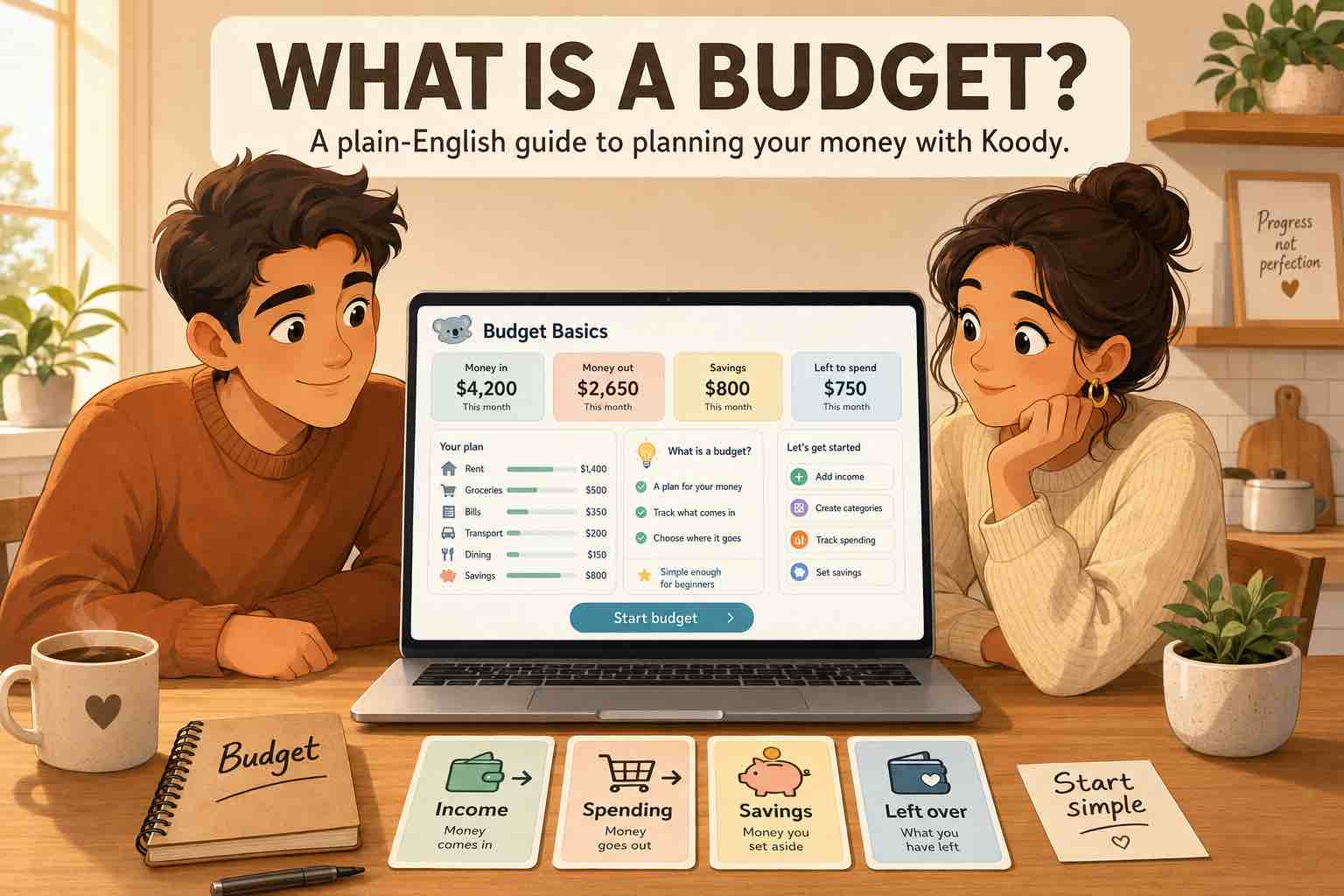
A budget is a simple plan for the money you expect to receive and the money you expect to spend.
In plain English, a budget answers four questions:
- How much money do I expect to have?
- What bills and commitments must be paid?
- What do I want to save or put toward debt?
- How much can I spend on everyday life after that?
That is the basic idea. A budget gives you a way to see the month before the month surprises you.
For an Uber driver, that might mean fuel, insurance, car maintenance, phone bill, food, rent, and tax set-aside. For a hairdresser, it might mean chair rent, supplies, product sales, rent at home, groceries, and savings. For a family, it might mean childcare, groceries, school costs, bills, debt, and a few things that make life enjoyable.
What a budget includes
Most budgets are built from the same basic parts.
| Budget part | Plain-English meaning |
|---|---|
| Income | Money coming in, such as paychecks, client payments, benefits, cash income, tips, side income, or family support. |
| Fixed bills | Costs that are usually due on a schedule, such as rent, mortgage, phone, insurance, subscriptions, loan payments, and utilities. |
| Flexible spending | Costs that change, such as groceries, transport, eating out, shopping, beauty, gifts, and entertainment. |
| Savings | Money set aside for emergencies, travel, car repairs, school fees, a home, or anything you are working toward. |
| Debt payments | Credit cards, loans, buy-now-pay-later balances, student loans, or money you owe someone else. |
| Buffer | A small amount for things you forgot, prices that changed, or a bill that arrives at the wrong time. |
You do not need fifty categories on day one. A short list you understand is better than a long list you stop using.
Budget vs. tracking spending
Tracking spending means recording what already happened. Budgeting means deciding what should happen next.
They work best together.
- The budget says you want to spend $500 on groceries.
- Tracking shows you already spent $380 by the middle of the month.
- The budget helps you decide whether to slow down, adjust the limit, or move money from another category.
If you only track, you may notice the problem too late. If you only plan, the budget may drift away from real life. Koody lets you keep both together: plan the category, record the spending, and review what changed.
A simple budget example
Here is a simple monthly budget for someone who brings home $3,200.
| Category | Amount | Note |
|---|---|---|
| Income | $3,200 | Paycheck after tax |
| Rent | $1,250 | Fixed bill |
| Utilities and phone | $260 | Electricity, water, phone |
| Groceries | $450 | Flexible spending |
| Transport | $220 | Fuel, rides, transit, parking |
| Debt payment | $300 | Credit card or loan |
| Savings | $250 | Emergency fund |
| Eating out and personal | $300 | Everyday spending |
| Buffer | $170 | Left for surprises |
Treat this as a clear starting point. Your numbers may be higher, lower, weekly, biweekly, monthly, or irregular.
How Koody helps you build a budget
Koody helps you turn the budget from an idea into something you can use during the month.
- Add checking, savings, cash, credit card, side-hustle, or business accounts.
- Create categories that match your real life.
- Set budget limits for the month or another date range.
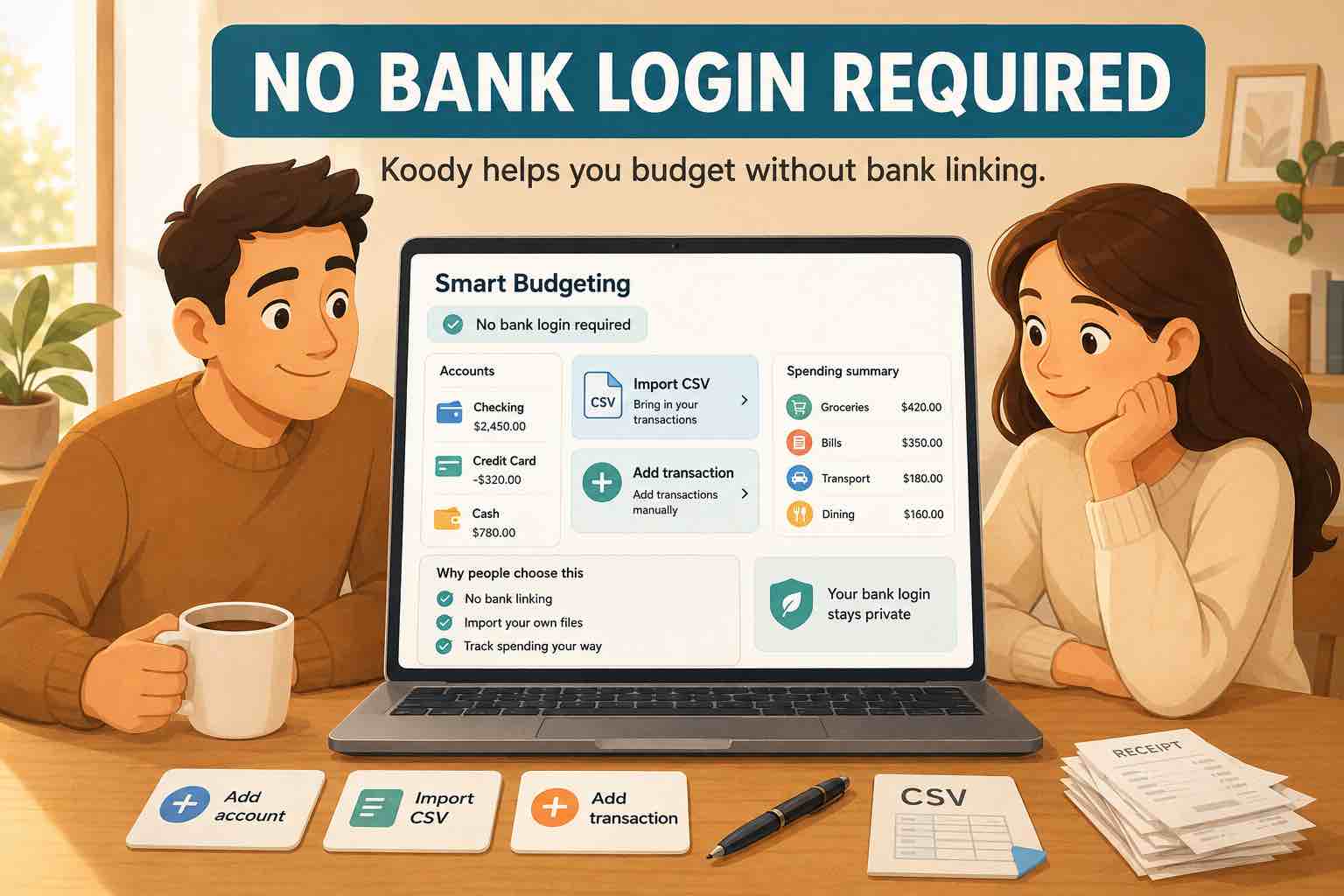
- Add quick manual transactions when money moves.
- Import bank and card transactions when you need a faster catch-up.
- Attach receipts and notes when a transaction needs context.
- Review spending by category before the month is over.
- Export records when you need a file for yourself, your accountant, or a spreadsheet.
Koody works for everyday personal budgeting, and it is also useful when you manage self-employed income beside household spending. You can keep personal and business records in one app without pretending they are the same thing.
Keep the plan and the spending together.
Koody helps you set category limits, record real transactions, attach receipts, and see how the month is going before you run out of room.
Build your budgetHow to start your first budget
Start small. The first version only needs enough detail to help you make better decisions this month.
You can also ask Koody AI to create a starter budget for you. Koody can suggest categories and limits, then you review the budget and adjust anything that does not fit your real life.
- Add up the income you can reasonably expect.
- List the bills that must be paid.
- Choose a savings or debt goal if you have one.
- Pick a few everyday spending categories.
- Leave a buffer for surprises.
- Track spending as the month goes.
- Adjust the budget when the numbers show you something useful.
The first budget teaches you. The second one gets better. After a few rounds, your categories and limits start to match real life.
FAQs
1. What is a budget?
A budget is a plan for the money coming in and going out. It helps you list income, bills, everyday spending, savings, debt payments, and other categories before the month gets away from you.
2. What should a beginner budget include?
A beginner budget should include income, fixed bills, flexible spending, savings, debt payments, upcoming expenses, and a small buffer for things you forgot to plan.
3. Is a budget the same as tracking spending?
No. Tracking spending shows what already happened. A budget adds a plan for what should happen next. You can use both together in Koody.
4. How many budget categories do I need?
Start with a small list: housing, food, transport, bills, debt, savings, personal spending, and other regular costs. Add detail later only when it helps you make better decisions.
5. Can I budget if my income changes every month?
Yes. Start with the income you can count on, cover the most important bills first, then adjust the budget when more money comes in.
6. How does Koody help me make a budget?
Koody helps you add accounts, track income and spending, set category limits, attach receipts, review recurring bills, import transactions when needed, and adjust the budget as life changes.
Make your first budget easier to review.
Use Koody AI to create a starter budget, then set category limits, track spending, review bills, and keep your money plan in one place.
Open Koody