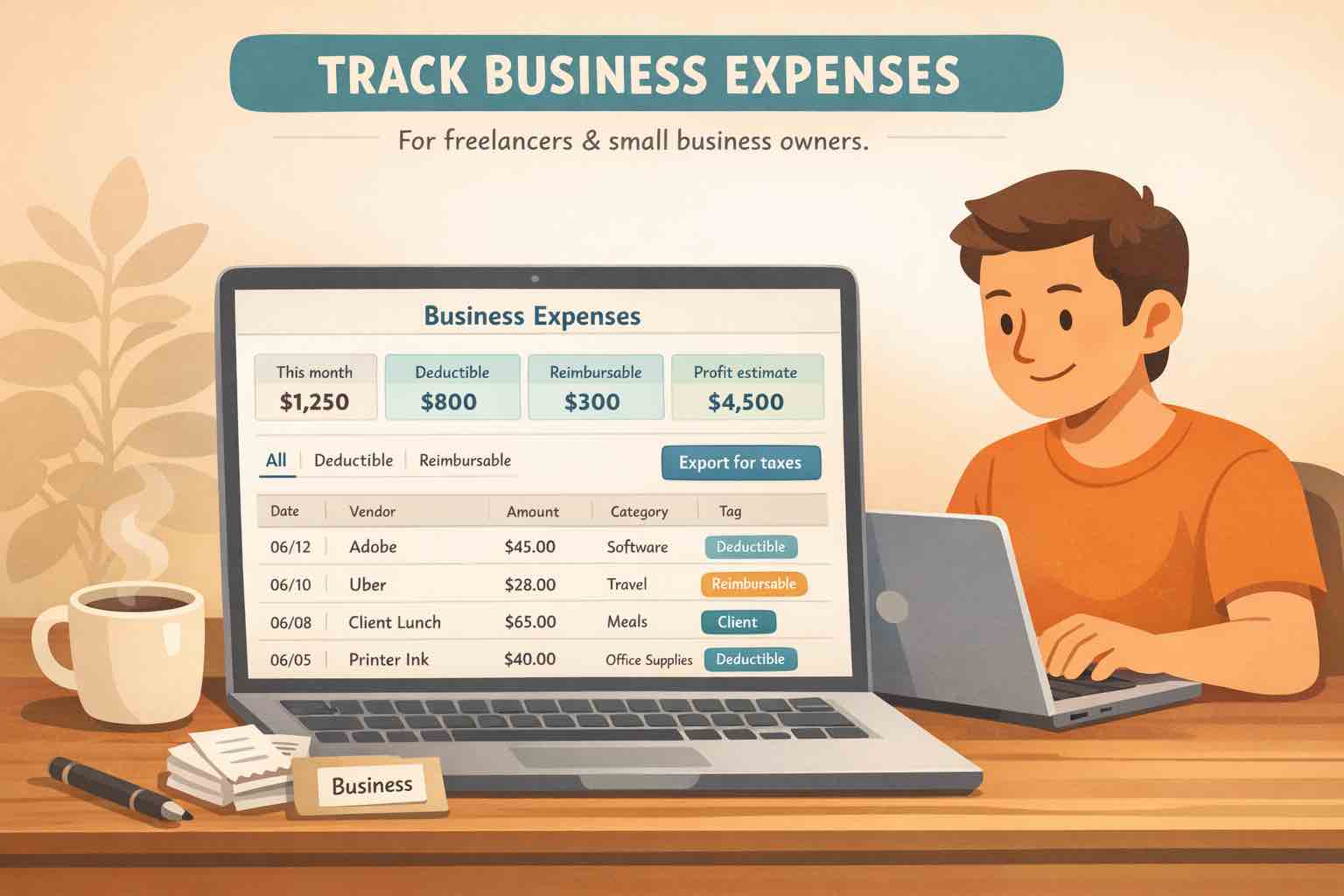
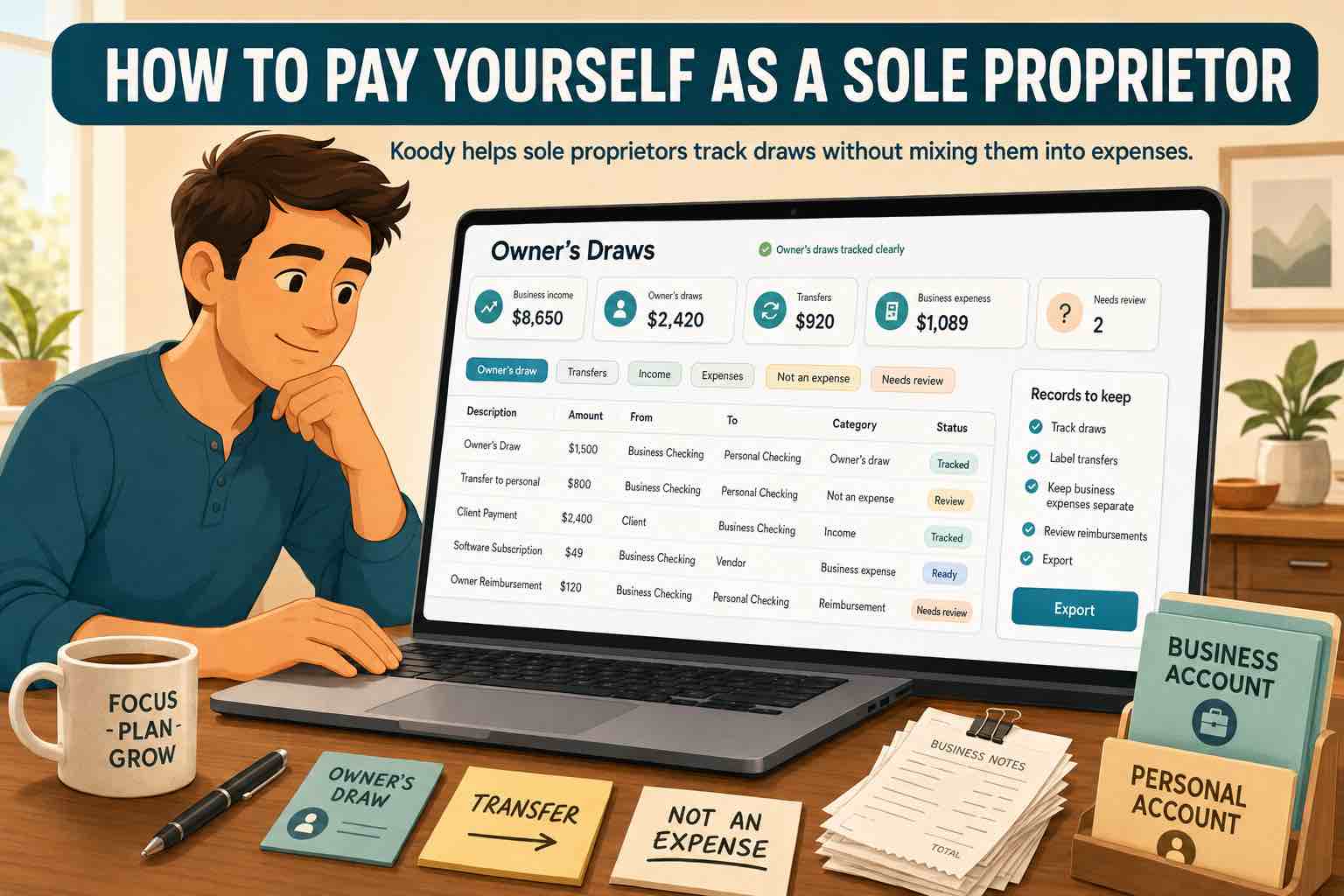
A lighter expense-tracking workflow can be enough to keep freelance or small-business spending organized between bookkeeping sessions.
At A Glance
The simplest business expense tracker is the one you can keep up with. For most freelancers and small business owners, that means a small category system, receipts attached to the matching transactions, a weekly review, and CSV catch-up when life gets messy.
A lot of freelancers and small business owners get stuck between two extremes. On one side, there is the spreadsheet or the shoebox full of receipts. On the other, there is full accounting software with ledgers, invoicing modules, and more structure than you actually need day to day.
The real job is usually simpler than that. You need a clear record of what you spent, when you spent it, what it was for, and where the proof lives. If you can keep that part clean, month-end reviews, accountant handoffs, reimbursements, and tax prep get much easier.
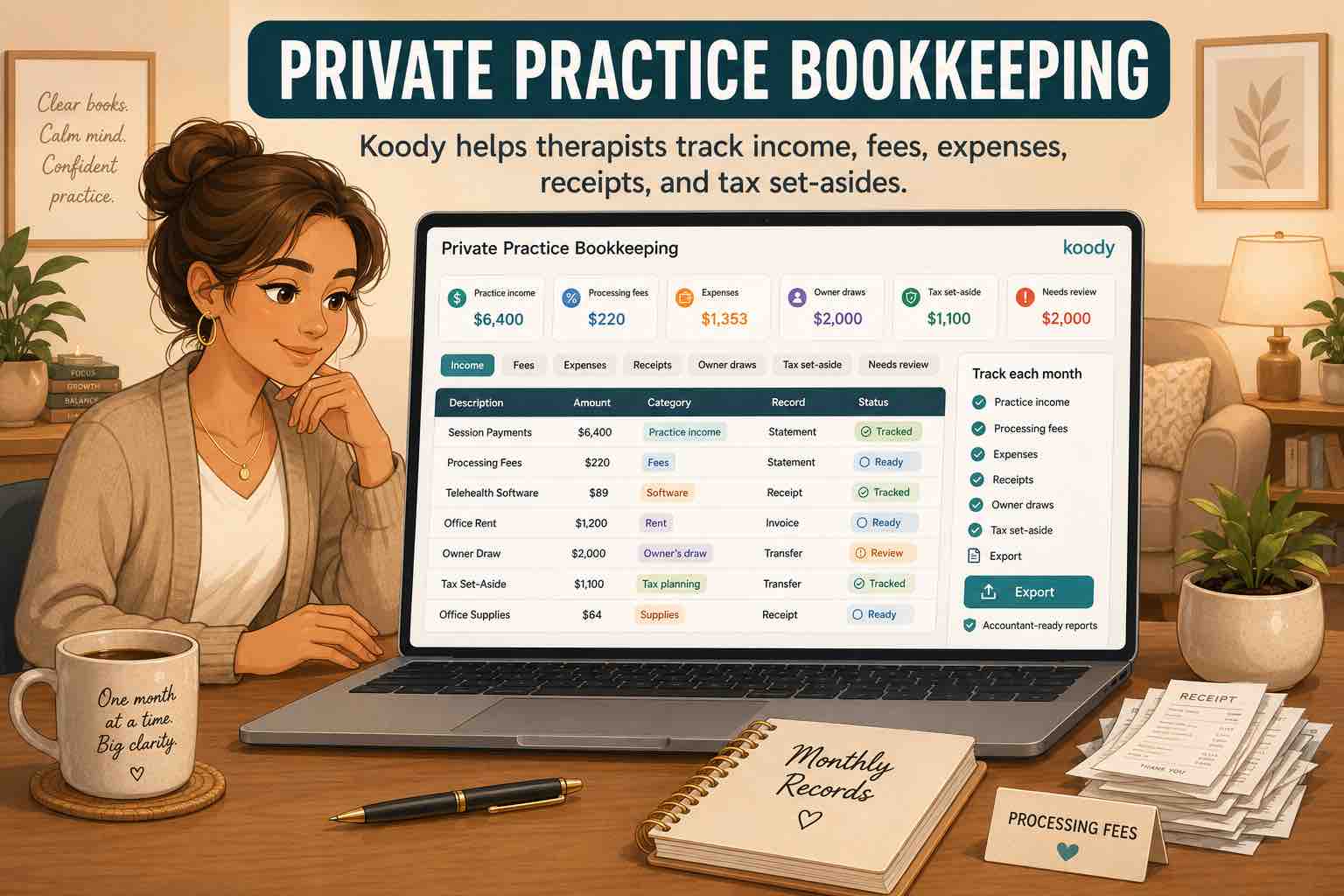
That is the lane where Koody fits well. It gives freelancers and small business owners a calm place to track expenses, keep receipts attached, review categories, and export records without pretending to replace every piece of accounting software on the planet.
Important: Koody is not a full bookkeeping suite, payroll system, or tax filing service. It helps you keep business expense records organized, so your own review, your accountant, or your larger finance stack has cleaner inputs to work with.
Why Business Expense Tracking Feels Hard
Business expense tracking usually falls apart for the same few reasons:
Business and personal spending are mixed across multiple cards, accounts, and cash purchases.
Receipts live in email, the camera roll, downloads, and paper piles instead of next to the transaction.
You only look at the numbers when tax time or an accountant request forces the issue.
The tool you tried felt heavier than the problem you were actually trying to solve.
That last point matters more than people admit. Many freelancers do not need enterprise expense approval workflows. Many small business owners do not want to spend every evening inside a complicated accounting interface just to remember whether a charge was software, travel, or supplies.
A better system is one you can maintain in real life. Small enough to use on an ordinary Tuesday. Structured enough that you are not rebuilding the year from scratch later.
Step 1: Start With A Small System
Start by deciding how expenses will get into the tool in the first place. If most of your spending happens one transaction at a time and you want same-day awareness, a manual expense tracker workflow is usually the cleanest place to begin.
That means adding the account or card you actually use for work spending, logging new business expenses as they happen, and leaving yourself just enough structure to keep going next week.
If you already have a separate business card or checking account, use it. That one move removes a surprising amount of cleanup later. If you still share an account for personal and business spending, the system can still work, but you will want stronger receipt and note habits.
The goal is not perfect bookkeeping on day one. It is to make sure today’s expense does not disappear into a pile you have to decode later.
Step 2: Use Categories You Will Actually Keep Up With
One of the fastest ways to abandon expense tracking is to build a category list that looks impressive but takes too much energy to maintain. A smaller set is better.
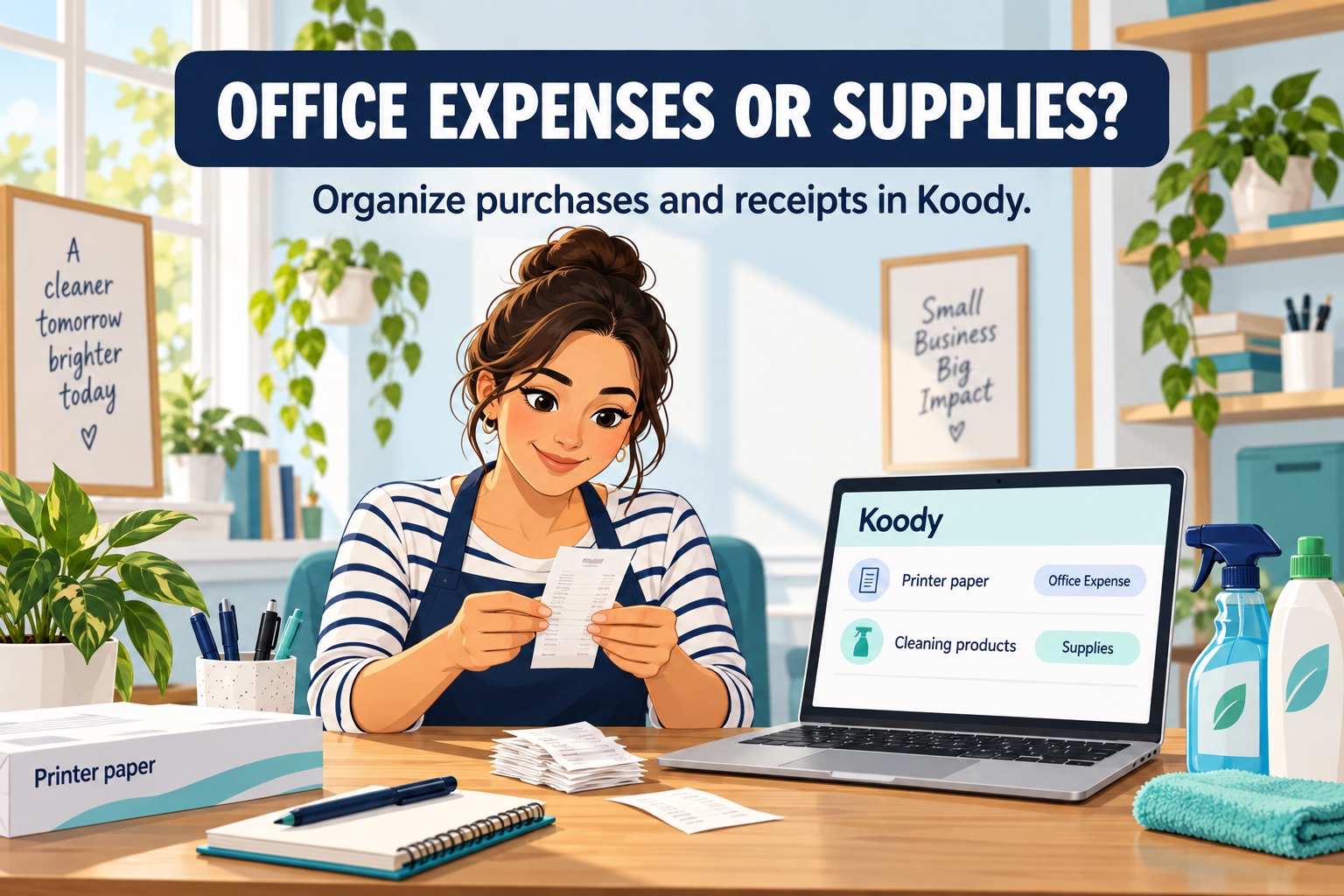
Most freelancers and small business owners can start with a short list such as software, travel, meals, supplies, marketing, contractors, and taxes. Add more detail only when that detail helps a real review or handoff.
This is especially important if you sometimes buy mixed personal and business items in one trip. Instead of inventing a complicated system on the spot, keep the receipt, add a note, and make the classification easy to revisit later. Your accountant can map the final records to their own reporting structure if needed.
Good categories should answer one question quickly: "What kind of cost was this?" If they do that reliably, you are already ahead of most spreadsheet systems.
Step 3: Keep Receipts With The Expense
The easiest way to lose control of business expenses is to store the proof somewhere else. When the receipt is buried in email or your photo library, every review becomes detective work.
In Koody, you can keep the receipt, invoice PDF, or screenshot attached to the matching transaction so the amount, date, category, and proof stay together.
This matters even more if you are self-employed and your proof is not always a paper receipt. Sometimes it is an invoice, an order confirmation, a subscription email, or a screenshot from a vendor portal. The format matters less than keeping it with the transaction while the context is still obvious.
A quick note also helps when the business purpose will not be obvious a month from now. Future you should not have to guess why a charge happened.
Step 4: Catch Up Old History With Imports
Manual tracking is great going forward. It is less great when you are three months behind and your bank account already has the story. In that case, importing the backlog is usually faster than retyping it.
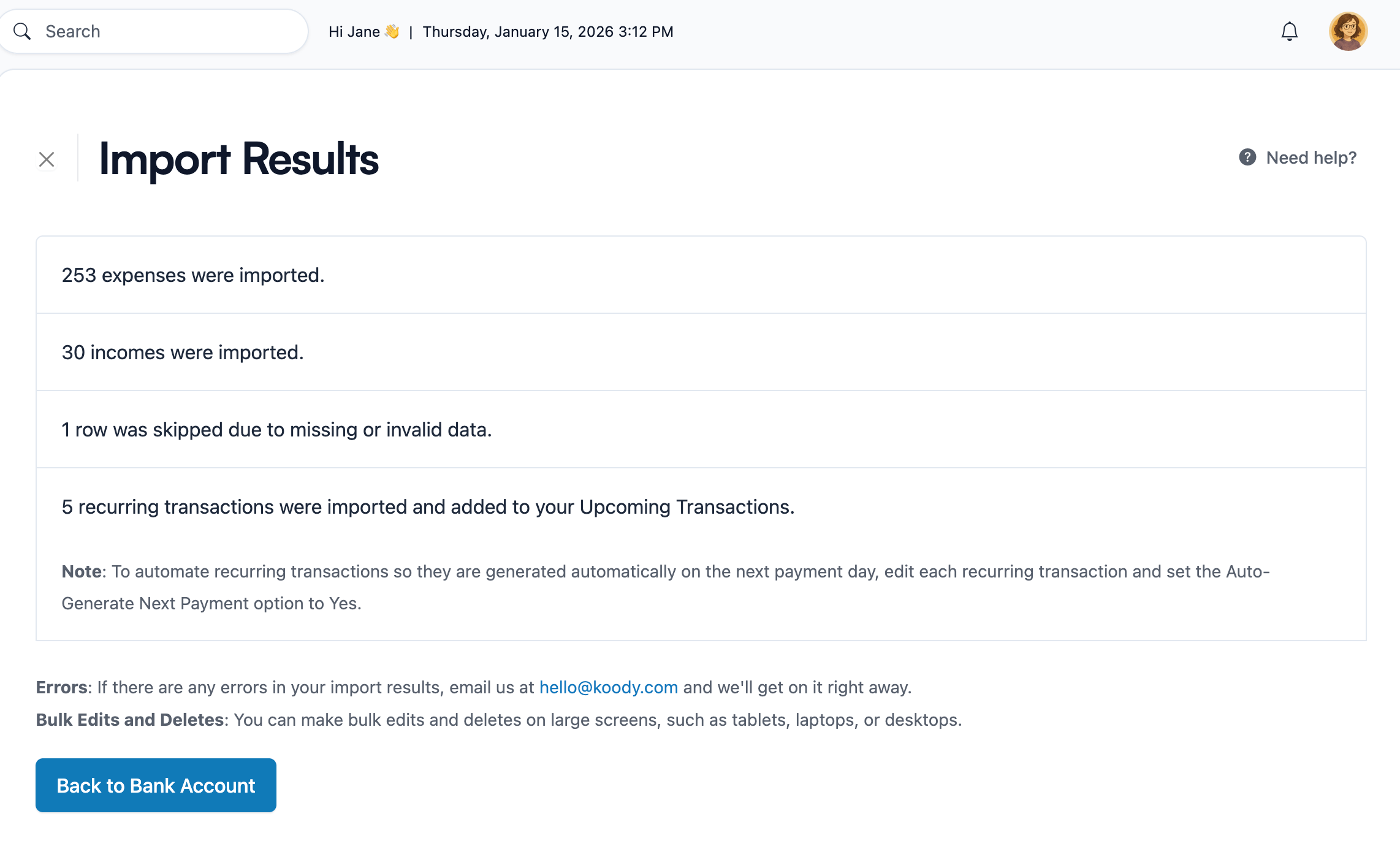
Koody's transaction import workflow lets you upload bank or card CSVs, review the results, and clean up categories without turning on bank sync. This is especially helpful when a freelancer has been busy shipping client work instead of maintaining their records week by week.
CSV imports are included in Koody's Plus plan, so they are best used when you need to catch up on old history or maintain a statement-driven workflow. If you only need lightweight daily tracking, manual entry can be enough for a long time.
CSV imports are useful when the backlog already exists in a bank or card statement.
When you import, keep one file per account if possible. That makes it much easier to spot duplicates, separate card payments from real spending, and keep the history readable after the upload.
Step 5: Review, Export, And Stay Ready
The best expense-tracking habit for a freelancer or small business owner is usually a short weekly review. Ten calm minutes beats one panicked weekend every quarter.
Use that review to scan recent spending, fix obvious category issues, attach any missing receipts, and note anything your future self or accountant would ask about. That is enough to keep the records usable.
When someone actually needs a file, Koody lets you export filtered transactions as CSV, Excel (.xlsx), or JSON. That makes it easier to hand-clean records to a bookkeeper, accountant, or tax preparer when the time comes.
Export is available on our Standard and Plus plans. That means you do not need to wait until year-end chaos to start building a record you can actually hand off.
Mistakes That Create Year-End Chaos
A few habits create most of the pain later:
Waiting until quarter-end or tax season to remember what a charge was for.
Keeping receipts in a separate folder instead of next to the transaction.
Using too many categories too early.
Importing summary reports instead of transaction-level CSVs.
Treating transfers, credit card payments, and real expenses as the same thing.
Assuming you need a giant accounting setup before you are allowed to get organized.
The fix is usually smaller than people expect. Track today. Keep proof with the expense. Review once a week. Import the backlog when needed. Export only when someone actually needs a file.
FAQs: Business Expense Tracking For Freelancers And Small Business Owners
1. Do I need full accounting software just to track business expenses?
Not always. If your immediate problem is keeping expenses, receipts, and categories organized, a lighter workflow can be enough. Full bookkeeping software still makes sense when you need invoicing, payroll, formal accounting reports, or tax filing workflows.
2. Can freelancers track business expenses in Koody without linking a bank?
Yes. You can track expenses manually, attach receipts, and keep categories organized without turning on bank sync. If you need to catch up later, you can also import CSV statements.
3. What is the easiest way to keep business receipts organized?
Keep the receipt attached to the matching transaction in Koody instead of storing it in a separate photo folder or email archive. That way, the amount, date, category, and proof stay together.
4. What if I am already behind on expense tracking?
Start with this week going forward, then use CSV imports for the backlog that still matters. It is usually faster to import the old history than to type every missed transaction by hand.
5. How should small business owners handle mixed personal and business spending?
Try to keep business spending on its own account when possible. If a card or receipt includes both, keep the receipt and add a note so the context is easy to review later with your bookkeeper or accountant.
If business expense tracking has been living in a spreadsheet, your inbox, and your memory at the same time, the answer is not always "buy heavier software."
Sometimes the better move is a calmer workflow that keeps expenses, receipts, categories, and exports in one place.
If that is what you need, start tracking inKoody and give yourself a system you can still keep up with during a busy month.