
Leaving QuickBooks means choosing what should happen to the records you have already built. You may have years of categorized purchases, receipts, mileage logs, and reports to keep. A lower subscription cost or easier expense tracking can make a move worthwhile, provided you can still find that history when you need it.
This guide compares five replacements by the jobs they handle: everyday bookkeeping, household finances, mileage, invoicing, and tax preparation. It also explains what to save before leaving QuickBooks and how to test a new app with records you already know.
Compare the alternatives
Prices below are in US dollars before tax. Introductory discounts and payment-processing fees are excluded. Monthly equivalents for annual plans are rounded; the full annual charge is shown in parentheses and paid upfront.
| App | Consider it when you need | Relevant plan price |
|---|---|---|
| Koody for Business | Categorized statements, mixed spending, P&L, Schedule C preparation | Plus: $4.99/month, or $4.49/month billed annually ($53.90/year) |
| Quicken Business & Personal | Invoicing and business tax reports alongside household finances | $8.99/month billed annually ($107.88/year) |
| Hurdlr | Automatic mileage and expenses; Pro for broader accounting | Premium: $9.99/month, or $8.33/month billed annually ($100/year); Pro: $16.67/month billed annually ($200/year) |
| Wave | Customer invoices and bookkeeping, with paid automation | Starter: free; Pro: $19/month, or $15.83/month billed annually ($190/year) |
| Keeper | Business deduction records and optional filing services | Bookkeeping Only: $20/month; Standard: $16.58/month billed annually ($199/year) |
Koody for Business
- Consider it when you need
- Categorized statements, mixed spending, P&L, Schedule C preparation
- Relevant plan price
- Plus: $4.99/month, or $4.49/month billed annually ($53.90/year)
Quicken Business & Personal
- Consider it when you need
- Invoicing and business tax reports alongside household finances
- Relevant plan price
- $8.99/month billed annually ($107.88/year)
Hurdlr
- Consider it when you need
- Automatic mileage and expenses; Pro for broader accounting
- Relevant plan price
- Premium: $9.99/month, or $8.33/month billed annually ($100/year); Pro: $16.67/month billed annually ($200/year)
Wave
- Consider it when you need
- Customer invoices and bookkeeping, with paid automation
- Relevant plan price
- Starter: free; Pro: $19/month, or $15.83/month billed annually ($190/year)
Keeper
- Consider it when you need
- Business deduction records and optional filing services
- Relevant plan price
- Bookkeeping Only: $20/month; Standard: $16.58/month billed annually ($199/year)
Check which QuickBooks product you have
Start with the product name shown in your account. QuickBooks Self-Employed and Solopreneur have different export and upgrade instructions, so a help page for one may not match the screens in the other. That product name is a better guide to the instructions you need than the plans currently advertised to new customers.
If you are considering Intuit's upgrade from Self-Employed to Solopreneur, its instructions describe moving up to three years of transactions and ending access to the old account afterward. Download the records you want to retain before accepting that upgrade. When moving to another app, use your transaction exports and saved documents to preserve the history you need.
Next, identify what you use regularly: invoices, mileage, connected bank feeds, tax estimates, receipts, a P&L, or exports for your accountant. You may want to keep some of those features and improve others. The reviews below explain which alternative suits each priority.
Koody for Business: affordable bookkeeping, automatic categorization, and tax preparation
Koody for Business is a strong replacement when you use QuickBooks mainly to organize income and expenses, keep receipts, and prepare for tax time. These tools sit in a dedicated business workspace within Koody. You can bring your transaction history into the app and continue building on it, with automatic categorization and business reports at a low subscription cost.
The starting point can be a QuickBooks transaction export or your original bank statements. Koody auto-categorizes the imported transactions and identifies transfers and refunds. You can correct a category, split a purchase across different costs, and attach the receipt that explains it. Remembered edits reduce repeated corrections when familiar payments appear in later imports.
Once the records are in place, Business Overview shows where the money came from and where it went. The P&L lets you compare profit across periods, so your earlier transactions remain useful when reviewing how the business is doing now. A Schedule C worksheet draws on the business records for tax preparation, with the supporting transactions available to inspect.
You can keep working with your accountant by downloading reports or sending a transaction export directly from Koody. Personal budgeting is available in the same subscription, but you can use Business on its own. That makes Koody for Business our choice for owners who want affordable bookkeeping and tax-preparation records after leaving QuickBooks.
Cost: Koody's Plus Plan is $4.99/month, or $4.49/month billed annually ($53.90/year). It includes statement imports, automatic categorization, receipt storage, P&L, and the Schedule C worksheet, as well as personal budgets and unlimited transaction history. Transactions can be downloaded in CSV, Excel, or JSON; business reports are available in CSV or Excel.
Quicken Business & Personal: keep invoicing and personal finance tools
Quicken's cloud Business & Personal product suits an owner who wants to keep sending invoices while bringing business and household records into one app. It supports several businesses, with personal finance tools alongside them. The cloud app reviewed here is separate from Quicken Classic.
Connected accounts can supply new transactions, while file imports offer a way to bring in earlier bank activity. Its P&L and tax reports organize income and costs by business, and downloadable reports provide copies for your own records or your accountant.
For someone running more than one venture, that separation can be a reason to choose Quicken. You can review a consulting business and an online shop individually while managing household spending in the same app. Before moving, save your existing invoices as well as transactions so the billing history remains available.
Cost: $8.99/month billed annually ($107.88/year) at the standard rate. There is no month-to-month billing option for this plan.
Hurdlr: keep mileage and business expense tracking together
Hurdlr is a useful candidate if mileage tracking was one of your main reasons for using QuickBooks. Premium combines automatic trip and finance tracking with expense rules and tax estimates.
Its tax report combines income, expense, and mileage details. A driver or mobile service provider can keep work-related trips alongside the income and purchases from those jobs. Pro adds accounting, invoicing, accountant access, and annual filing for eligible US subscribers whose accounts are not supplied through an employer or other organization.
Premium and Pro support historical CSV uploads. You can bring earlier transactions into the app and tag their business or personal use. Keep your existing mileage logs as part of the move, since trip distances and purposes are separate from the transactions in a bank file.
Cost: Premium is $9.99/month, or $8.33/month billed annually ($100/year). Pro is $16.67/month billed annually ($200/year).
Wave: invoices and bookkeeping with a free starting plan
Wave is worth considering when invoicing is central and you want to start with free bookkeeping features. Its Starter plan includes invoices and bookkeeping records. Pro adds automatic bank transaction imports, categorization, and receipt capture. Payment-processing fees are separate from the software subscription.
Wave lets you download accounting records and uploaded receipts separately. Those downloads are useful when preparing information for an accountant or keeping a backup of the business records outside the app.
Starter can suit a former QuickBooks user who wants to keep billing clients without paying for a software subscription. Pro is the option for automatic transaction imports and receipt capture. Choosing between them depends on which tasks you want the app to handle and which you are comfortable doing manually.
Cost: Starter is free. Pro is $19/month, or $15.83/month billed annually ($190/year). Include any payment-processing charges in your own cost comparison if you will accept payments through it.
Keeper: deduction tracking and optional tax filing
Keeper is worth comparing if your main job in QuickBooks was reviewing business deductions. Its expense tools include receipts, notes, and business-use allocations. It offers both bookkeeping-only and filing-inclusive plans.
Its deduction export organizes business transactions by Schedule C category and includes the business-use allocation. Personal spending is excluded, giving you an expense-focused set of records to review for tax preparation.
The bookkeeping-only option lets you continue using your own accountant with an organized deduction export. A filing-inclusive subscription also covers eligible returns. When choosing between them, decide whether you are replacing only the expense records you kept in QuickBooks or your tax-filing service as well.
Cost: Bookkeeping Only is $20/month; Standard is $16.58/month billed annually ($199/year) and includes eligible tax filing. These are different plans, not two billing options for the same plan.
Move your records before closing the old account
1. Save the transactions and the evidence
In QuickBooks Self-Employed, filter transactions by account and period, then download each account's transactions as CSV. Save reports for the periods you want to retain. Receipts are separate from the transaction CSV, so download them too. Solopreneur and other plans have their own export screens; use the instructions for the product named in your account.
Also save mileage records, unpaid invoices, tax-payment confirmations, and other documents you need. Keep an unchanged copy of each export in a folder organized by account and period. You will have the original history available while you set up the new app and whenever you need it later.
2. Test one completed period
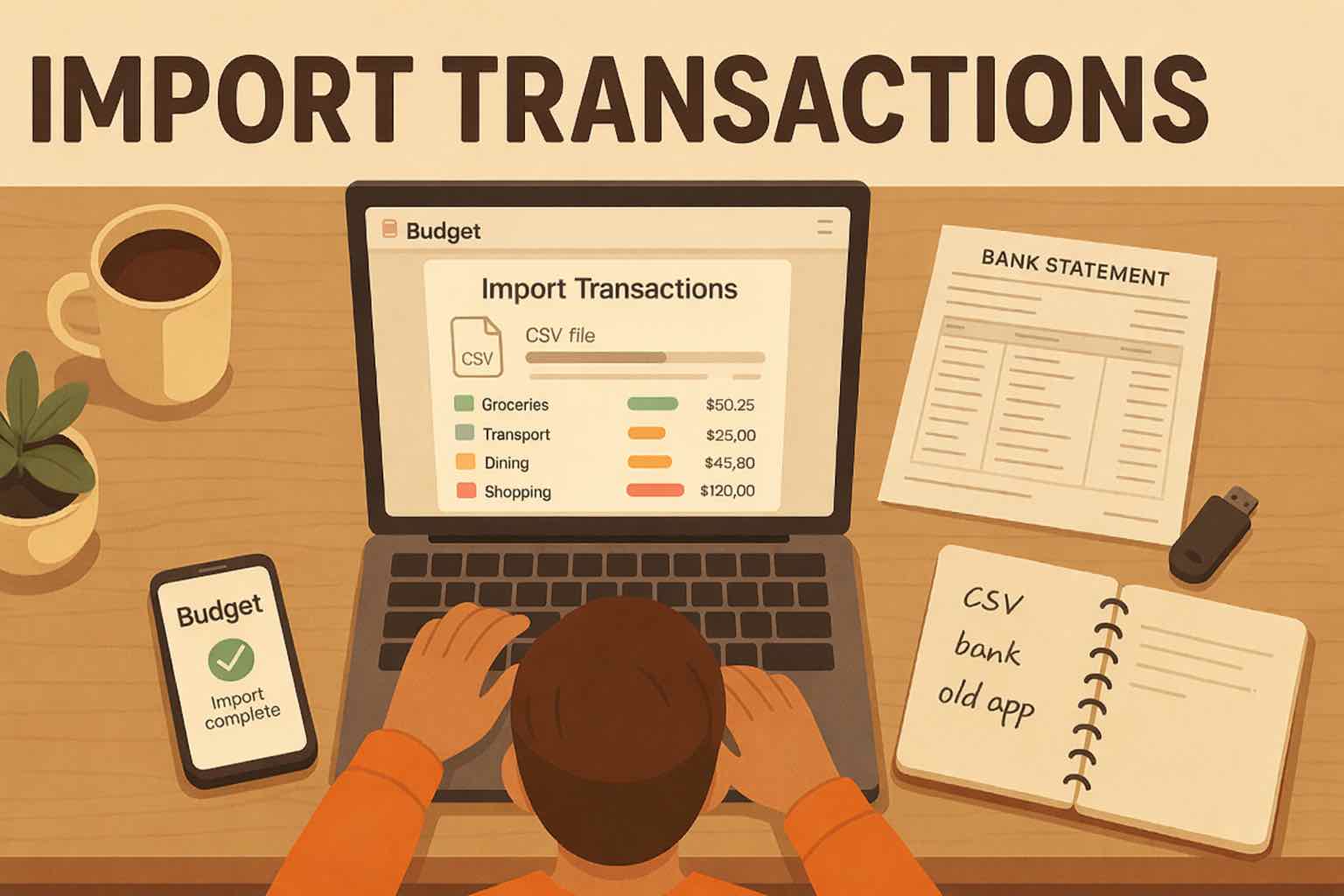
Choose one month whose records you already trust. In Koody, choose the account the file belongs to, upload the file, click Import, and review the results. Our import guide covers the steps. Check dates, amounts, categories, transfers, refunds, and mixed purchases before bringing in the next period.
For each account and period, use either its QuickBooks transactions or its bank statement. Koody checks for possible duplicates when imports overlap. Reviewing any flagged rows helps you keep one record of each payment as you bring the history across.
3. Compare the totals and inspect differences
Compare the same accounts and date range in both apps. Look at income and expenses separately, then inspect any differences. The totals may differ because the apps treat a transfer, refund, or personal share differently. Following those transactions through the reports helps you confirm that each payment is included in the right place.

4. Check what you will do next month
Finish by doing the recurring jobs: add a receipt, correct a category, enter a cash expense, and produce the report you send to your accountant. In Koody, you can add transactions as you go or import the next statement when it is ready. Koody can remember category edits, so future imports reflect the choices you have already made.
Only then decide when to end the old subscription. Check how cancellation affects access and make sure the retained files open successfully.
Choose the right replacement for your business
Start with Koody if you want automatic categorization, business reports, and personal finances in one app. Compare Quicken for invoicing with household finance tools, Hurdlr for mileage-heavy work, Wave for invoices and bookkeeping, and Keeper for deduction tracking with a filing option.
With Koody for Business, the move gives your existing transactions a continuing role in your bookkeeping. Earlier income and expenses remain available for reports, while new statements are automatically categorized as you add them. You can keep the history you have worked to organize and spend less time on the sorting ahead.
Make the move to Koody for Business.
Start with a month of your QuickBooks transactions. Koody auto-categorizes them so you can review expenses, attach receipts, and see your profit before bringing across the rest of your history.
Try KoodyFAQs
1. What are good alternatives to QuickBooks Self-Employed or Solopreneur?
Koody for Business is a good option for automatic categorization, personal and business separation, P&L, and Schedule C preparation. Quicken Business & Personal adds invoicing and household finance tools. Hurdlr suits mileage-heavy work, Wave offers invoicing and bookkeeping, and Keeper focuses on deduction records and eligible tax filing. Choose around the features you actually use and the records you need to preserve.
2. Can I move QuickBooks transactions into Koody?
Yes. Export your QuickBooks transactions as CSV, choose the matching account in Koody, upload the file, and click Import. Koody auto-categorizes the transactions for you to review. You can also import PDF or CSV bank statements. Download receipts, invoices, and mileage records separately from QuickBooks, since they are separate from the transaction CSV.
3. Will receipts move with a QuickBooks Self-Employed CSV export?
No. Intuit's Self-Employed export guidance says receipts are not included in the transaction CSV. Download them separately from individual transactions or the receipt report for the relevant tax year, and keep them with your retained records.
4. Is QuickBooks Self-Employed the same as Solopreneur?
No. They are separate Intuit products with different features and migration options. Intuit offers an upgrade path from Self-Employed to Solopreneur. Use the instructions for your existing product to download the records you want to keep before upgrading or moving to another app.
5. Is there a free QuickBooks alternative for a sole proprietor?
Wave's Starter plan offers free invoicing and bookkeeping features. Automatic bank imports and receipt capture are among the features in its paid Pro plan. Starter can suit someone who is comfortable entering records manually and wants to send invoices without a software subscription.
6. When should I cancel the old bookkeeping subscription?
First save your transactions, reports, receipts, and other required records. Test the new app, compare a completed period, and confirm you can retrieve everything you need. Check the old provider's access and cancellation rules before ending the subscription.
Bring your transaction history to Koody.
Start with an export from QuickBooks or a bank statement. Koody categorizes the transactions so you can continue tracking expenses, reviewing profit, and preparing your records for tax time.
Open KoodySources and how we compared
We publish Koody, which is included in this guide. Sources checked October 22, 2026. We compared official product documentation and standard US prices, focusing on replacement features, exports, and moving existing records.
Plan terms and prices can change. Tax-preparation records still need review before filing.