
A hairdresser may need to keep chair rental, products, and card-processing costs organized. A therapist may want to separate practice expenses from household bills. A driver may need mileage tracking as much as expense tracking. The right app depends on which of those jobs you need it to do.
The most useful app is one you can keep up with between appointments, orders, or jobs. This guide looks at how five options handle everyday purchases, which records they produce, and what the relevant subscription includes. Automatic categorization, receipts, and the ability to explain a cost later are central to that comparison.
Compare the apps
Standard US prices before tax, excluding introductory offers. Monthly equivalents for annual plans are rounded; the full annual charge is shown in parentheses and paid upfront. Features below refer to the named plans.
| App | Records or tools to compare | Relevant plan price |
|---|---|---|
| Koody for Business | Categorized transactions, receipts, P&L, Schedule C preparation worksheet | Plus: $4.99/month, or $4.49/month billed annually ($53.90/year) |
| Keeper | Business deduction export; tax filing in eligible annual plans | Bookkeeping Only: $20/month; Standard: $16.58/month billed annually ($199/year) |
| Hurdlr | Income, expense, and mileage tax report; accounting reports in Pro | Premium: $9.99/month, or $8.33/month billed annually ($100/year); Pro: $16.67/month billed annually ($200/year) |
| QuickBooks | Expense tracking, receipt capture, customer invoices, and mileage | Lite: $20/month, or $18/month billed annually ($216/year) |
| Quicken Business & Personal | Business reports, tax-category summaries, invoices, and personal planning | $8.99/month billed annually ($107.88/year) |
Koody for Business
- Records or tools to compare
- Categorized transactions, receipts, P&L, Schedule C preparation worksheet
- Relevant plan price
- Plus: $4.99/month, or $4.49/month billed annually ($53.90/year)
Keeper
- Records or tools to compare
- Business deduction export; tax filing in eligible annual plans
- Relevant plan price
- Bookkeeping Only: $20/month; Standard: $16.58/month billed annually ($199/year)
Hurdlr
- Records or tools to compare
- Income, expense, and mileage tax report; accounting reports in Pro
- Relevant plan price
- Premium: $9.99/month, or $8.33/month billed annually ($100/year); Pro: $16.67/month billed annually ($200/year)
QuickBooks
- Records or tools to compare
- Expense tracking, receipt capture, customer invoices, and mileage
- Relevant plan price
- Lite: $20/month, or $18/month billed annually ($216/year)
Quicken Business & Personal
- Records or tools to compare
- Business reports, tax-category summaries, invoices, and personal planning
- Relevant plan price
- $8.99/month billed annually ($107.88/year)
Compare the records you will get
A useful expense record tells you what you paid, what you bought, and why it was for the business. The IRS says your recordkeeping system should show business income and expenses and retain the supporting documents. An app can keep those details together throughout the year, ready for tax time.
These three outputs serve different purposes:
- Categorized transactions: the individual payments, dates, descriptions, and categories you can review or export.
- Profit and loss: a summary of business income, costs, and profit for a period, showing how much the business earned after expenses.
- Schedule C preparation records: business income and expense figures organized for the US sole-proprietor tax schedule, ready for you and your accountant to review.
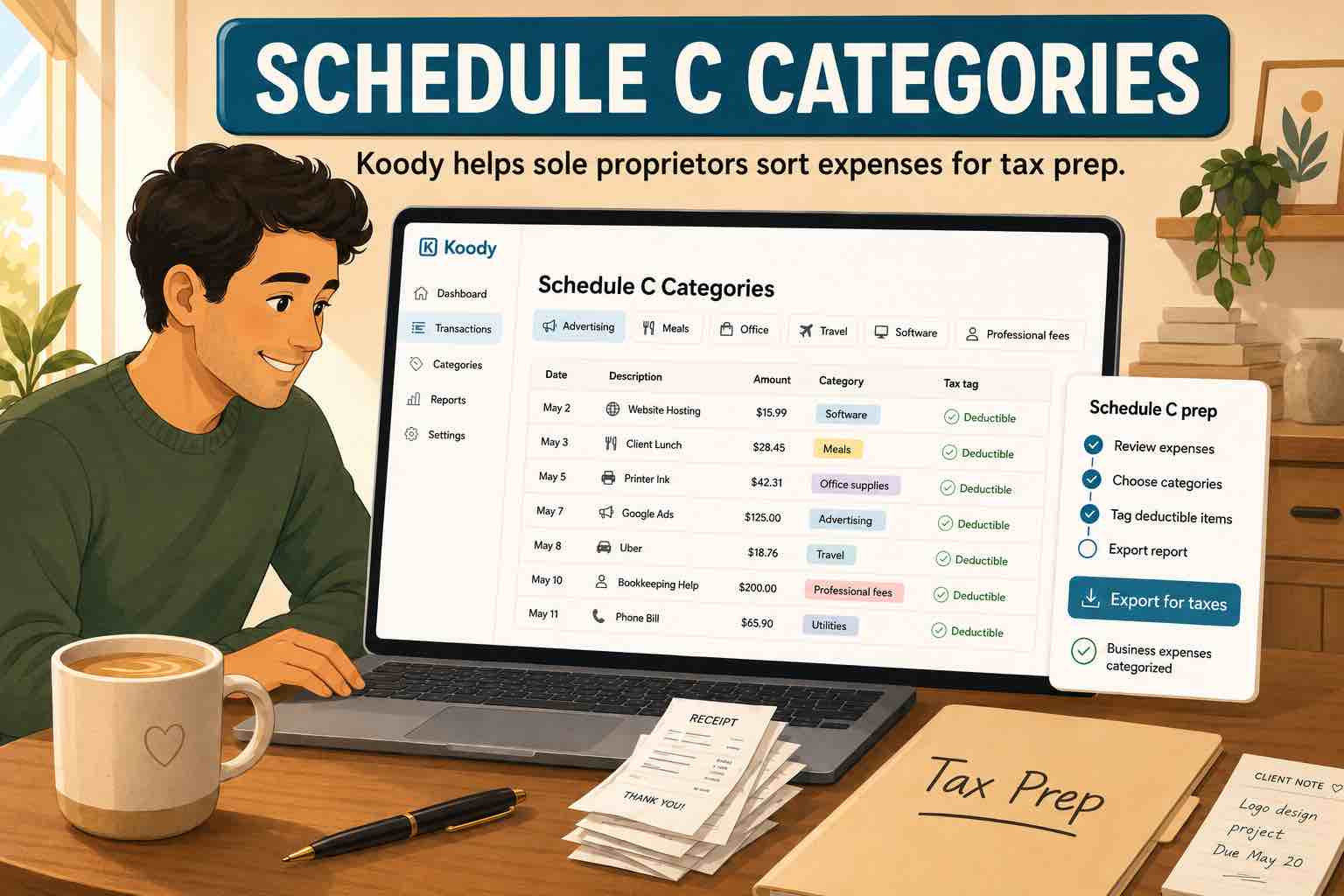
Automatic categorization saves time on the sorting. Category edits, notes, and splits let you add the detail you know about a purchase, including any personal share. Our Schedule C expense guide explains the categories; the reviews below show how each app helps you keep the records and use them.
Koody for Business: automatic expense categorization, receipts, and business reports
Koody for Business takes much of the manual sorting out of expense tracking. Its dedicated business workspace within Koody holds the purchases, receipts, and reports. When you import bank statements, Koody extracts and auto-categorizes the transactions, including earlier months you need to catch up on. It also identifies transfers, refunds, and recurring payments. You can review every category and have Koody remember your edits for future imports.
The purchase record can hold the receipt, an invoice, and a note about what the expense was for. You can photograph a receipt on mobile or attach a file you already have. Splitting a transaction across categories also lets you separate different business costs on one receipt, or divide an order between work and home.
See how a mixed purchase affects profit
Imagine a self-employed designer receives $4,800 from clients, pays $900 for business costs, and buys $180 of supplies. The receipt shows $120 was for client work and $60 was for home.
With the purchase split between Business and Personal categories, the business records show $4,800 of income and $1,020 of expenses, leaving $3,780 before taxes or other adjustments. The $60 personal share appears in Personal. A transfer between the designer's own accounts stays out of income and expense totals, so moving money does not create an extra cost.
Koody's profit and loss report brings those business costs together with income for the period you choose. Comparing it with the previous period shows whether rising sales are producing more profit or being absorbed by higher expenses. You can open the transactions behind a total when you want to understand a change.

At tax time, the Schedule C worksheet organizes the business figures for review with an accountant. If the designer needs to explain the supplies expense, the split and attached receipt show how much was for client work. The summary and the original purchase are both available, so there is less to reconstruct from bank statements months later.
Koody for Business is our choice for affordable expense tracking that stays useful beyond a list of purchases. Automatic categorization reduces the ongoing sorting, and the receipts, splits, and notes help explain the costs in your reports. You can download the reports or send a transaction export to your accountant directly from Koody.
Price: Koody's Plus Plan costs $4.99/month, or $4.49/month billed annually ($53.90/year). Statement imports, automatic categorization, receipt storage, P&L reports, and the Schedule C worksheet are included, along with personal budgeting. Report downloads are available in CSV or Excel, and transaction exports in CSV, Excel, or JSON.
Keeper: deduction records with a filing option
Keeper focuses on finding and organizing potential business deductions. Its expense tools support receipts, notes, and a business-use percentage for mixed expenses. A phone bill used partly for work can carry that percentage in the records, so the business share is visible when preparing the deduction totals. Statements and manual entries can supplement transactions from connected accounts.
Keeper's deduction export includes Schedule C category totals and detailed business transactions, including business-use percentages. Available with an active paid plan, it focuses on business expenses and excludes personal spending. It is useful when you want an organized list of potential deductions to review at tax time.
Keeper offers bookkeeping on its own or as part of a filing-inclusive subscription. Choose the bookkeeping option if you want deduction records for an accountant you already use. The filing-inclusive option is worth considering when you want help completing the return as well.
Price: Bookkeeping Only costs $20/month; Standard costs $16.58/month billed annually ($199/year) and includes eligible federal and state filing. These are different plans, with different services, rather than two billing options for the same plan.
Hurdlr: expenses alongside business mileage
Hurdlr is worth comparing if driving is a substantial part of your work. Premium combines automatic mileage and finance tracking with expense rules and tax estimates. A cleaner traveling between clients may value those trip records as much as automatic purchase categorization.
Its tax report brings income, expenses, mileage, and category summaries together. Business and personal tags help separate work-related trips and purchases from household activity. That is useful when the same car and card are used for both during the day.
Premium suits expense and trip tracking, while Pro adds accounting reports, including P&L, plus invoicing and eligible tax filing. Both plans support historical transaction uploads, which can bring earlier expenses into the records alongside the new activity you track.
Price: Premium is $9.99/month, or $8.33/month billed annually ($100/year). Pro is $16.67/month billed annually ($200/year).
QuickBooks: expense tracking with customer billing
QuickBooks Lite combines expense tracking with customer billing. It suits someone who sends invoices regularly and wants to keep business purchases and travel records in the same app. Lite is the plan compared here from Intuit's range for sole proprietors.
Lite includes unlimited invoices, receipt capture, and mileage tracking. For a consultant visiting clients, that puts several recurring jobs in one app: billing for the work, keeping the receipt for a business purchase, and recording travel.
Lite is designed for one user. Simple Start adds accountant access for owners who want their accountant to work in the books directly. That is a separate plan decision from keeping receipts and sending invoices yourself; the price below is for Lite.
Price: Lite costs $20/month, or $18/month billed annually ($216/year), at the standard rate.
Quicken Business & Personal: business tax reports and household finances
The cloud version of Quicken Business & Personal suits someone who wants business expense tracking alongside personal planning. Its business tax reports organize transactions by business and offer Schedule C, E, and F summary views. You can review the business share of purchases and follow each venture's records separately.
Downloadable reports let you share category totals with an accountant or review them in a spreadsheet. Being able to select a business is useful when you need to check the expenses of one venture without combining them with another's.
Quicken is particularly useful when personal planning, business reports, and invoicing all belong in your everyday setup. This review covers the cloud product for web and mobile; Quicken Classic is a separate product.
Price: $8.99/month billed annually ($107.88/year) at the standard rate. There is no month-to-month billing option for this plan.
Test the app with your own expenses
Before moving a year's records, try one ordinary month. Include a mixed-use bill, a refunded purchase, a receipt, and a transfer. Check the categories, the personal share, and the report totals. If you regularly drive for work, test how you would keep the mileage evidence too.
Then open the records you would send to your accountant. Can you find the receipt behind an expense? Is the business share clear? Can you explain why the total changed after a refund? These checks show whether the app will help you answer questions about your costs long after the purchase.
Choose Koody for Business for automatic categorization, receipts, and a direct route from everyday expenses to business profit and Schedule C preparation. Keeper is worth considering for deduction records and filing, Hurdlr for mileage-heavy work, QuickBooks for regular customer invoicing, and Quicken for business tax reports with household finances. For a sole proprietor who wants to spend less time sorting expenses and more time using the records, Koody brings the essential tasks together at a low monthly cost.
Know what your business earns after expenses.
Koody auto-categorizes your transactions and keeps receipts with your purchases. Review your business expenses, see your profit, and prepare a Schedule C worksheet for your accountant, all in one app.
Try KoodyFAQs
1. What is the best expense-tracking app for self-employed people?
Koody for Business is a strong choice for automatic categorization, mixed personal and business purchases, receipts, P&L reports, and Schedule C preparation. Keeper focuses on deduction records and optional tax filing. Hurdlr combines expenses with mileage and tax estimates. QuickBooks offers expense tracking with invoicing, while Quicken Business & Personal combines business records with personal finances. Compare the records each app produces, as well as its price.
2. Can an expense-tracking app help prepare Schedule C?
Yes. Koody for Business brings reviewed business income and expenses into a Schedule C preparation worksheet for US sole proprietors. You can review the figures and download the worksheet for your accountant, along with your P&L and detailed transaction records.
3. Do I still need receipts if I use an expense app?
Yes. Categorized bank transactions do not replace the documents supporting a business expense. Keep receipts, invoices, and explanations of business purpose where needed. Choose an app that lets you keep that evidence with the transaction.
4. Can I import older business expenses?
Yes. Koody imports historical PDF or CSV bank statements and transaction exports, then auto-categorizes the transactions. You can review the results, split mixed purchases, and attach receipts to build up your business records for earlier months. That is useful when you are catching up before tax time or moving from a spreadsheet.
5. What should I export for my accountant?
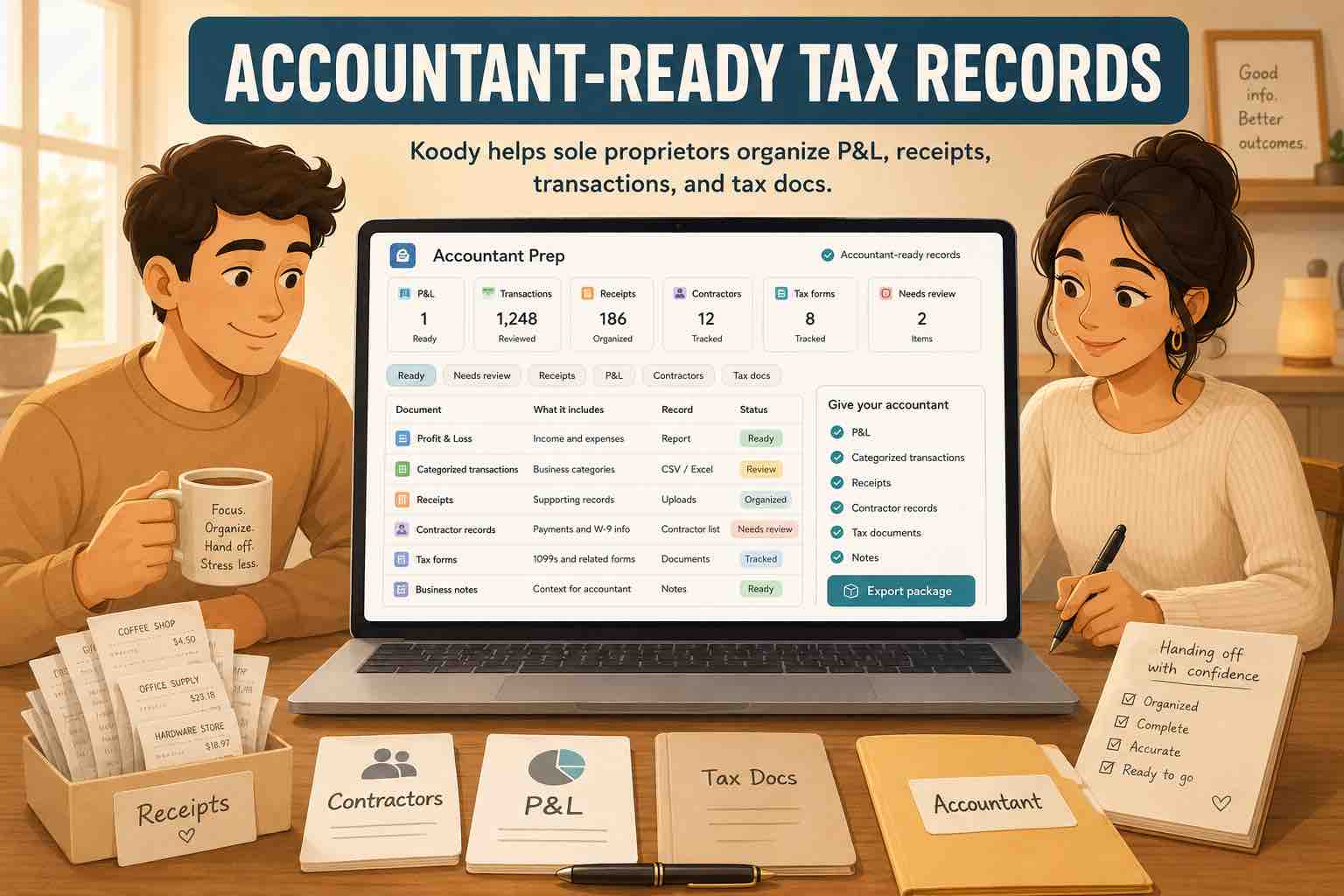
A profit and loss report, categorized income and expenses, and the supporting receipts or invoices give your accountant both the totals and the records behind them. Ask whether they need anything else for your business. Koody lets you download your P&L and send a transaction export directly to your accountant from the app.
Spend less time sorting business expenses.
Import your statements and let Koody categorize the transactions. Review your expenses, attach the receipts, and use the records to understand profit and prepare for tax time.
Open KoodySources and how we compared
We publish Koody, which is included in this comparison. Sources checked October 22, 2026. We reviewed competitors' official documentation and US pricing, focusing on bookkeeping and tax-preparation records and the plans that provide them. IRS recordkeeping guidance informs the records checklist.
Plan terms and prices can change. This guide is educational, not individual tax advice. Categorization alone does not establish whether an expense is deductible.