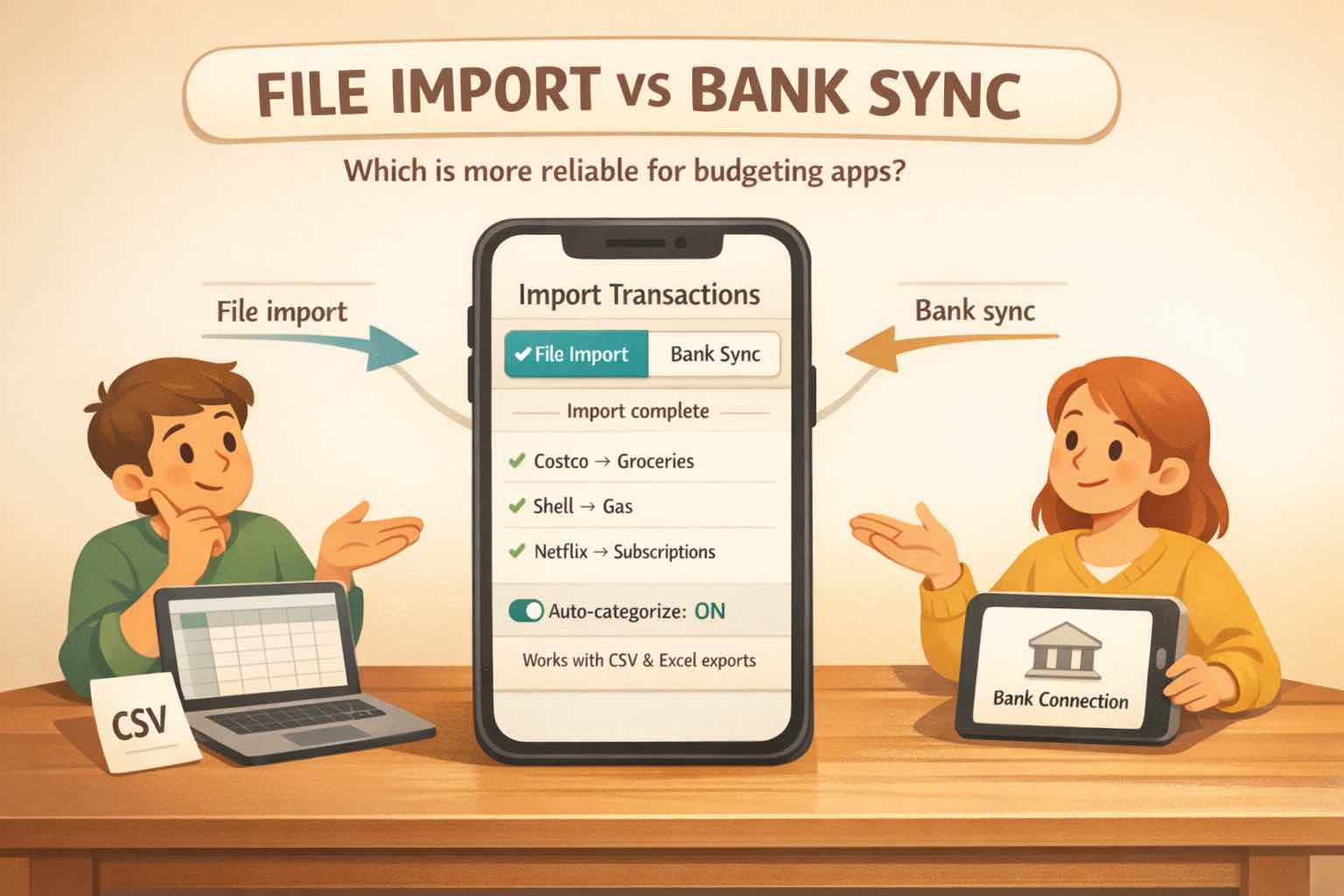
File import vs bank sync is really a question about how you review your money.
Bank sync is built for people who want transactions arriving continuously in the background. That can be useful if you want a live feed and you trust the connection.
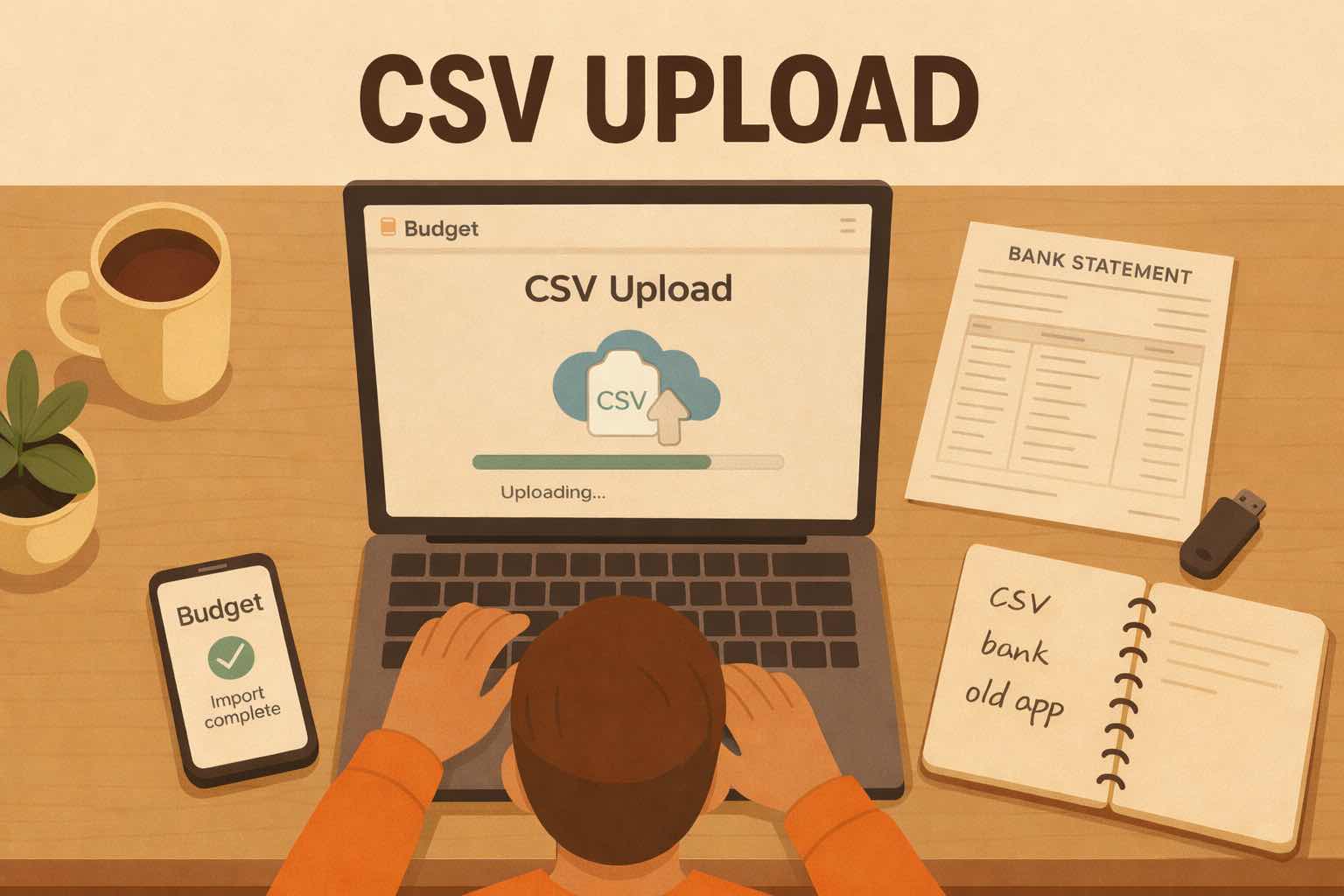
But many people do not budget that way. They sit down once a week, once a month, or at tax time and review a batch of transactions at once. For that rhythm, file import can be a better fit: you choose the account, choose the date range, upload the CSV, and review the transactions when you are actually ready to work with them.
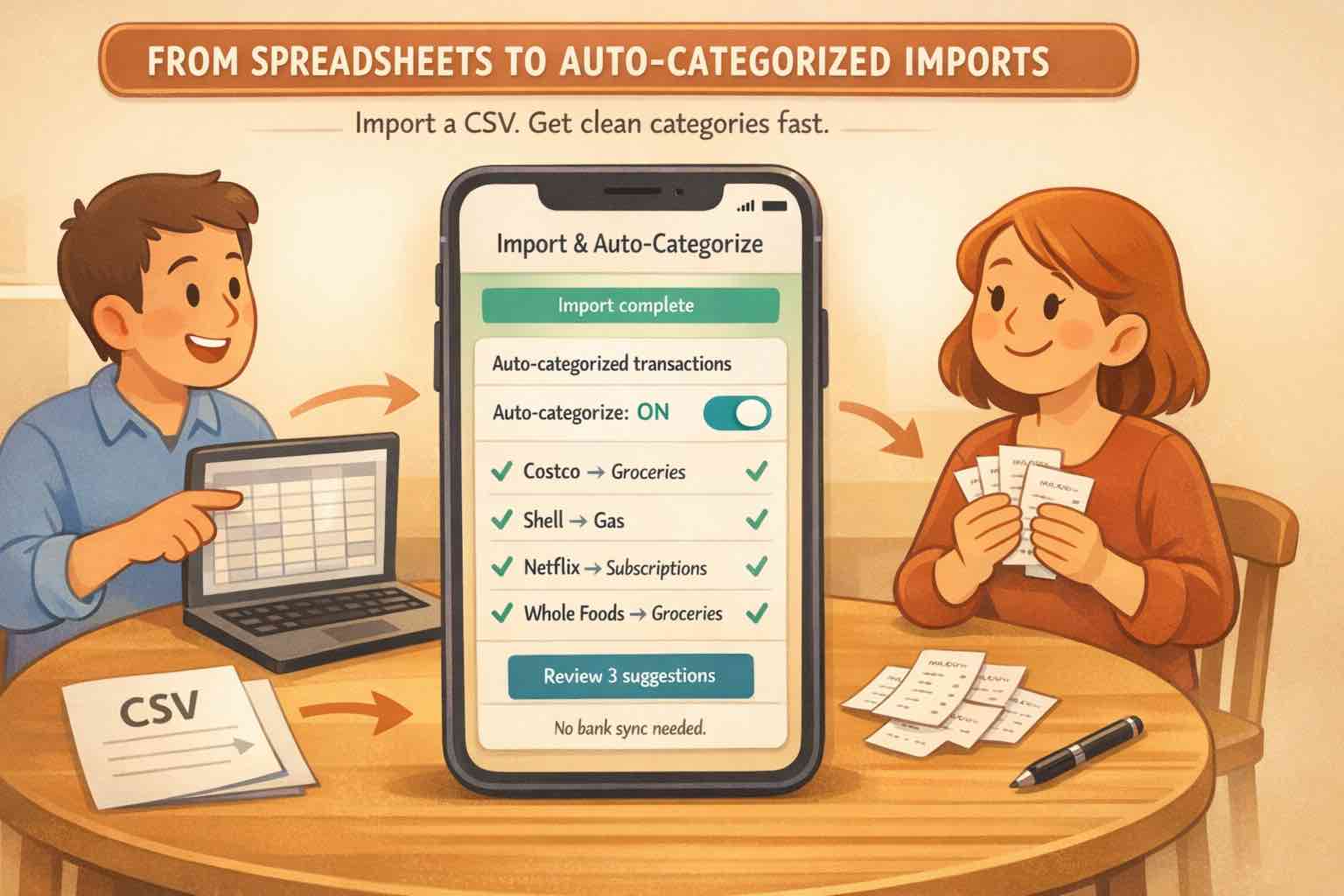
Koody makes that batch review feel less manual. It cleans merchant names, auto-categorizes transactions, checks for duplicates, helps identify transfers, refunds, subscriptions, and bills, and lets you bulk edit patterns instead of fixing every row one by one.
If you are not reviewing your budget every day, you may not need to share your bank login with a third-party budgeting app just to get a live feed. You may need a cleaner import routine that matches how you already manage your money.
File import vs bank sync: the practical difference
Bank sync automates transaction delivery. File import automates the review after you decide what to bring in.
That difference matters because most budgets are not reviewed in real time. If you update your budget every few days, once a week, once a month, or once a year for taxes, a live feed may not be the thing that saves you time.
The better question is whether the app supports your natural review rhythm.
| Area | File import | Bank sync |
|---|---|---|
| Best rhythm | Weekly, monthly, quarterly, or tax-time review. | Daily or near-real-time tracking. |
| How data enters | You choose the file, account, and date range. | Transactions arrive in the background. |
| Review control | Review a batch before it affects your budget. | Data appears as the connection updates. |
| Automation | Koody cleans, categorizes, checks duplicates, and supports bulk edits. | The feed automates transaction delivery. |
| Bank access | No required bank connection for imports. | Requires a bank connection through a provider. |
| Best fit | People who budget in review sessions and want clean imported data. | People who want a continuous live feed. |
When bank sync works well
Bank sync works well when you want transactions to appear as they happen and you check your budget often enough for that live feed to matter.
If your account connects cleanly, your institution is supported, and you like background near-instant updates, sync can save time. It is a good fit for people who want their budgeting app to stay current without deciding when to import data.
The tradeoff is that the live feed is only useful if you actually want a live feed. If you only review once a week or once a month, the advantage becomes less obvious.
When file import is better
File import is better when your budgeting happens in batches.
It is especially useful when:
- You review transactions weekly, monthly, quarterly, or at tax time.
- You prefer choosing the account and date range yourself.
- You want to bring in the right data when you are ready to review it.
- You do not want to share your bank login with another provider.
- Your bank sync connection breaks or refreshes late.
- Your budgeting app shows duplicate transactions.
- Your bank or card is unsupported.
With Koody, import is not just a raw CSV upload. Koody cleans descriptions, auto-categorizes transactions, highlights duplicates, supports bulk edits, and helps useful corrections carry forward.
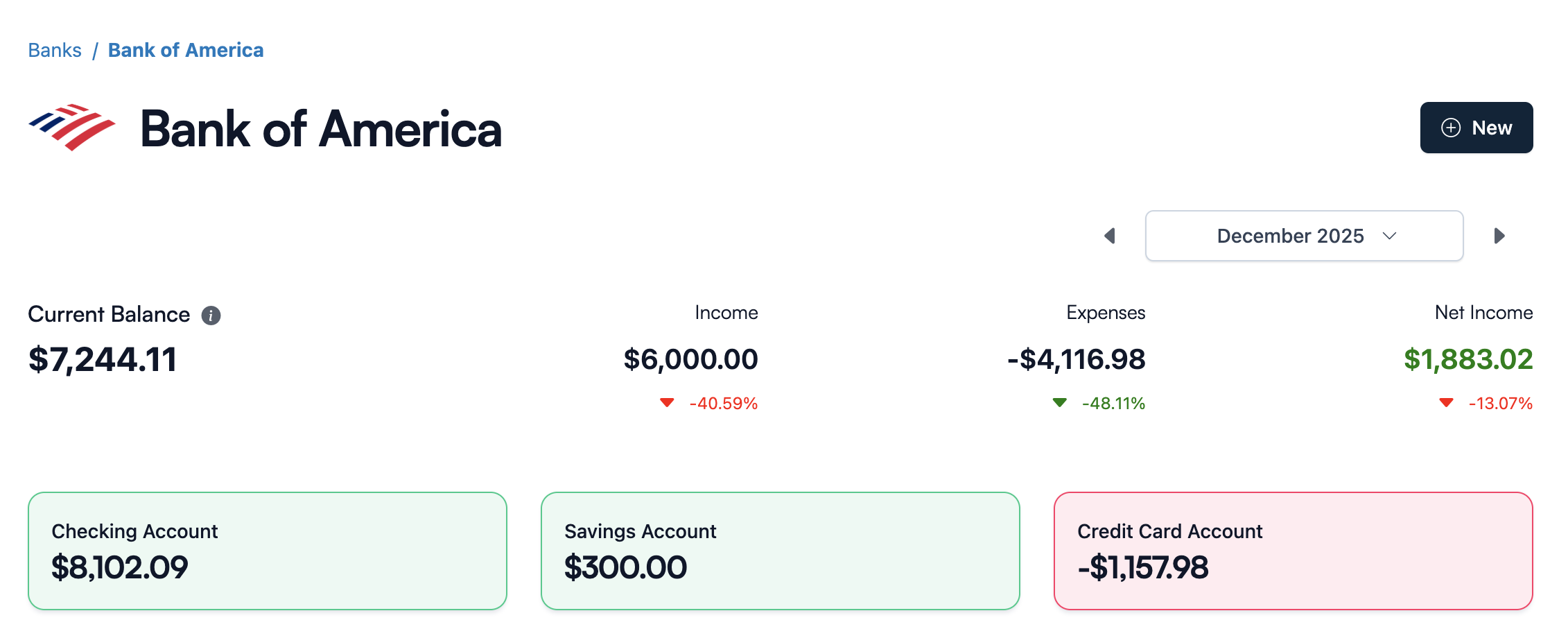
Why duplicates and missing transactions hurt your budget
Duplicate transactions are not just annoying. They change the numbers you use to make decisions.
A duplicated grocery trip can make you think you overspent. A missing paycheck can make your cash flow look worse than it is. A missing credit card payment can make debt tracking feel wrong. These problems spread into categories, reports, and monthly planning.
Pending transactions make this harder. A restaurant charge can start as one amount and post as another. A gas station hold can disappear and return. Some apps struggle to match the pending row to the posted row.
File import helps because the review happens when you choose to review. You can import a defined date range, see what came in, confirm it belongs in the right account, and fix the few patterns that need attention.
Why repeated CSV imports need duplicate protection
File import is only useful if repeated imports stay clean.
If you import January, then later import a wider January-to-March file, the app needs to help you avoid counting the same transactions twice. If you download overlapping card statements, you need a review step that protects your history.
Koody is built around that reality. Import the file, review what came in, and use duplicate protection to keep repeat imports from polluting your budget.
That is the difference between a budgeting app that merely accepts CSVs and one that makes CSV import practical every month.
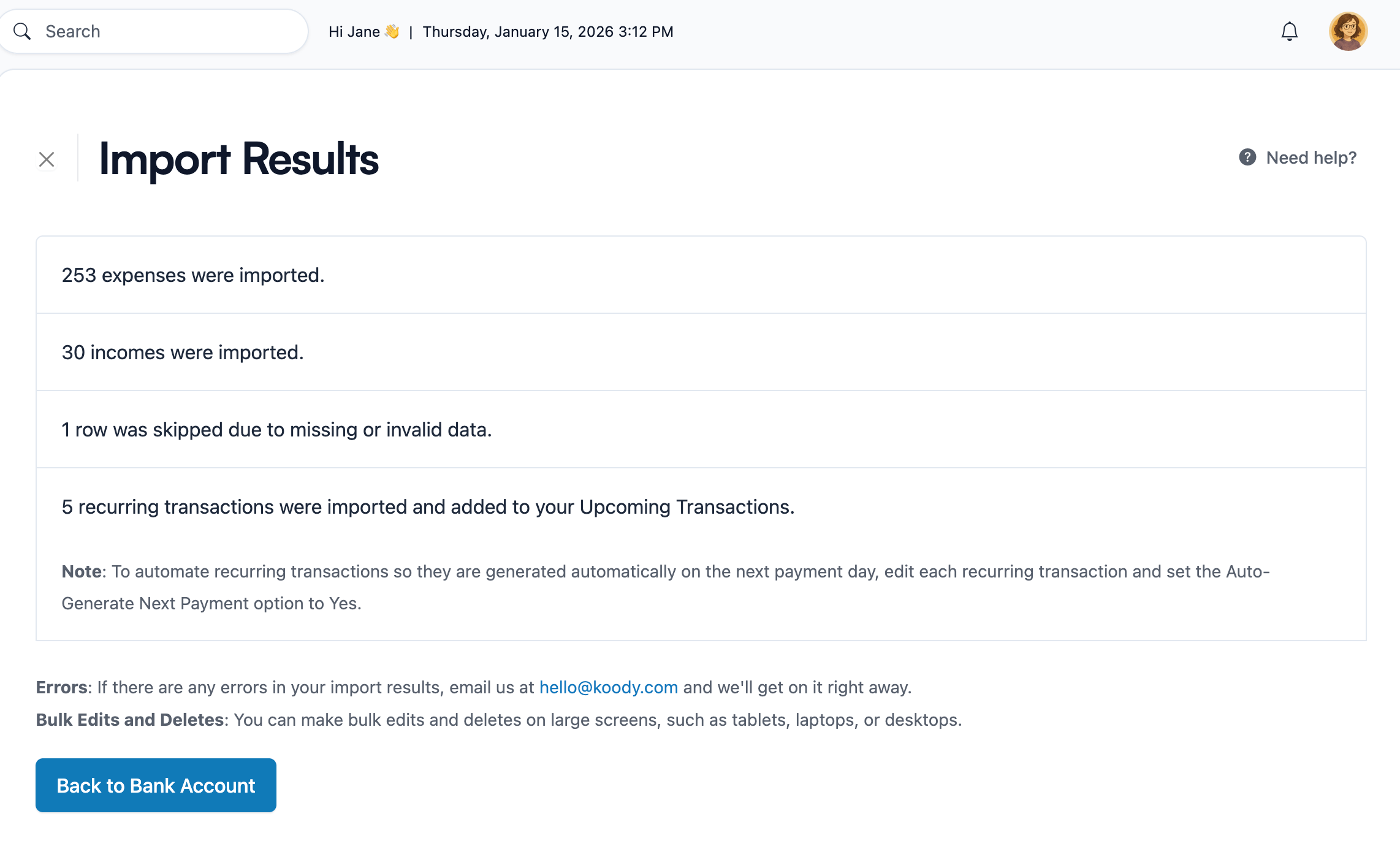
How Koody makes file import easier to review
The old version of file import was simple but painful: upload a spreadsheet, stare at messy rows, and clean everything yourself.
Koody is built to make that review faster.
- Cleaner descriptions: Koody makes imported merchant names easier to read.
- Auto-categorization: Transactions are auto-categorized after upload.
- Duplicate checks: Repeat imports are easier to catch before they distort totals.
- Bulk edits: Fix merchant names, categories, notes, and other patterns across many rows at once.
- Saved preferences: Useful corrections can help later imports feel less repetitive.
- Koody AI: Ask for help spotting likely duplicates, refunds, transfers, or cleanup patterns.
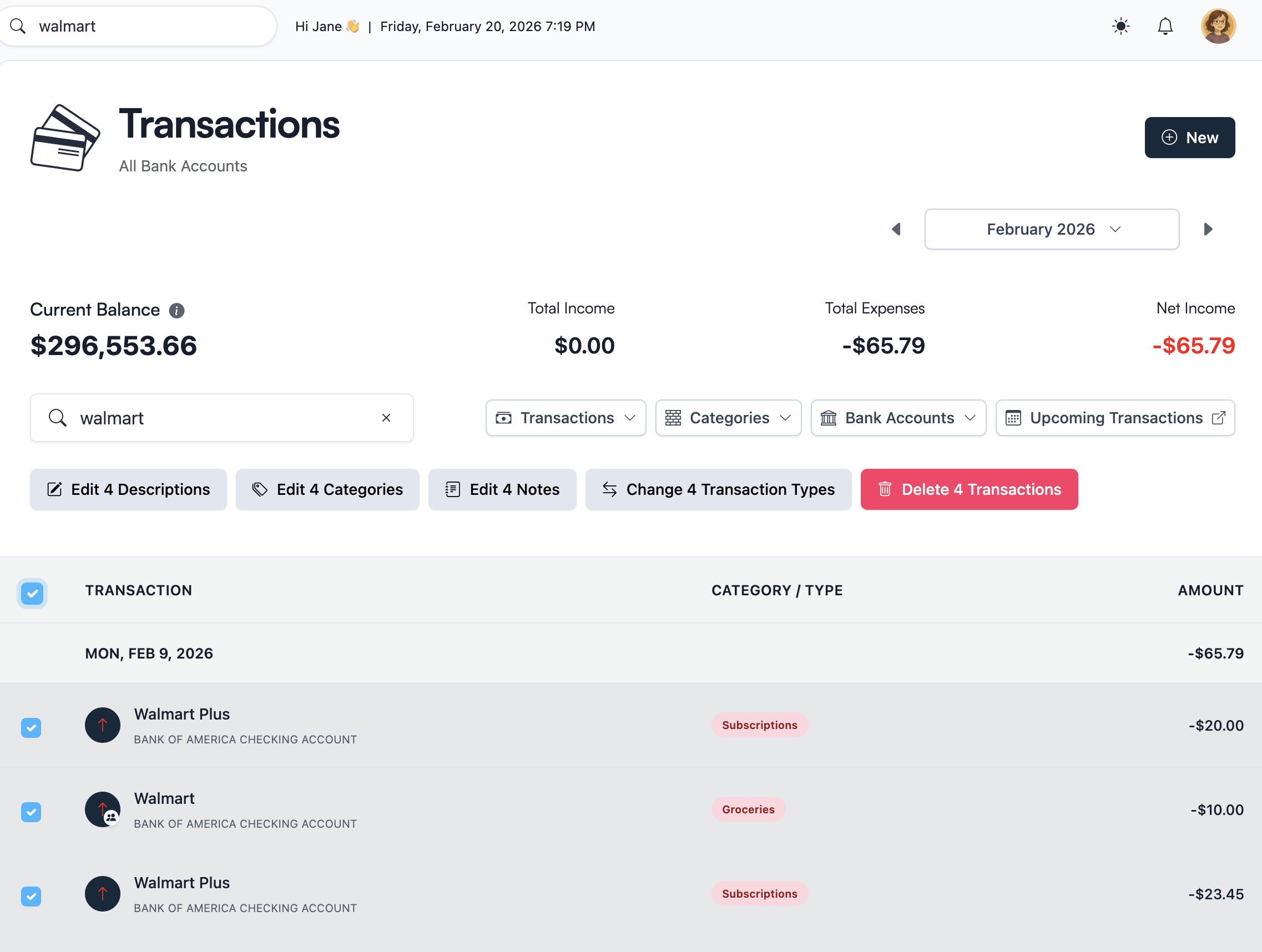
Want cleaner imports without linking your bank?
Upload bank statements, credit card CSVs, and budgeting app exports into Koody. Koody auto-categorizes transactions, helps you review duplicates, lets you bulk edit patterns, and remembers useful preferences for next time.
Import transactions without linking your bankWhich option should you choose?
Choose bank sync if you want a continuous transaction feed and you review your budget often enough for live updates to matter.
Choose file import if you budget in review sessions and want clean, reviewable data without a required bank connection.
For many Koody users, that means weekly, monthly, quarterly, or yearly review. They do not need every transaction to arrive the second it happens. They need a fast way to bring in the right transactions, clean them up, categorize them, and move on.
Koody makes that path easier because the import does not stop at upload. You get auto-categorization, duplicate checks, bulk editing, saved preferences, and Koody AI to help you review faster.
FAQs
These are the questions that matter when you are deciding between file import and bank sync.
1. Is file import better than bank sync for budgeting?
It depends on how you review your money. Bank sync is useful if you want a live feed. File import is often a better fit if you review weekly, monthly, quarterly, or at tax time and want Koody to clean, categorize, and prepare the transactions when you are ready.
2. Who is file import best for?
File import is best for people who budget in review sessions instead of checking every transaction as it happens. You choose the account, date range, and file, then Koody helps clean and categorize the batch.
3. Why does bank sync create duplicate transactions?
Duplicates can happen when pending and posted transactions do not match cleanly, when a provider sends the same activity twice, or when imported history overlaps with synced data. File import gives you a clearer review step before data becomes part of your budget.
4. Why do transactions go missing with bank sync?
Transactions can go missing when a connection lags, fails, refreshes incompletely, or stops supporting an institution. Importing a bank or card CSV gives you a file you can review directly instead of waiting for a feed to catch up.
5. Can I budget without linking my bank?
Yes. Koody lets you budget without linking your bank. You can import bank statement CSVs, credit card CSVs, spreadsheets, or older budgeting app exports and review the transactions in Koody.
6. What if my bank is unsupported?
If your bank can export transaction activity as a CSV, you can use Koody. Unsupported bank sync does not have to block your budget when you can import the file yourself.
7. Can I import bank statement CSVs into Koody?
Yes. Export transaction activity from your bank, choose the matching Koody account, and upload the CSV. Koody helps clean descriptions, categorize transactions, and review the imported rows.
8. Will Koody auto-categorize imported transactions?
Yes. Koody auto-categorizes imported transactions and lets you bulk edit patterns that need correction, so future imports get easier to review.
9. Is file import a paid feature in Koody?
Koody's free plan supports manual budgeting. Transaction imports are part of Koody Plus, which includes bank statement imports, auto-categorization, recurring transaction detection, and advanced Koody AI.
Final thoughts
File import vs bank sync comes down to the way you budget.
Bank sync makes sense when you want a continuous feed. File import makes sense when you review your money in batches and want automation at the point of review.
Koody gives file import the product polish it needs: cleaner descriptions, auto-categorized transactions, bulk edits, saved preferences, duplicate checks, and Koody AI.
Import the file. Review cleaner transactions. Keep your budget moving.